


Daily Loss Limit Tracker for Prop Firm Trading
Info
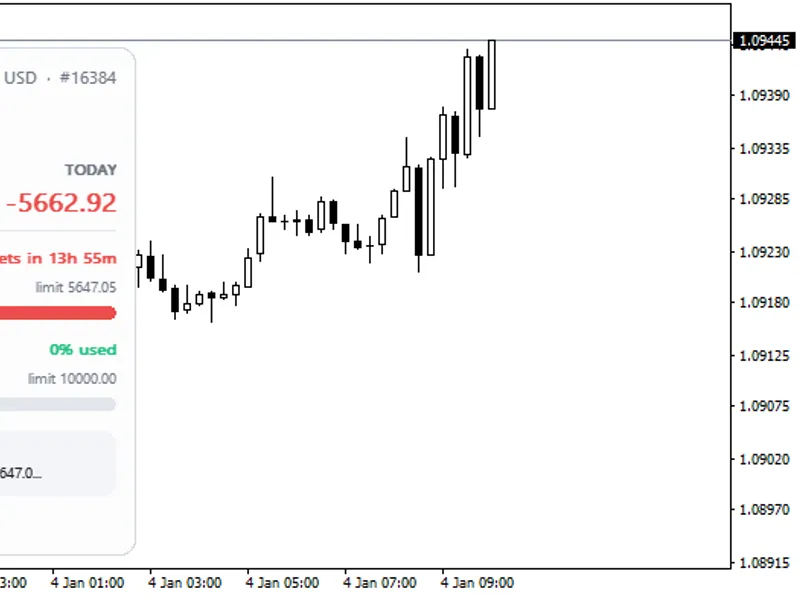
The Daily Loss Limit Tracker for Prop Firm Trading is a Indicator for MetaTrader 5 that daily loss meter displays your progress towards your daily loss limit directly on the chart. This tool is designed for traders using funded or prop-firm accounts, where exceeding the daily loss threshold results in account termination.
Usage
This tool is typically used for enhancing chart analysis and decision making.
Platform
This Indicator works exclusively on MetaTrader 5 (both build 600+ and newer versions).
Setup
Place the downloaded file in MQL5/Indicators folder via File ? Open Data Folder in MetaTrader 5.
How to Install and Use Daily Loss Limit Tracker for Prop Firm Trading
1. Installation: Place your file in the MQL/Indicators folder via "Open Data Folder" and restart your terminal.
2. Loading: Find the indicator in the Navigator, drag it onto your chart, and configure the input parameters in the popup window.
3. Customization: Press Ctrl+I to open the indicator list, select your tool, and click "Properties" to change colors, levels, or visual styles.
4. Updating: Replace the old file in the Indicators folder with the new version and restart the platform to apply changes.
Frequently Asked Questions
Q: Why is my indicator not showing? A: Verify the file is in the MQL/Indicators folder, or try right-clicking the "Indicators" tree in the Navigator and clicking "Refresh."
Q: Do custom indicators slow down the platform? A: Too many complex indicators can impact performance; remove unused ones via the "Indicator List" (Ctrl+I).
Q: Can I use MT4 indicators on MT5? A: No, MQL4 and MQL5 are distinct languages; ensure the indicator is compiled specifically for your platform version.
What this tool does
Daily Loss Meter displays your progress towards your daily loss limit directly on the chart.
Typical Use Case
This Indicator excels in automated trading and technical analysis on MetaTrader 5.
Compatible Platform & Setup
This Indicator works on MetaTrader 5. Place the file in the MQL5/Indicators folder and restart the terminal.
Description & Settings
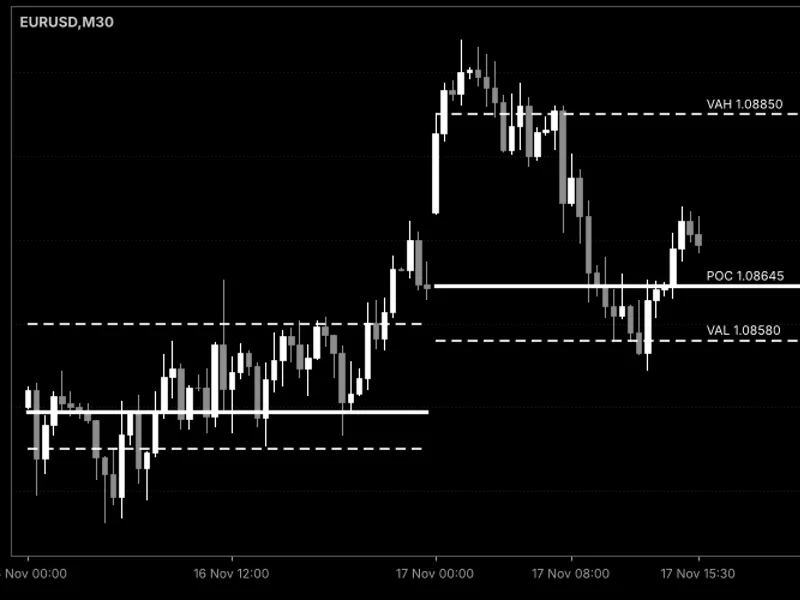
Related: Daily Point of Control (POC) and Value Area Lines - another powerful indicator for MetaTrader 5 traders.
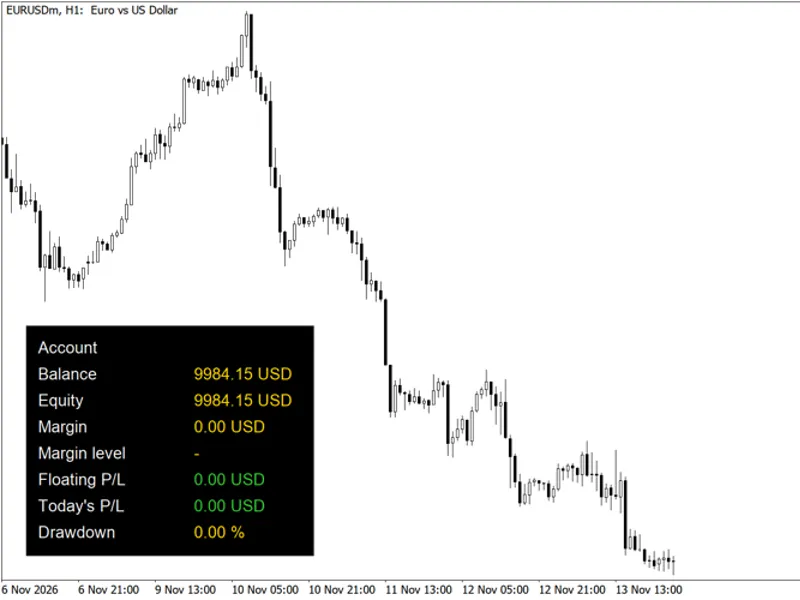
Daily Loss Meter displays your progress towards your daily loss limit directly on the chart.Also recommended: Account Information Panel with Daily P/L and Equity Drawdown - similar indicator with strong performance on MetaTrader 5.
This tool is designed for traders using funded or prop-firm accounts, where exceeding the daily loss threshold results in account termination.The meter calculates both closed Profit & Loss (including commissions and swaps) and floating P/L since the daily reset time.
It clearly shows the current loss, the remaining amount before hitting the limit, and the critical equity floor that must be maintained.
Daily Loss Limit Configuration
The daily loss limit can be configured either as a percentage of a defined base value or as a fixed currency amount.
The base value can be set to the account's balance, equity, or the higher of the two at the daily reset time, accommodating various prop firm rule specifications.
The reset hour can be adjusted to match your specific prop firm's server time.
The indicator records the equity at the reset time while it is active. Until this initial recording occurs, the panel will use the balance and indicate that it is doing so.
Visual Alerts and Progress
The progress bar visually indicates your proximity to the limit, changing from green to orange at 50% and to red at 80% of the daily loss limit.
Audible alerts are triggered at the warning level (80%) and upon reaching the limit, with an option for push notifications to your MetaTrader mobile device.
This meter tracks your overall account status across all symbols and Expert Advisors, and deposits made on the current day are excluded from P/L calculations.
Indicator Inputs
Input
Daily loss limit, % of base
Default
5.0
Description
The maximum allowable loss as a percentage of the defined base.
Input
Fixed daily loss limit in account currency
Default
0
Description
A fixed monetary loss limit. Set to 0 to use the percentage-based limit.
Input
Base for the limit
Default
Balance at the daily reset
Description
Specifies whether the limit is based on Balance, Equity, or the higher of the two at the daily reset.
Input
Daily reset hour, server time
Default
0
Description
The server time hour when the trading day resets.
Input
Orange from this % of the limit
Default
50
Description
The percentage of the daily limit at which the progress bar turns orange.
Input
Red and alert from this % of the limit
Default
80
Description
The percentage of the daily limit at which the progress bar turns red and an alert is triggered.
Input
Pop-up alerts
Default
true
Description
Enables or disables audible pop-up alerts at the warning and limit thresholds.
Input
Push notifications to MetaTrader mobile
Default
false
Description
Enables or disables sending alerts to your MetaTrader mobile application.
Input
Panel corner, offsets, font size, colours
Default
Top left
Description
Customization options for the panel's position, size, and appearance.
Disclaimer
This indicator is for display purposes only. It does not open, modify, or close any trades.
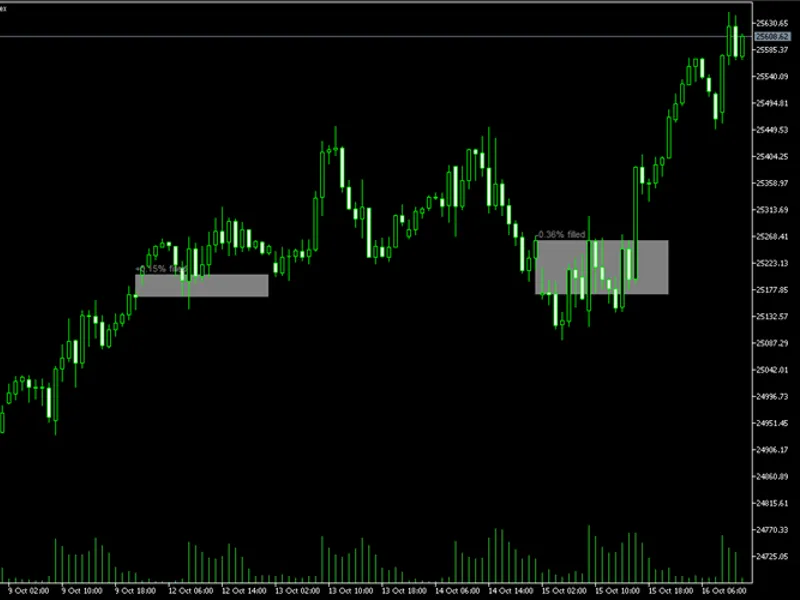
You may also like: Index Gap Marker: Daily Opening Gaps and Fill Status Indicator - excellent alternative for indicator users on MetaTrader 5.
Source Code
#property copyright "RobotFX"
#property link "https://robotfx.org"
#property version     "1.00"
#property description "This code is educational. Feel free to use, modify and upgrade as you wish. Visit ROBOTFX.ORG for professional trading tools"
#property indicator_chart_window
#property indicator_buffers 0
#property indicator_plots   0
#define DLM_PREFIX    "DLM_"
#define DLM_FONT      "Arial"
#define DLM_FONT_BOLD "Arial Bold"
.......
⚠ Limitations & Risk Warning
- This tool is provided for educational and testing purposes only.
- Past performance does not guarantee future results.
- Trading involves substantial risk of loss. Use on a demo account first.
- Results may vary depending on market conditions, broker, and settings.
- We recommend thorough backtesting and forward testing before using with real funds.