



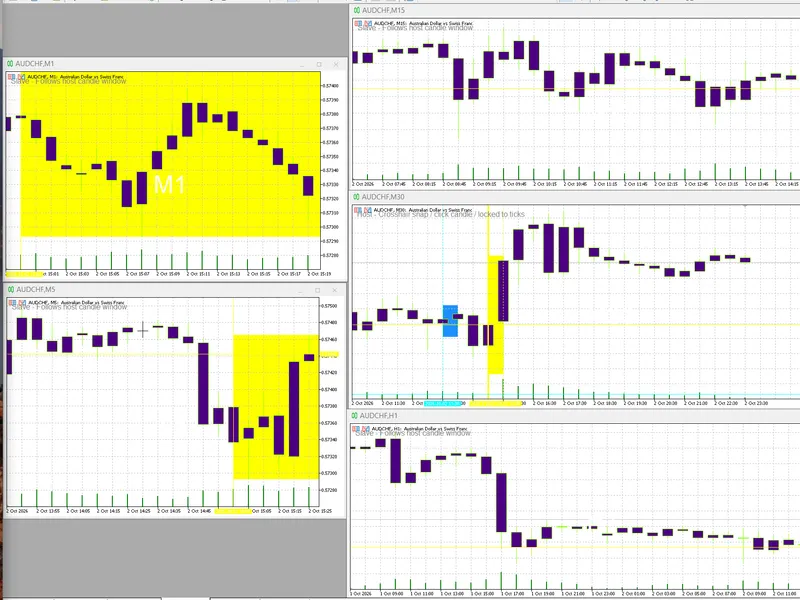
chart objects copy paste
Info
The chart objects copy paste is a Indicator for MetaTrader 5 that have you ever needed to copy and paste some graphical objects between open charts. i think you have.
Usage
This tool is typically used for enhancing chart analysis and decision making.
Platform
This Indicator works exclusively on MetaTrader 5 (both build 600+ and newer versions).
Setup
Place the downloaded file in MQL5/Indicators folder via File ? Open Data Folder in MetaTrader 5.
How to Install and Use chart objects copy paste
1. Installation: Place your file in the MQL/Indicators folder via "Open Data Folder" and restart your terminal.
2. Loading: Find the indicator in the Navigator, drag it onto your chart, and configure the input parameters in the popup window.
3. Customization: Press Ctrl+I to open the indicator list, select your tool, and click "Properties" to change colors, levels, or visual styles.
4. Updating: Replace the old file in the Indicators folder with the new version and restart the platform to apply changes.
Frequently Asked Questions
Q: Why is my indicator not showing? A: Verify the file is in the MQL/Indicators folder, or try right-clicking the "Indicators" tree in the Navigator and clicking "Refresh."
Q: Do custom indicators slow down the platform? A: Too many complex indicators can impact performance; remove unused ones via the "Indicator List" (Ctrl+I).
Q: Can I use MT4 indicators on MT5? A: No, MQL4 and MQL5 are distinct languages; ensure the indicator is compiled specifically for your platform version.
What this tool does
have you ever needed to copy and paste some graphical objects between open charts.
Typical Use Case
This Indicator excels in automated trading and technical analysis on MetaTrader 5.
Compatible Platform & Setup
This Indicator works on MetaTrader 5. Place the file in the MQL5/Indicators folder and restart the terminal.
Description & Settings
Related: Point and Figure Charting Tool - another powerful indicator for MetaTrader 5 traders.
have you ever needed to copy and paste some graphical objects between open charts? i think you have. surprisingly, metatrader does not provide "copy & paste" feature for objects. the only thing that allows you to achieve more or less similar effect is templates (tpl-files). but the template stores the full chart state, including indicators, settings and a lot of auxiliary stuff, that may be irrelevant and unnecessary for required replication procedure.
Also recommended: Memory Sequence: Synchronize Chart Time Windows - similar indicator with strong performance on MetaTrader 5.
that's why i developed this indicator chartobjectscopypaste.mq5. it copies selected objects to the clipboard, from where they can be pasted onto other chart(s). no strings attached.the indicator is based on another indicator published in - objectgroupedit.mq5.
please follow the link to find out more about all the underlying classes (objectmonitor, maparray and others) working behind the scenes.
this indicator has no buffers. it should be attached at least to 2 charts: source chart from which you want to copy objects, and target chart where you plan to paste them.
while running on a chart, indicator tracks existing graphical objects and makes notes about which ones are selected.
as usual "copy & paste" commands work in pair:
press ctrl+q hotkey to copy all selected objects into windows clipboard as a text (you can save and view it in any text editor, you can find an example below).
on a target chart press ctrl+j to paste all objects from the clipboard.
why ctrl+q/ctrl+j? these are just 2 vacant key combinations voluntarily chosen from very few. this is because metatrader intercepts and does not propagate many hotkeys to mql-programs. particularly this is so for the standard ctrl+c/ctrl+v/ctrl+ins/shift+ins, which are not working in this context.
as the source code is available, you can change the hotkeys to other combinations.
since the indicator uses system dlls to access windows clipboard, you should allow dll imports in the properties dialog, on the dependencies tab.
due to the fact that the codebase does not allow dll imports, the related to clipboard code is wrapped into conditional preprocessor directive #ifdef dll_link, so please uncomment the line
#define dll_link
before compilation. otherwise, you'll see how clipboard function stubs will show you alerts in responce to pressing hotkeys, and no actual actions will be performed!
inputs are:
makeallselectable - flag to make all objects selectable (which is normally false for those objects created programmatically);
logdetails - flag to output all properties of transferred objects to the log; the indicator does not check if pasted objects match actual target chart, such as symbol, price range, number of subwindows, etc. - you should do it yourself.
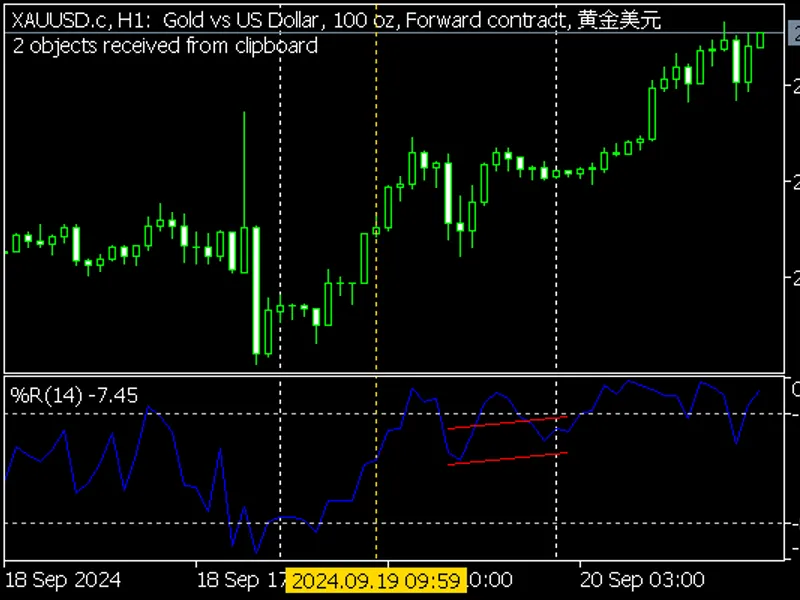
here is an example of clipboard text with 2 objects:
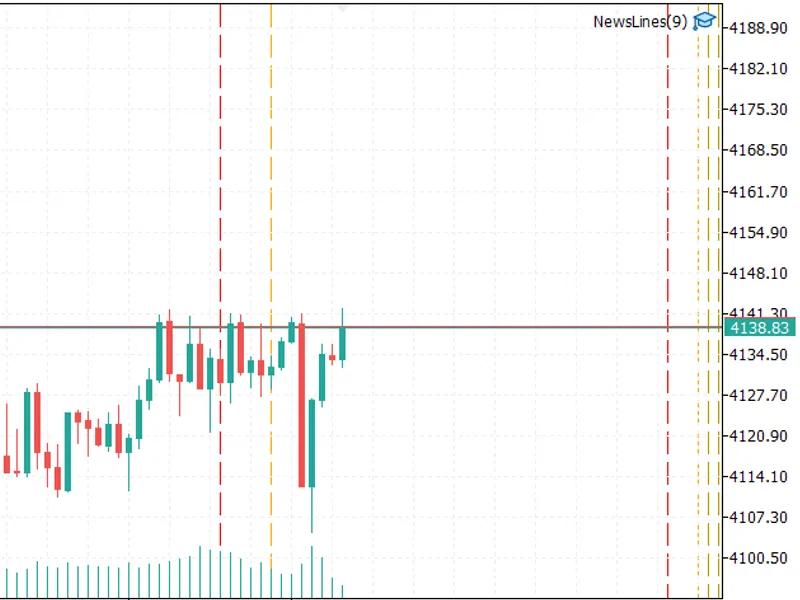
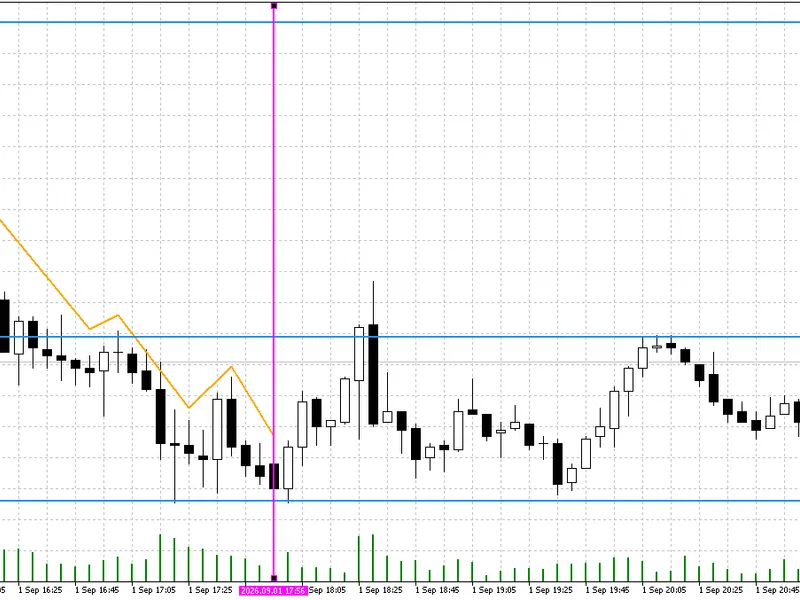
and here are these objects pasted on the chart:
You may also like: Swift Draw Lite: MT5 Quick Chart Drawing and Hotkey Utility - excellent alternative for indicator users on MetaTrader 5.
Source Code
#property copyright "robotfx"
#property link "https://robotfx.org"
#property version   "1.0"
#property description "this code is educational. feel free to use, modify and upgrade as you wish. visit robotfx.org for professional trading tools"
#property description "this code is educational. feel free to use, modify and upgrade as you wish. visit robotfx.org for professional trading tools"
#property indicator_chart_window
#property indicator_buffers 0
#property indicator_plots   0
#include <mql5book/objectmonitorext.mqh>
#define push(a,v) (a[arrayresize(a, arraysize(a) + 1) - 1] = v)
.......
⚠ Limitations & Risk Warning
- This tool is provided for educational and testing purposes only.
- Past performance does not guarantee future results.
- Trading involves substantial risk of loss. Use on a demo account first.
- Results may vary depending on market conditions, broker, and settings.
- We recommend thorough backtesting and forward testing before using with real funds.