






Point and Figure Charting Tool
Info
The Point and Figure Charting Tool is a Indicator for MetaTrader 5 that box size selection: the box size can be set as a fixed value in points or based on the average true range (atr) to automatically adjust to the specific symbol and timeframe. The reversal parameter is configurable, with a default setting of 3 boxes.
Usage
This tool is typically used for enhancing chart analysis and decision making.
Platform
This Indicator works exclusively on MetaTrader 5 (both build 600+ and newer versions).
Setup
Place the downloaded file in MQL5/Indicators folder via File ? Open Data Folder in MetaTrader 5.
How to Install and Use Point and Figure Charting Tool
1. Installation: Place your file in the MQL/Indicators folder via "Open Data Folder" and restart your terminal.
2. Loading: Find the indicator in the Navigator, drag it onto your chart, and configure the input parameters in the popup window.
3. Customization: Press Ctrl+I to open the indicator list, select your tool, and click "Properties" to change colors, levels, or visual styles.
4. Updating: Replace the old file in the Indicators folder with the new version and restart the platform to apply changes.
Frequently Asked Questions
Q: Why is my indicator not showing? A: Verify the file is in the MQL/Indicators folder, or try right-clicking the "Indicators" tree in the Navigator and clicking "Refresh."
Q: Do custom indicators slow down the platform? A: Too many complex indicators can impact performance; remove unused ones via the "Indicator List" (Ctrl+I).
Q: Can I use MT4 indicators on MT5? A: No, MQL4 and MQL5 are distinct languages; ensure the indicator is compiled specifically for your platform version.
What this tool does
Box size selection: The box size can be set as a fixed value in points or based on the Average True Range (ATR) to automatically adjust to the specific symbol and timeframe.
Typical Use Case
This Indicator excels in automated trading and technical analysis on MetaTrader 5.
Compatible Platform & Setup
This Indicator works on MetaTrader 5. Place the file in the MQL5/Indicators folder and restart the terminal.
Description & Settings
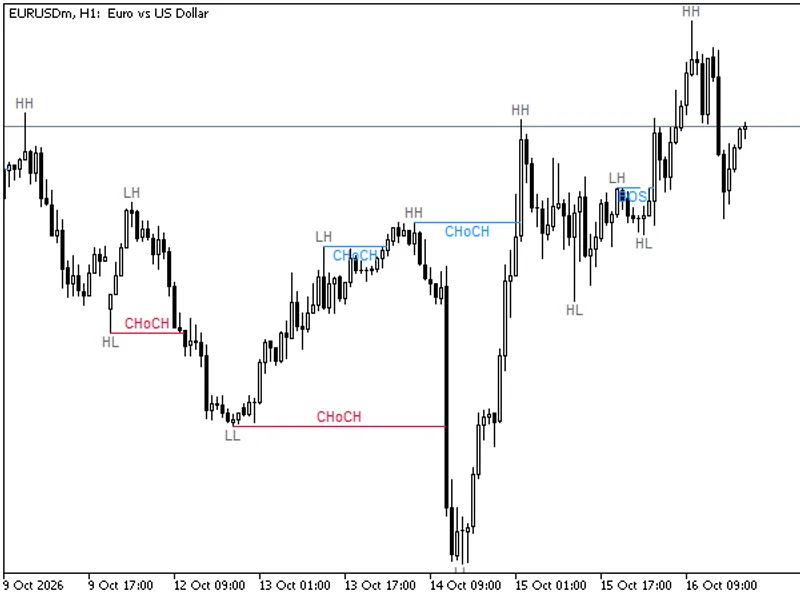
Related: Market Structure BOS and CHoCH Indicator: Swing Points, No Repaint, Alerts - another powerful indicator for MetaTrader 5 traders.
Box size selection:Also recommended: Quantora Pip Value Calculator MT5: Professional Pip and Point Value Calculator for MetaTrader 5 - similar indicator with strong performance on MetaTrader 5.
The box size can be set as a fixed value in points or based on the Average True Range (ATR) to automatically adjust to the specific symbol and timeframe.The reversal parameter is configurable, with a default setting of 3 boxes.
The price source for calculations can be set to Close or High/Low.
Pattern Detection:
Detects various Point and Figure patterns, including:
- Double and Triple Top Breakout
- Double and Triple Bottom Breakdown
- Bullish and Bearish Catapult
- Triangle Patterns
Pattern names are displayed directly on the chart.
Buy/Sell Signals:
Generates BUY/SELL signals on breakouts.
Optional filters can be applied for enhanced signal accuracy:
- Higher Low / Lower High confirmation
- Exponential Moving Average (EMA) trend filter
- Minimum ADX value
- Trading session filtering
- Signal generation only on direction change.
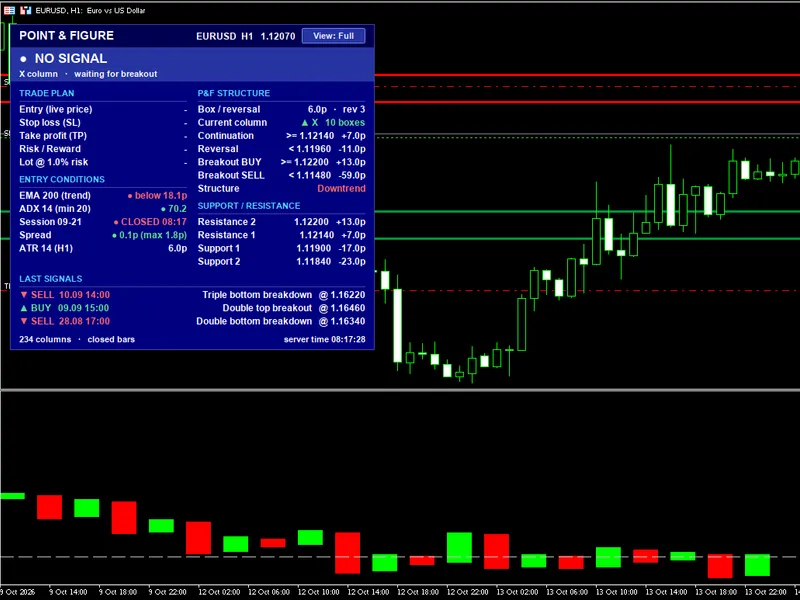
Information Panel:
A comprehensive info panel is displayed on the main chart, offering Full, Compact, and Minimal display modes.
It provides the following information:
- Signal details
- Entry price
- Stop Loss (SL) and Take Profit (TP) levels
- Risk/Reward ratio
- Calculated lot size based on risk percentage
- Current spread
- Average True Range (ATR) value
- Warnings for oversized Stop Loss, late entry, or wide spread.
- Point and Figure structure visualization.
Support and Resistance Levels:
Draws Support (S1, S2) and Resistance (R1, R2) lines and labels on the main chart, derived from the Point and Figure columns.
Alerts:
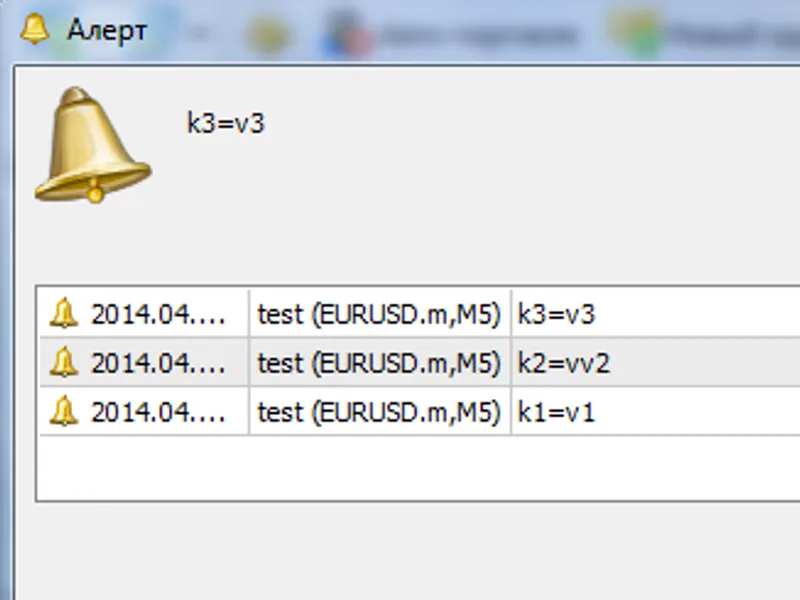
Provides flexible alert options, including:
- Popup alerts
- Sound alerts
- Push notifications
- Email alerts
Alerts can be configured for signals, detected patterns, or the appearance of new columns.
Signal Buffer for Expert Advisors:
Includes a signal buffer that can be utilized by Expert Advisors (EAs):
- +1 for BUY signals
- -1 for SELL signals
- 0 for no signal.
Additional Notes:
The "closed bars only" option ensures signal stability, preventing repainting on completed bars.
Customization options include:
- Colors for various elements
- Panel size adjustment
- Text scaling.
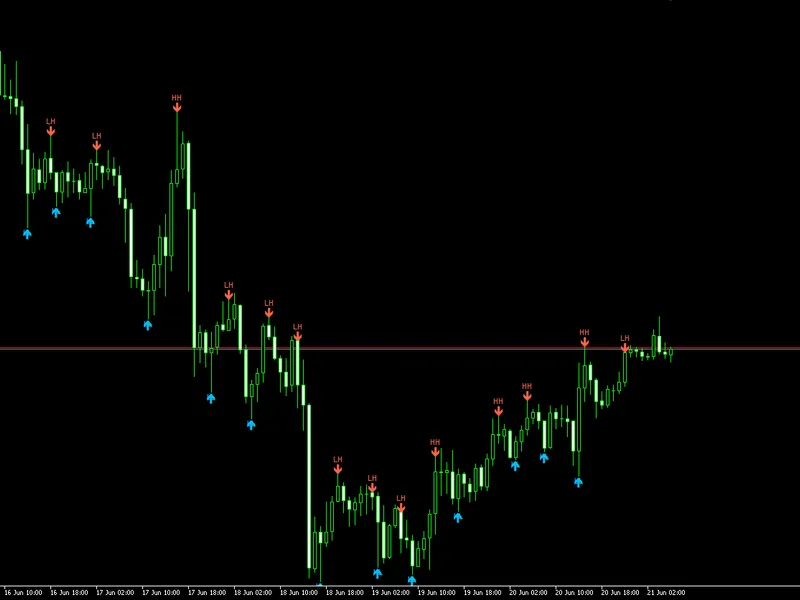
You may also like: Confirmed Swing Points Helper for MT5 - excellent alternative for indicator users on MetaTrader 5.
Source Code
#property copyright "RobotFX"
#property link "https://robotfx.org"
#property version     "4.10"
#property description "This code is educational. Feel free to use, modify and upgrade as you wish. Visit ROBOTFX.ORG for professional trading tools"
#property indicator_separate_window
#property indicator_buffers 1
#property indicator_plots   1
#property indicator_type1   DRAW_NONE
#property indicator_label1  "PF Signal"
enum ENUM_BOX_MODE
.......
⚠ Limitations & Risk Warning
- This tool is provided for educational and testing purposes only.
- Past performance does not guarantee future results.
- Trading involves substantial risk of loss. Use on a demo account first.
- Results may vary depending on market conditions, broker, and settings.
- We recommend thorough backtesting and forward testing before using with real funds.