


universal breakout study expert advisor for mt4/mt5
Info
The universal breakout study expert advisor for mt4/mt5 is a Expert Advisor for MetaTrader 5 that the universal breakout study is an expert advisor (ea) designed for the research and testing of breakout trading strategies on the h1 timeframe. strategy descriptionthe ea constructs a price range (box) using a specified number of h1 candles.
Usage
This tool is typically used for breakout trading when price moves beyond key support/resistance levels.
Platform
This Expert Advisor works exclusively on MetaTrader 5 (both build 600+ and newer versions).
Setup
Place the downloaded file in MQL5/Experts folder via File ? Open Data Folder in MetaTrader 5.
How to Install and Use universal breakout study expert advisor for mt4/mt5
1. Installation: Open the "File" menu, select "Open Data Folder," navigate to MQL/Experts, paste your file, and restart the terminal.
2. Activation: Drag the EA from the Navigator onto a chart, ensure "Allow live trading" is checked in the Common tab, and verify the AutoTrading button is green.
3. Optimization: Right-click your chart, choose "Expert List," click "Properties" to adjust inputs, and save your preferred setup as a set file for future use.
4. Maintenance: Regularly check the "Experts" tab in the terminal window to monitor trade logs and potential execution errors.
Frequently Asked Questions
Q: Why is my EA not opening trades? A: Check the "AutoTrading" button, ensure "Allow live trading" is enabled, and verify your broker allows automated trading on your account type.
Q: Can I run multiple EAs on one chart? A: No, each chart can only host one active EA; however, you can open multiple charts for different currency pairs to run several EAs.
Q: What does the "smiley face" icon mean? A: A smiley face in the top-right corner of the chart indicates the EA is successfully running; a frowny face means it is disabled.
What this tool does
the universal breakout study is an expert advisor (ea) designed for the research and testing of breakout trading strategies on the h1 timeframe.
Typical Use Case
This Expert Advisor excels in automated trading and technical analysis on MetaTrader 5.
Compatible Platform & Setup
This Expert Advisor works on MetaTrader 5. Place the file in the MQL5/Experts folder and restart the terminal.
Description & Settings
Related: Gold London Breakout EA - another powerful expert for MetaTrader 5 traders.
the universal breakout study is an expert advisor (ea) designed for the research and testing of breakout trading strategies on the h1 timeframe.Also recommended: MA and Envelope Breakout Strategy - similar expert with strong performance on MetaTrader 5.
strategy description
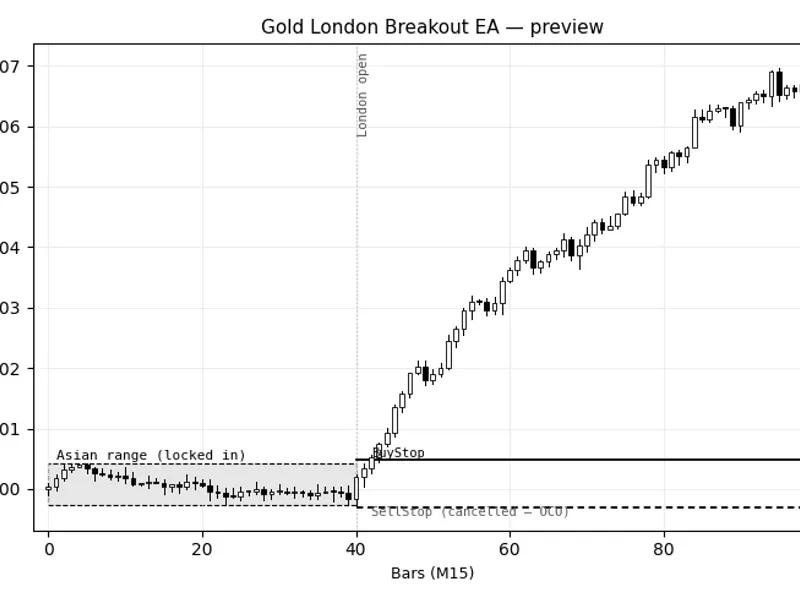
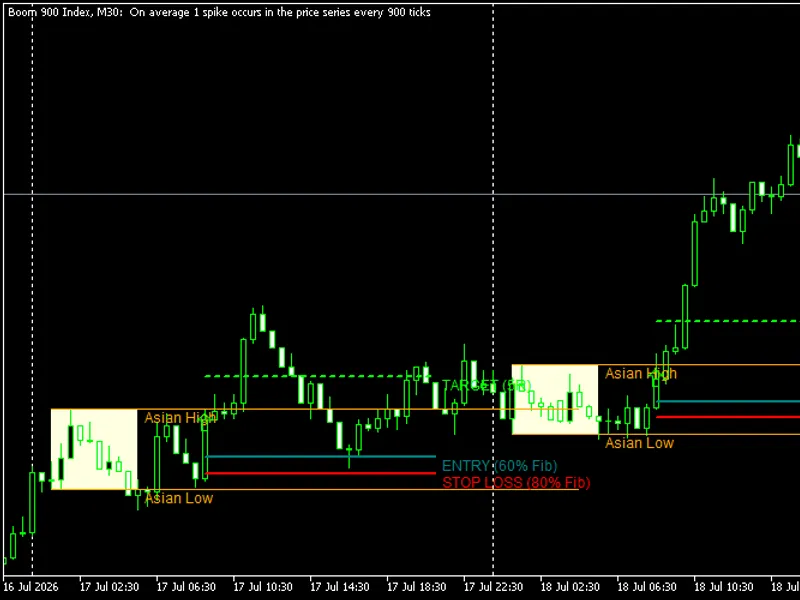
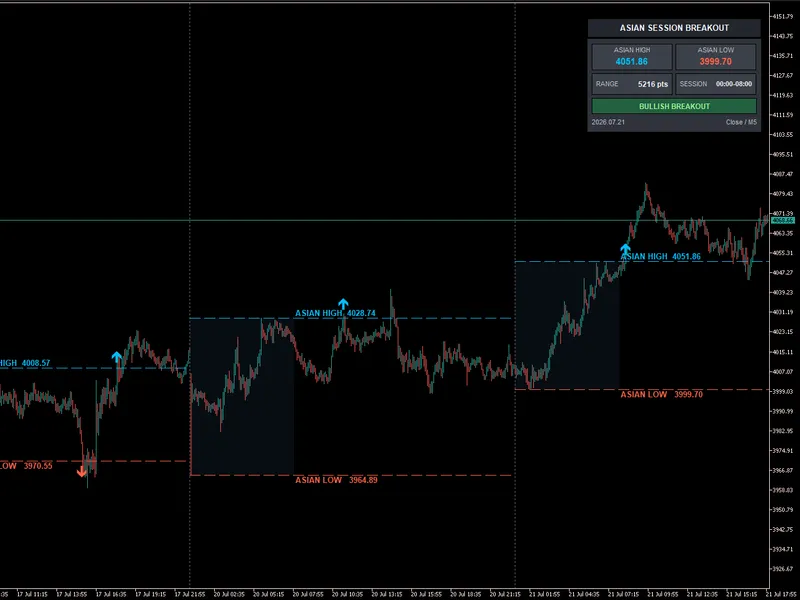
the ea constructs a price range (box) using a specified number of h1 candles. once the range is complete, it places buy stop and sell stop pending orders outside the box boundaries. when a breakout occurs, the corresponding order is triggered.
after opening a position, various trade management techniques can be employed, including stop loss, take profit, breakeven, trailing stop, and more.
the ea's flexibility allows for breakout research during the asian, london, or new york trading sessions, or any custom session, without modifying the code. it supports multiple methods for calculating stop loss and take profit, including fixed values or coefficients of the box size.
parameters
box settings
- gmt: gmt offset for session calculation and box construction.
- starthourbox: box start hour in gmt.
- totalbarbox: number of h1 candles to build the box.
open settings
- shift: additional distance for pending orders from the box boundary.
- expiration_minute: pending order expiration time in minutes (0 for no expiration).
stoploss settings
- stoploss_type: stop loss calculation method (null, fixed, or coefficient from box).
- stoploss: fixed stop loss value in points.
- k_stoploss: stop loss coefficient relative to box size.
takeprofit settings
- takeprofit_type: take profit calculation method (null, fixed, or coefficient from box).
- takeprofit: fixed take profit value in points.
- k_takeprofit: take profit coefficient relative to box size.
breakeven
- paritet_type: enable/disable breakeven.
- paritet: profit required before breakeven activation.
- pips: additional profit locked after breakeven.
classical trailing stop
- ontraillingstop: enable/disable trailing stop.
- traillingstop: distance between current price and stop loss.
- traillingstep: minimum stop loss adjustment step.
- traillingstart: additional profit required for trailing stop activation.
time exit
- close_type: enable/disable time-based exit.
- market_minute: maximum position lifetime in minutes.
- close_level: minimum profit required for position closure.
trading days
- monday, tuesday, wednesday, thursday, friday: enable/disable trading on each weekday.
trade settings
- riskpercent: risk per trade as a percentage of the account balance.
important notes
- the ea operates solely on the h1 timeframe.
- the box is constructed using gmt-adjusted time, independent of broker server time.
- the box size is defined by the number of h1 candles, allowing for custom session research.
- buy stop and sell stop orders are placed automatically upon box completion.
- pending orders can expire based on the expiration_minute parameter.
- stop loss and take profit can be disabled, fixed, or calculated as a box size coefficient.
- breakeven, trailing stop, and time exit can be used independently or in combination.
- trailing stop activates after profit reaches the sum of trailingstop and trailingstart, ensuring at least trailingstart points of profit.
- time exit closes positions that meet the specified profit level.
- trading can be enabled/disabled for each weekday.
- position size is automatically calculated based on the selected risk level.
- risk calculation is based on the account balance when the ea starts, not the current balance or equity.
- the ea is intended for research and requires validation and out-of-sample testing before live trading.
research example
a comprehensive range breakout strategy research study was conducted using this ea. the following elements were analyzed sequentially:
- range formation parameters.
- stop loss and take profit settings.
- break-even management.
- trailing stop parameters.
- time-based exit filter.
- weekday filter.
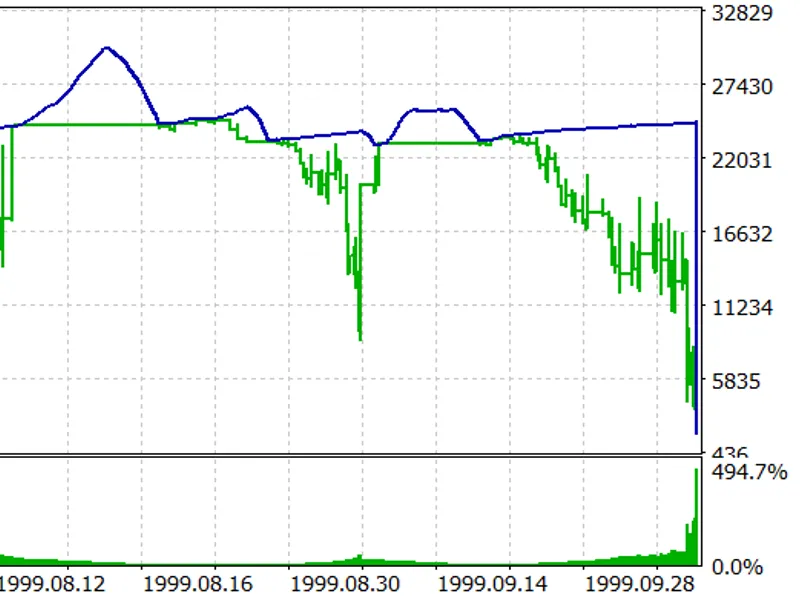
after selecting promising configurations, a final model was obtained and validated on a forward-testing period. the optimization and forward-test results are presented below for demonstration purposes only, not as a trading recommendation or performance guarantee.
the aim is to showcase the ea's potential as a research tool for developing, testing, and validating trading strategies.
You may also like: V1N1 LONNY MT5: Asian Range Breakout Day Trader - excellent alternative for expert users on MetaTrader 5.
Source Code
#property copyright "robotfx"
#property link "https://robotfx.org"
#property version   "1.1"
#include <trade\trade.mqh>
#include <cboxsession.mqh>
enum enum_ed
{
disabled = 0, //disabled
enabled = 1, //enabled
};
.......
⚠ Limitations & Risk Warning
- This tool is provided for educational and testing purposes only.
- Past performance does not guarantee future results.
- Trading involves substantial risk of loss. Use on a demo account first.
- Results may vary depending on market conditions, broker, and settings.
- We recommend thorough backtesting and forward testing before using with real funds.