



Gold MT5 Fractal Breakout EA
Info
The Gold MT5 Fractal Breakout EA is a Expert Advisor for MetaTrader 5 that overviewgold fractal breakout ea is a metatrader 5 expert advisor that identifies confirmed swing highs and lows, then attempts to place buy stop and sell stop orders near those levels. It employs a custom structure detection method using neighboring bars, rather than relying on the iFractals indicator.
Usage
This tool is typically used for breakout trading when price moves beyond key support/resistance levels.
Platform
This Expert Advisor works exclusively on MetaTrader 5 (both build 600+ and newer versions).
Setup
Place the downloaded file in MQL5/Experts folder via File ? Open Data Folder in MetaTrader 5.
How to Install and Use Gold MT5 Fractal Breakout EA
1. Installation: Open the "File" menu, select "Open Data Folder," navigate to MQL/Experts, paste your file, and restart the terminal.
2. Activation: Drag the EA from the Navigator onto a chart, ensure "Allow live trading" is checked in the Common tab, and verify the AutoTrading button is green.
3. Optimization: Right-click your chart, choose "Expert List," click "Properties" to adjust inputs, and save your preferred setup as a set file for future use.
4. Maintenance: Regularly check the "Experts" tab in the terminal window to monitor trade logs and potential execution errors.
Frequently Asked Questions
Q: Why is my EA not opening trades? A: Check the "AutoTrading" button, ensure "Allow live trading" is enabled, and verify your broker allows automated trading on your account type.
Q: Can I run multiple EAs on one chart? A: No, each chart can only host one active EA; however, you can open multiple charts for different currency pairs to run several EAs.
Q: What does the "smiley face" icon mean? A: A smiley face in the top-right corner of the chart indicates the EA is successfully running; a frowny face means it is disabled.
What this tool does
OverviewGold Fractal Breakout EA is a MetaTrader 5 Expert Advisor that identifies confirmed swing highs and lows, then attempts to place Buy Stop and Sell Stop orders near those levels.
Typical Use Case
This Expert Advisor excels in automated trading and technical analysis on MetaTrader 5.
Compatible Platform & Setup
This Expert Advisor works on MetaTrader 5. Place the file in the MQL5/Experts folder and restart the terminal.
Description & Settings
Related: Stochastic Daily Breakout for Gold: Backtested Performance to 2026 - another powerful expert for MetaTrader 5 traders.
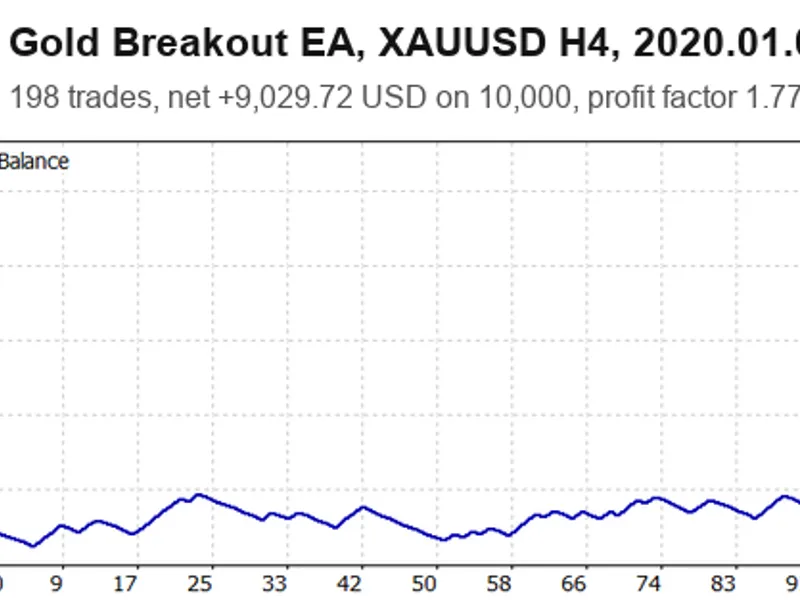
OverviewAlso recommended: Gold Breakout EA for XAUUSD H4: +90% Backtest Performance (2020-2026) - similar expert with strong performance on MetaTrader 5.
Gold Fractal Breakout EA is a MetaTrader 5 Expert Advisor that identifies confirmed swing highs and lows, then attempts to place Buy Stop and Sell Stop orders near those levels. It employs a custom structure detection method using neighboring bars, rather than relying on the iFractals indicator. Orders and positions are identified by the current symbol and a configured magic number.
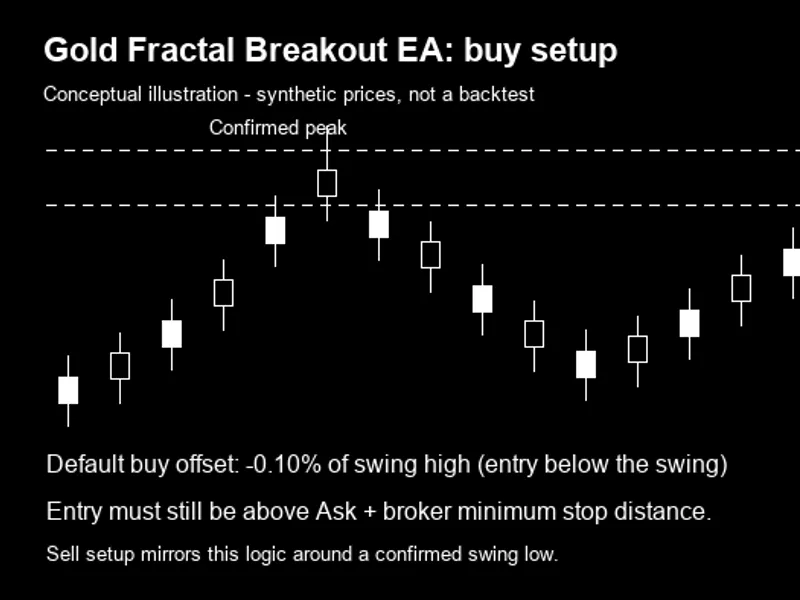
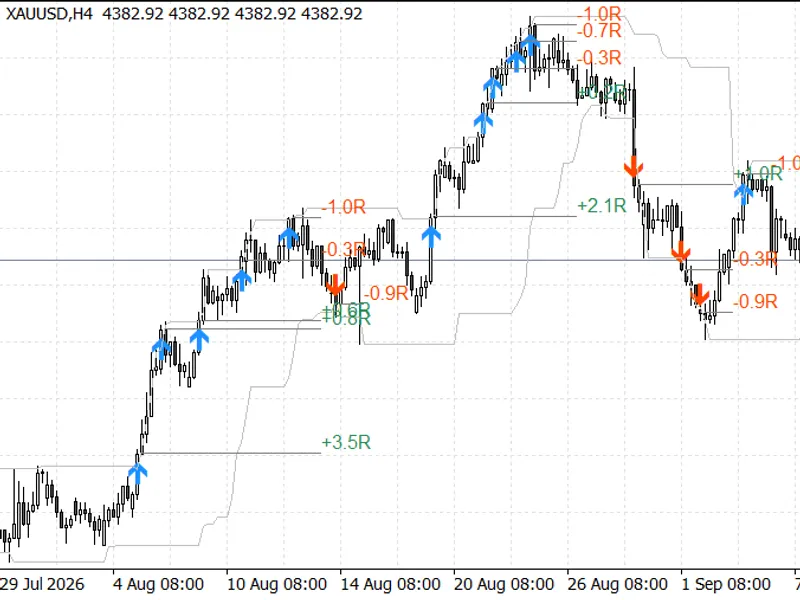
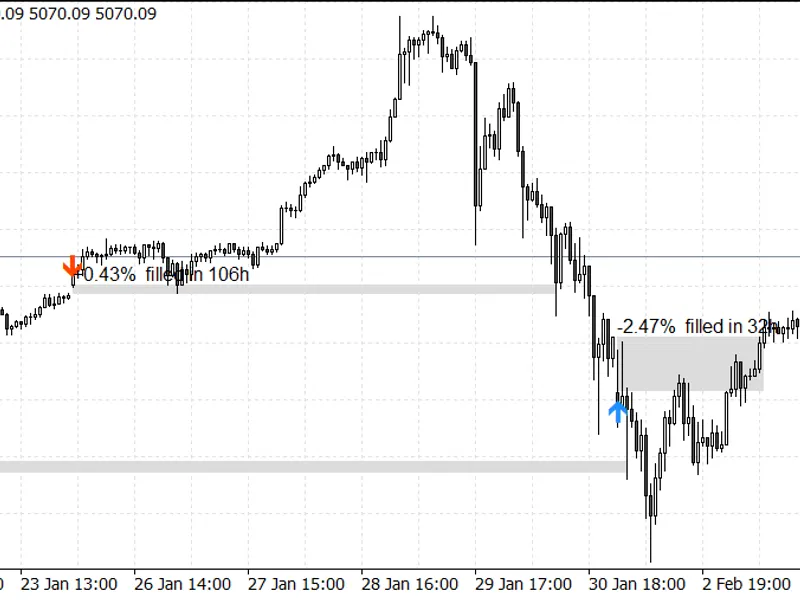
This strategy combines price structure analysis, pending entries, and percentage-based exit management. It does not visually indicate entry arrows, fractal markers, or trading panels on the chart. The following illustration explains the order placement concept; it is synthetic and does not represent historical trades, terminal screenshots, or measured performance.
Conceptual buy setup. Illustrative prices; no historical performance data.
Symbol and Timeframe
The product name suggests gold, implying that a broker-specific gold symbol like XAUUSD is the intended starting point for evaluation. However, the EA trades the symbol of the chart it is attached to and does not restrict trading to gold only. No supplied backtest or forward-test evidence establishes an optimal symbol, timeframe, or profitable parameter set.
The structure timeframe is fixed to H1 by the internal constant InpFractalTF, which is not an editable input. Even when the chart or Strategy Tester period is D1, CopyRates reads H1 bars. Scans run on the first available tick after the configured interval, which defaults to 15 minutes; position management runs on every tick. Therefore, H1 describes the default signal data, not a verified best trading timeframe.
Entry Conditions Interpretation
IsSwingHigh requires the candidate high to be strictly higher than all selected older and newer neighboring highs; IsSwingLow requires the corresponding strictly lower low. With default settings, five bars are checked on each side. FindSwing starts beyond the newest five closed bars, excluding the current bar from the confirmation window, and returns the most recent qualifying level. If the required history is unavailable, no level is returned.
For a buy setup, Ask must be below the swing high by more than the configured minimum clearance. For a sell setup, Bid must be above the swing low by the same clearance. The EA then applies its entry offset, checks for an existing same-direction pending order within the duplicate distance, and verifies that the pending entry is beyond the broker's minimum stop distance from the current quote.
Buy entry = swing high + swing high × buy offset / 100. Sell entry = swing low − swing low × sell offset / 100. Both default offsets are −0.10%, positioning the buy entry below the high and the sell entry above the low. These defaults anticipate the swing boundary rather than requiring a completed break beyond it. The order is submitted only if its price is valid for a stop order relative to the current market.
Sizing and Position Management
Fixed-lot mode returns InpFixedLots directly. Risk-percent mode estimates order volume based on current account equity, the configured risk percentage, entry-to-stop distance, and the symbol's tick size and tick value cached at initialization. It clamps volume within the symbol's minimum and maximum, rounds down to the volume step, and normalizes to two decimal places. Invalid distance or cached tick properties cause a fallback to fixed lots.
Initial stop loss and take profit are calculated as percentages of the pending entry price. On each tick, favorable movement is measured from the position opening price using Bid for buys and Ask for sells. At the break-even trigger, the stop is adjusted toward a small price-based profit lock. Trailing updates are applied only when favorable movement is between the trailing trigger and the maximum trailing percentage.
At the salvage loss threshold, the EA adjusts take profit to a smaller loss relative to the opening price. This aims to facilitate an exit if the price subsequently recovers toward that target; it does not close the position immediately or guarantee recovery. For example, the default buy salvage target is 0.15% below entry after an adverse move of at least 1.00%. The updated target is not automatically restored to the original take profit when the loss condition ends.
Input Parameters
All 25 configurable inputs are listed below with their source defaults. Except for InpRiskPercent, percentage settings describe price distances or price movement, not account returns. InpDuplicatePoints uses symbol points rather than a universal pip size. The trailing distance is based on the current quote; the other exit percentages described here are based on the entry or opening price.
Parameter
Default
Meaning and interpretation
InpMagic
900009
Identifier used with the chart symbol to select this EA's orders and positions.
InpComment
"GoldX9 strategy 9"
Text attached to submitted orders; ownership filtering uses symbol and magic number.
InpLotMode
LOT_FIXED
LOT_FIXED uses fixed volume; LOT_RISK_PERCENT uses equity-risk sizing.
InpFixedLots
0.01
Direct fixed-mode volume; also the fallback for invalid risk-sizing properties.
InpRiskPercent
0.50
Estimated equity risk per order; not a guaranteed realized loss limit.
InpMaxPending
3
Same-symbol and magic-number pending orders, counted separately for each direction.
InpMaxPositions
10
Stops new scans at this count; existing pending orders can still fill.
InpPendingExpiryHours
15
Calculates a timestamp; submissions use GTC, so timed expiry is not implemented.
InpDuplicatePoints
100
Prevents submission if a same-type pending entry is at or within this distance.
InpRescanMinutes
15
Minimum time between entry scans; scans require an arriving tick.
InpFractalLeft
5
Number of older neighboring bars in the strict swing comparison.
InpFractalRight
5
Number of newer closed neighboring bars required to confirm a swing.
InpMaxSearchBars
200
Maximum candidate series index examined; extra bars are loaded for comparisons.
InpMinFractalClearancePct
0.02
Ask clearance below a high or Bid clearance above a low, as a percentage of the swing.
InpBuyEntryOffsetPct
-0.10
Added to the swing high; a negative value places entry below the high.
InpSellEntryOffsetPct
-0.10
Subtracted from the swing low; a negative value places entry above the low.
InpStopLossPct
2.00
Initial stop distance from pending entry price.
InpTakeProfitPct
1.00
Initial target distance from pending entry price.
InpTrailTriggerPct
0.20
Minimum favorable move from opening price for trailing updates.
InpTrailDistancePct
0.20
Stop distance calculated as a percentage of current Bid or Ask.
InpMaxTrailPct
1.00
Upper favorable-move threshold for trailing updates; not a cap on profit.
InpSalvageTriggerPct
1.00
Adverse move from opening price that activates the salvage target.
InpSalvageExitPct
0.15
Loss-side target distance from opening price; does not close immediately.
InpBreakEvenTriggerPct
0.10
Favorable move from opening price that activates the profit lock.
InpBreakEvenLockPct
0.025
Price profit locked relative to opening price, before costs.
Code Organization and Dependencies
The only include is
OnInit caches symbol point size, digits, tick size, and tick value, and checks four positive-count inputs. OnTick manages positions, checks the current position count, and throttles entry scans. Pct and N handle percentage distances and decimal normalization; OurOrder and OurPosition filter ownership; CountPositions and CountPending enforce scan-time limits; FindSwing and swing helpers identify structure; SimilarPending, LotsForRisk, PlaceBreakout, and ManagePositions implement duplicate checks, sizing, submission, and exits.
The internal global variables are trade (the trading interface), g_last_scan (last scan time), g_point (symbol point size), g_digits (price decimal places), g_tick_size (tick-size increment), and g_tick_value (reported tick value). InpFractalTF is an internal constant fixed to PERIOD_H1. These internal variables and the timeframe constant are not user inputs. The EA uses built-in terminal APIs for prices, history, account equity, orders, and positions.
Implementation Boundaries
InpPendingExpiryHours calculates an expiry timestamp, but order calls use ORDER_TIME_GTC. The current code does not implement the advertised hour-based expiration mode, and there is no OrderDelete cleanup routine. Existing pending orders are not canceled when the open-position limit is reached or when a new swing is found.
InpMaxPositions stops new scans at the threshold but does not cap later fills of pending orders. Risk percentage is per proposed order, not an aggregate portfolio limit. Broker requirements, fixed-volume fallback, execution prices, and trading costs can affect actual exposure. The source lacks spread, trading-session, or total-risk filters.
Prices are normalized to decimal digits rather than aligned to the symbol tick-size grid. Fixed-lot volume bypasses the symbol volume clamp, and risk-mode volume is normalized to two decimal places. Exit modification requests lack explicit stop-distance or freeze-level validation, and their results are not checked. A true return from a CTrade submission is not sufficient proof of server acceptance; the code logs a failure description only when the submission call returns false.
The source checks fractal neighbor counts and pending and position limits at initialization, leaving several other ranges unchecked. Independent opposing positions are clearer on a hedging account; on a netting account, orders on the same symbol affect a shared position. Compilation, broker-specific order behavior, and real-tick demo testing remain unverified. No performance claims are made.
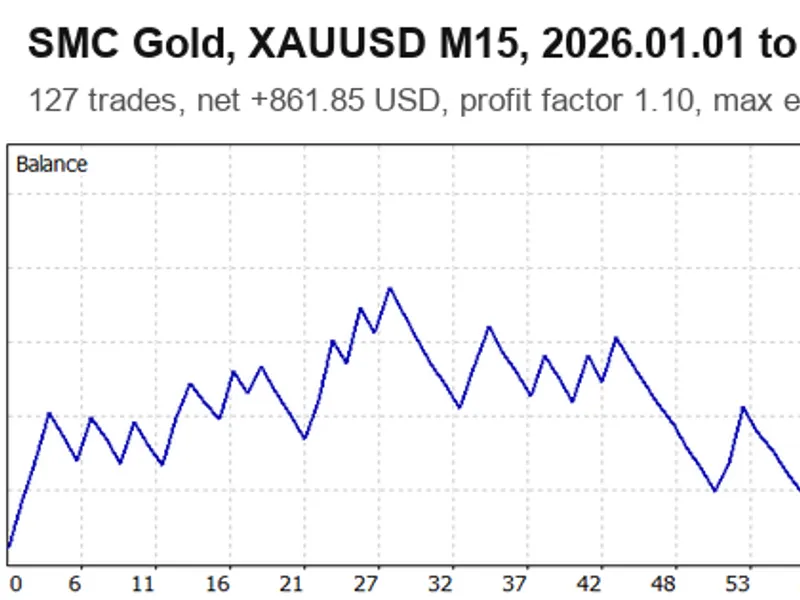
You may also like: SMC Gold EA: Smart Money Concepts for XAUUSD M15 with Liquidity Sweep and Order Blocks - excellent alternative for expert users on MetaTrader 5.
Source Code
#property strict
#property version   "1.00"
#property description "This code is educational. Feel free to use, modify and upgrade as you wish. Visit ROBOTFX.ORG for professional trading tools"
#property copyright "RobotFX"
#property link "https://robotfx.org"
#include <Trade/Trade.mqh>
enum LotMode { LOT_FIXED=0, LOT_RISK_PERCENT=1 };
input group "Trade setup"
input ulong   InpMagic                 = 900009;
input string  InpComment               = "GoldX9 strategy 9";
.......
⚠ Limitations & Risk Warning
- This tool is provided for educational and testing purposes only.
- Past performance does not guarantee future results.
- Trading involves substantial risk of loss. Use on a demo account first.
- Results may vary depending on market conditions, broker, and settings.
- We recommend thorough backtesting and forward testing before using with real funds.