



Risk Pilot Pro - Drag-to-Trade Risk Panel with Break-Even, Trailing and Daily Loss Guard
Info
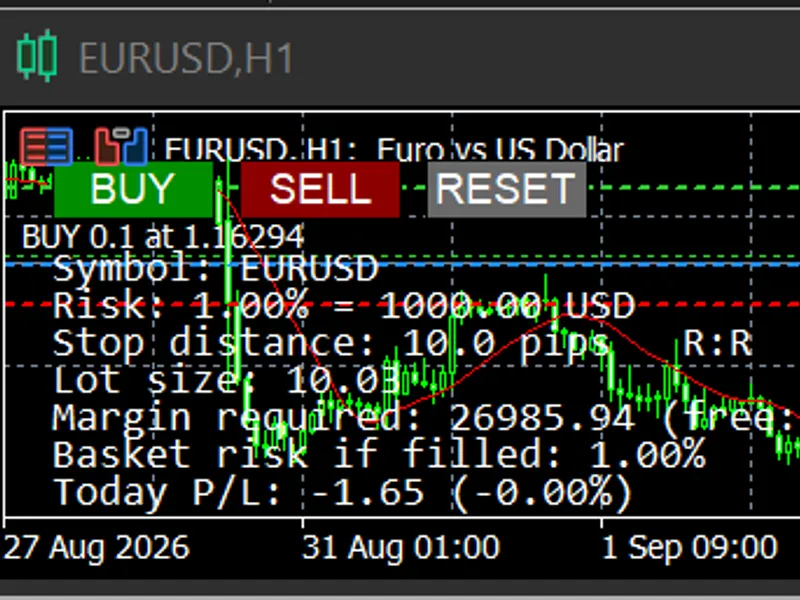
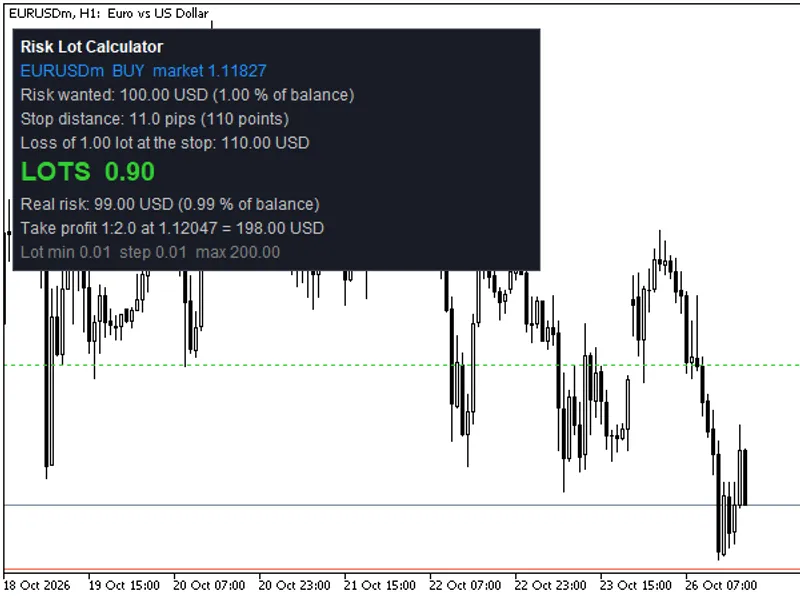
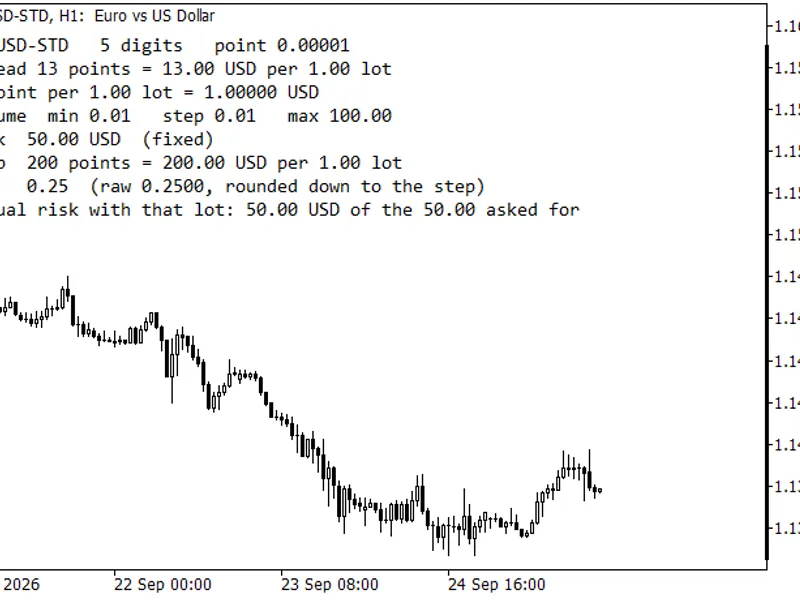
The Risk Pilot Pro - Drag-to-Trade Risk Panel with Break-Even, Trailing and Daily Loss Guard is a Expert Advisor for MetaTrader 5 that risk pilot pro puts three lines directly on the chart — entry, stop loss, and take profit — and you just drag them where your analysis says they should go. The panel recalculates your lot size the moment you let go of the mouse.
Usage
This tool is typically used for automated trading on major forex pairs and gold.
Platform
This Expert Advisor works exclusively on MetaTrader 5 (both build 600+ and newer versions).
Setup
Place the downloaded file in MQL5/Experts folder via File ? Open Data Folder in MetaTrader 5.
How to Install and Use Risk Pilot Pro - Drag-to-Trade Risk Panel with Break-Even, Trailing and Daily Loss Guard
1. Installation: Open the "File" menu, select "Open Data Folder," navigate to MQL/Experts, paste your file, and restart the terminal.
2. Activation: Drag the EA from the Navigator onto a chart, ensure "Allow live trading" is checked in the Common tab, and verify the AutoTrading button is green.
3. Optimization: Right-click your chart, choose "Expert List," click "Properties" to adjust inputs, and save your preferred setup as a set file for future use.
4. Maintenance: Regularly check the "Experts" tab in the terminal window to monitor trade logs and potential execution errors.
Frequently Asked Questions
Q: Why is my EA not opening trades? A: Check the "AutoTrading" button, ensure "Allow live trading" is enabled, and verify your broker allows automated trading on your account type.
Q: Can I run multiple EAs on one chart? A: No, each chart can only host one active EA; however, you can open multiple charts for different currency pairs to run several EAs.
Q: What does the "smiley face" icon mean? A: A smiley face in the top-right corner of the chart indicates the EA is successfully running; a frowny face means it is disabled.
What this tool does
Risk Pilot Pro puts three lines directly on the chart — entry, stop loss, and take profit — and you just drag them where your analysis says they should go.
Typical Use Case
This Expert Advisor excels in automated trading and technical analysis on MetaTrader 5.
Compatible Platform & Setup
This Expert Advisor works on MetaTrader 5. Place the file in the MQL5/Experts folder and restart the terminal.
Description & Settings
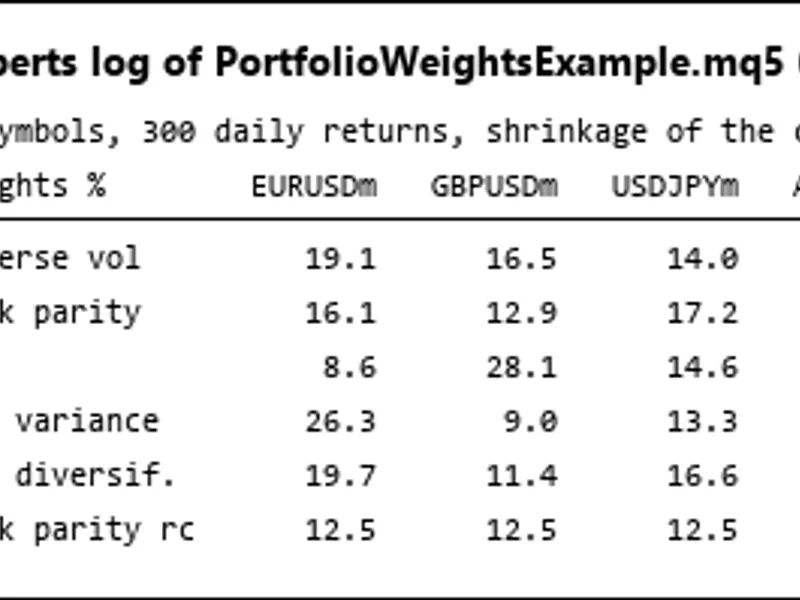
Related: Portfolio Weight Calculation: Risk Parity, HRP, Minimum Variance, and Maximum Diversification - another powerful expert for MetaTrader 5 traders.
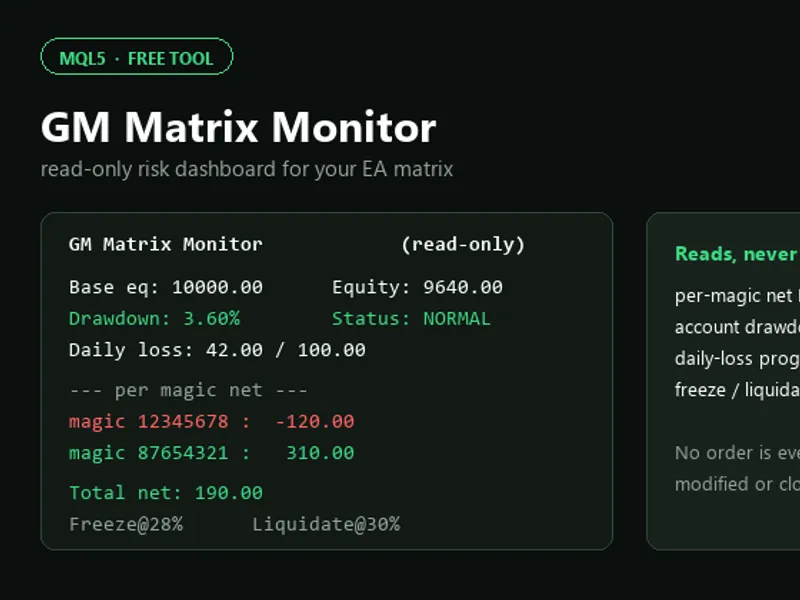
Risk Pilot Pro puts three lines directly on the chart — entry, stop loss, and take profit — and you just drag them where your analysis says they should go. The panel recalculates your lot size the moment you let go of the mouse.Also recommended: GM Matrix Monitor: Read-Only EA Risk Dashboard - similar expert with strong performance on MetaTrader 5.
Everything is based on a fixed percentage of your account balance, not a fixed lot size, so your risk stays consistent whether you're trading a 5-pip scalp or a 50-pip swing. It also handles cross pairs correctly — most free calculators quietly get this wrong on symbols like USDCHF or USDJPY because they assume your account currency matches the symbol's profit currency. This one asks the broker directly for the real conversion, so the numbers hold up on any pair.
What it does:
- Drag Entry/SL/TP lines directly on the chart, lot size updates live
- One click to open the trade with the size already calculated
- RESET button snaps the lines back to an ATR-based distance if you want a volatility-based stop instead of guessing
- Automatic break-even and trailing stop once a trade moves in your favor
- A daily loss limit and a max-drawdown guard — cross either one and it closes every position it opened and blocks new trades until the next day
- A running total of how much you'd have at risk across all open positions if you took the trade you're previewing, so you don't stack more risk than you meant to
External variables:
- InpRiskPercent — how much of your balance you're willing to lose on one trade
- InpRewardRatio — used to auto-place the take-profit line relative to your stop
- InpUseATRForReset / InpATRPeriod / InpATRMultiplier — control where RESET puts your stop
- InpEnableBreakEven / InpBreakEvenTriggerPips / InpBreakEvenOffsetPips — when and how far to lock in
- InpEnableTrailing / InpTrailingStartPips / InpTrailingStepPips — trailing behavior
- InpDailyLossLimitPercent / InpMaxDrawdownPercent — the two account guards
- InpMaxBasketRiskPercent — warns you when combined open risk gets too high
Tested on a demo account across EURUSD and USDCHF — lot sizing, margin, and the currency conversion all checked out against manual calculation before it was published in 2026.
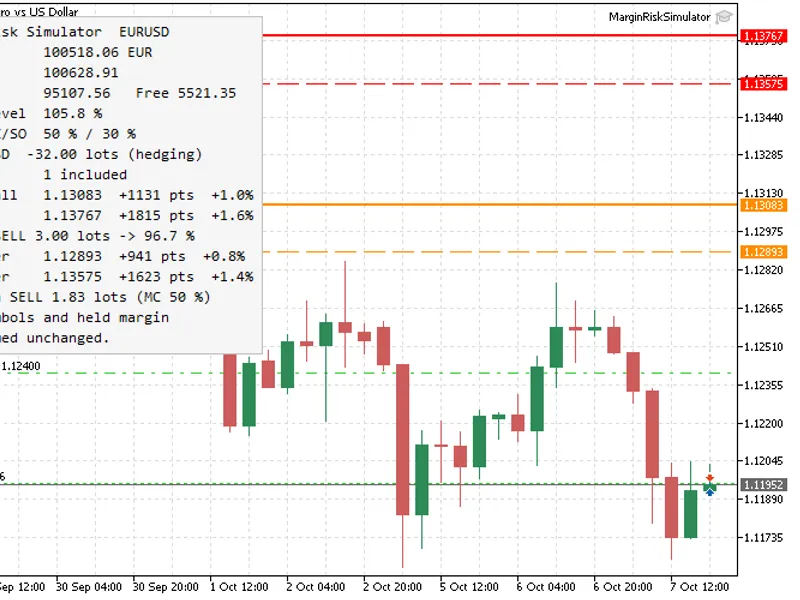
You may also like: Margin Risk Simulator - excellent alternative for expert users on MetaTrader 5.
Source Code
#property copyright "RobotFX"
#property link "https://robotfx.org"
#property version   "1.00"
#property description "This code is educational. Feel free to use, modify and upgrade as you wish. Visit ROBOTFX.ORG for professional trading tools"
#property strict
#include <Trade\Trade.mqh>
input group "=== Risk Settings ==="
input double InpRiskPercent            = 1.0;
input double InpRewardRatio            = 2.0;
input int    InpMagicNumber            = 20260907;
.......
⚠ Limitations & Risk Warning
- This tool is provided for educational and testing purposes only.
- Past performance does not guarantee future results.
- Trading involves substantial risk of loss. Use on a demo account first.
- Results may vary depending on market conditions, broker, and settings.
- We recommend thorough backtesting and forward testing before using with real funds.