



Risk Guard: Advanced Account Protection for MT4/MT5
Info
The Risk Guard: Advanced Account Protection for MT4/MT5 is a Expert Advisor for MetaTrader 5 that risk guard is not a trading strategy. It never opens a position.
Usage
This tool is typically used for automated trading on major forex pairs and gold.
Platform
This Expert Advisor works exclusively on MetaTrader 5 (both build 600+ and newer versions).
Setup
Place the downloaded file in MQL5/Experts folder via File ? Open Data Folder in MetaTrader 5.
How to Install and Use Risk Guard: Advanced Account Protection for MT4/MT5
1. Installation: Open the "File" menu, select "Open Data Folder," navigate to MQL/Experts, paste your file, and restart the terminal.
2. Activation: Drag the EA from the Navigator onto a chart, ensure "Allow live trading" is checked in the Common tab, and verify the AutoTrading button is green.
3. Optimization: Right-click your chart, choose "Expert List," click "Properties" to adjust inputs, and save your preferred setup as a set file for future use.
4. Maintenance: Regularly check the "Experts" tab in the terminal window to monitor trade logs and potential execution errors.
Frequently Asked Questions
Q: Why is my EA not opening trades? A: Check the "AutoTrading" button, ensure "Allow live trading" is enabled, and verify your broker allows automated trading on your account type.
Q: Can I run multiple EAs on one chart? A: No, each chart can only host one active EA; however, you can open multiple charts for different currency pairs to run several EAs.
Q: What does the "smiley face" icon mean? A: A smiley face in the top-right corner of the chart indicates the EA is successfully running; a frowny face means it is disabled.
What this tool does
Risk Guard is not a trading strategy.
Typical Use Case
This Expert Advisor excels in automated trading and technical analysis on MetaTrader 5.
Compatible Platform & Setup
This Expert Advisor works on MetaTrader 5. Place the file in the MQL5/Experts folder and restart the terminal.
Description & Settings
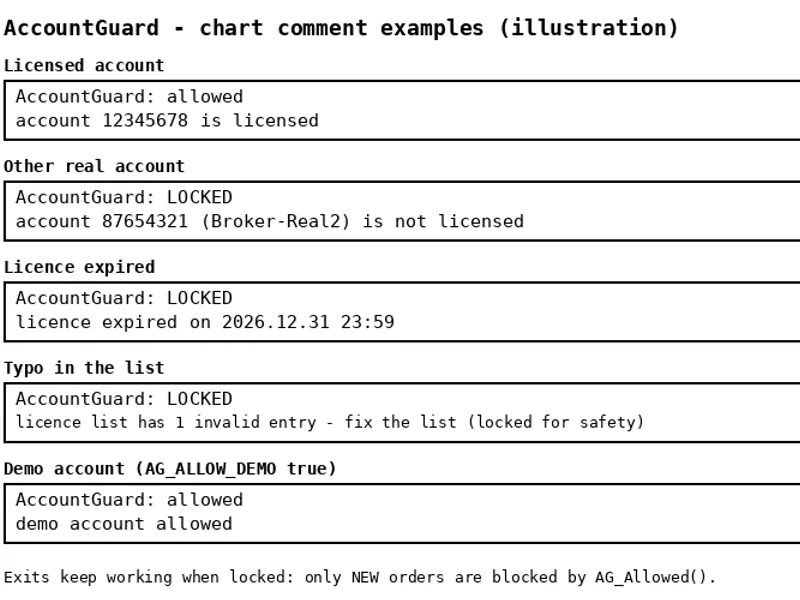
Related: Account Guard: EA Account Locking for MT5 - another powerful expert for MetaTrader 5 traders.
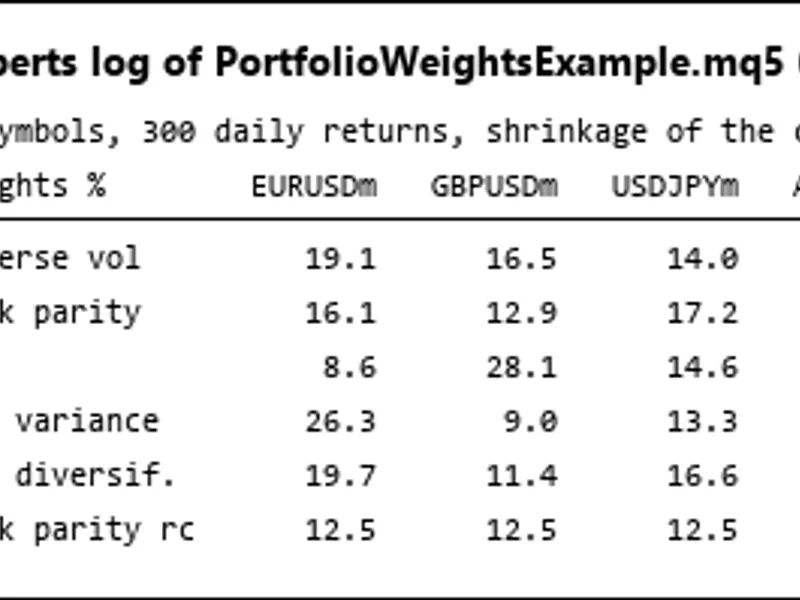
Risk Guard is not a trading strategy. It never opens a position. Attach it to one chart per account and it watches every position on the account — manual trades and other Expert Advisors alike — and enforces the rules you set. Every rule is an input and can be switched off.Also recommended: Portfolio Weight Calculation: Risk Parity, HRP, Minimum Variance, and Maximum Diversification - similar expert with strong performance on MetaTrader 5.
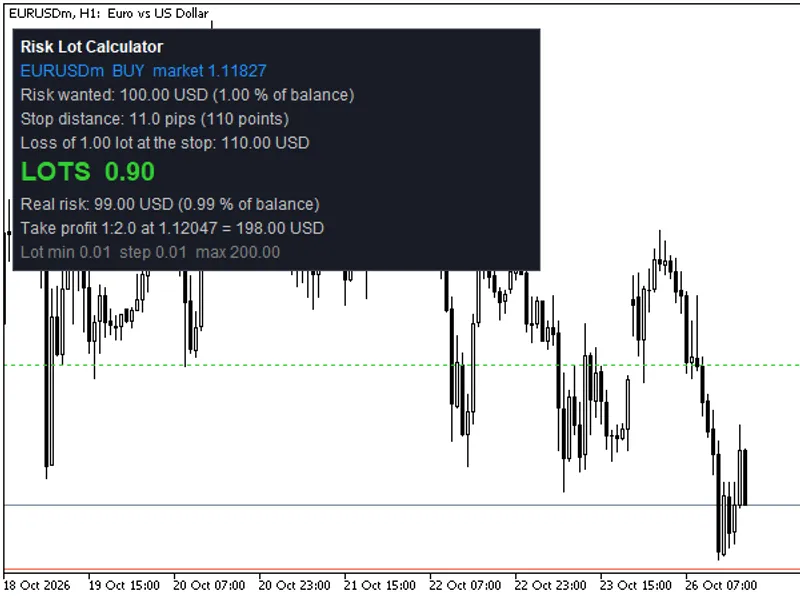
1. Risk-based lot size, live on the chart.
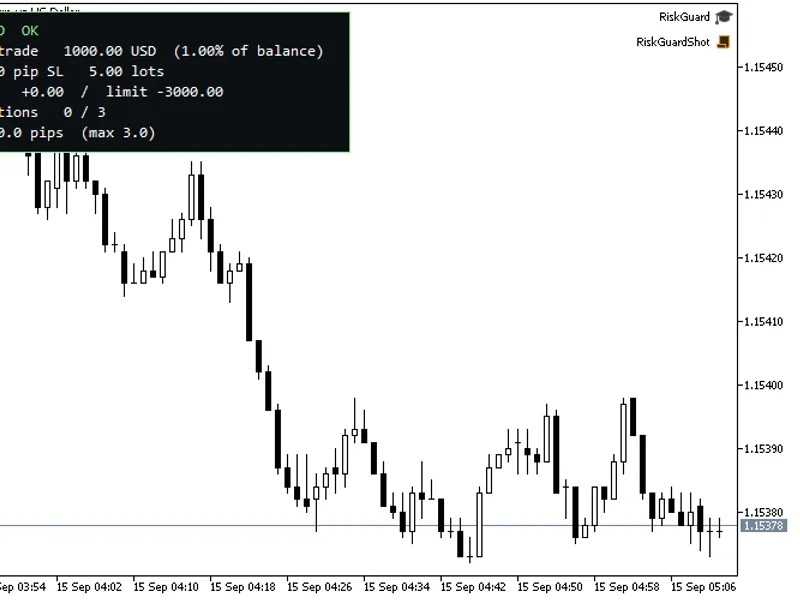
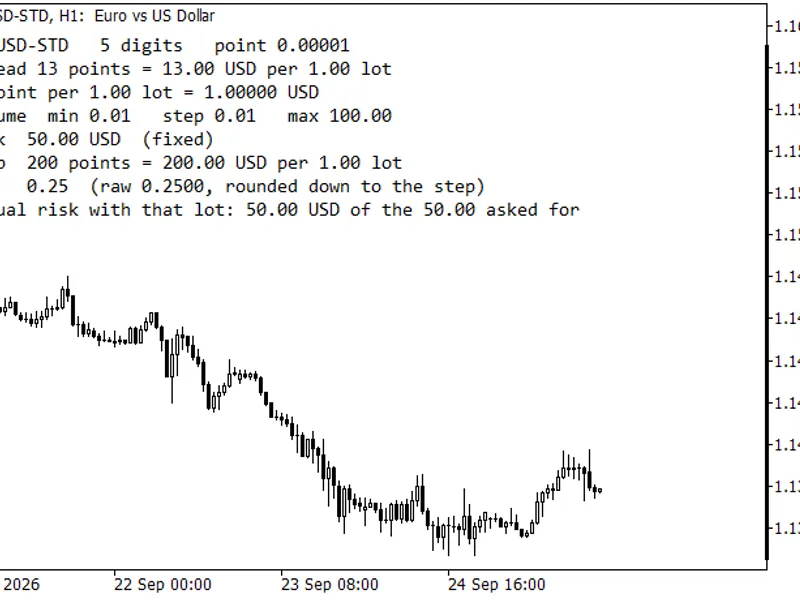
Choose risk as a percent of balance or a fixed amount, set the stop distance you trade with, and the panel shows the exact lot size for this symbol. The calculation uses the symbol's tick value, tick size and volume step, so it is correct on gold, indices and crypto CFDs, not only on forex pairs.
2. Daily loss limit with a lock.
When today's closed plus floating P/L reaches the limit (a money amount, or a percent of the start-of-day balance), all positions are closed (optional) and every new position is closed the moment it appears — until the next server day. The lock is stored in a terminal global variable, so restarting the terminal or the EA does not clear it.
3. Maximum open positions.
The newest position over the cap is closed.
4. Oversized-trade trim.
When a position opens, Risk Guard reads its stop-loss distance and computes the lot size your risk setting allows. If the position is larger, the excess volume is closed with a partial close; if even the minimum lot would risk too much, the whole position is closed.
5. Forced stop-loss.
Any position opened without a stop-loss gets one at the distance you set.
6. Spread warning.
The panel shows WAIT when the spread is above your maximum.
Every action is written to the Experts log and, optionally, raised as a terminal Alert.
Recommended use:
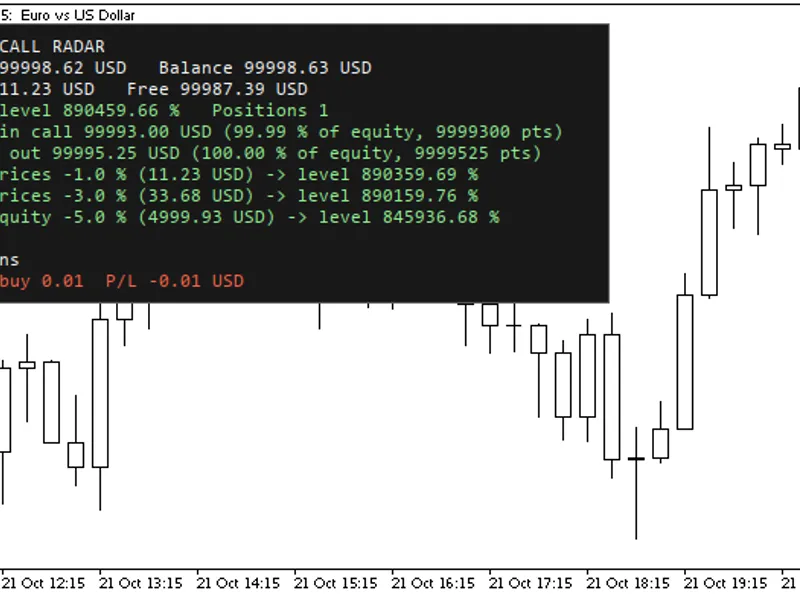
any symbol, any timeframe — the chart is only a place for the panel. EURUSD M1 is used in the screenshot. Leave "Only guard this chart's symbol" off to guard the whole account from one chart.
Inputs
Group
Input
Default
Position sizing
Risk mode
Percent of balance
Position sizing
Risk % of balance
1.0
Position sizing
Fixed risk (account currency)
50
Position sizing
Stop distance (pips) for the lot calc
20
Limits
Enable daily loss limit
true
Limits
Daily loss limit (money, 0 = use %)
0
Limits
Daily loss limit (% of start-of-day balance)
3.0
Limits
Close all positions at limit
true
Limits
Max open positions (0 = off)
3
Limits
Max spread (pips, 0 = off)
3.0
Protection
Add SL to positions opened without one
true
Protection
Forced SL distance (pips)
30
Protection
Trim positions that risk more than the limit
true
Protection
Only guard this chart's symbol
false
Protection
Pop-up alert on every enforcement
true
Display
Show panel
true
Display
Panel corner
Left upper
Display
Panel font size
10
A pip is 10 points on 3- and 5-digit quotes and 1 point otherwise.
How it works
Enforcement runs in OnTradeTransaction on the deal-add event, so a rejected position is closed in the same tick it was opened. The daily limit counts closed deals (profit + swap + commission) since server midnight plus the floating P/L of open positions, checked every tick and every second on a timer. The daily lock is written to a terminal global variable named after the account login and cleared automatically on the next server day.
Verified
Strategy Tester, EURUSD M1, MetaQuotes-Demo, 10,000 USD, hedging account. A test harness opened deliberately bad trades against the EA:
Risk Guard: new day 2026.06.02, start balance 10000.00
step 1: 1.00 lot buy without SL
Risk Guard: forced SL on #2 at 1.16017 - ok
Risk Guard: #2 1.00 lots > max 0.33 for a 30.0-pip SL - trimmed 0.67 (ok)
step 2: four 0.01 buys (max 3)
Risk Guard: 5 open > max 3 - closing newest #4
Risk Guard: 4 open > max 3 - closing newest #5
step 3: churn 30 round-trips past the daily limit
Risk Guard: DAILY LOSS LIMIT HIT - P/L -230.60, limit 50.00. No new positions until tomorrow.
step 4: 0.01 buy while locked
Risk Guard: daily limit active - closing EURUSD #73
SELFTEST DONE: 5 pass, 0 fail
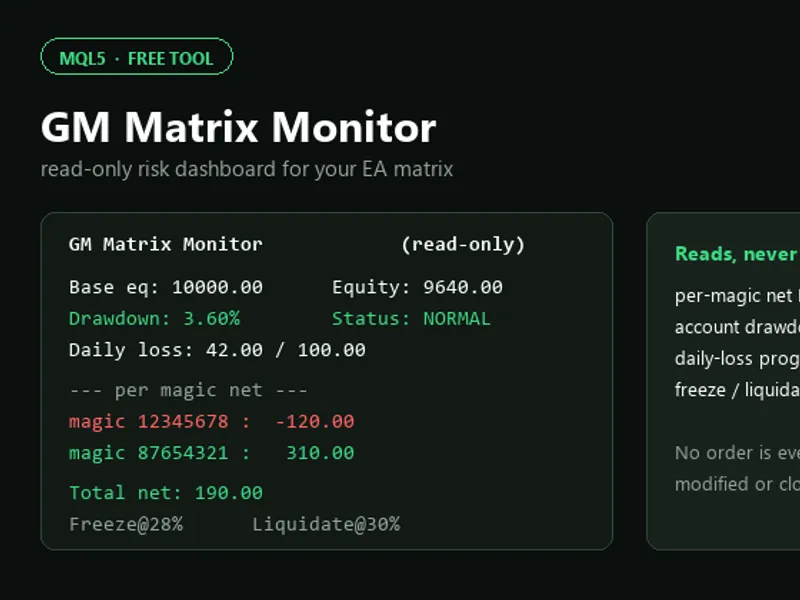
You may also like: GM Matrix Monitor: Read-Only EA Risk Dashboard - excellent alternative for expert users on MetaTrader 5.
Source Code
#property copyright "RobotFX"
#property link "https://robotfx.org"
#property version   "1.00"
#property description "This code is educational. Feel free to use, modify and upgrade as you wish. Visit ROBOTFX.ORG for professional trading tools"
#property strict
#include <Trade\Trade.mqh>
#include <Trade\PositionInfo.mqh>
#include <Trade\SymbolInfo.mqh>
enum ENUM_RISK_MODE
  {
.......
⚠ Limitations & Risk Warning
- This tool is provided for educational and testing purposes only.
- Past performance does not guarantee future results.
- Trading involves substantial risk of loss. Use on a demo account first.
- Results may vary depending on market conditions, broker, and settings.
- We recommend thorough backtesting and forward testing before using with real funds.