
peter panel 1. 0
Info
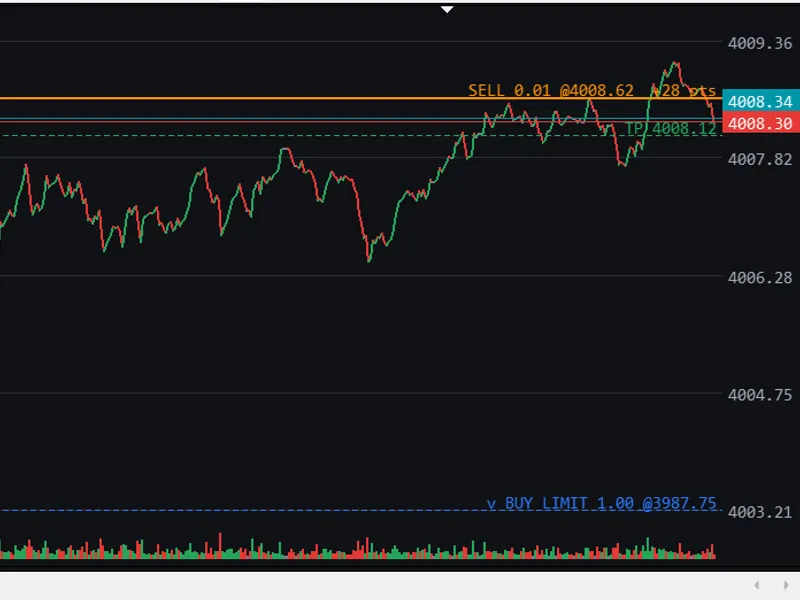
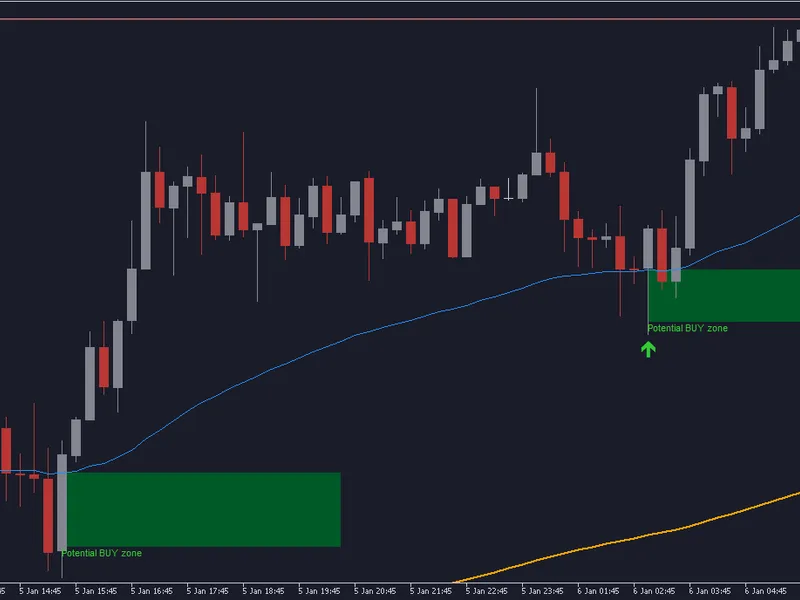
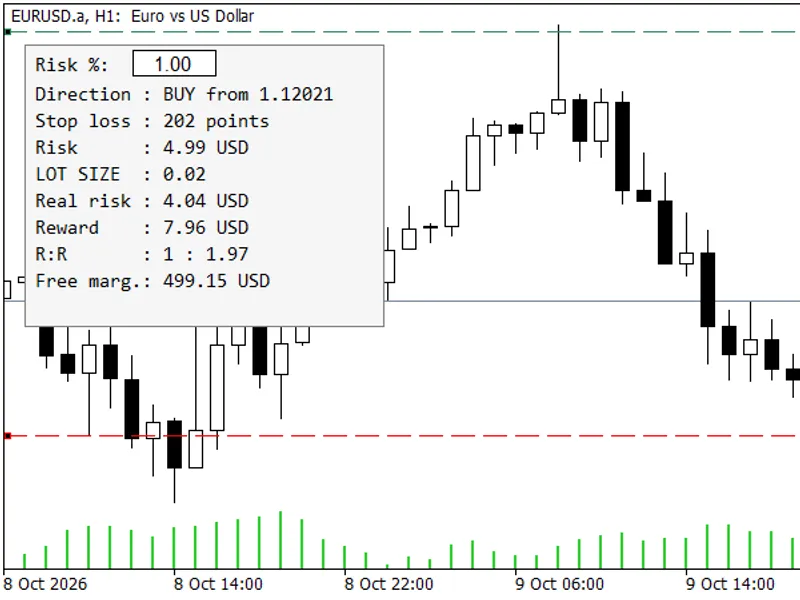
The peter panel 1. 0 is a Expert Advisor for MetaTrader 5 that - "peter panel ©" allows user to define and execute custom trading setups by simply dragging three lines called; aqua, green and red. - for an easier operation disable "show trade levels" and enable "select object by single mouse click" in tools:options menu.
Usage
This tool is typically used for automated trading on major forex pairs and gold.
Platform
This Expert Advisor works exclusively on MetaTrader 5 (both build 600+ and newer versions).
Setup
Place the downloaded file in MQL5/Experts folder via File ? Open Data Folder in MetaTrader 5.
How to Install and Use peter panel 1. 0
1. Installation: Open the "File" menu, select "Open Data Folder," navigate to MQL/Experts, paste your file, and restart the terminal.
2. Activation: Drag the EA from the Navigator onto a chart, ensure "Allow live trading" is checked in the Common tab, and verify the AutoTrading button is green.
3. Optimization: Right-click your chart, choose "Expert List," click "Properties" to adjust inputs, and save your preferred setup as a set file for future use.
4. Maintenance: Regularly check the "Experts" tab in the terminal window to monitor trade logs and potential execution errors.
Frequently Asked Questions
Q: Why is my EA not opening trades? A: Check the "AutoTrading" button, ensure "Allow live trading" is enabled, and verify your broker allows automated trading on your account type.
Q: Can I run multiple EAs on one chart? A: No, each chart can only host one active EA; however, you can open multiple charts for different currency pairs to run several EAs.
Q: What does the "smiley face" icon mean? A: A smiley face in the top-right corner of the chart indicates the EA is successfully running; a frowny face means it is disabled.
What this tool does
- "peter panel ©" allows user to define and execute custom trading setups by simply dragging three lines called; aqua, green and red.
Typical Use Case
This Expert Advisor excels in automated trading and technical analysis on MetaTrader 5.
Compatible Platform & Setup
This Expert Advisor works on MetaTrader 5. Place the file in the MQL5/Experts folder and restart the terminal.
Description & Settings
Related: Supertrend Scalper with Breakeven Win Rate Panel - another powerful expert for MetaTrader 5 traders.
- "peter panel ©" allows user to define and execute custom trading setups by simply dragging three lines called; aqua, green and red.
Also recommended: Tick Scalper Helper: Tick Chart and One-Click Trading Panel for MT5 - similar expert with strong performance on MetaTrader 5.
- for an easier operation disable "show trade levels" and enable "select object by single mouse click" in tools:options menu.[definition of lines]
aqua
determines entry level for pending orders; buy_stop, buy_limit, sell_stop, sell_limit.
green
determines take profit for buy, buy_stop, buy_limit and stop loss for sell, sell_stop, sell_limit.
red
determines take profit for sell, sell_stop, sell_limit and stop loss for buy, buy_stop, buy_limit.
green should always be above red.
aqua should always be above of current ask for buy_stop and sell_limit and below of current bid for sell_stop and buy_limit orders.
[order modification]
select order on the listview.
lines will be adjusted automatically corresponding to order price, tp, and sl.
set new levels by dragging lines.
click modify button.
[closing/deleting order]
select order on the listview.
click close button. opened positions will be closed, pending orders will be deleted.
[reset]
in order to reset lines to their initial positions click reset button.
[volume adjustment]
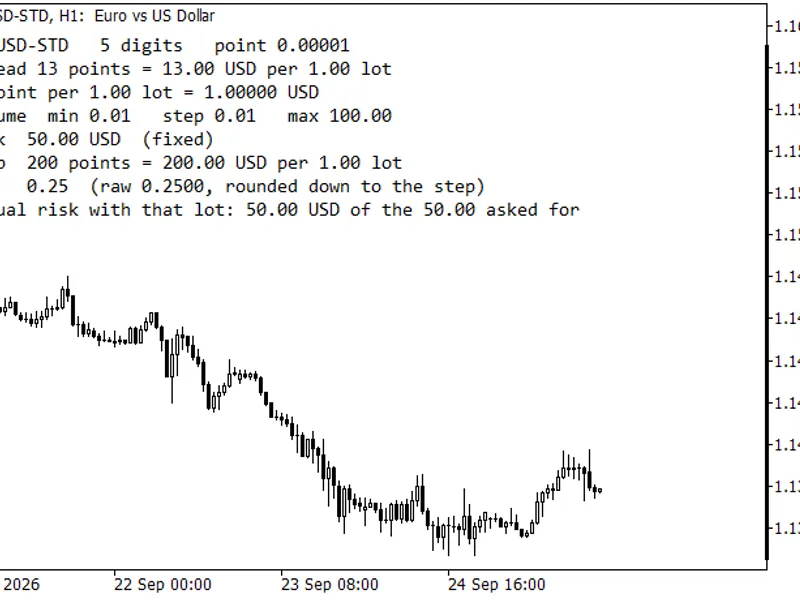
enter required volume in lots edit box.
to select minimal amount of tradeable volume click min button.
to select maximal amount of tradeable volume click max button.
to normalize user entered volume click norm button. it returns nearest tradeable volume.
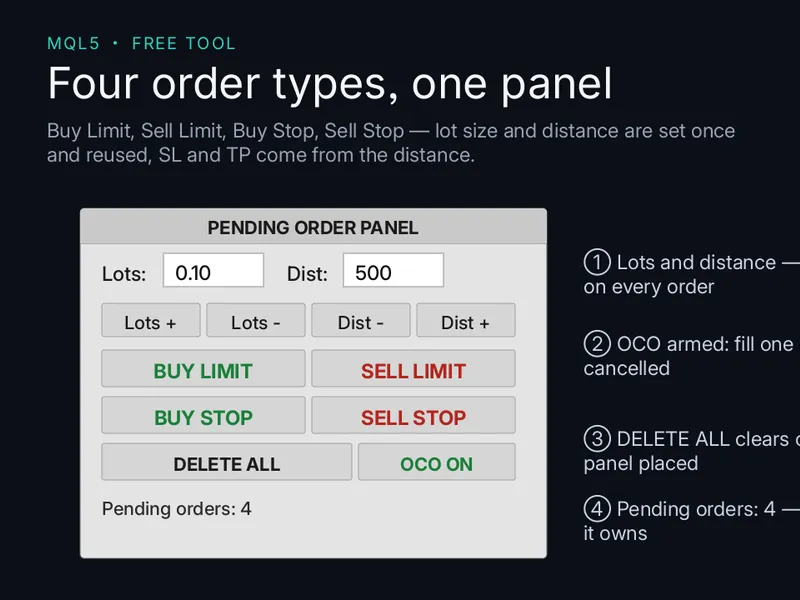
You may also like: Pending Panel MT5: One-Click Pending Orders with OCO Functionality - excellent alternative for expert users on MetaTrader 5.
Source Code
#property copyright "RobotFX"
#property link "https://robotfx.org"
#property description "Educational code - RobotFX www.robotfx.org"
#property version             "1.0"
#include <Controls/Dialog.mqh>
#include <Controls/Button.mqh>
#include <Controls/Panel.mqh>
#include <Controls/Label.mqh>
#include <Controls/Edit.mqh>
#include <Controls/ListView.mqh>
.......
⚠ Limitations & Risk Warning
- This tool is provided for educational and testing purposes only.
- Past performance does not guarantee future results.
- Trading involves substantial risk of loss. Use on a demo account first.
- Results may vary depending on market conditions, broker, and settings.
- We recommend thorough backtesting and forward testing before using with real funds.