
G7 Pro Trade Manager and Prop Firm Equity Protector: 1-Click HUD for Advanced Trading
Info
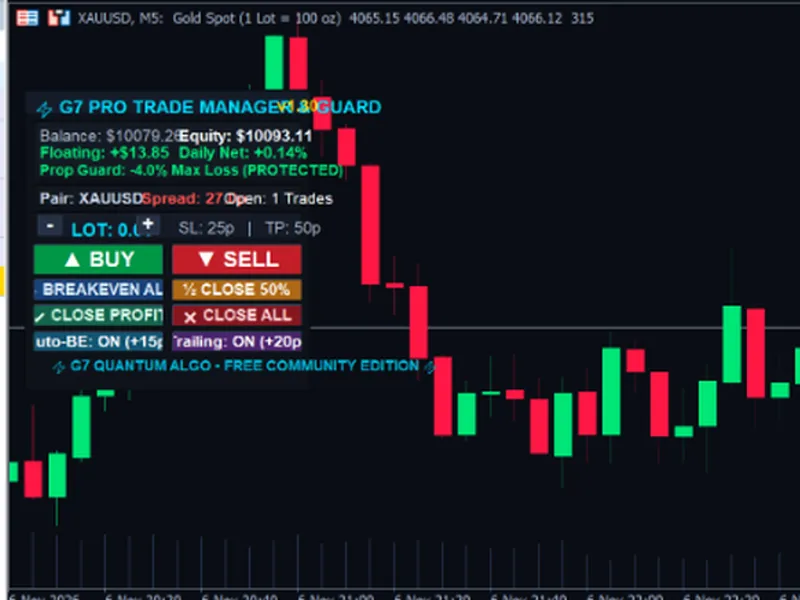
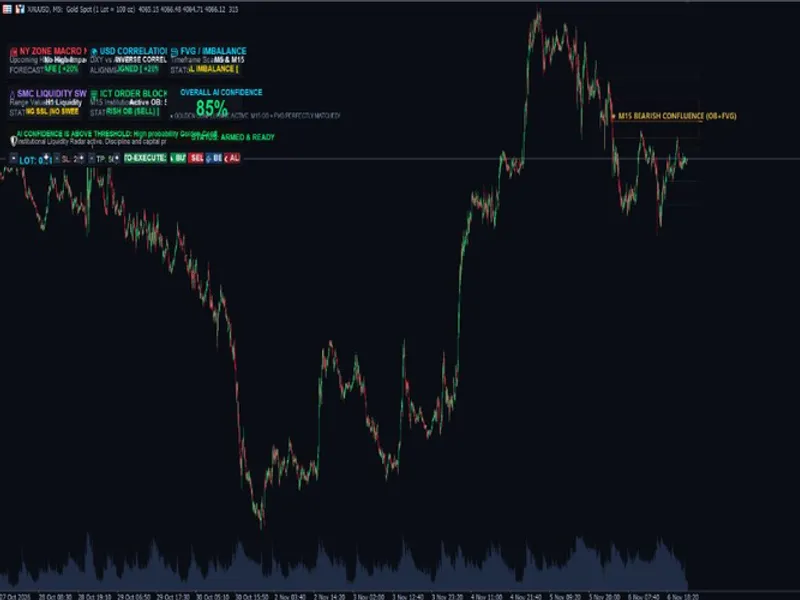
The G7 Pro Trade Manager and Prop Firm Equity Protector: 1-Click HUD for Advanced Trading is a Expert Advisor for MetaTrader 5 that g7 pro trade manager & prop firm equity protector is a professional on-chart trading utility designed for manual traders, gold scalpers, and prop firm traders (ftmo, fundednext, the5ers, funding pips). Featuring a sleek obsidian glassmorphism HUD directly on the MetaTrader 5 chart, it removes execution delays and enforces automated risk discipline.
Usage
This tool is typically used for automated trading on major forex pairs and gold.
Platform
This Expert Advisor works exclusively on MetaTrader 5 (both build 600+ and newer versions).
Setup
Place the downloaded file in MQL5/Experts folder via File ? Open Data Folder in MetaTrader 5.
How to Install and Use G7 Pro Trade Manager and Prop Firm Equity Protector: 1-Click HUD for Advanced Trading
1. Installation: Open the "File" menu, select "Open Data Folder," navigate to MQL/Experts, paste your file, and restart the terminal.
2. Activation: Drag the EA from the Navigator onto a chart, ensure "Allow live trading" is checked in the Common tab, and verify the AutoTrading button is green.
3. Optimization: Right-click your chart, choose "Expert List," click "Properties" to adjust inputs, and save your preferred setup as a set file for future use.
4. Maintenance: Regularly check the "Experts" tab in the terminal window to monitor trade logs and potential execution errors.
Frequently Asked Questions
Q: Why is my EA not opening trades? A: Check the "AutoTrading" button, ensure "Allow live trading" is enabled, and verify your broker allows automated trading on your account type.
Q: Can I run multiple EAs on one chart? A: No, each chart can only host one active EA; however, you can open multiple charts for different currency pairs to run several EAs.
Q: What does the "smiley face" icon mean? A: A smiley face in the top-right corner of the chart indicates the EA is successfully running; a frowny face means it is disabled.
What this tool does
G7 Pro Trade Manager & Prop Firm Equity Protector is a professional on-chart trading utility designed for manual traders, Gold scalpers, and prop firm traders (FTMO, FundedNext, The5ers, Funding Pips).
Typical Use Case
This Expert Advisor excels in automated trading and technical analysis on MetaTrader 5.
Compatible Platform & Setup
This Expert Advisor works on MetaTrader 5. Place the file in the MQL5/Experts folder and restart the terminal.
Description & Settings
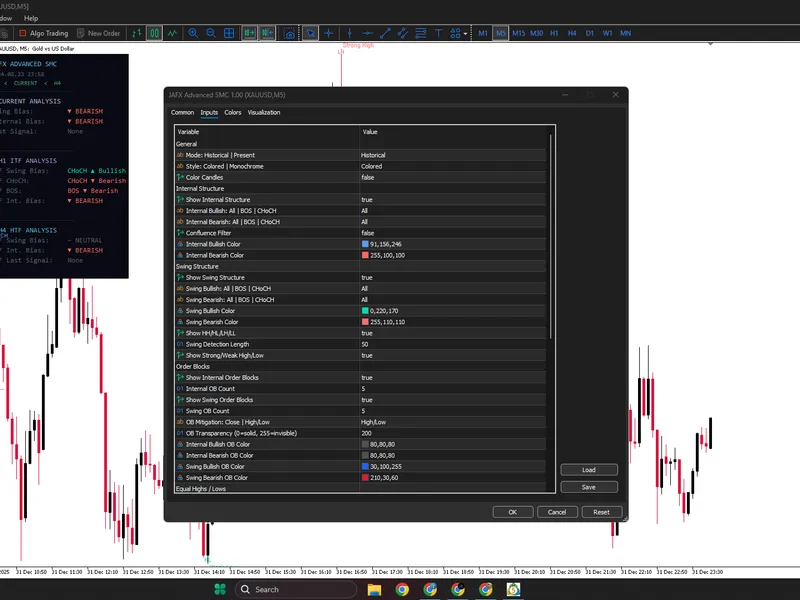
Related: G7 FVG OB Confluence Auto Trader & Institutional SMC Dashboard MT5 - another powerful expert for MetaTrader 5 traders.
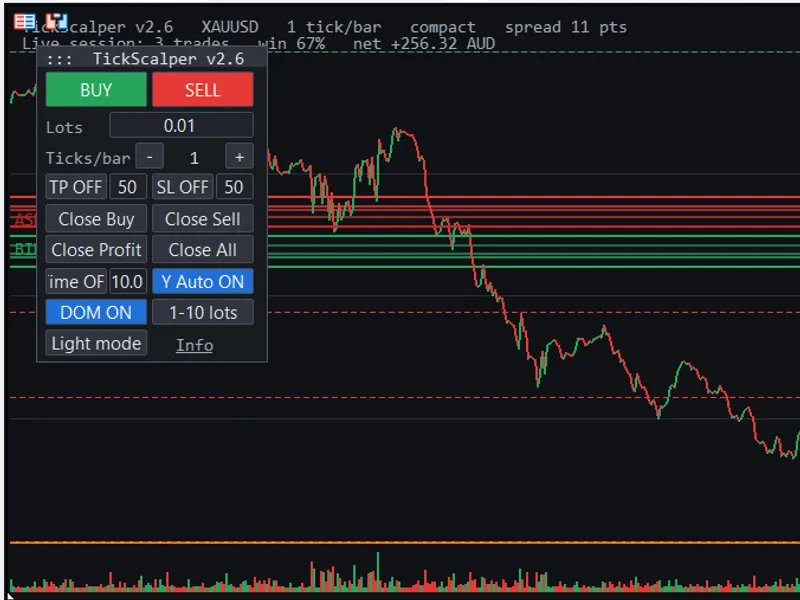
G7 Pro Trade Manager & Prop Firm Equity Protector is a professional on-chart trading utility designed for manual traders, Gold scalpers, and prop firm traders (FTMO, FundedNext, The5ers, Funding Pips).Also recommended: Tick Scalper Pro: Enhanced Tick Chart and One-Click Trading Panel for MetaTrader 5 - similar expert with strong performance on MetaTrader 5.
Featuring a sleek obsidian glassmorphism HUD directly on the MetaTrader 5 chart, it removes execution delays and enforces automated risk discipline.
KEY CAPABILITIES
1. ONE-CLICK FAST EXECUTION
- BUY & SELL: Instant market entry with pre-configured Stop Loss & Take Profit in pips.
- Interactive Lot Sizer: Adjust your lot size (+ / -) directly on the chart without opening EA properties.
2. AUTO BREAKEVEN SHIELD
- Automatically detects profitable trades. Once price advances past your trigger distance (e.g., +15 pips), the stop loss is moved to Entry + Lock Pips (e.g., +3 pips) to make the trade 100% risk-free.
3. DYNAMIC TRAILING STOP
- Automatically trails behind price once activation distance is reached, locking in gains during strong trends.
4. PROP FIRM DAILY DRAWDOWN CIRCUIT BREAKER
- Designed specifically for funded accounts and challenge phases.
- Real-time monitoring of today's initial starting balance vs. live equity.
- If daily net drawdown exceeds your set limit (e.g., -4.0%), the system immediately closes all open positions and locks trading for the remainder of the day to protect your account.
5. RAPID EMERGENCY CONTROLS
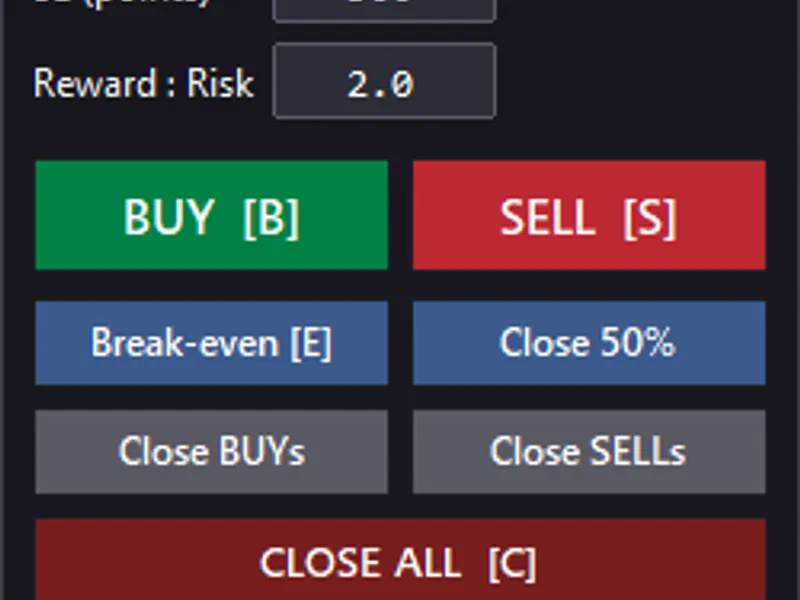
- BREAKEVEN ALL: Moves Stop Loss to breakeven for all winning positions immediately.
- CLOSE 50%: Closes half the volume on all open positions with a single click.
- CLOSE PROFIT: Closes only positions currently in profit while letting runners breathe.
- CLOSE ALL: Emergency panic button to close all open positions instantly.
INPUT PARAMETERS GUIDE
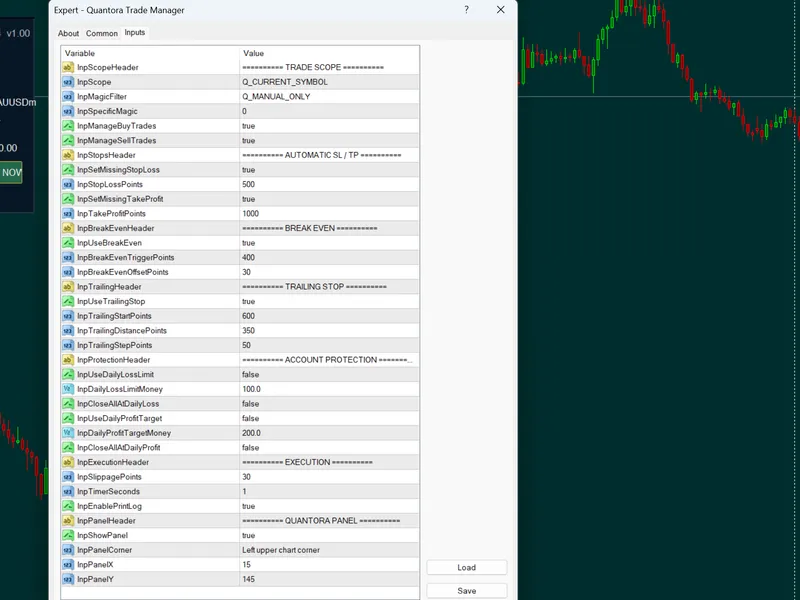
- Default Order Lot Size: Initial lot size for one-click orders (default: 0.01).
- Default Stop Loss (Pips): Initial protective SL in pips (default: 25.0).
- Default Take Profit (Pips): Target TP in pips (default: 50.0).
- Magic Number: Set to 0 to manage all manual trades across the terminal, or enter a specific Magic Number.
- Manage Current Symbol Only: True = manages current chart pair; False = manages portfolio.
- Enable Auto Breakeven Shield: Enables automatic risk-free stop loss movement.
- Breakeven Activation (Pips): Profit required to trigger breakeven (default: 15.0).
- Locked Profit Pips: Guaranteed profit locked above entry price (default: 3.0).
- Enable Dynamic Trailing Stop: Activates dynamic trailing stop (default: true).
- Trailing Start Activation (Pips): Distance before trailing starts (default: 20.0).
- Trailing Distance Behind Price (Pips): Trailing buffer distance (default: 15.0).
- Enable Prop Firm Daily DD Shield: Activates the daily loss circuit breaker for funded accounts.
- Max Daily Loss %: Emergency daily drawdown limit (default: 4.0%).
- Max Daily Target %: Daily profit goal lock (default: 8.0%).
- Auto Close All On DD Breach: Automatically closes all positions when limit is reached.
RECOMMENDED USAGE
- Attach to any chart (XAUUSD, EURUSD, GBPUSD, US30, BTCUSD).
- Works across all timeframes (M1, M5, M15, H1).
- Compatible with both Hedging and Netting accounts.
Check our MQL5 profile for our upcoming verified automated signal: G7 No Grid Gold Sniper!
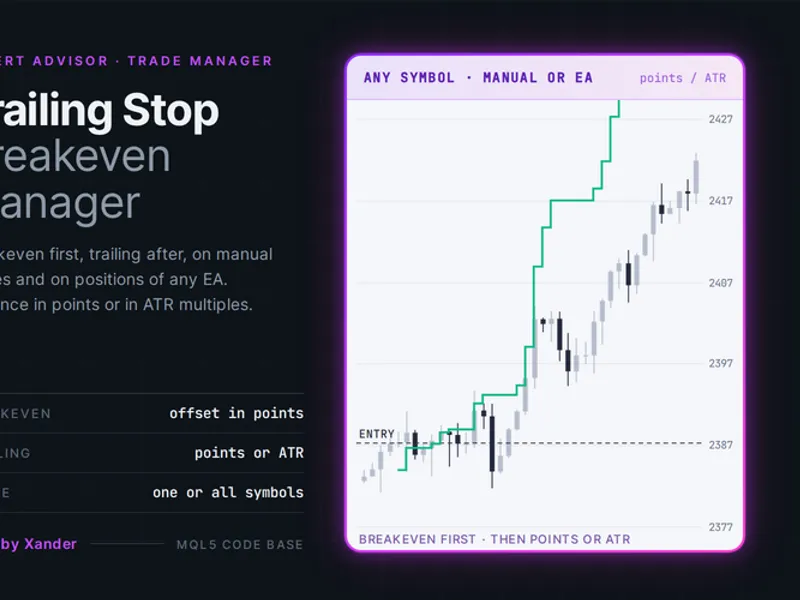
You may also like: Trailing Stop Breakeven Manager for MT5 - excellent alternative for expert users on MetaTrader 5.
Source Code
#property copyright "RobotFX"
#property link "https://robotfx.org"
#property version     "1.30"
#property description "This code is educational. Feel free to use, modify and upgrade as you wish. Visit ROBOTFX.ORG for professional trading tools"
#include <Trade\Trade.mqh>
#include <Trade\PositionInfo.mqh>
#include <Trade\AccountInfo.mqh>
#include <Trade\SymbolInfo.mqh>
#define GROUP_EXEC    "=== 1. FAST ONE-CLICK EXECUTION ==="
#define GROUP_BE      "=== 2. AUTO BREAKEVEN SHIELD ==="
.......
⚠ Limitations & Risk Warning
- This tool is provided for educational and testing purposes only.
- Past performance does not guarantee future results.
- Trading involves substantial risk of loss. Use on a demo account first.
- Results may vary depending on market conditions, broker, and settings.
- We recommend thorough backtesting and forward testing before using with real funds.