

Daily Loss and Profit Lock for MT4/MT5
Info
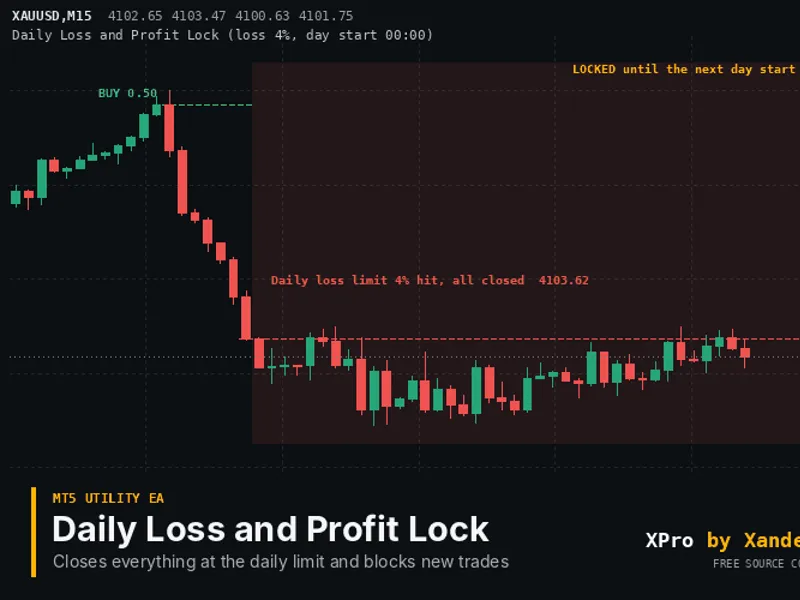
The Daily Loss and Profit Lock for MT4/MT5 is a Expert Advisor for MetaTrader 5 that funded accounts on gold (xauusd) and forex are often lost due to a single adverse trading day rather than a series of smaller losses over a month. This utility EA monitors account equity on a second-by-second basis, comparing it to the equity at the start of the trading day.
Usage
This tool is typically used for automated trading on major forex pairs and gold.
Platform
This Expert Advisor works exclusively on MetaTrader 5 (both build 600+ and newer versions).
Setup
Place the downloaded file in MQL5/Experts folder via File ? Open Data Folder in MetaTrader 5.
How to Install and Use Daily Loss and Profit Lock for MT4/MT5
1. Installation: Open the "File" menu, select "Open Data Folder," navigate to MQL/Experts, paste your file, and restart the terminal.
2. Activation: Drag the EA from the Navigator onto a chart, ensure "Allow live trading" is checked in the Common tab, and verify the AutoTrading button is green.
3. Optimization: Right-click your chart, choose "Expert List," click "Properties" to adjust inputs, and save your preferred setup as a set file for future use.
4. Maintenance: Regularly check the "Experts" tab in the terminal window to monitor trade logs and potential execution errors.
Frequently Asked Questions
Q: Why is my EA not opening trades? A: Check the "AutoTrading" button, ensure "Allow live trading" is enabled, and verify your broker allows automated trading on your account type.
Q: Can I run multiple EAs on one chart? A: No, each chart can only host one active EA; however, you can open multiple charts for different currency pairs to run several EAs.
Q: What does the "smiley face" icon mean? A: A smiley face in the top-right corner of the chart indicates the EA is successfully running; a frowny face means it is disabled.
What this tool does
Funded accounts on Gold (XAUUSD) and forex are often lost due to a single adverse trading day rather than a series of smaller losses over a month.
Typical Use Case
This Expert Advisor excels in automated trading and technical analysis on MetaTrader 5.
Compatible Platform & Setup
This Expert Advisor works on MetaTrader 5. Place the file in the MQL5/Experts folder and restart the terminal.
Description & Settings
Related: Close All Trades at Total Profit or Loss Target - another powerful expert for MetaTrader 5 traders.
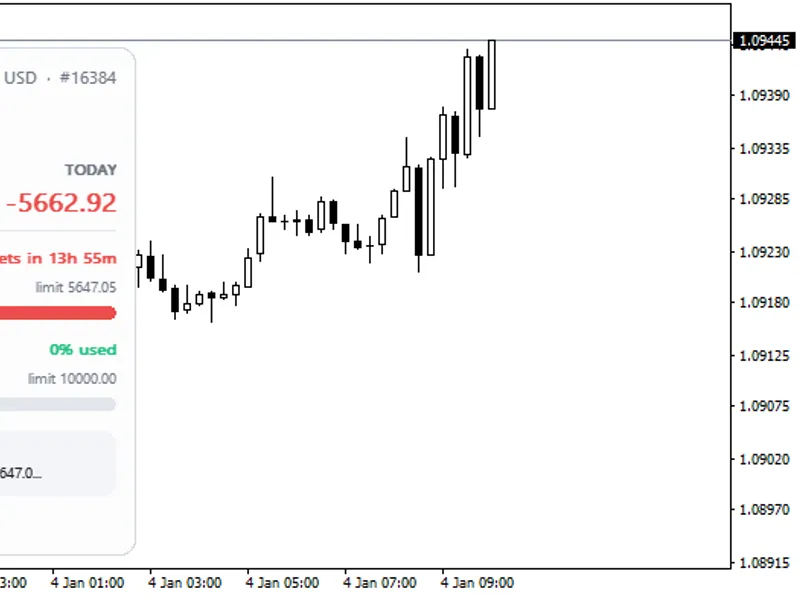
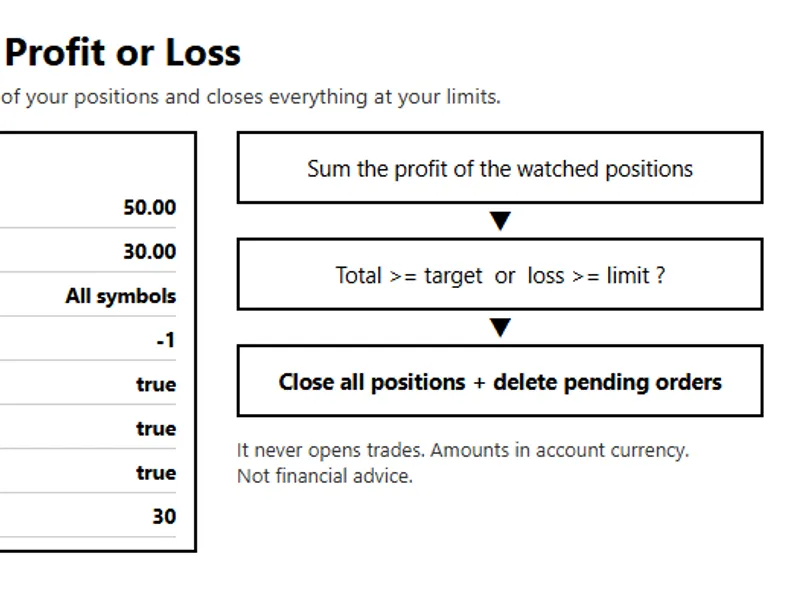
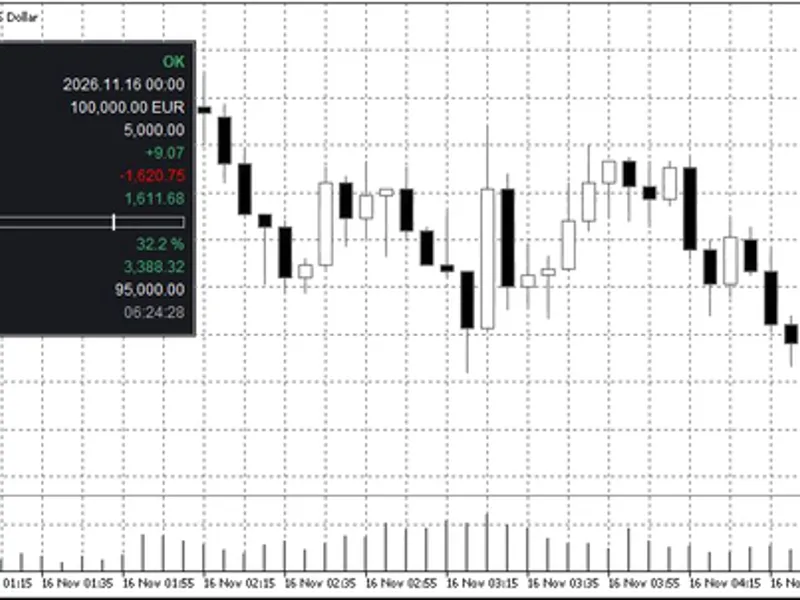
Funded accounts on Gold (XAUUSD) and forex are often lost due to a single adverse trading day rather than a series of smaller losses over a month. This utility EA monitors account equity on a second-by-second basis, comparing it to the equity at the start of the trading day. If the daily loss reaches a predefined limit (4 percent by default), it will automatically close all open positions and delete any pending orders.Also recommended: Prop Firm Equity Guard: Daily and Maximum Drawdown Protection - similar expert with strong performance on MetaTrader 5.
Once the daily limit is reached, the trading day is locked. Any new positions opened thereafter, either manually or by another EA, will be immediately closed until the commencement of the next trading day at 00:00 server time by default. The utility also allows for locking the trading day upon reaching a specific profit target, and setting an overall loss threshold based on the starting balance, which will keep the account locked until the EA is manually removed.
This EA does not initiate trades. It is important to note that in fast-moving markets or during price gaps, a market close might execute at a worse price than the specified limit. Therefore, it is advisable to set limits slightly within the actual rules of your proprietary trading firm to account for such eventualities.
Settings
Limit Measurement: Define how limits are measured. Options include percentage of equity at the start of the day (default) or a fixed amount in the account currency.
Daily Loss Limit: Set the maximum allowable loss for the day. The default is 4 percent. Setting this to 0 disables the daily loss limit.
Daily Profit Target: Specify a profit target that will also lock the trading day. This is disabled by default.
Overall Loss: Set an overall loss limit from the starting balance. This is disabled by default. Specify the starting balance to use for this calculation (0 uses the balance when the EA is attached).
Positions Guarded: Choose whether the EA guards all positions on the account (default) or only those associated with a specific magic number.
Delete Pending Orders: When a limit is hit, pending orders can be deleted. This option is enabled by default.
Close New Positions: New positions opened after a limit is hit can be closed until the next day. This option is enabled by default.
Day Start: Set the time for the start of the trading day in HH:MM server time format (default is 00:00). Adjust this to match the reset time of your proprietary trading firm.
Warning: Receive a warning alert when 75 percent of the daily limit is reached. This alert is triggered once per day. Setting this to 0 disables the warning.
Slippage: Configure slippage tolerance for closing positions. Includes options for popup and push alerts, and status text display on the chart.
Requirements
Attach this EA to a single chart, regardless of the symbol or timeframe. It operates on all symbols within the account and utilizes a 1-second timer for prompt reactions, even when the chart symbol is inactive. Ensure AutoTrading is enabled for the EA to execute trade closures. The day's starting equity is recorded at the beginning of the day or upon EA attachment, whichever occurs later. For optimal performance, attach the EA before commencing trading activities. Please note that the EA's monitoring functions will be inactive if the trading terminal is closed. Push notifications require your MetaQuotes ID to be configured in the terminal options.
Customization
Thoroughly test this utility in the strategy tester alongside your primary EA on symbols such as XAUUSD, EURUSD, GBPUSD, US30, or NAS100, using the 'money mode' simulation, to assess its effectiveness in preventing substantial daily losses. XP_Guard encompasses all checks, allowing for integration with weekly limits, daily trade count restrictions, or news trading pauses. Companion EAs, XP_CloseAll and XP_DeletePending, are available for incorporation into any EA requiring an emergency exit mechanism.
About this Code
This is an open-source utility. You are free to use it as is, adapt it to your needs, or build upon it to create your own customized version. Feedback, suggestions, and shared test results are encouraged in the comments section.
Changelog
v1.0 (2026-11-20): initial release.
You may also like: Daily Drawdown Guard for MetaTrader 5 - excellent alternative for expert users on MetaTrader 5.
Source Code
#property copyright "RobotFX"
#property link "https://robotfx.org"
#property version     "1.00"
#property description "This code is educational. Feel free to use, modify and upgrade as you wish. Visit ROBOTFX.ORG for professional trading tools"
#include <Trade\Trade.mqh>
enum ENUM_XP_LIMIT_MODE
  {
   XP_LIMIT_PERCENT = 0,
   XP_LIMIT_MONEY   = 1
  };
.......
⚠ Limitations & Risk Warning
- This tool is provided for educational and testing purposes only.
- Past performance does not guarantee future results.
- Trading involves substantial risk of loss. Use on a demo account first.
- Results may vary depending on market conditions, broker, and settings.
- We recommend thorough backtesting and forward testing before using with real funds.