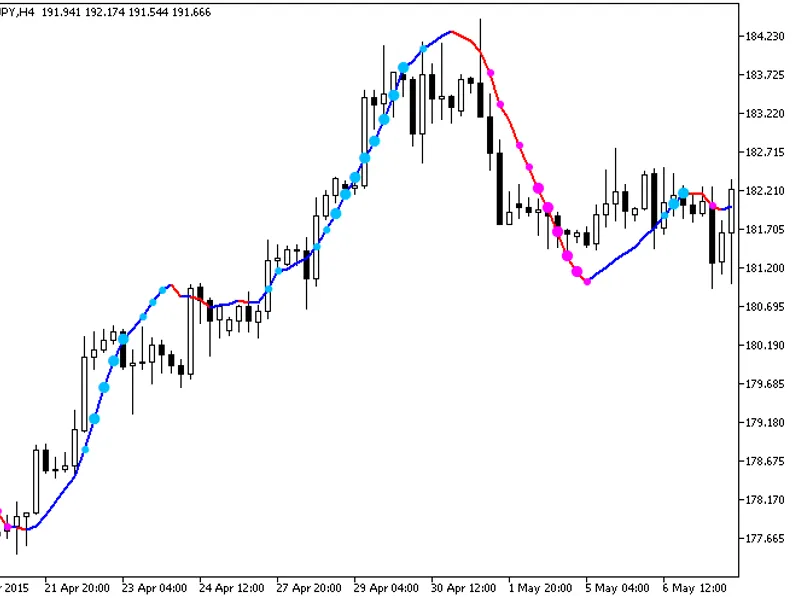
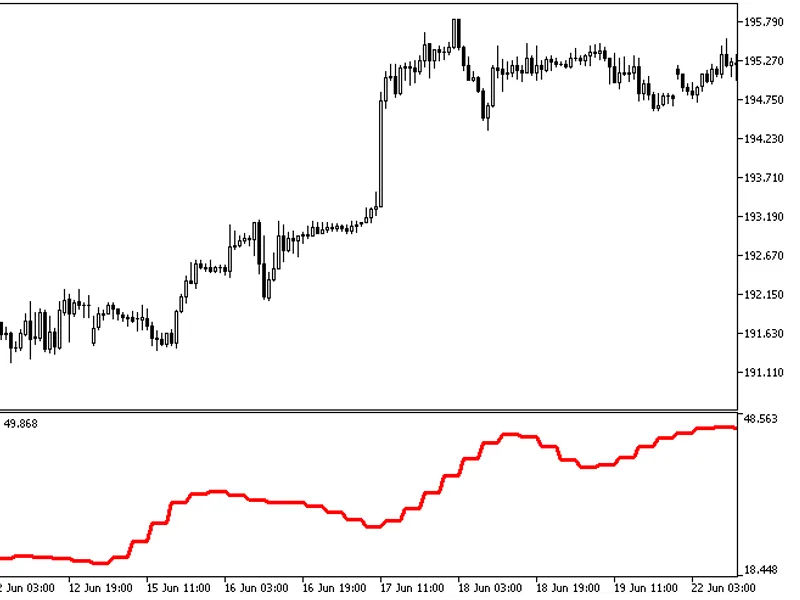
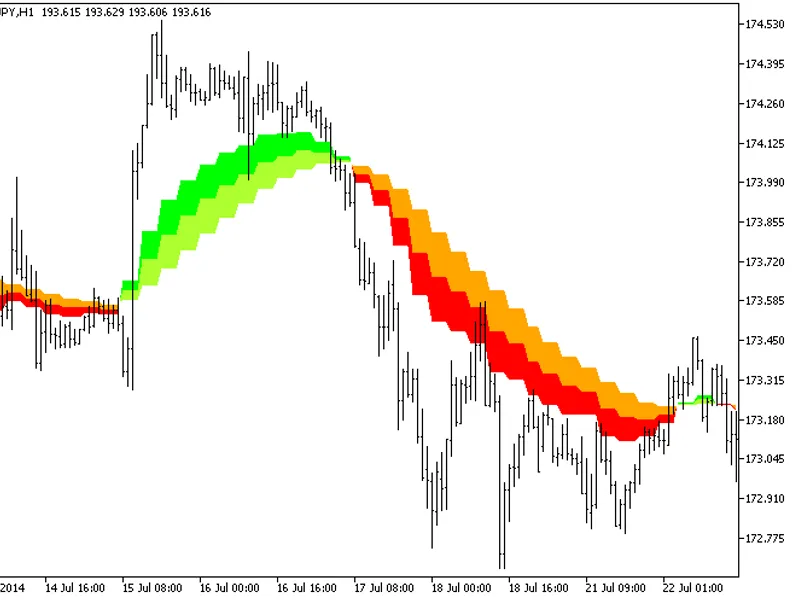
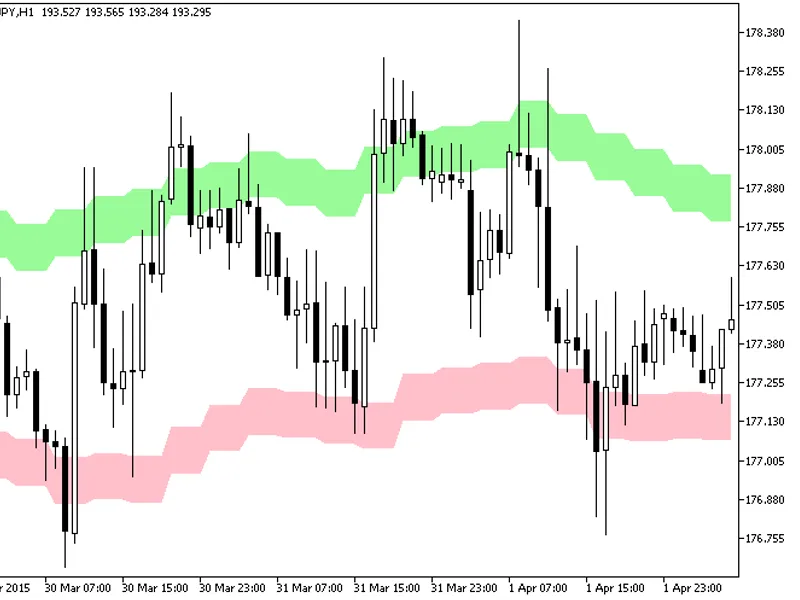
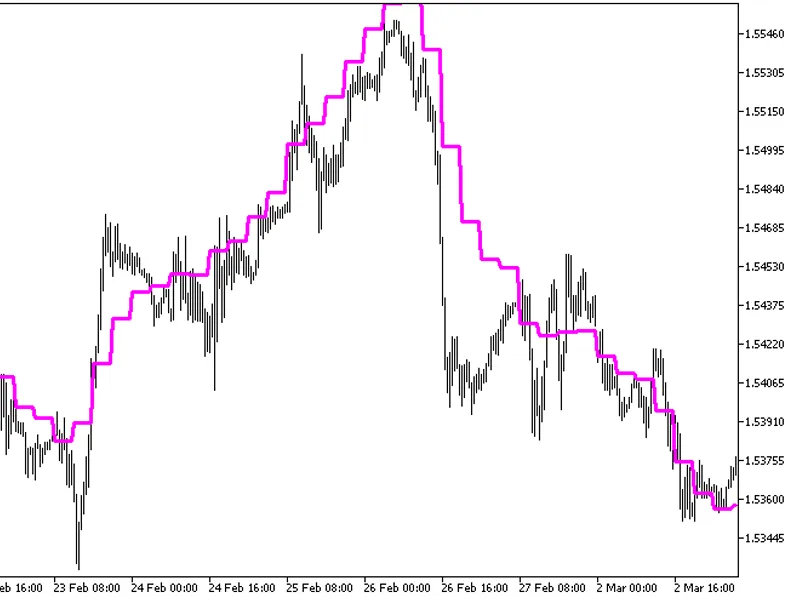
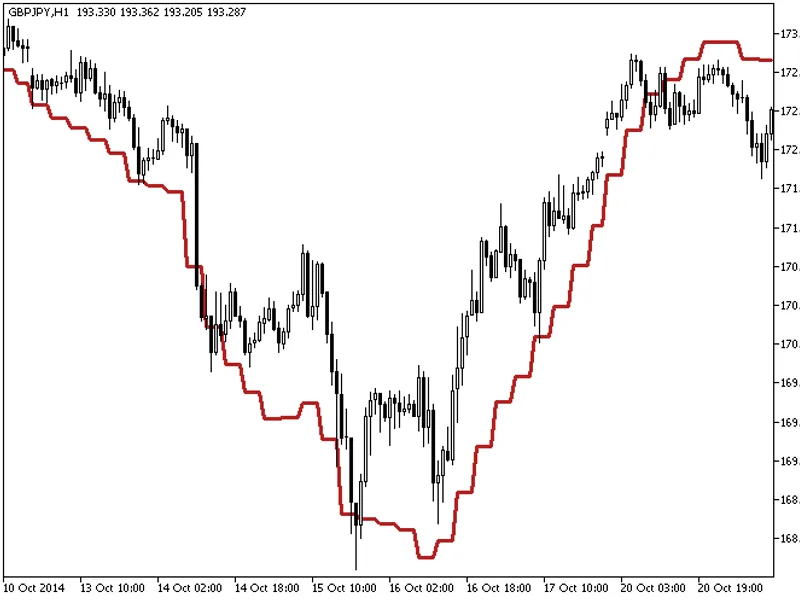
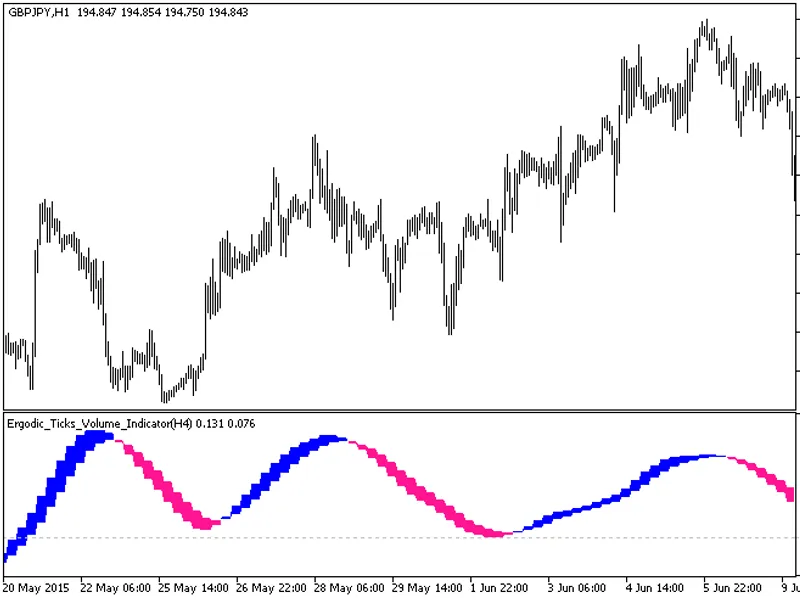
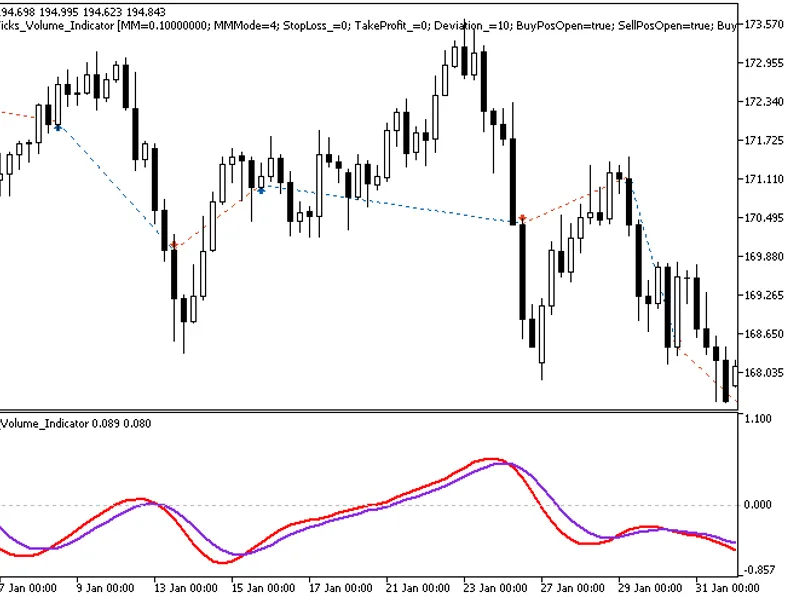
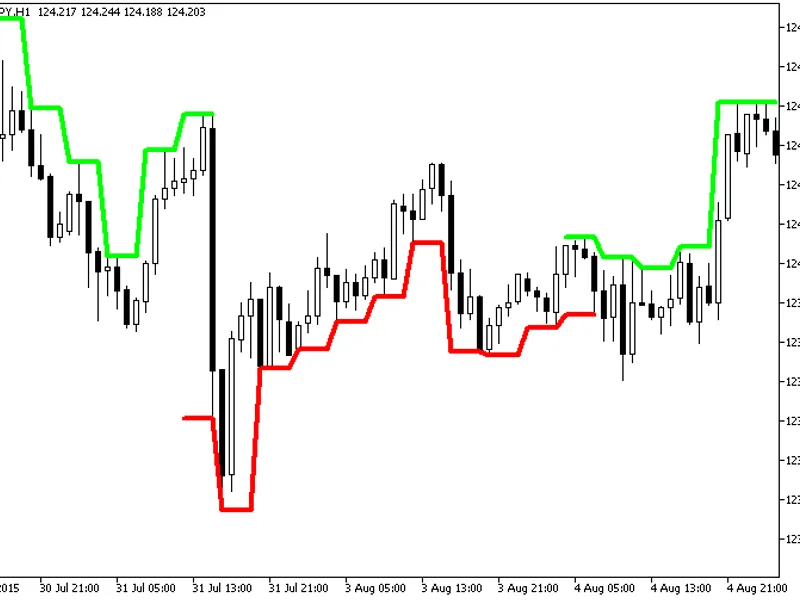
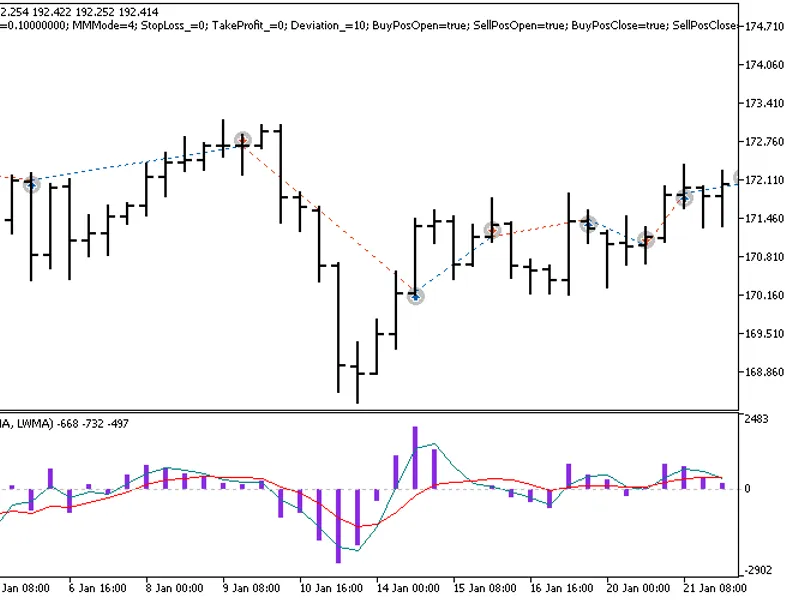
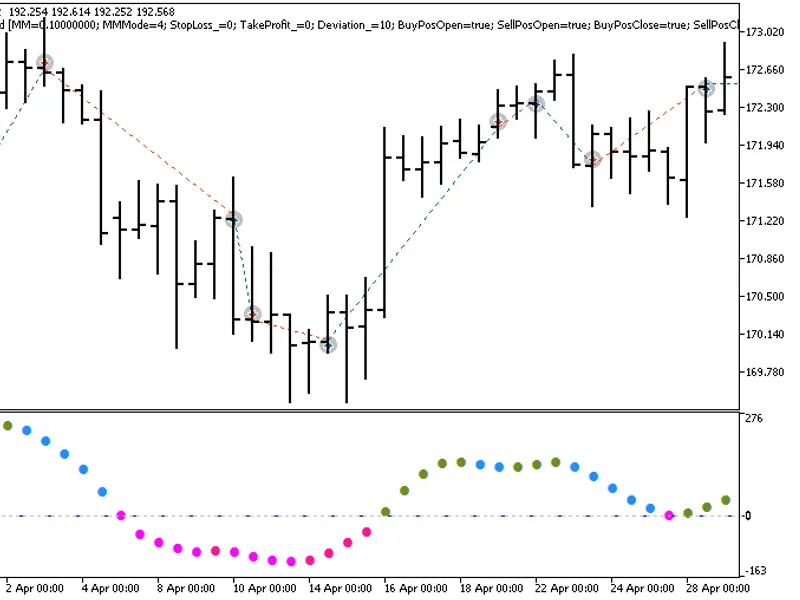
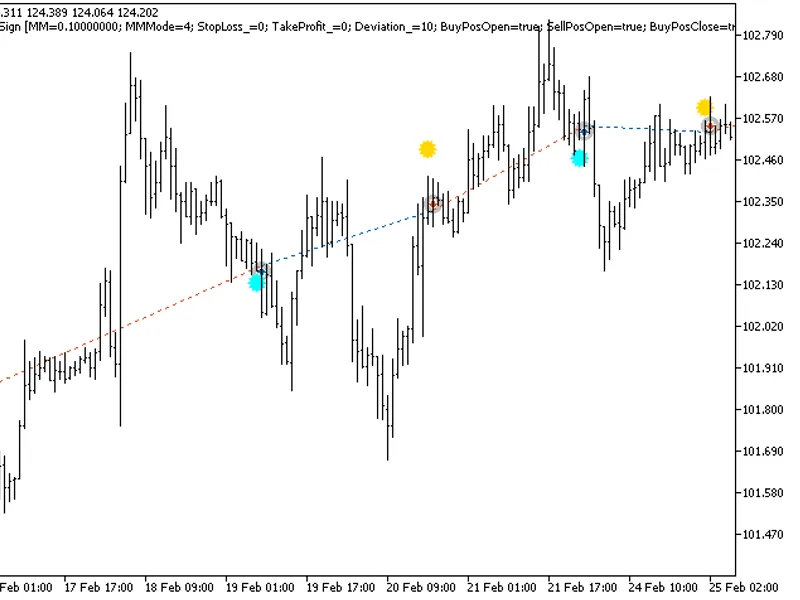
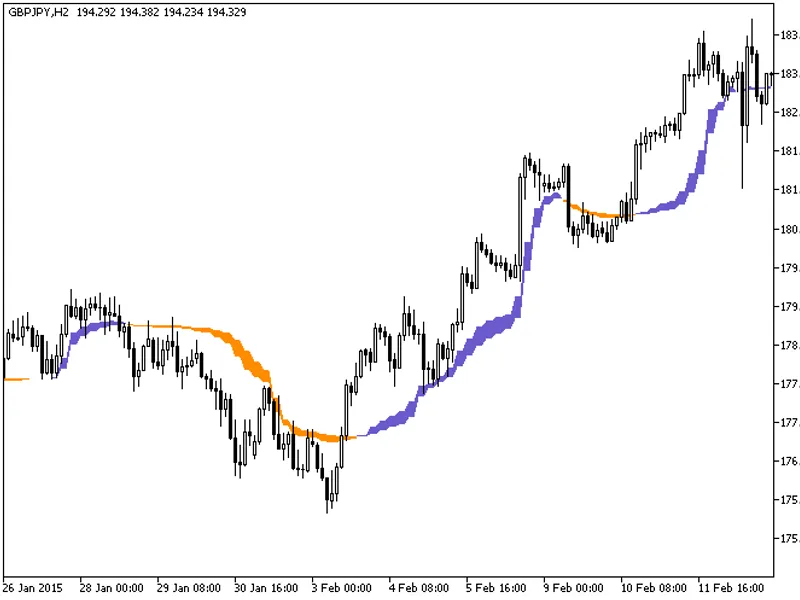
Indicator with additional trend strength indication using colored dots based on the standard deviation algorithm.If the standard deviation of the ColorXDINMA indicator is between t...
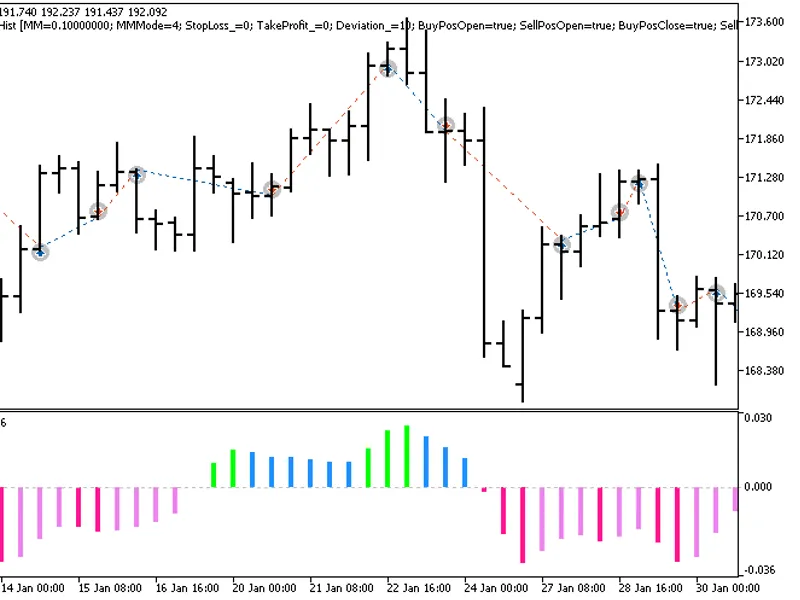
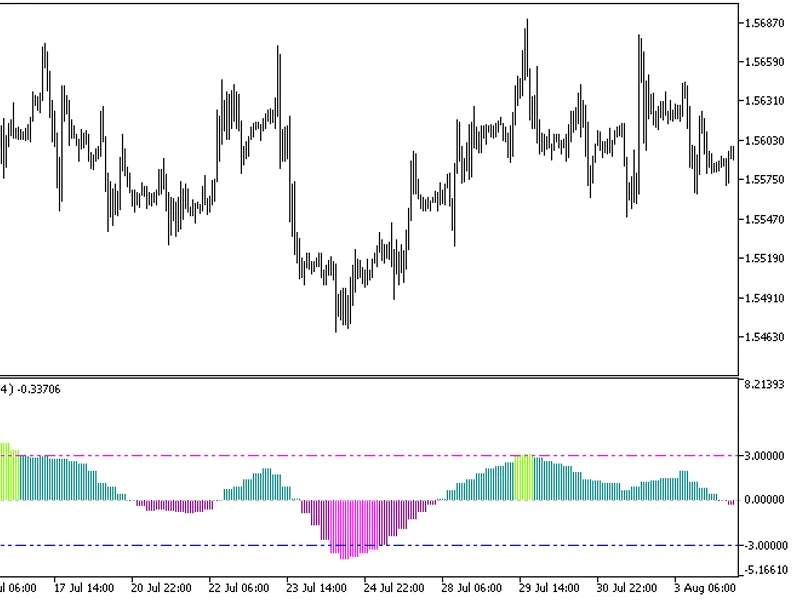
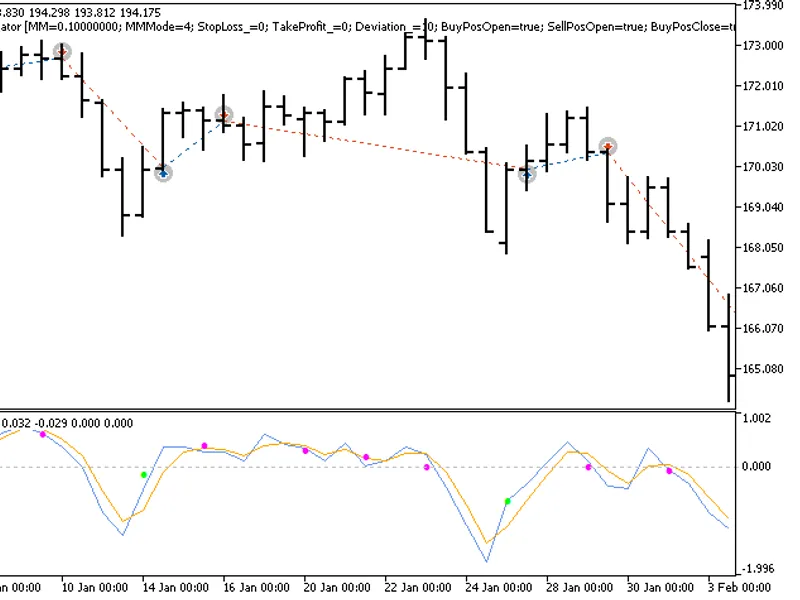
The Exp_CoppockHist expert advisor is based on the reversal of the oscillator direction. The signal is formed when a bar is closing if there is a change in the CoppockHist oscillat...
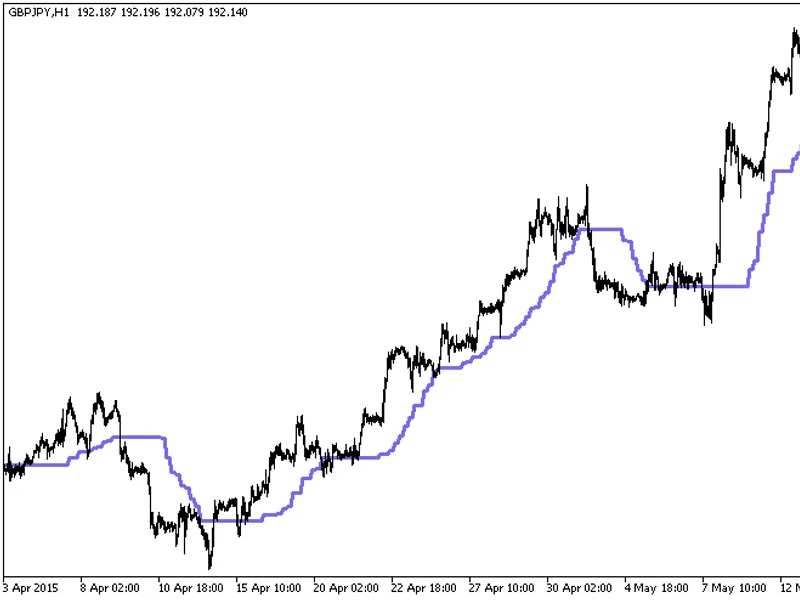
The indicator with the timeframe selection option available in the input parameters.The indicator requires the CorrectedAverage.mq5 indicator file. Place it in <terminal_data_fo...
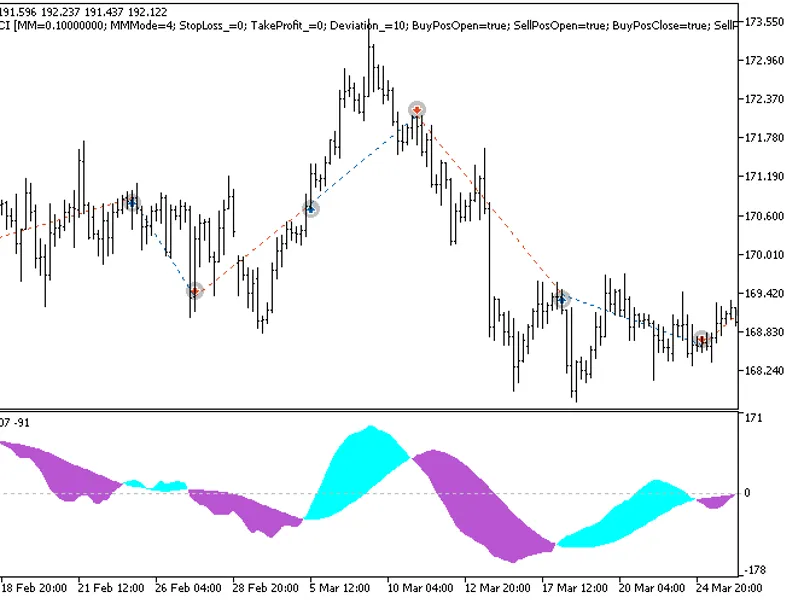
The EXP_CRONEXCCI Expert Advisor is based on signals generated by the oscillator.The signal is formed when a bar is closing if there is a change in the indicator cloud color.This E...
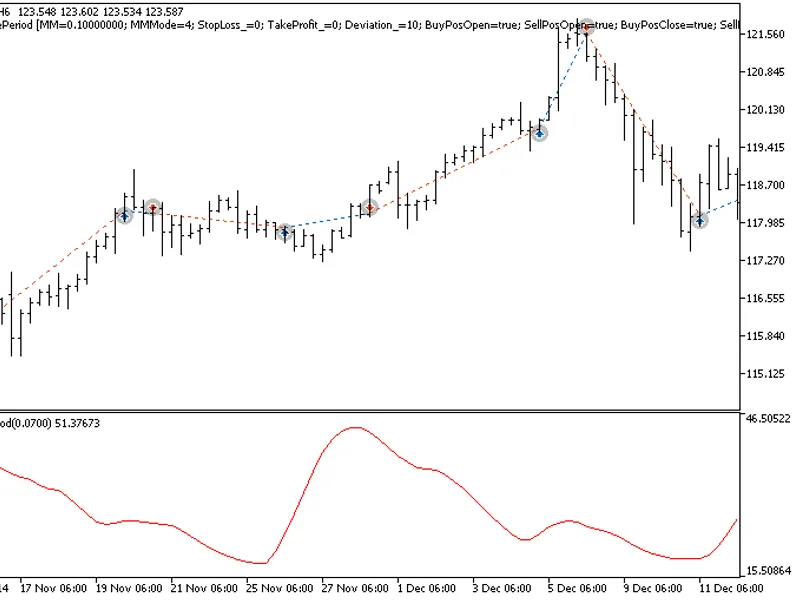
The Cycle Period HTF indicator offers a unique feature: the ability to select the timeframe in the input parameters.To utilize this indicator, you'll need the cycleperiod.mq5 indic...
The Exp Cycle Period Expert Advisor is designed to capitalize on the reversal of the non-normalized oscillator direction. It generates signals when a bar closes and the CyclePeriod...
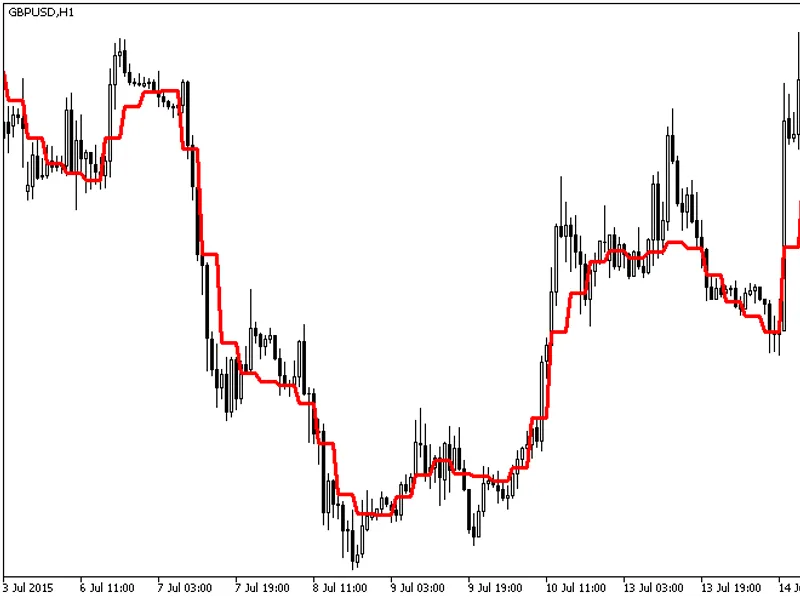
The indicator with the timeframe selection option in the input parameters.This indicator requires the decema.mq5 indicator file. Place it in <terminal_data_folder>\mql5\indic...
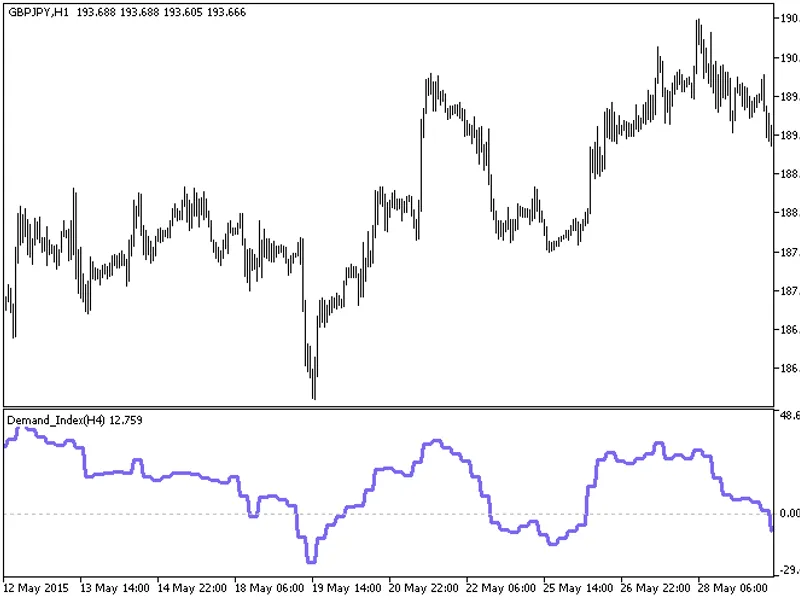
The Demand Index HTF indicator offers a unique feature: the ability to select the timeframe in the input parameters.This indicator relies on the demand_index.mq5 file, which should...
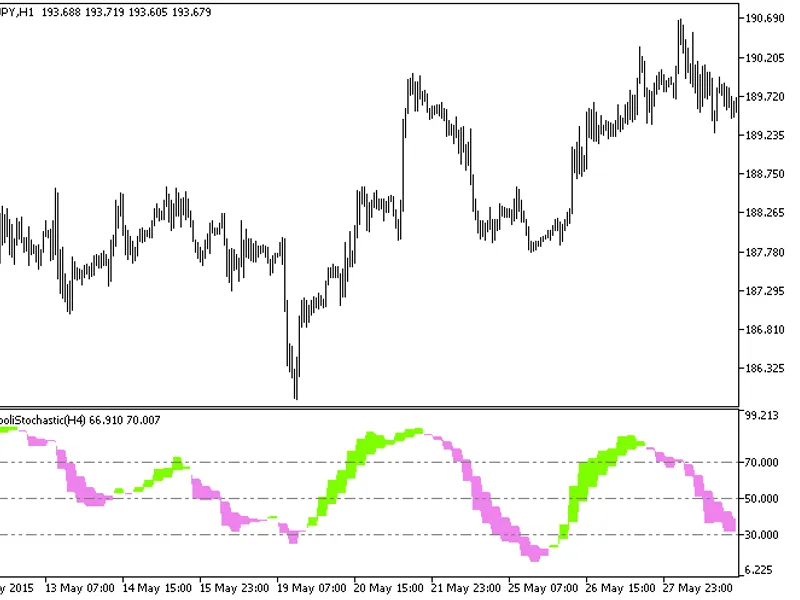
The Di Napoli Stochastic HTF indicator offers a versatile timeframe selection feature in its input parameters.This indicator relies on the dinapolistochastic.mq5 file, which should...
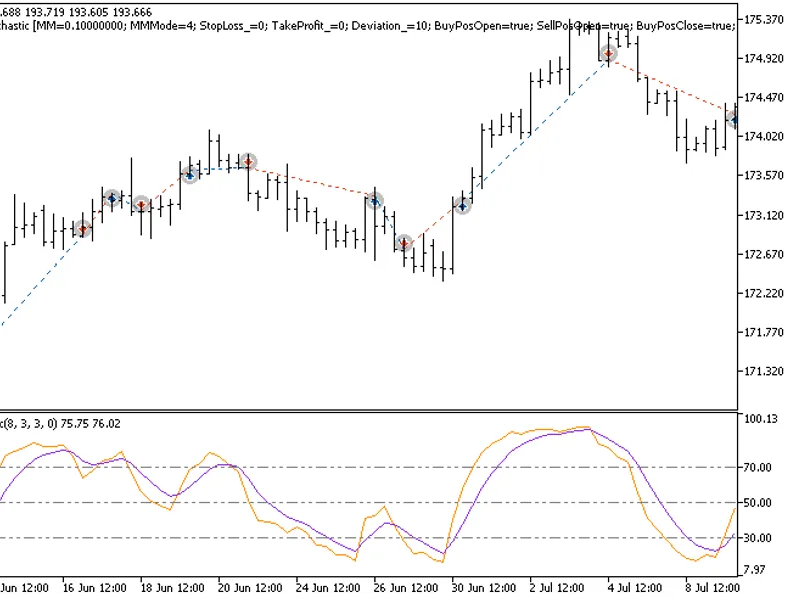
The EXP DiNapoli Stochastic Expert Advisor is designed to utilize signals from the DiNapoli Stochastic oscillator.This Expert Advisor generates a signal when a bar closes, triggere...
The Din Fibo Nex indicator with the Timeframe (TF) selection option available in the input parameters.The indicator requires the Din_Fibo_Nex.mq5 indicator file. Place it in \mql5\...
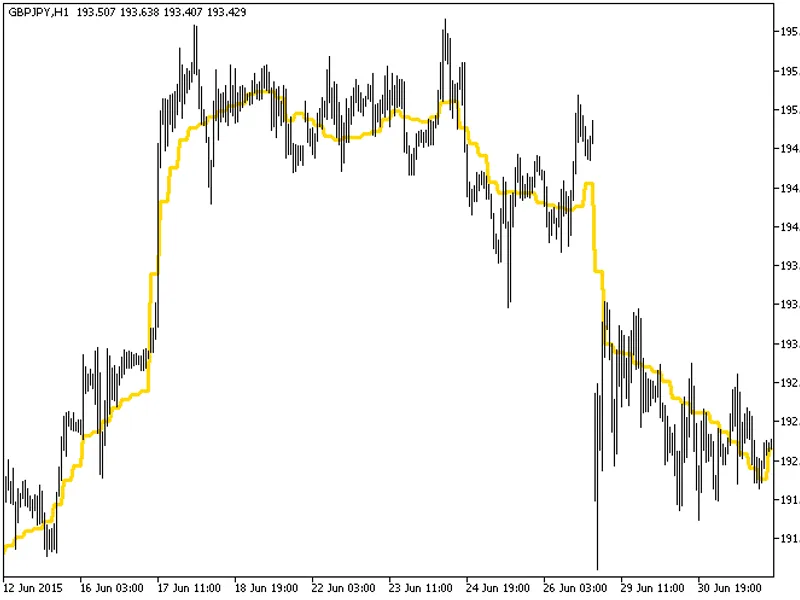
The indicator with the timeframe selection option available in the input parameters:The indicator requires DEMA_RLH.mq5 indicator file. Place it in \mql5\indicators.Fig.1. The DEMA...
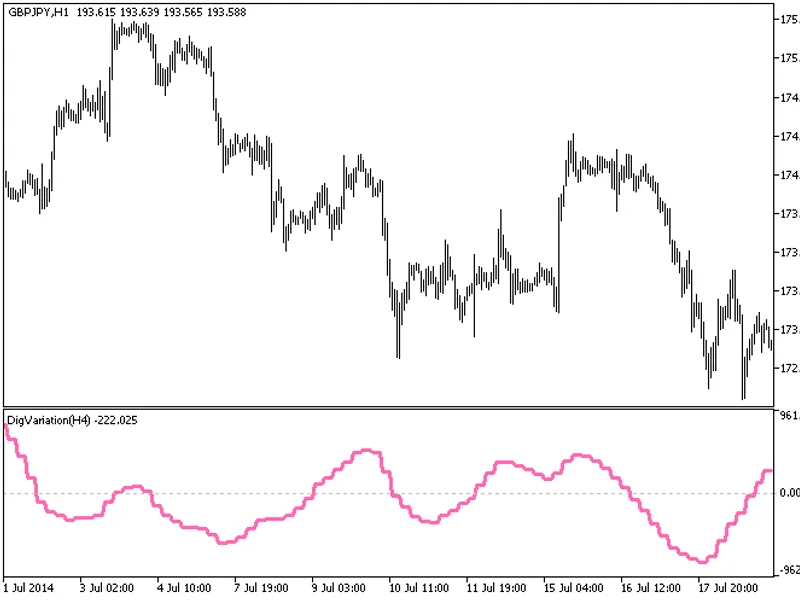
The indicator with the timeframe selection option in the input parameters.This indicator requires the digvariation.mq5 indicator file. Place it in \mql5\indicators.Fig.1. The digva...
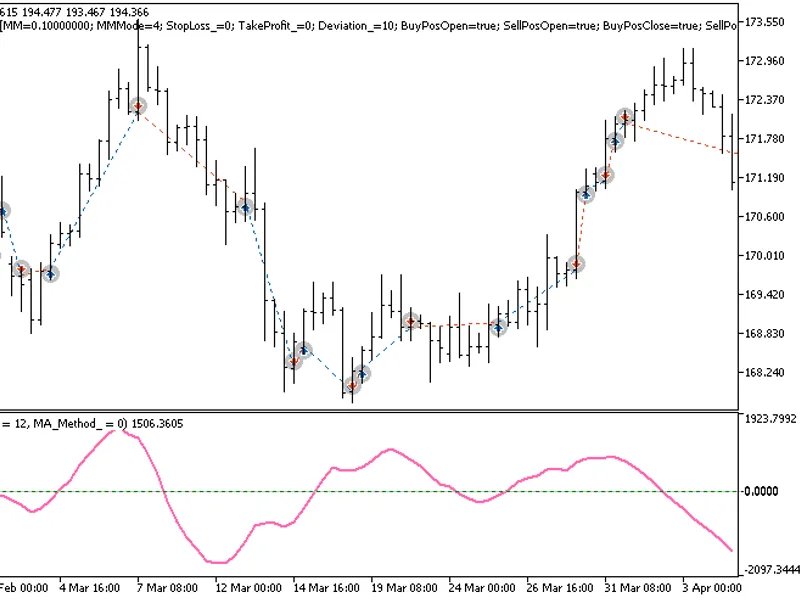
The EXP_DigVariation expert advisor is based on the reversal of the non-normalized oscillator direction. The signal is formed when a bar is closing if there is a change in the DigV...
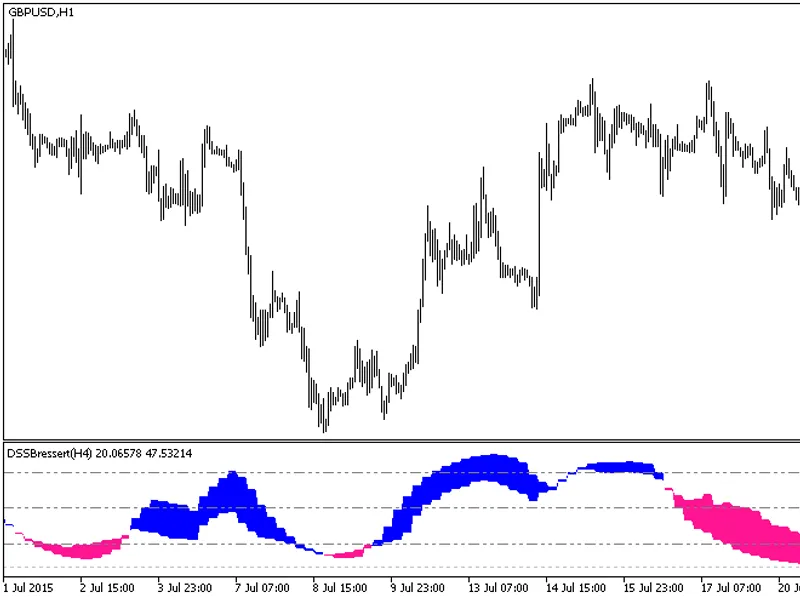
The DSS Bressert HTF indicator offers a unique feature: the ability to select the timeframe.This indicator requires the dssbressert.mq5 file, which should be placed in the <term...
The indicator with the timeframe selection option in the input parameters.This indicator requires the ef_distance.mq5 indicator file. Place it in \mql5\indicators.Fig. 1. The ef_di...
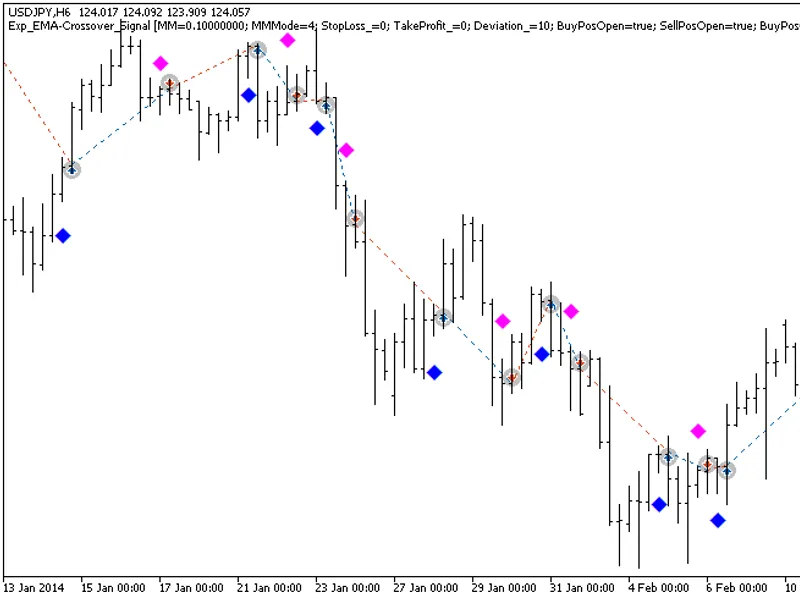
The EXP EMA-Crossover Signal expert advisor is based on signals generated by the Semaphore Signal indicator.A signal to trade is formed when a bar is closing if a new colored indic...
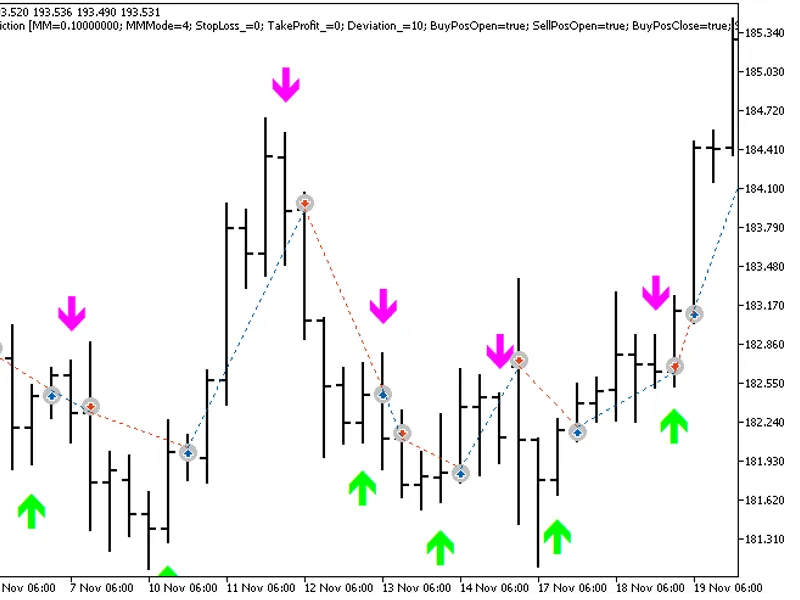
The Exp EMA Prediction Expert Advisor is designed to utilize signals from the Semaphore Signal Indicator for trading decisions.This Expert Advisor operates by initiating trades whe...
The indicator with the timeframe selection option in the input parameters.This indicator requires the emaangle.mq5 indicator file. Place it in <terminal_data_folder>\mql5\ind...
The indicator with the timeframe selection option in the input parameters.This indicator requires the emabands_v1.mq5 indicator file. Place it in <terminal_data_folder>\mql5\...
The indicator with the timeframe selection option in the input parameters.This indicator requires the EMAPredictive2.mq5 indicator file. Place it in <terminal_data_folder>\mq...
The indicator with the timeframe selection option in the input parameters.This indicator requires the EMAPredictive3.mq5 indicator file. Place it in <terminal_data_folder>\mq...
The Ergodic Ticks Volume Indicator HTF is a powerful tool with a unique feature: the ability to select the timeframe.This indicator requires the Ergodic_Ticks_Volume_Indicator.mq5 ...
The Ergodic_Ticks_Volume_Indicator expert advisor is based on signals generated by the oscillator.The signal is formed when a bar is closing if there is a crossing of the indicator...
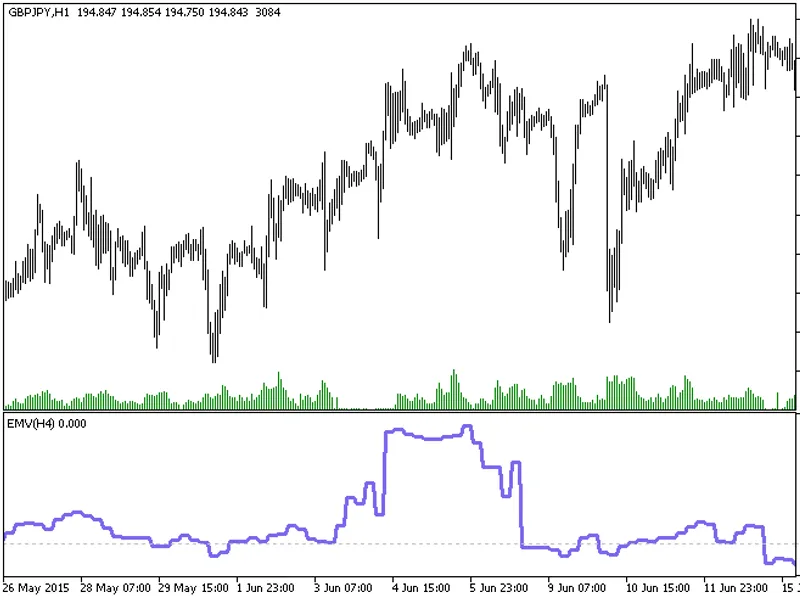
The indicator with the timeframe selection option available in the input parameters:The indicator requires EMV.mq5 indicator file. Place it in \mql5\indicators.Fig.1. The EMV_HTF i...
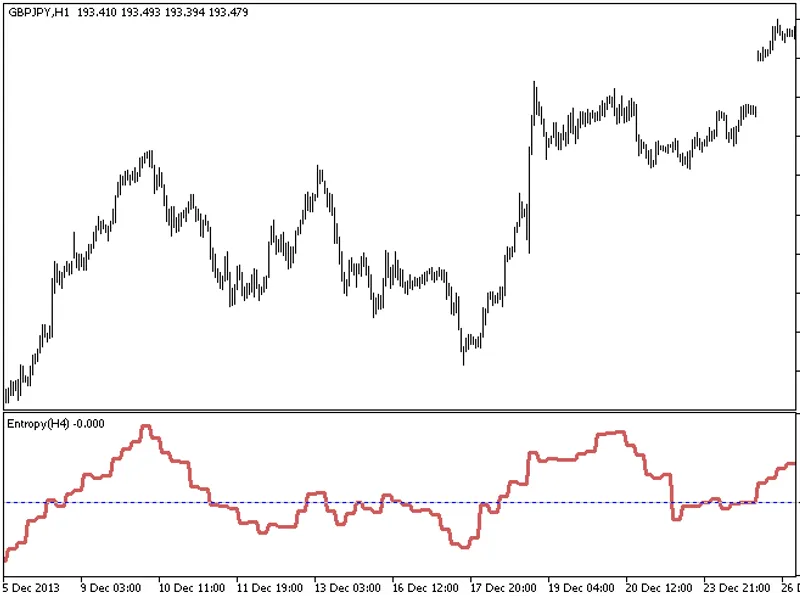
The Entropy HTF indicator offers a unique feature: the ability to select the timeframe in the input parameters.This indicator requires the Entropy.mq5 file, which should be placed ...
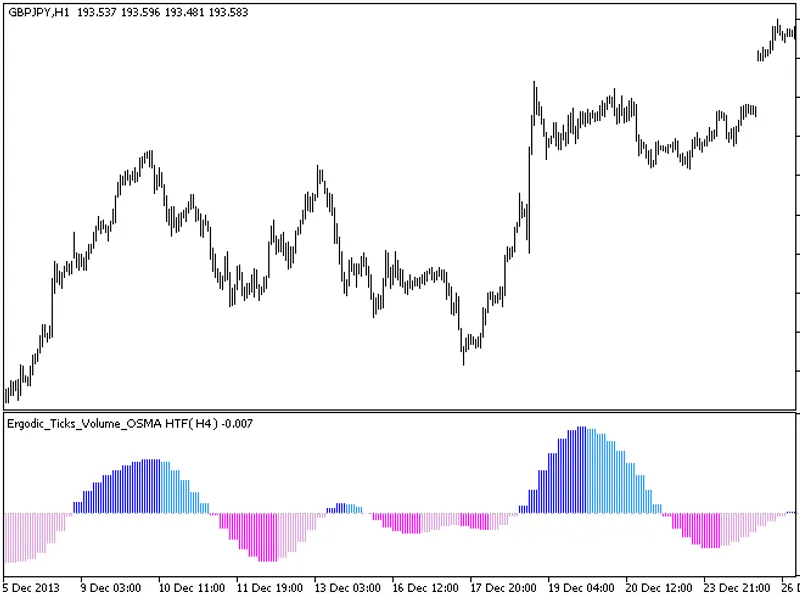
The Ergodic Ticks Volume OSMA indicator with a timeframe selection option in the input parameters.This indicator requires the Ergodic Ticks Volume OSMA.mq5 indicator file. Place it...
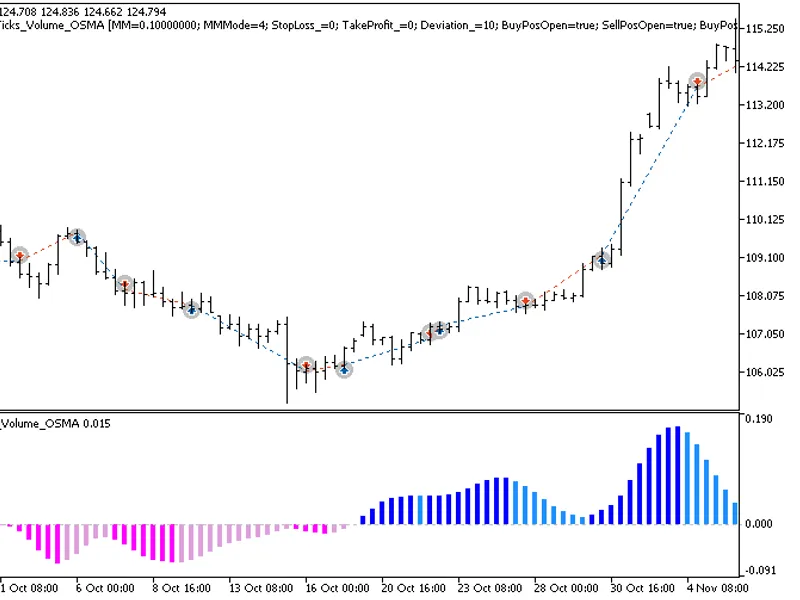
The Ergodic_Ticks_Volume_OSMA expert advisor is based on the reversal of the Ergodic_Ticks_Volume_OSMA histogram direction. The signal is formed when a bar is closing if there is a...
The Extreme Line HTF indicator offers a unique feature: the ability to select the timeframe in the input parameters.To utilize this indicator, ensure you have the extremline.mq5 in...
The exp_fast2 Expert Advisor is designed to trade based on signals from the Fast2 indicator. It opens trades when the indicator's main and signal lines cross as a bar closes.This E...
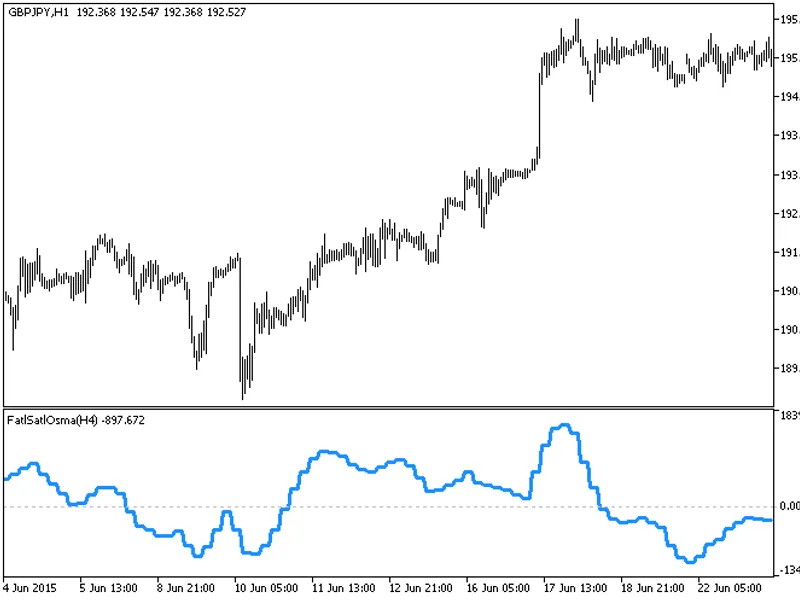
The indicator with the timeframe selection option in the input parameters.This indicator requires the FATLSATLOSMA.mq5 indicator file. Place it in \mql5\indicators.Fig. 1. The FATL...
The EXP_FatlMACD Expert Advisor is designed to identify trading signals based on the reversal of the indicator's direction. It generates a signal when a bar is closing, provided th...
The indicator offers a timeframe selection feature in its input parameters.It requires the finetuningma.mq5 indicator file, which should be placed in the <terminal_data_folder&g...
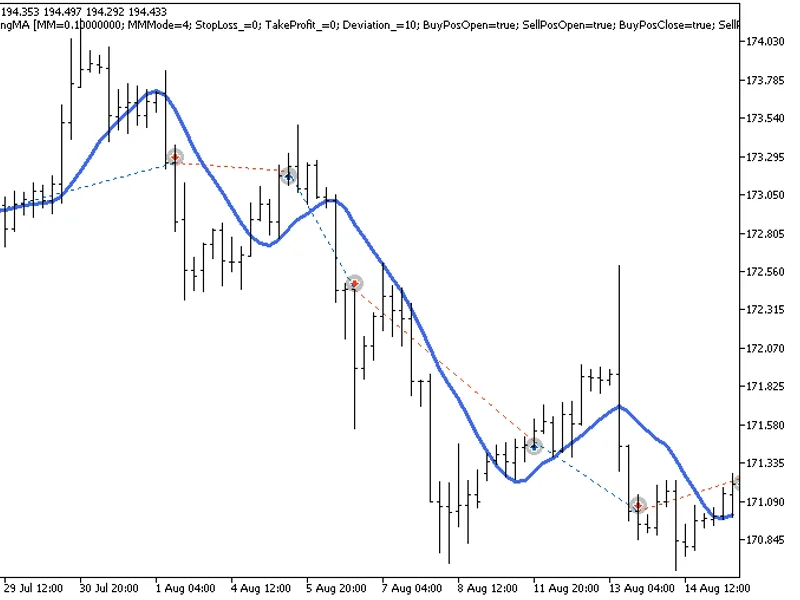
The exp_finetuningma Expert Advisor utilizes the reversal of the moving average direction as its core strategy. It generates signals when a bar closes and the indicator direction c...
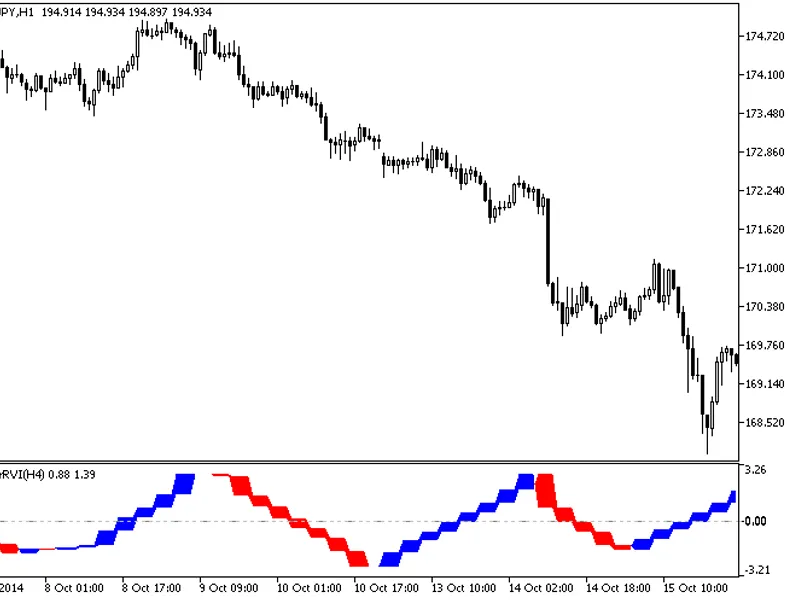
The Fisher RV i HTF indicator offers a unique feature: the ability to select the timeframe in the input parameters.To use this indicator, you'll need the FisherRVI.mq5 file. Place ...
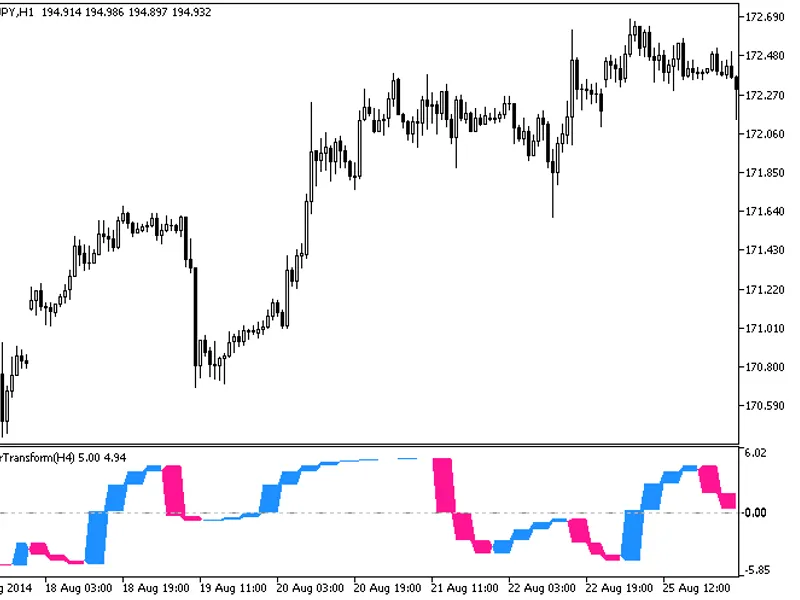
The Fisher Transform HTF indicator offers a versatile timeframe selection feature in its input parameters.To utilize this indicator, ensure you have the fishertransform.mq5 file pl...
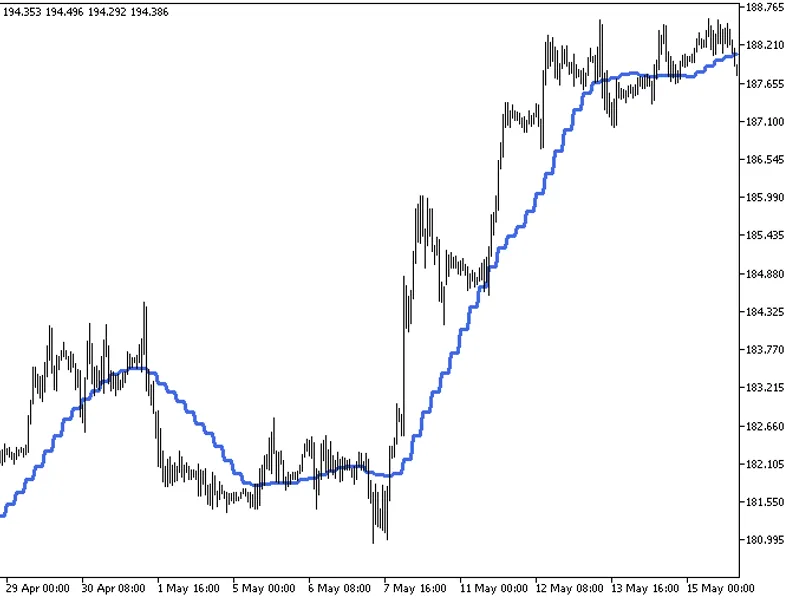
The Fine Tuning MA ST Dev indicator is an advanced tool that enhances trend analysis by incorporating standard deviation calculations.It builds upon the Moving Average (MA) concept...
The EXP_Force_Diversign Expert Advisor is designed to utilize signals from the Semaphore Signal indicator for trading decisions.This Expert Advisor identifies trading signals when ...
The Exp_ForecastOscilator Expert Advisor is designed to utilize signals from the Semaphore Signal Indicator for trading decisions.When a new colored indicator arrow appears as a ba...
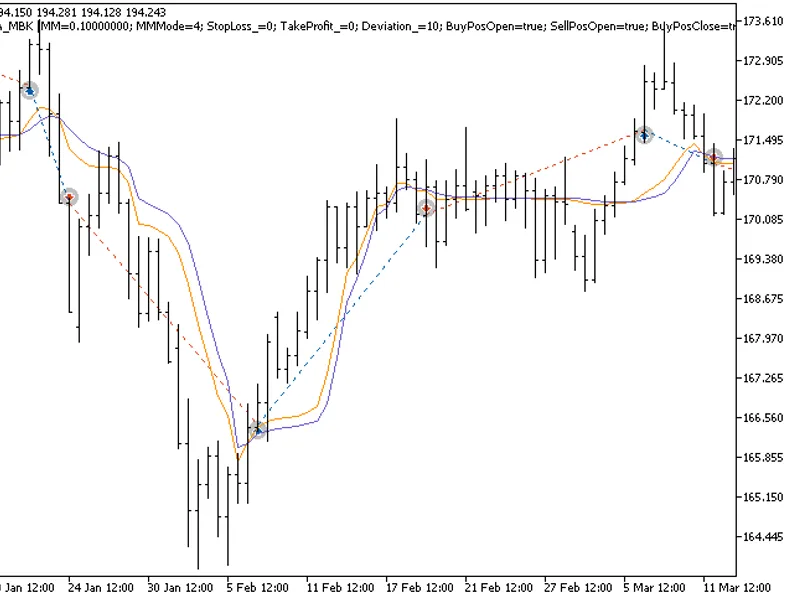
The Fractal AM a MBK HTF indicator offers a unique feature: the ability to select the timeframe directly from the input parameters.This indicator requires the fractalama_mbk.mq5 fi...
The exp_fractalama_mbk expert advisor is based on signals generated by two moving averages of the indicator.The signal is formed when a bar is closing if there is a crossing of the...
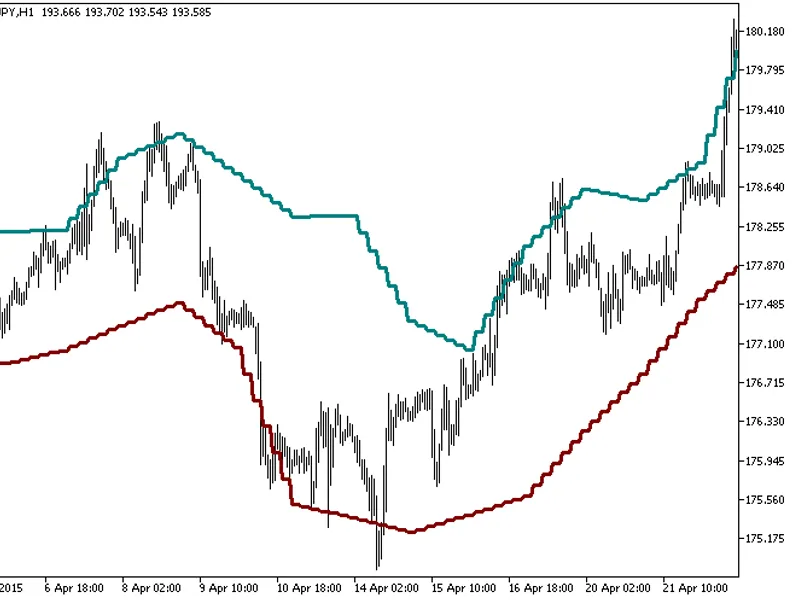
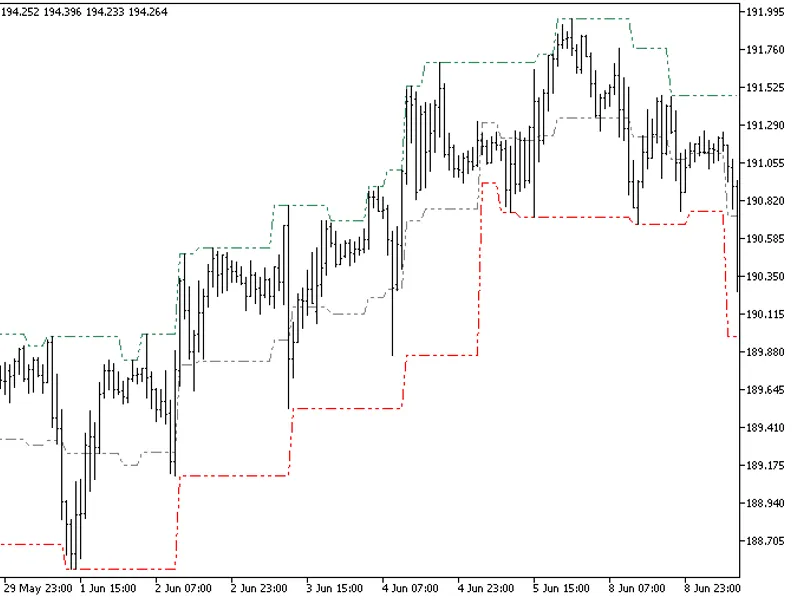
The Fractal Channel HTF indicator offers timeframe selection in its input parameters.Note: This indicator requires the FractalChannel.mq5 file. Ensure it's placed in the correct di...
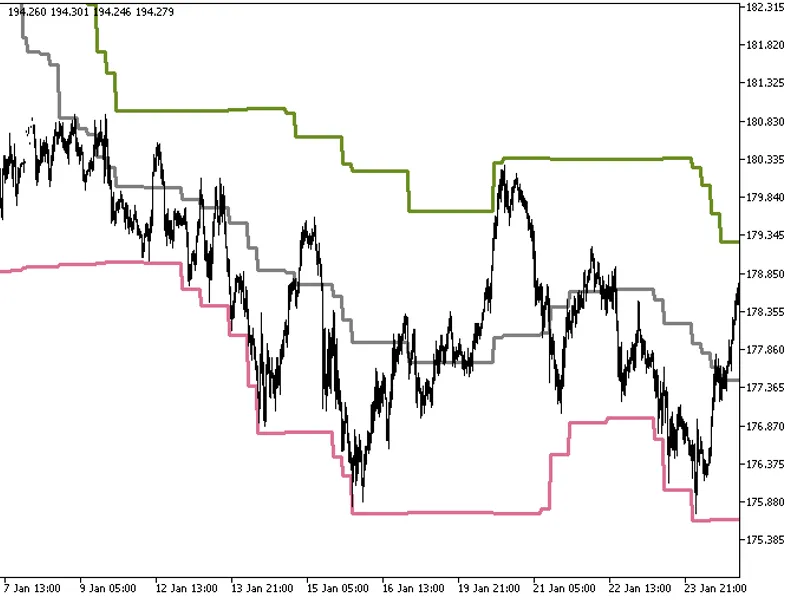
The Donchian Channels indicator with a timeframe selection option in the input parameters.This indicator requires the DonchianChannels.mq5 file, which should be placed in the <t...
This file offers an improved version of the WndContainer.mqh file, enhancing the functionality of container windows. The modifications ensure that the chart remains unaffected when...
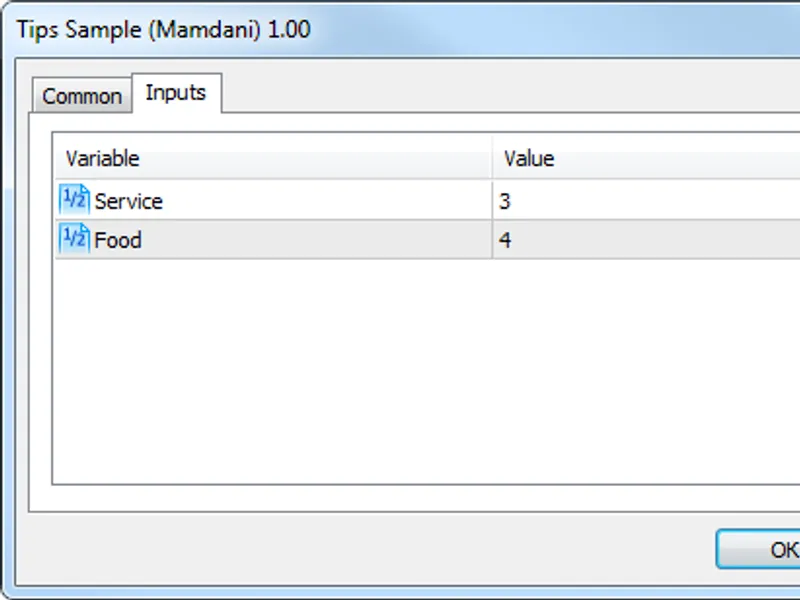
Unzip the archive into the \mql5\include\math\fuzzynet\ directory. The library codes are located here, and sample test scripts can be found in the \mql5\scripts\fuzzynet\ directory...
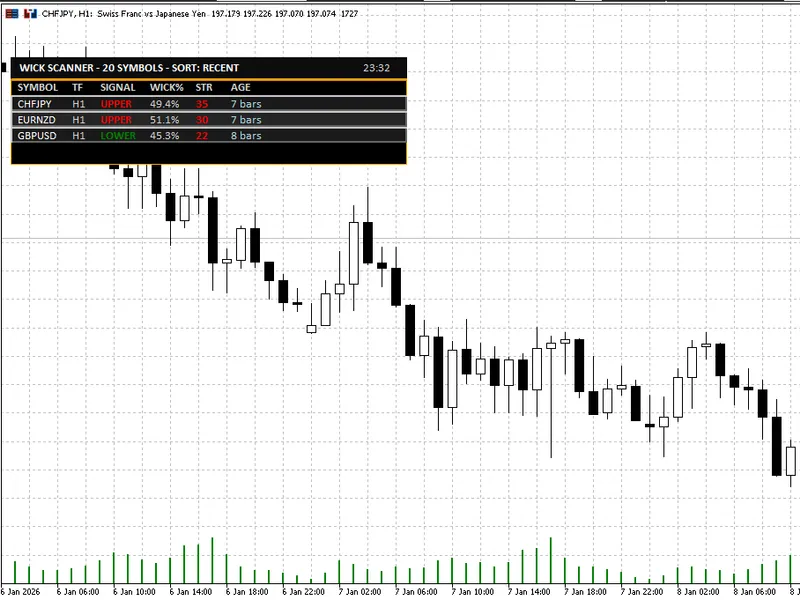
The Wick Rejection Scanner Dashboard is a powerful MT5 indicator designed to streamline the process of identifying and analyzing wick-based rejection candles across multiple symbol...
The Wick Sculper trading strategy employs a dual-EMA approach for generating buy and sell signals. This strategy mandates confirmation from both EMAs for signal generation, unless ...
MetaQuotes Software: Bug Fixes and EnhancementsWhen working with the standard library on a pixel basis, you may encounter missing pixels due to bugs in the crect class. The primary...