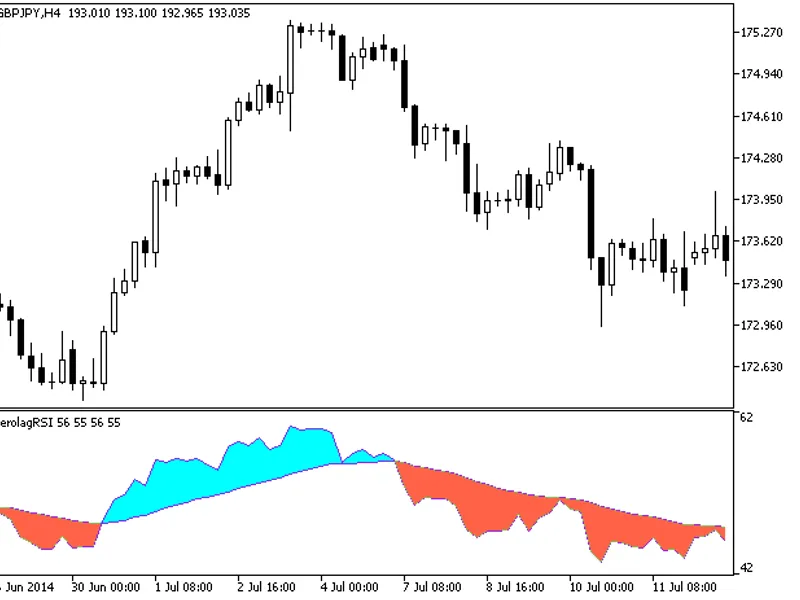
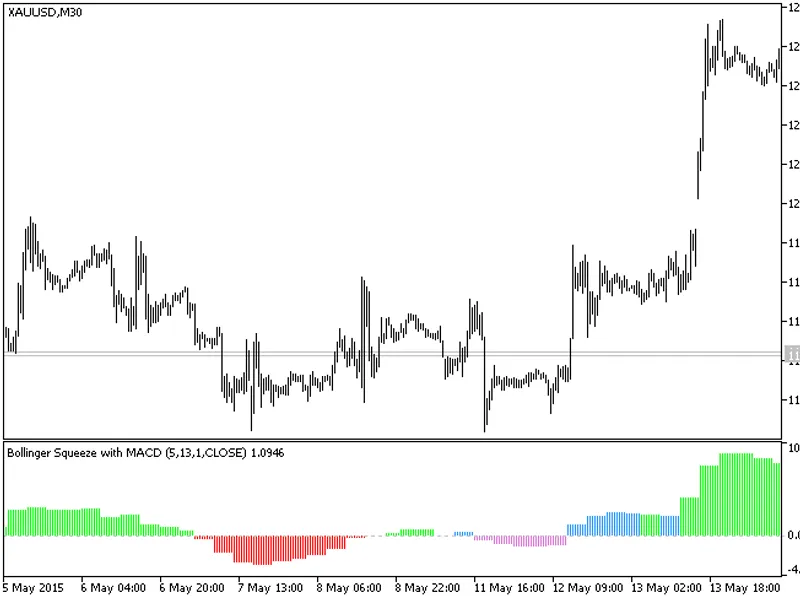
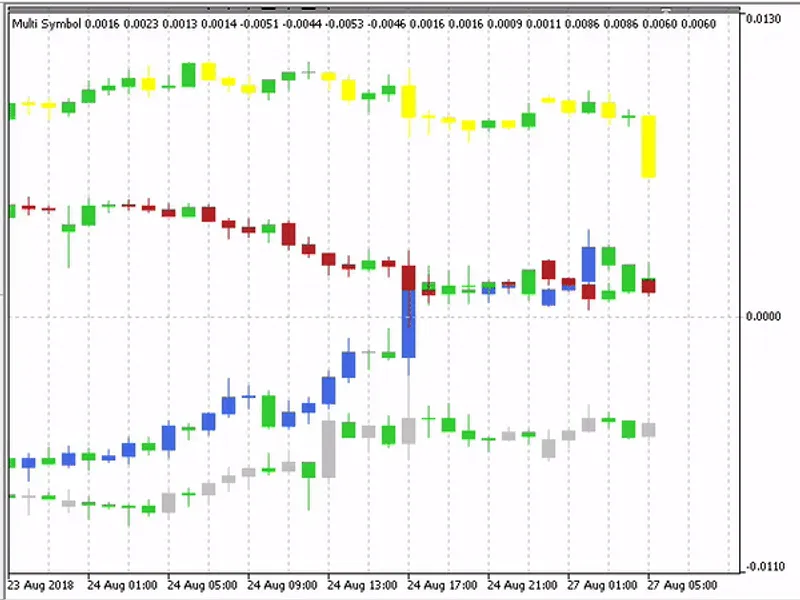
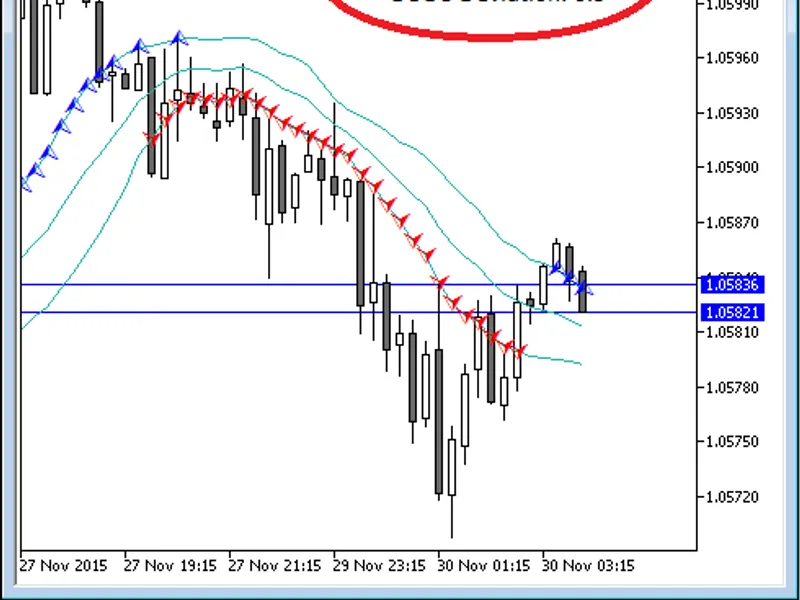
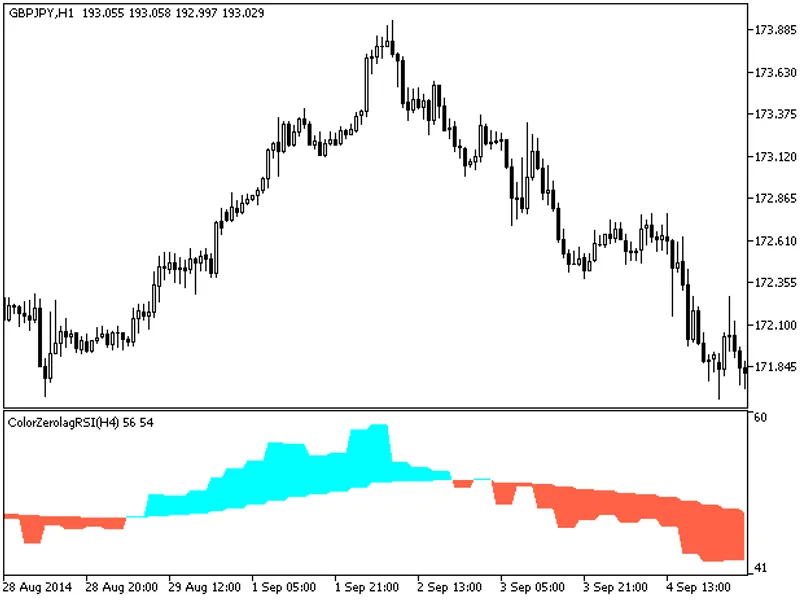
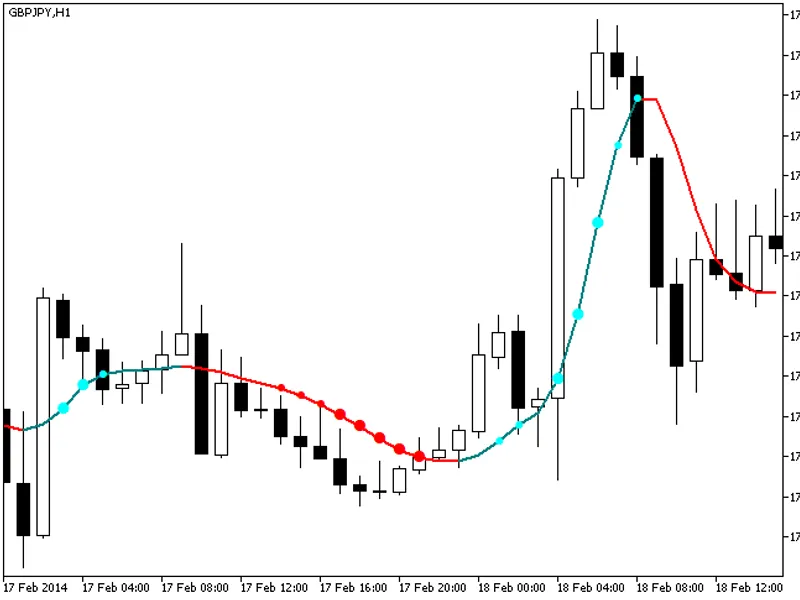
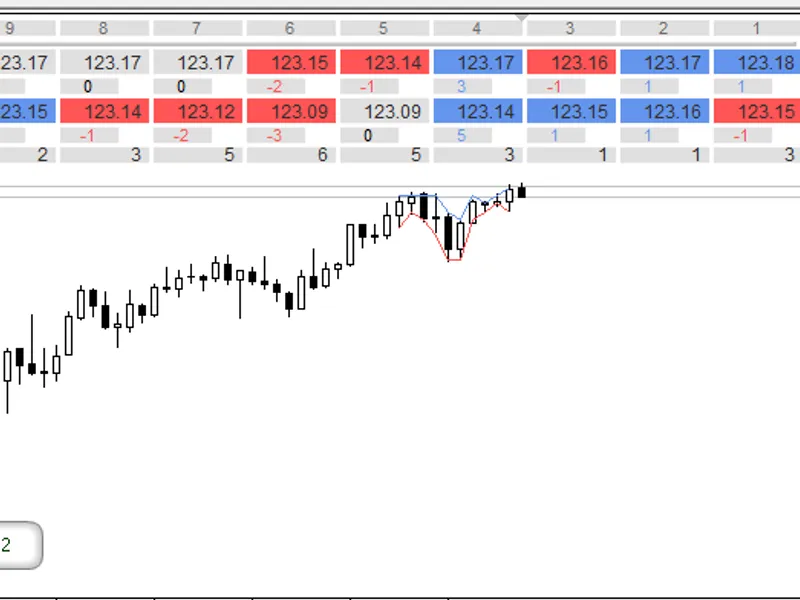
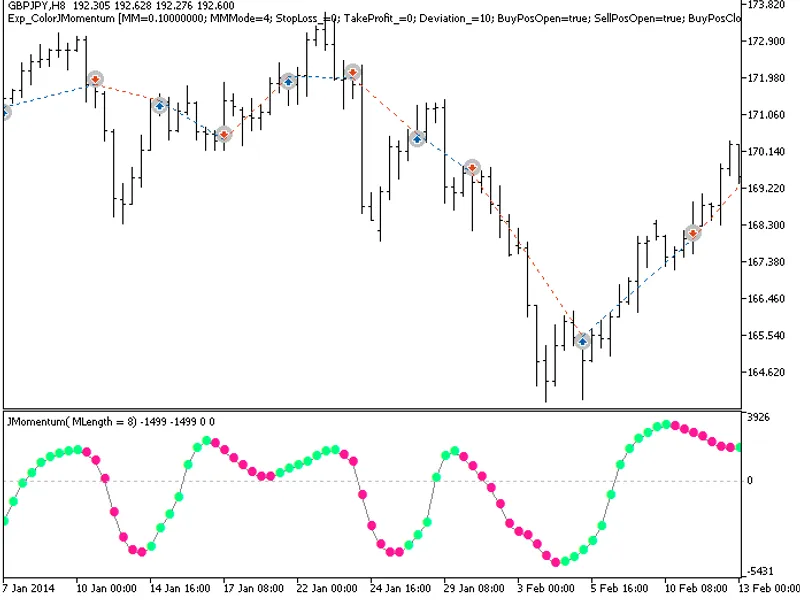
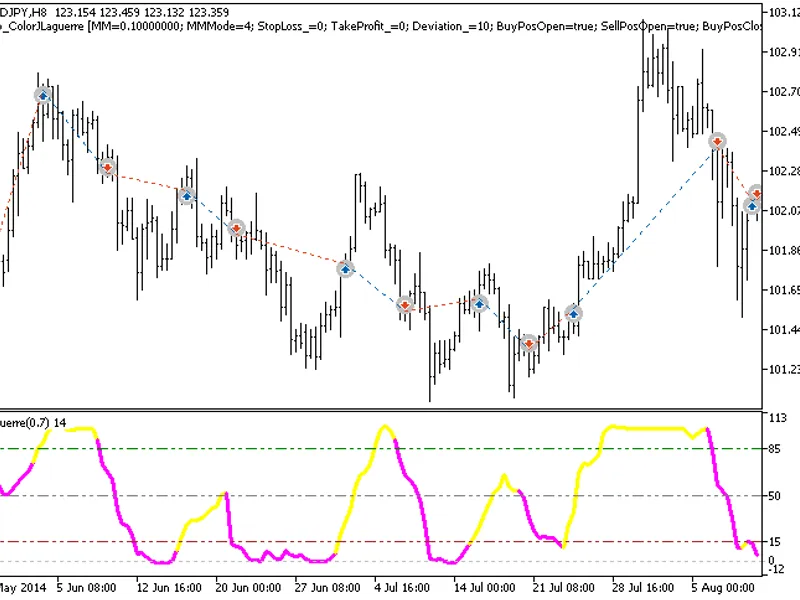
This indicator is an RSI oscillator analogue calculated based on five relative strength index indicators.All editable variables are implemented as indicator input parameters. These...
High Time Frame Bollinger Squeeze Indicator.This indicator includes a timeframe selection option in its input parameters.The indicator requires the bollinger_squeeze_v9.mq5 indicat...
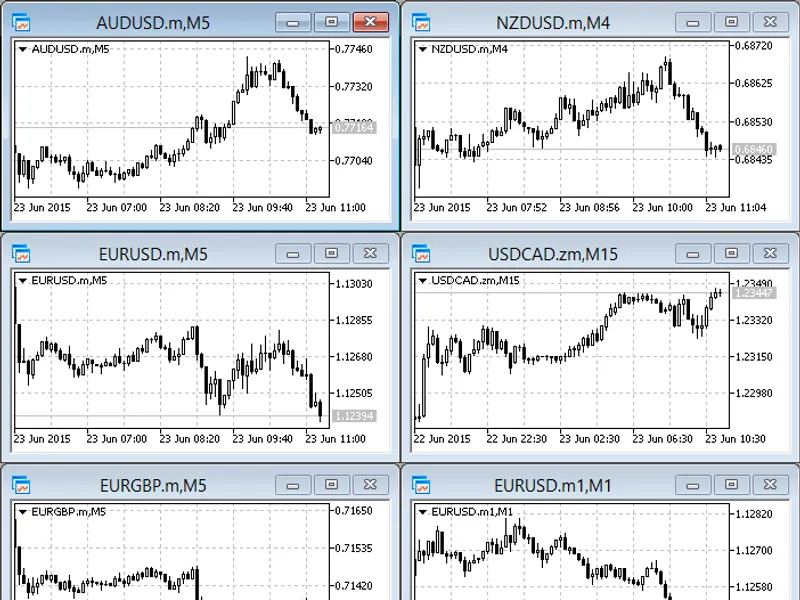
This indicator is designed to display candlestick formations for multiple symbols in a single window, offering a comprehensive view of market trends.The default setting displays fo...
Arrow displays can be set in the indicator when the price touches or crosses the upper/lower bands.This is a simple modification to an existing indicator, created to address a spec...
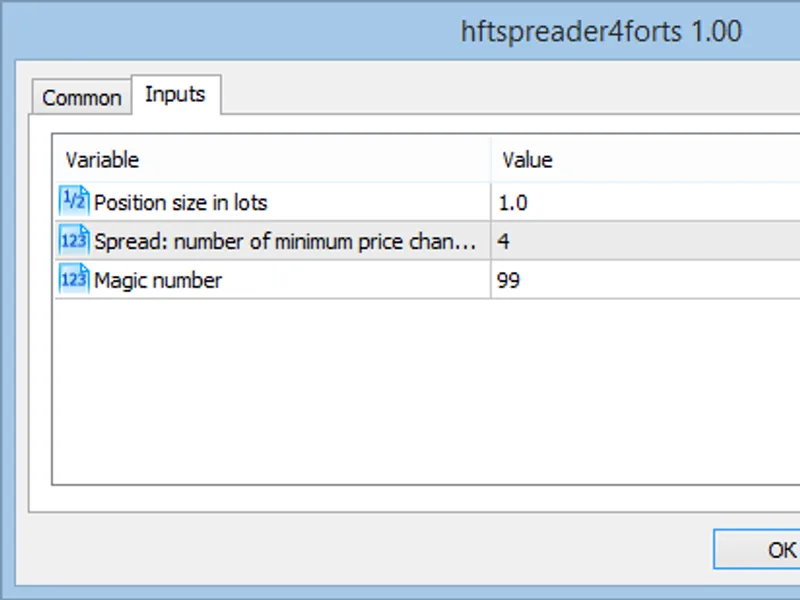
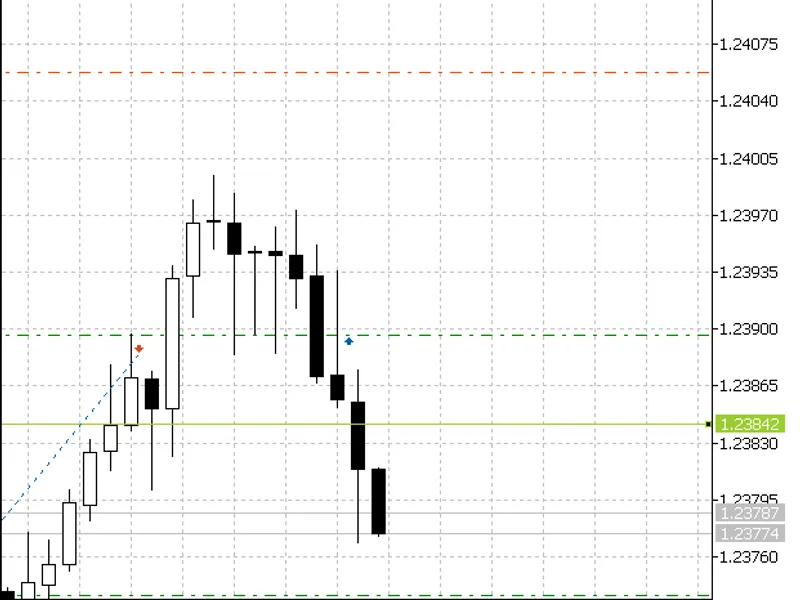
Inputs:- Position size in lots- Spread - Number of minimum price steps. For example, a value of 4 set for the symbol mix-9.15 means that the minimum price change step for this symb...
The indicator offers a unique feature: the ability to select the timeframe for analysis.To utilize this indicator, you'll need the colorzerolagrsi.mq5 file. Ensure it's placed in t...
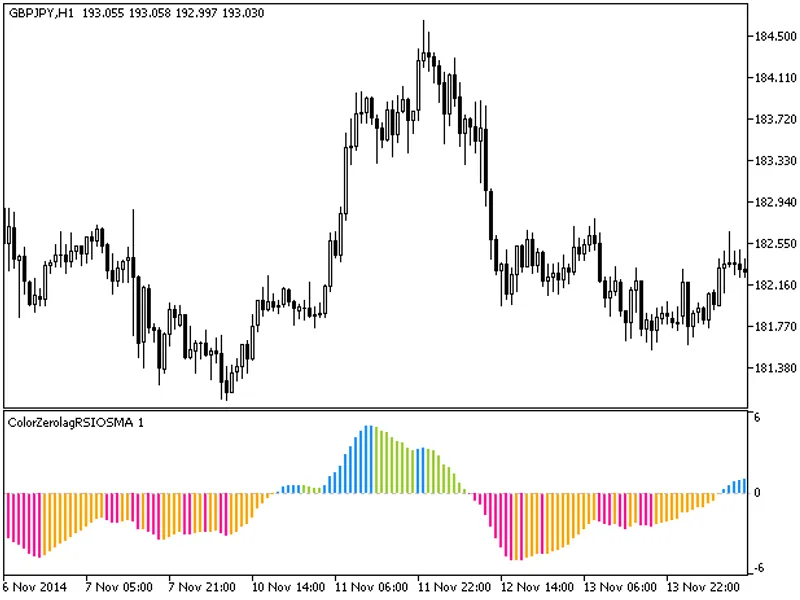
The smoothed indicator rate of change, represented as a colored histogram, provides an accurate determination of the current trend direction.Fig.1. The ColorZerolagRSIOsma indicato...
The Bollinger Bands %B HTF indicator offers a timeframe selection option in its input parameters.This indicator requires the bollingerbands_b.mq5 file, which should be placed in th...
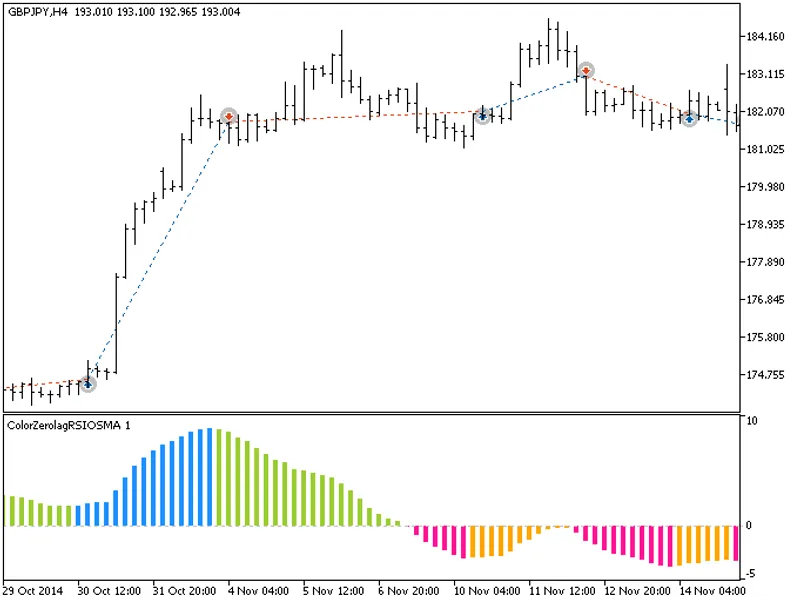
The EXP_ColorZerolagRSIOSMA expert advisor is based on the histogram change of direction. The signal is formed when a bar is closing if there is a change in the oscillator directio...
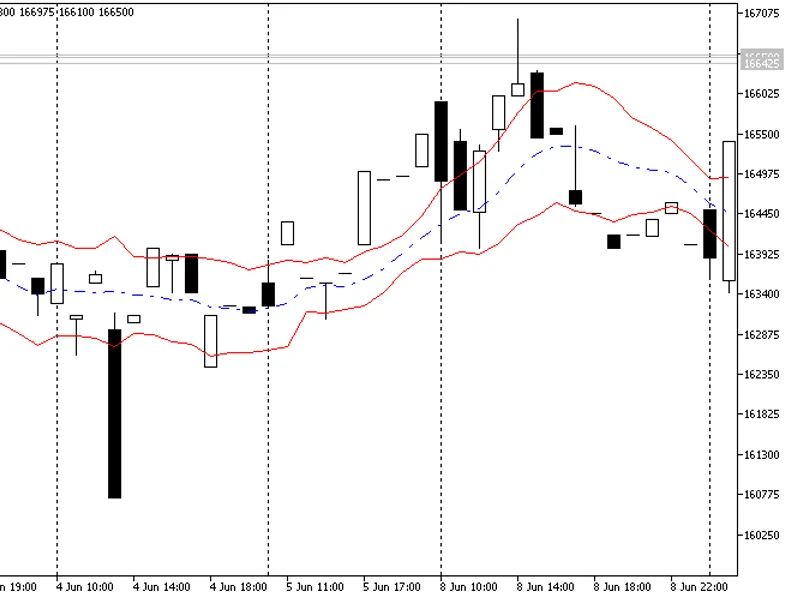
The indicator displays the Keltner Channel, a classic technical tool created in 2026 by Chester Keltner. It may resemble Bollinger Bands.This indicator utilizes three lines on the ...
The script offers a solution to optimize screen space when displaying multiple charts in a tiled layout.When you have several charts open, the time and price scales can occupy a si...
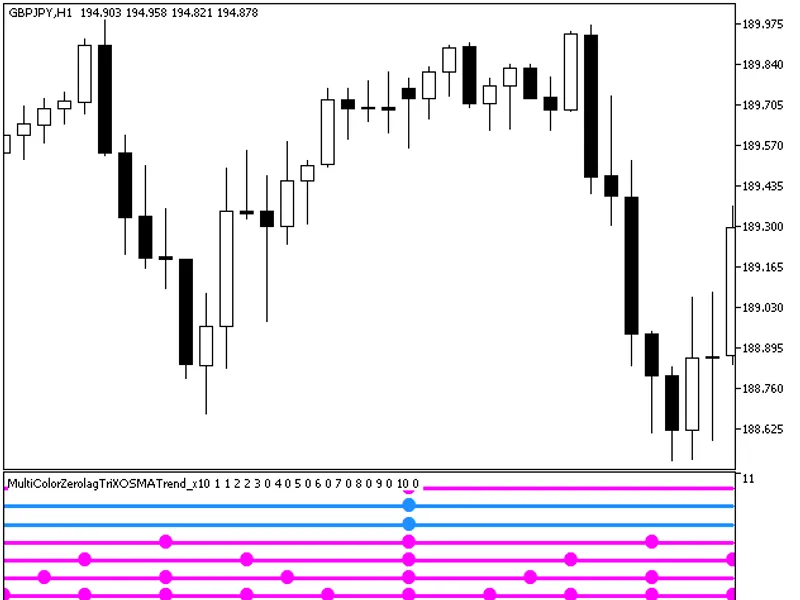
The MultiColorZeroLagTriXoSMA_Trend_X10 indicator provides insights into current trends by displaying indicator directions from ten distinct timeframes.Each of the ten indicator li...
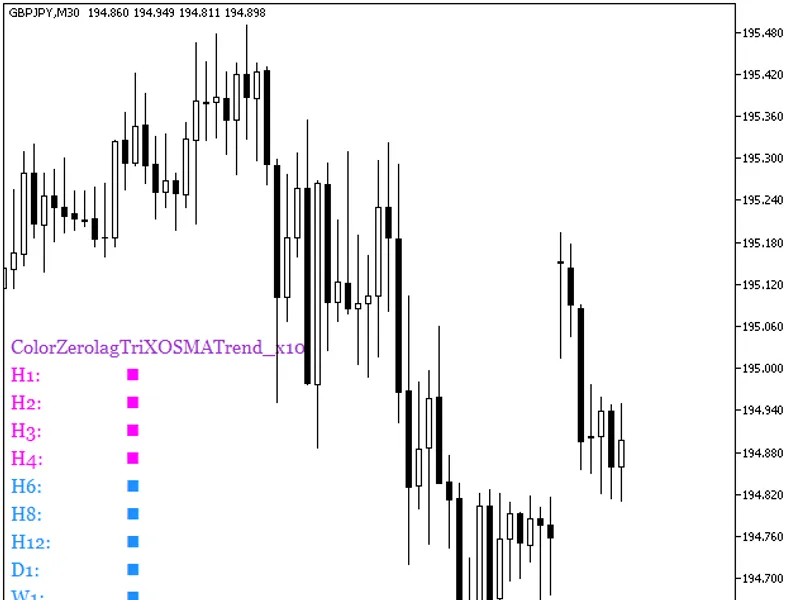
The ColorZeroLagTriXOSMATrend_X10 indicator displays the oscillator direction across ten distinct timeframes.Oscillator movement is indicated by color:- Falling: Pink- Rising: Ligh...
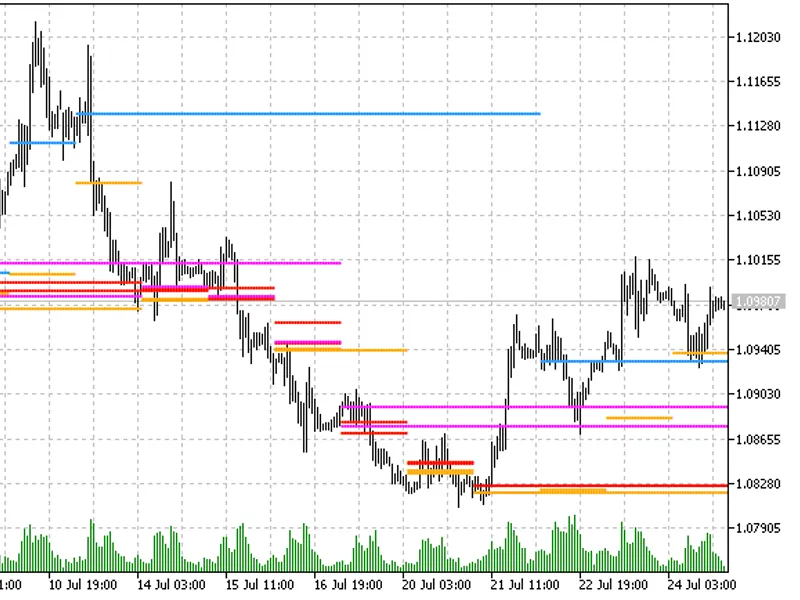
This indicator displays support/resistance lines using a simplified price histogram calculation. It is designed to be lightweight and efficient.Display:- Gold line: Peaks of a 1-da...
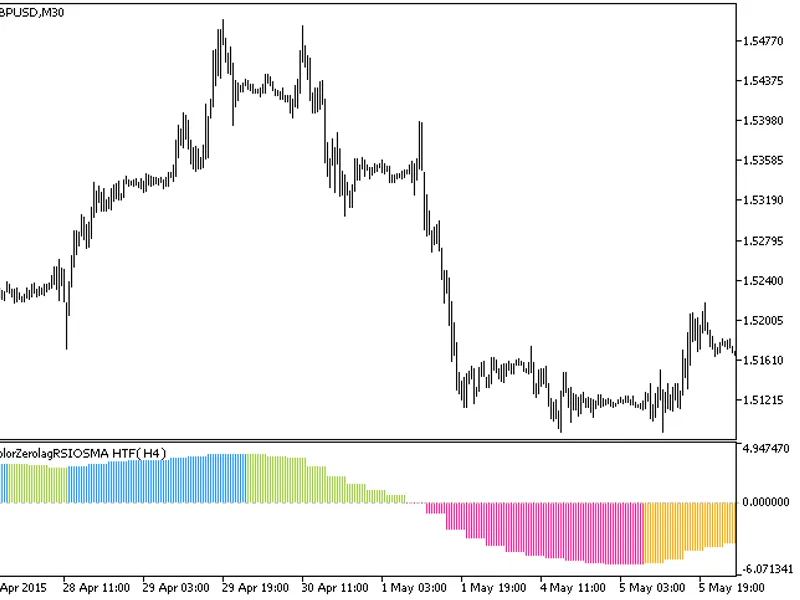
The indicator offers a unique feature: the ability to select the timeframe in the input parameters.To utilize this indicator, you'll need the colorzerolagrsiosma.mq5 indicator file...
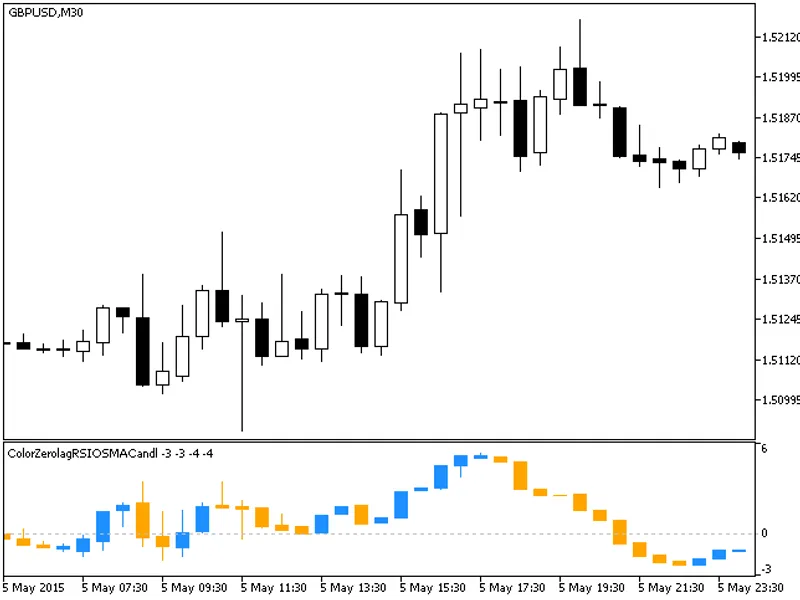
The ColorZeroLagRSIOSMACandle indicator presents a unique visualization of price data by transforming the traditional candlestick chart into a sequence of colored candlesticks, eac...
The Lot Line indicator is a powerful tool for traders using the MetaTrader platform (MT4/MT5).It displays a horizontal line on the chart, indicating the trade volume in lots needed...
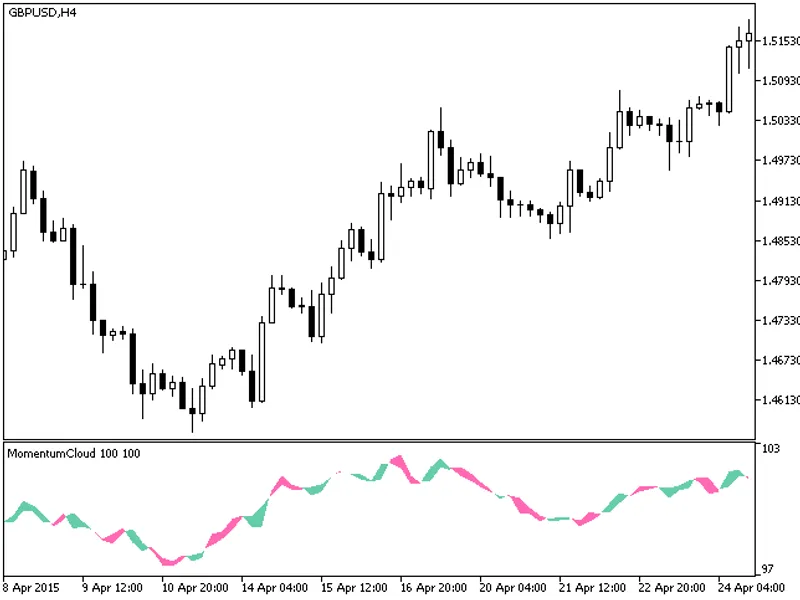
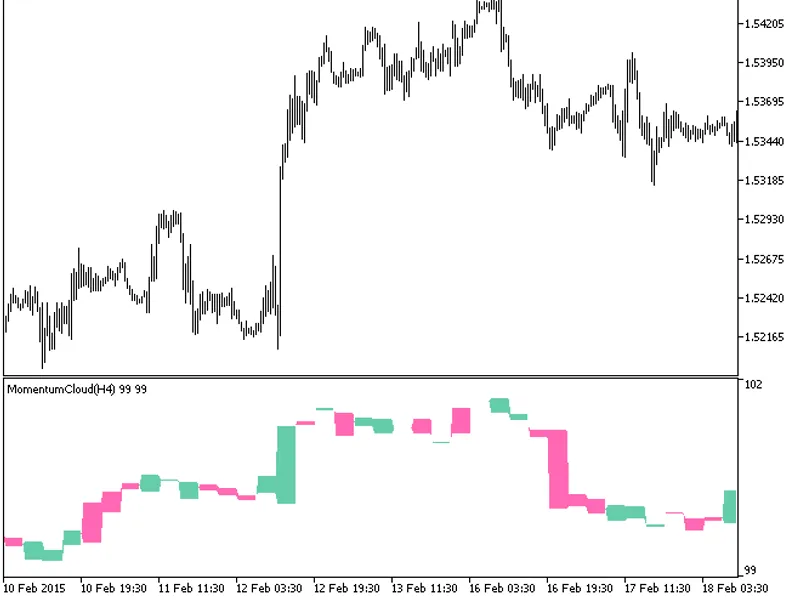
The indicator with the timeframe selection option available in the input parameters:This indicator requires the MomentumCloud.mq5 indicator file. Place it in \mql5\indicators.Fig.1...
This indicator calculates a momentum oscillator based on five momentum indicators.All variables are adjustable as input parameters, but they are interdependent, so careful adjustme...
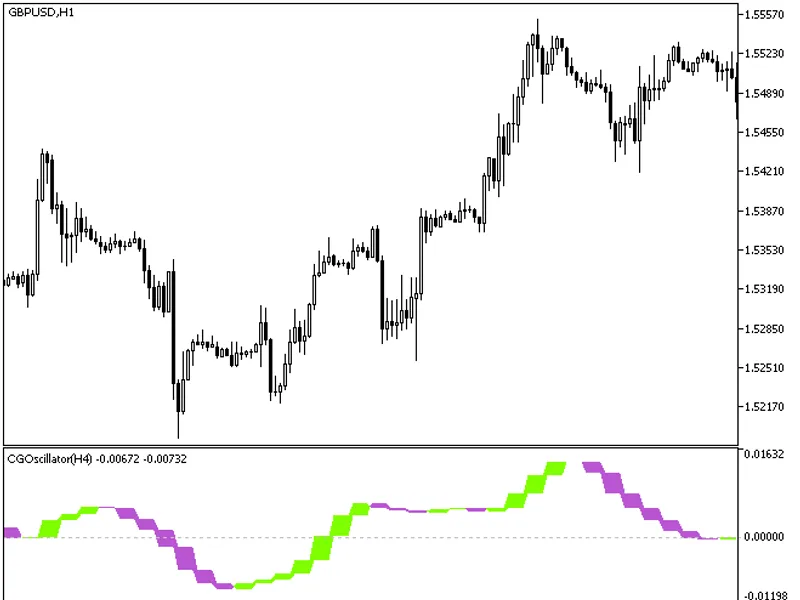
The CG Oscillator HTF indicator offers a unique feature: the ability to select the timeframe directly from the input parameters.This indicator relies on the cgoscillator.mq5 file, ...
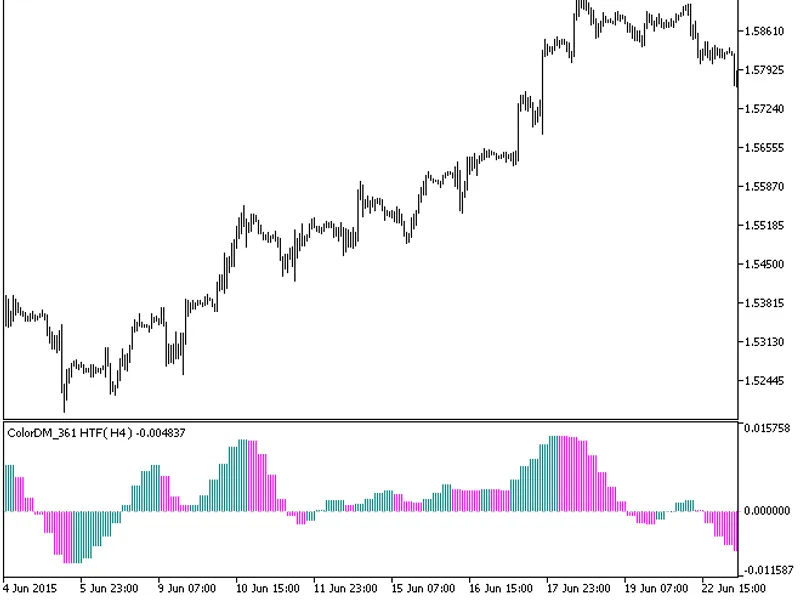
The indicator offers a unique feature: the ability to select the timeframe directly from the input parameters.To use this indicator, you'll need the colordm_361.mq5 indicator file....
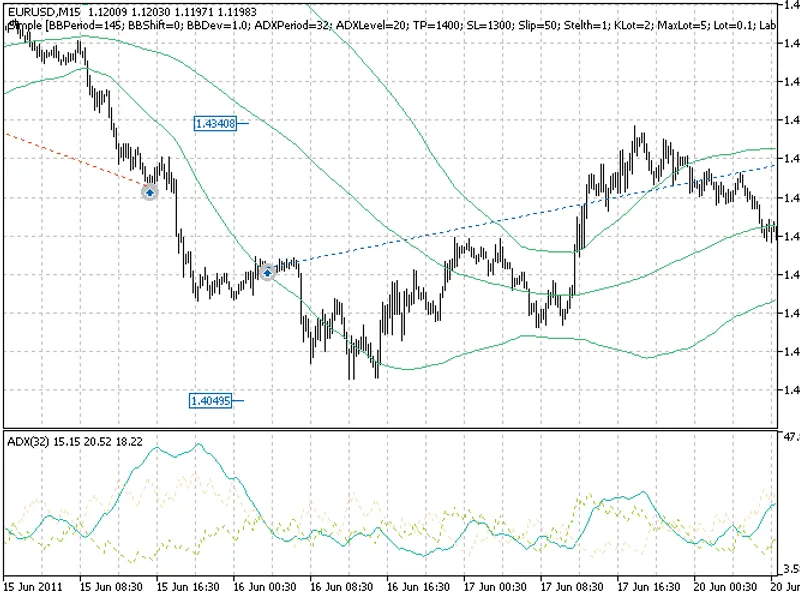
Well Martin EA is a trading strategy based on two indicators: Bollinger Bands and ADX. It is designed for tranquil market conditions.The EA's money management system adjusts the lo...
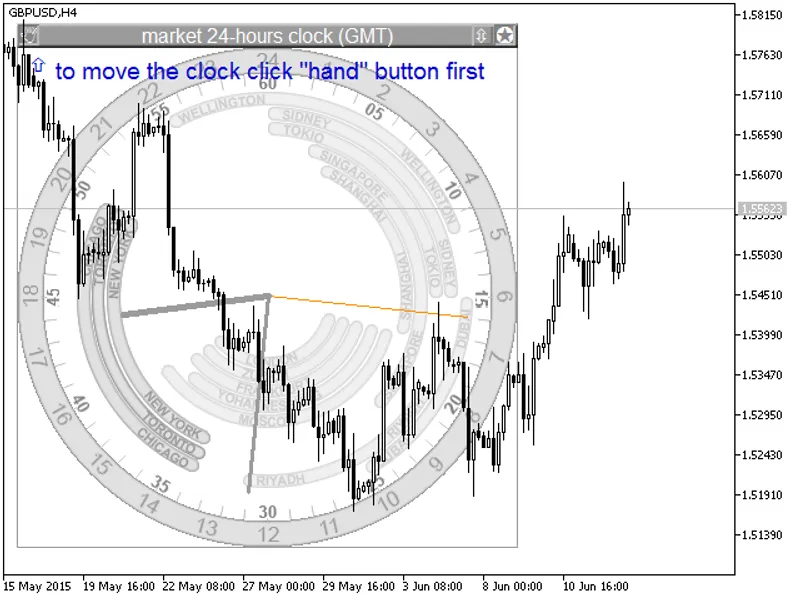
24-hour analog GMT(UTC) market clock displaying in the background.The clock shows the Greenwich Mean Time and the status of major stock exchanges according to their schedules.It di...
A smoothed indicator rate of change, represented as a colored histogram, allows for accurate determination of the current trend direction.Fig.1. Color ZeroLag Momentum OSMA...
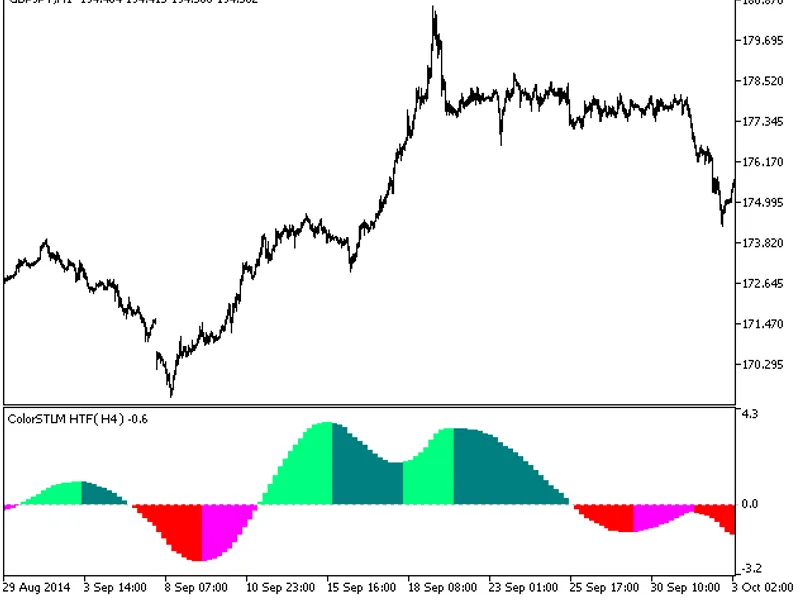
The indicator with the timeframe selection option available in the input parameters.The indicator requires ColorSTLM.mq5 indicator file. Place it in <terminal_data_folder>\mq...
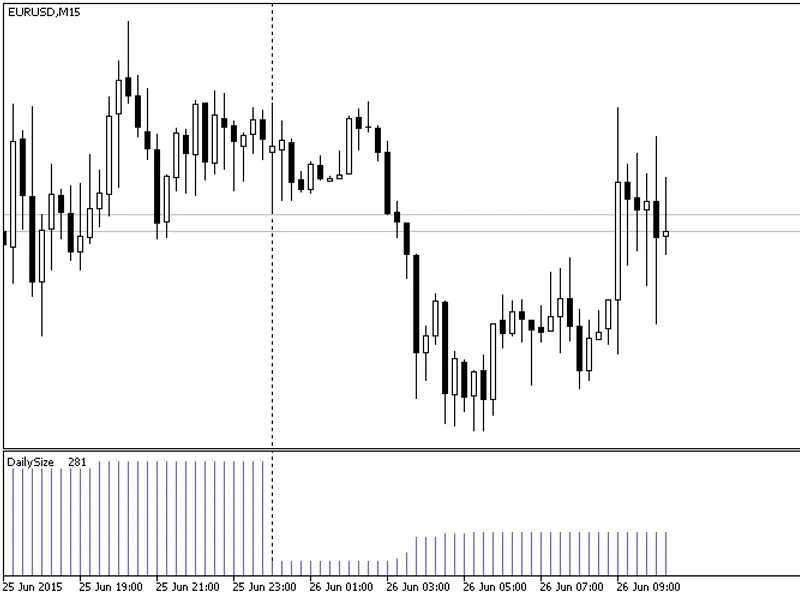
This indicator displays the daily price movement range, providing a historical overview of fluctuations.Key features:- Visualize daily price changes.- Understand historical price b...
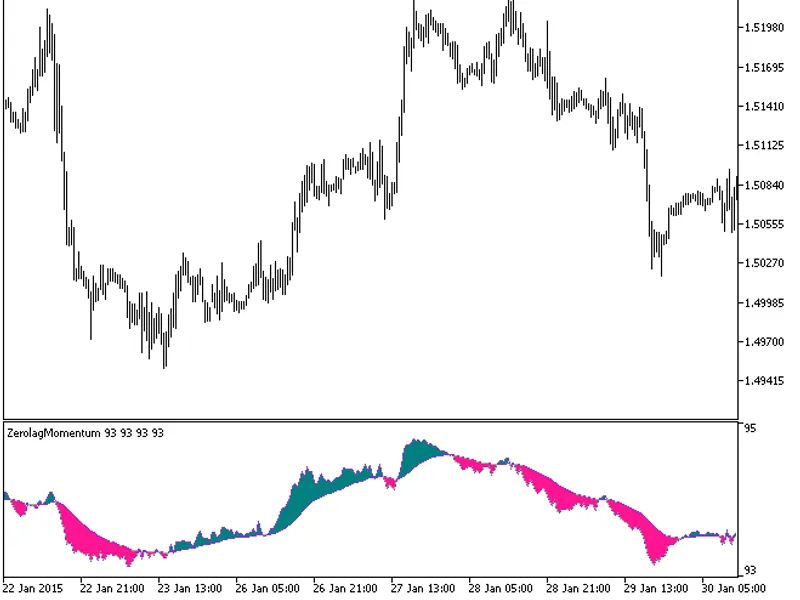
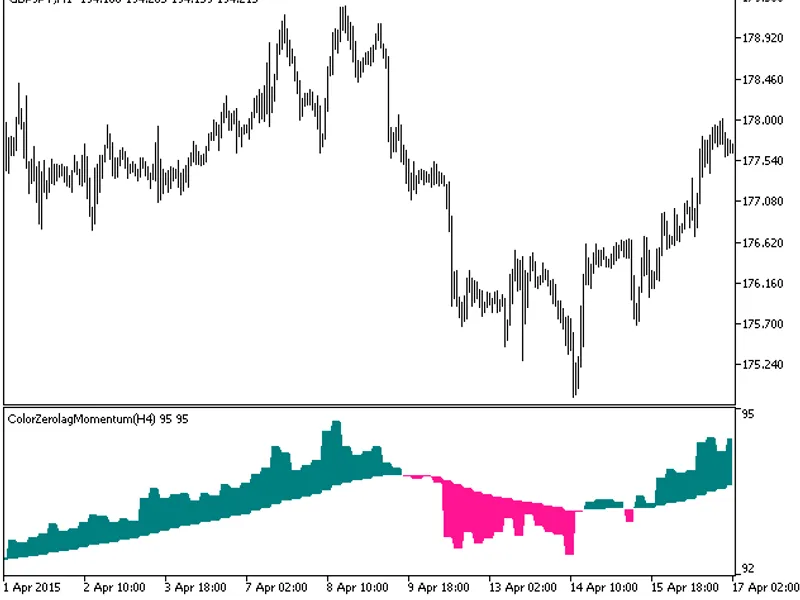
The indicator with the timeframe selection option available in the input parameters.The indicator requires the ColorZeroLagMomentum.mq5 indicator file. Place it in <terminal_dat...
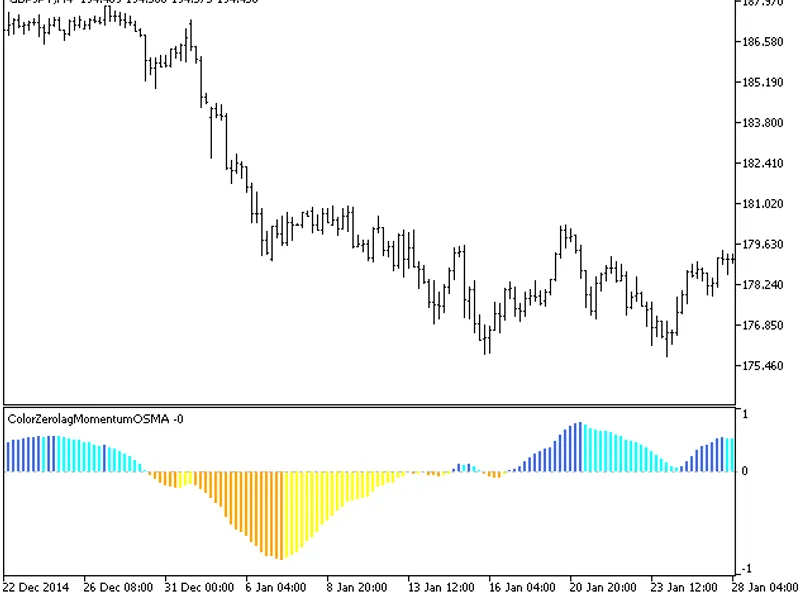
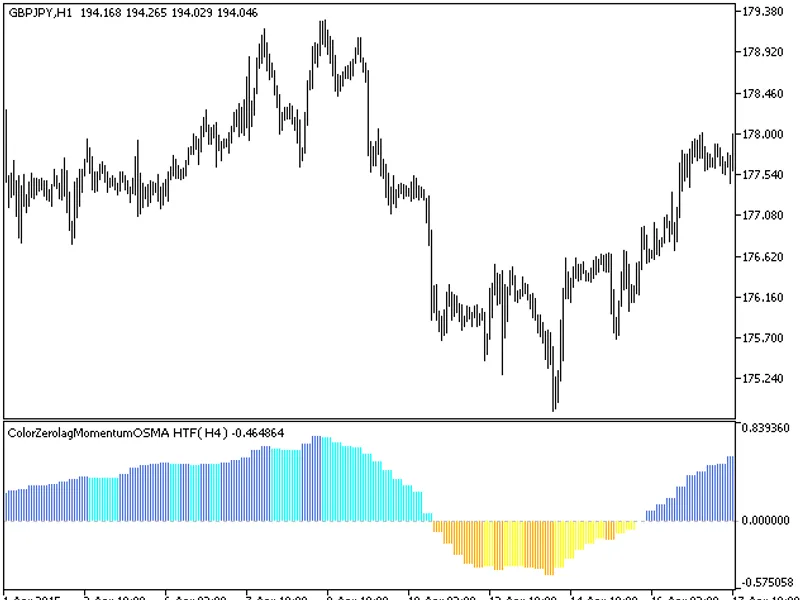
The indicator with the timeframe selection option available in the input parameters.The indicator requires ColorZerolagMomentumOSMA.mq5 indicator file. Place it in \mql5\indicators...
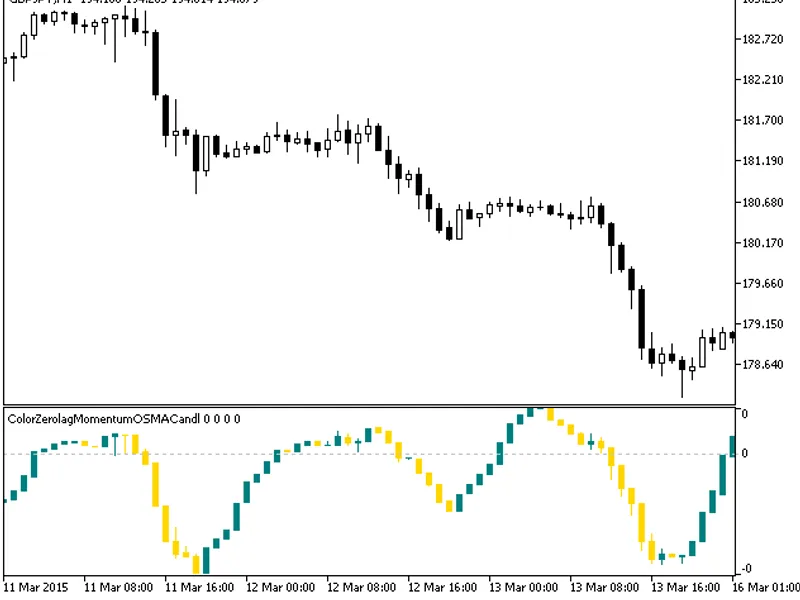
The indicator is presented as a sequence of candlesticks, which are generated by applying the ColorZeroLagMomentumOSMA algorithm to relevant price time series data.This approach ca...
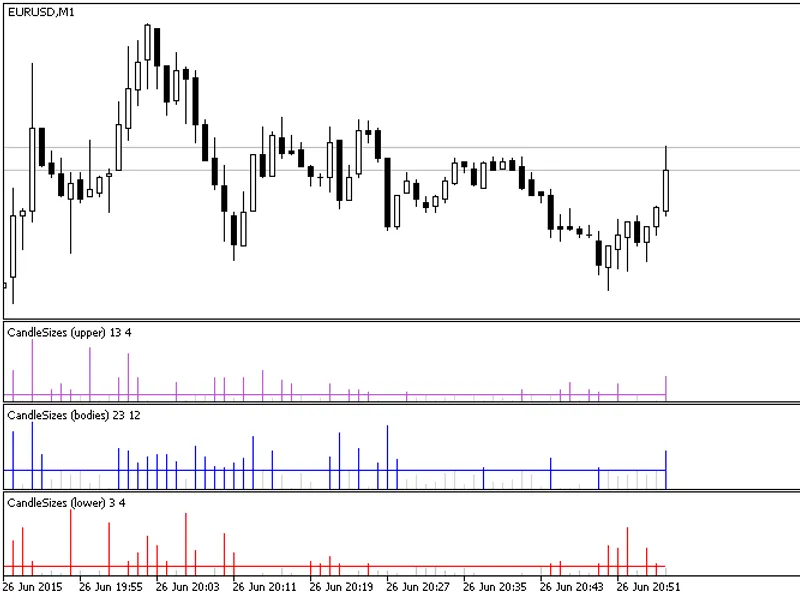
This indicator displays the size of candlestick elements on a chart, providing a visual representation of their values.Each histogram bar represents the size of a specific element ...
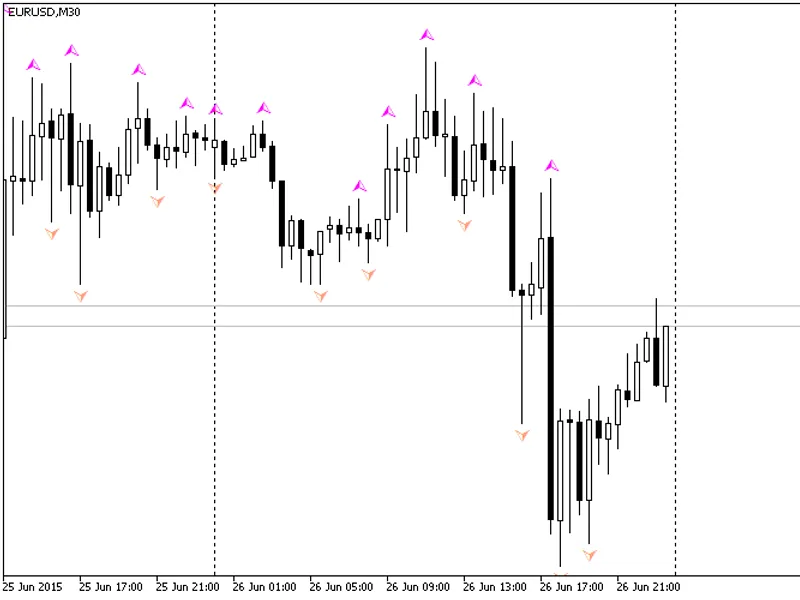
This indicator is based on the built-in fractals indicator in MetaTrader 5. It is designed to provide a non-repainting alternative to the standard indicator.To compare its performa...
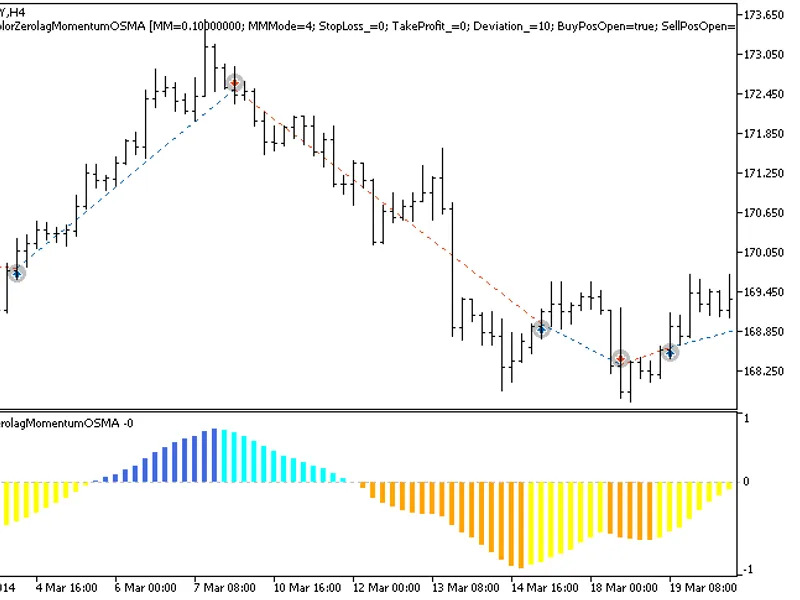
The EXP_ColorZeroLagMomentumOsMA Expert Advisor is based on the histogram's change of direction. The signal is formed when a bar is closing if there is a change in the oscillator d...
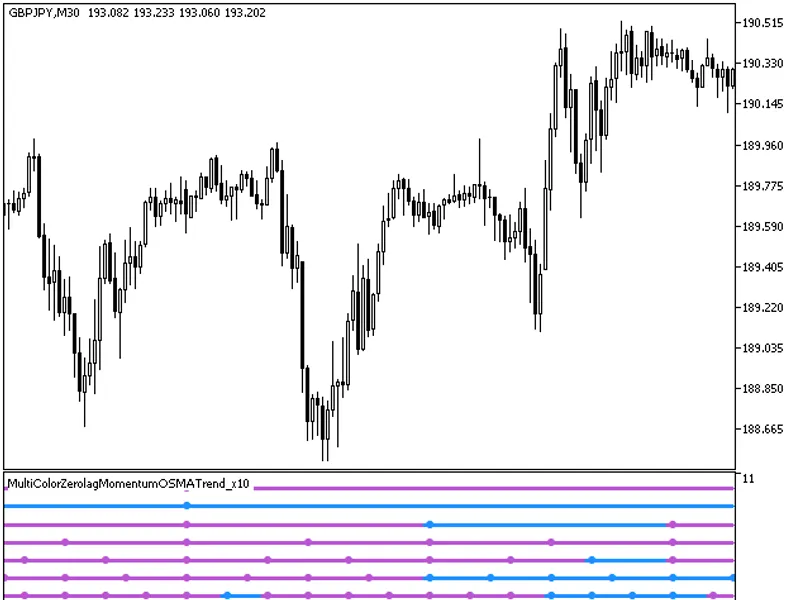
The MultiColorZeroLagMomentumOSMATrend_X10 indicator provides insights into current trends by displaying the indicator direction across ten distinct timeframes.Each of the ten indi...
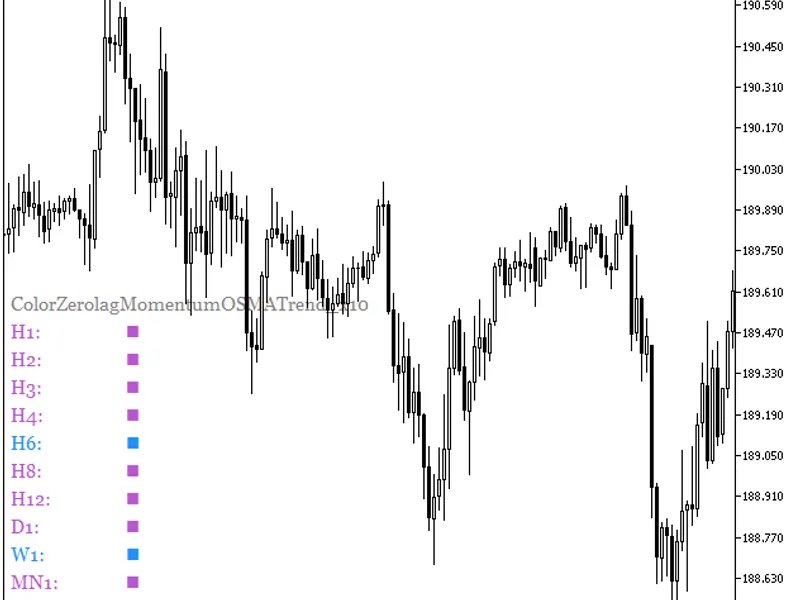
The ColorZeroLagMomentumOSMATrend_X10 indicator displays the oscillator's direction across ten distinct timeframes.Purple squares indicate a falling oscillator movement, light blue...
This indicator is a variant of the moving average, calculated using five moving averages.All editable variables are implemented as indicator input parameters. These variables are i...
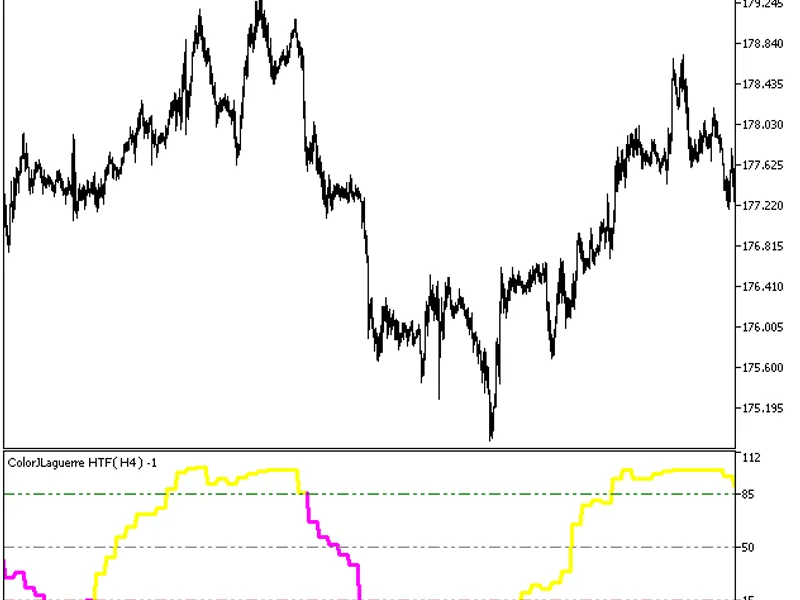
The ColorJlaguerre indicator with the timeframe selection option in the input parameters.This indicator requires the ColorJlaguerre.mq5 indicator file. Place it in <terminal_dat...
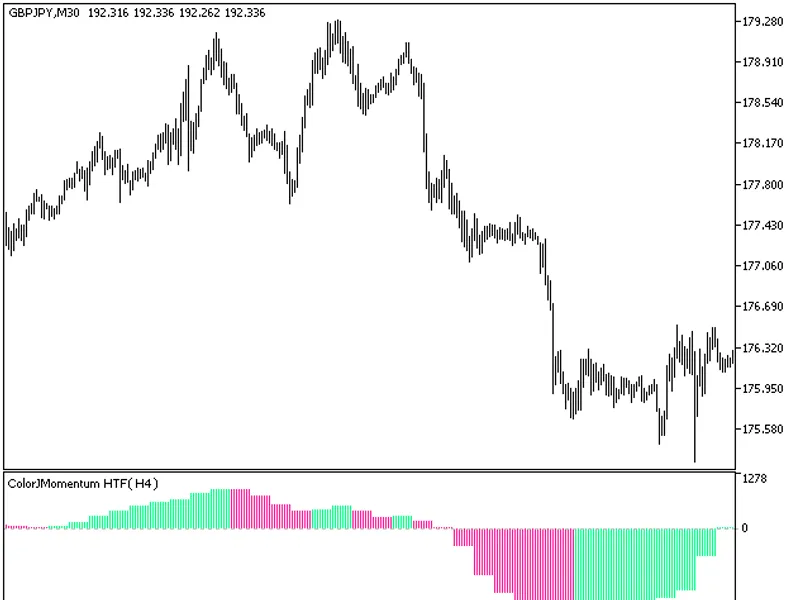
The ColorJMomentum indicator with a timeframe selection option in the input parameters.This indicator requires the ColorJMomentum.mq5 indicator file. Place it in \mql5\indicators.F...
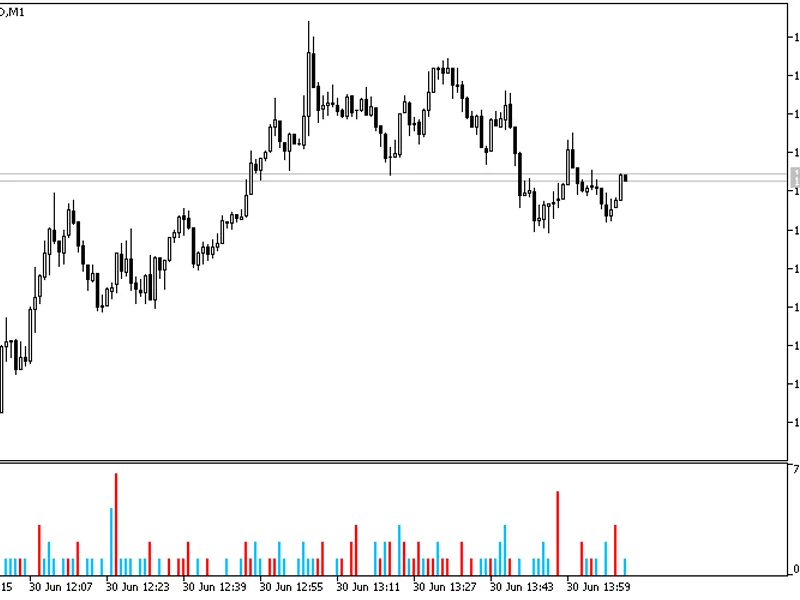
This indicator visualizes price gaps as a histogram. Red bars indicate up gaps that are likely to fill down, while blue bars represent down gaps that will fill up.A unique feature ...
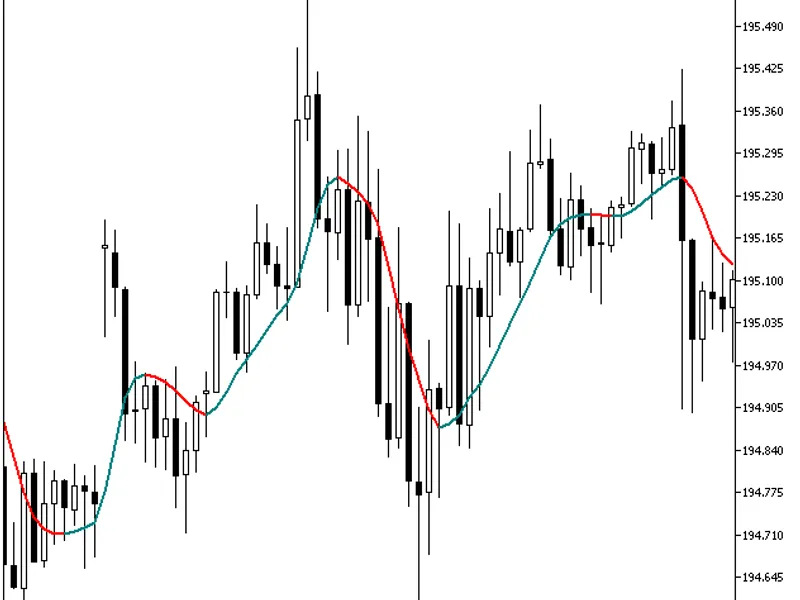
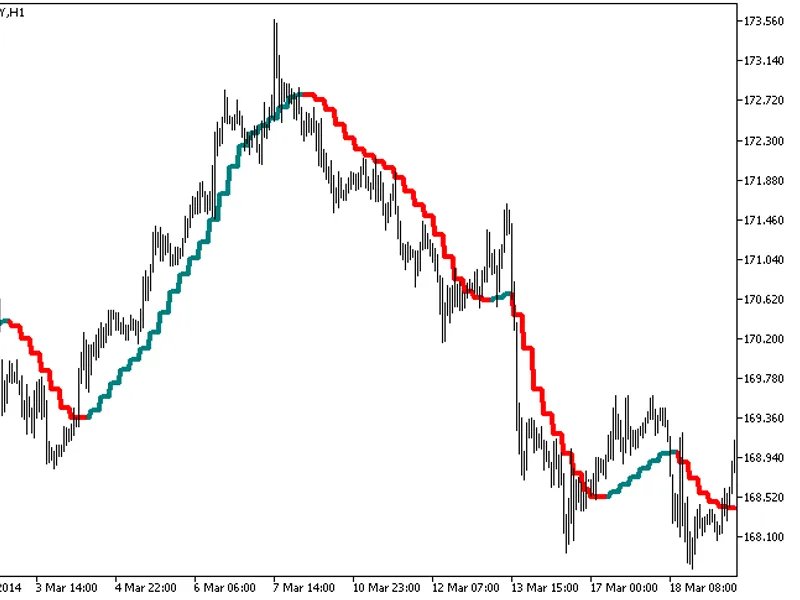
The indicator with the timeframe selection option available in the input parameters.The indicator requires ColorZerolagX10MA.mq5 indicator file. Place it in \mql5\indicators.Fig.1....
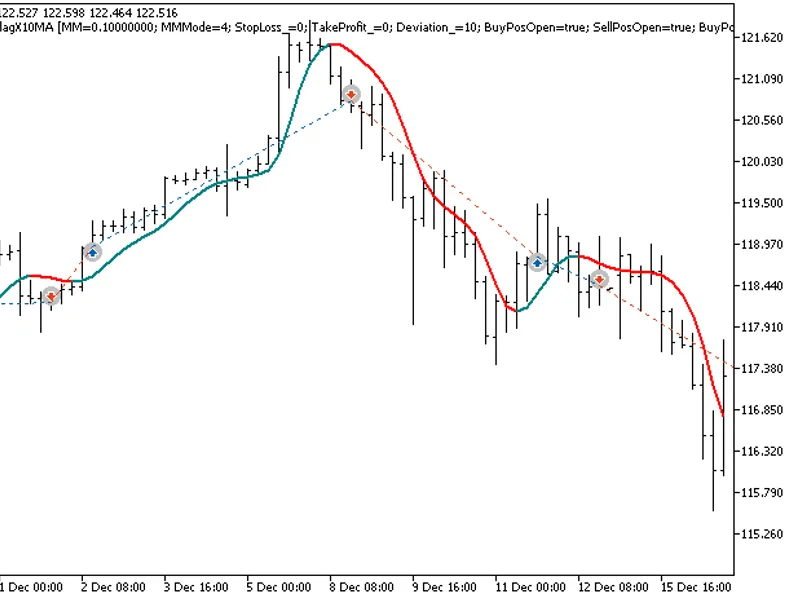
The EXP Color ZeroLag X10 MA expert advisor is based on the moving average change of direction. It generates signals when a bar is closing, indicating a change in the moving averag...
The indicator provides additional trend strength indication through colored dots based on the standard deviation algorithm.When the standard deviation of the ColorZerolagX10MA indi...
By default, this indicator displays nine values of two different moving averages (MA) for the , a difference between previous sequential MA values and a difference between MAs in p...
The Exp Color Jmomentum Expert Advisor is designed to utilize the Color Jmomentum oscillator's change of direction for trading signals.This Expert Advisor relies on the Color Jmome...
The Exp_ColorJlaguerre Expert Advisor is designed to utilize the ColorJlaguerre oscillator's change in position relative to overbought and oversold levels for generating trading si...
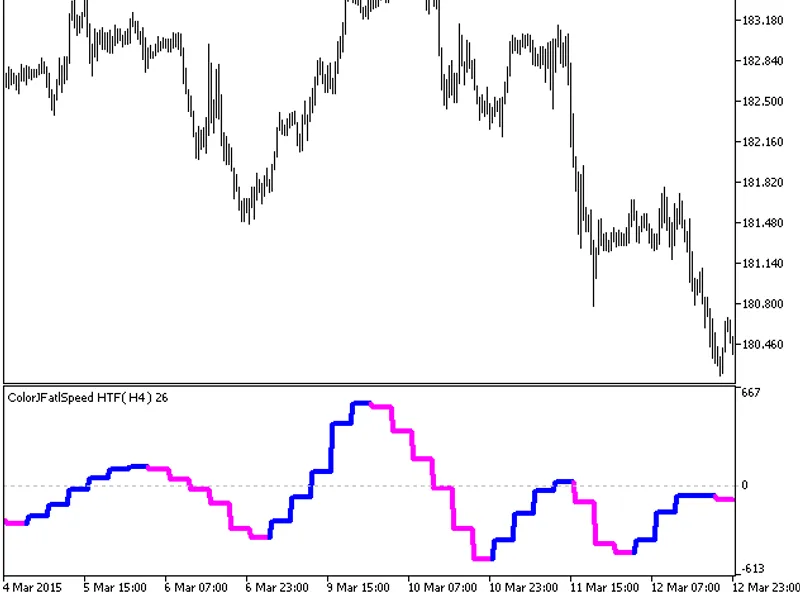
The indicator offers timeframe selection in its input parameters.It requires the colorjfatlspeed.mq5 indicator file, which should be placed in \mql5\indicators.Fig.1. The colorjfat...
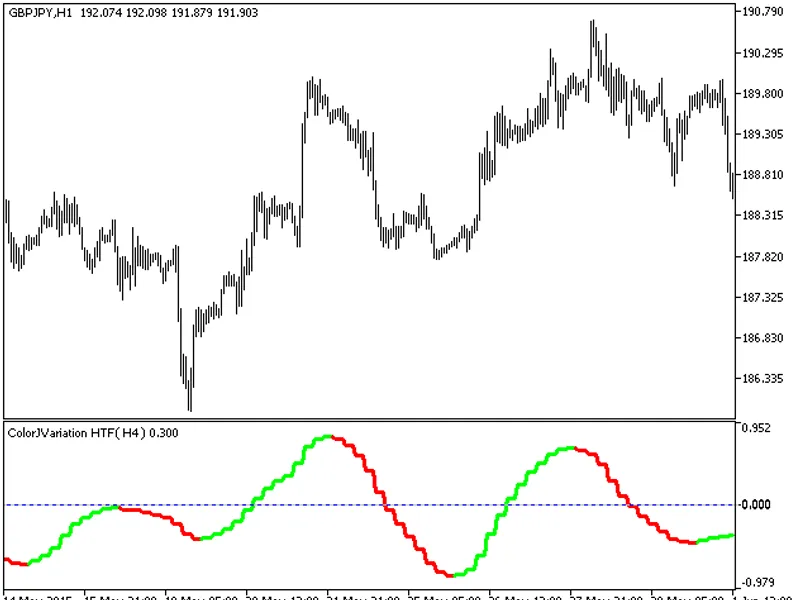
The indicator offers a timeframe selection feature in its input parameters.Note: The indicator relies on the colorjvariation.mq5 file, which should be placed in the <terminal_da...
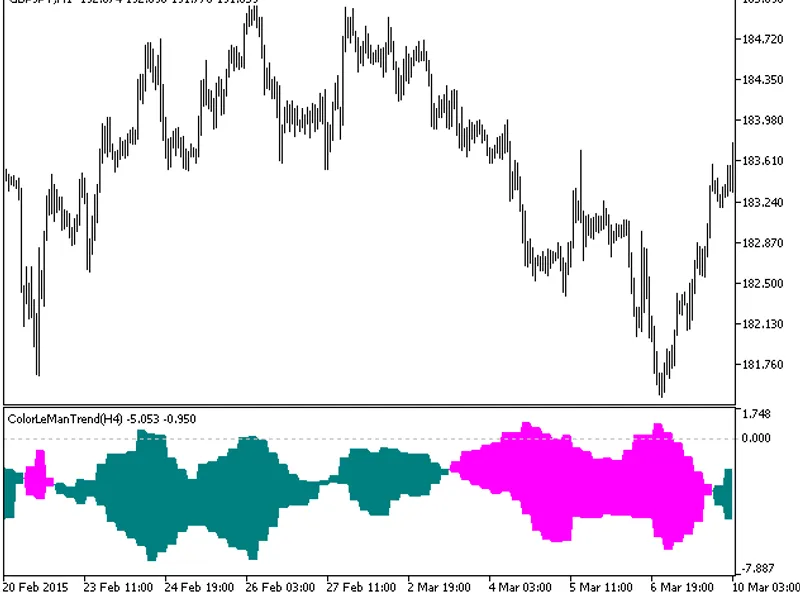
The indicator offers a timeframe selection feature in its input parameters.Note: The indicator requires the colorlemantrend.mq5 file, which should be placed in <terminal_data_fo...