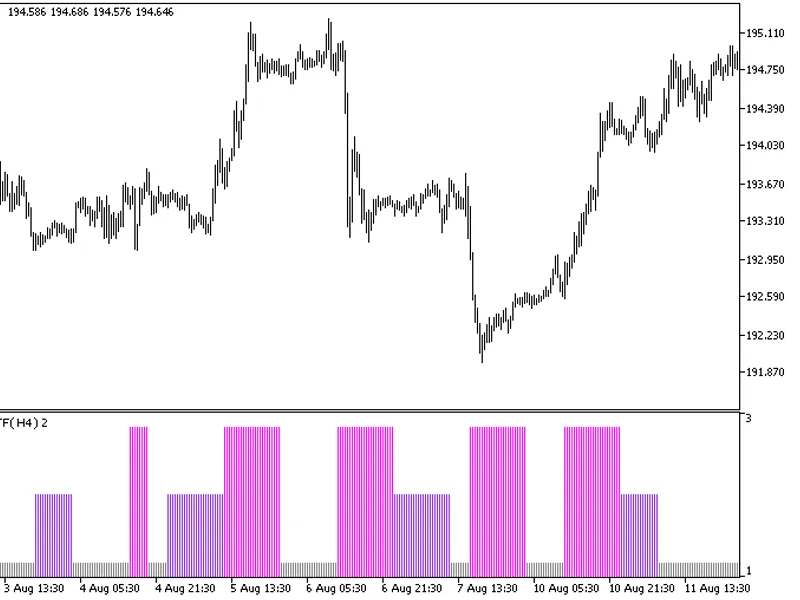
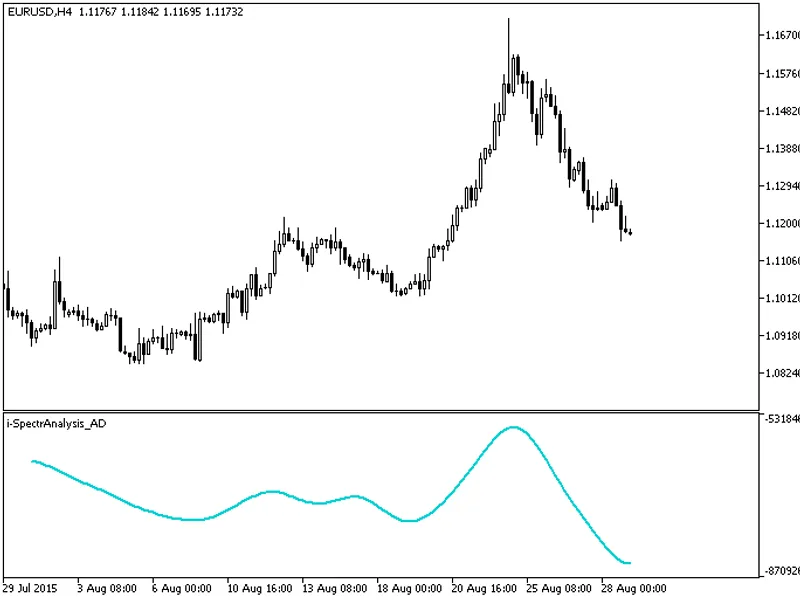
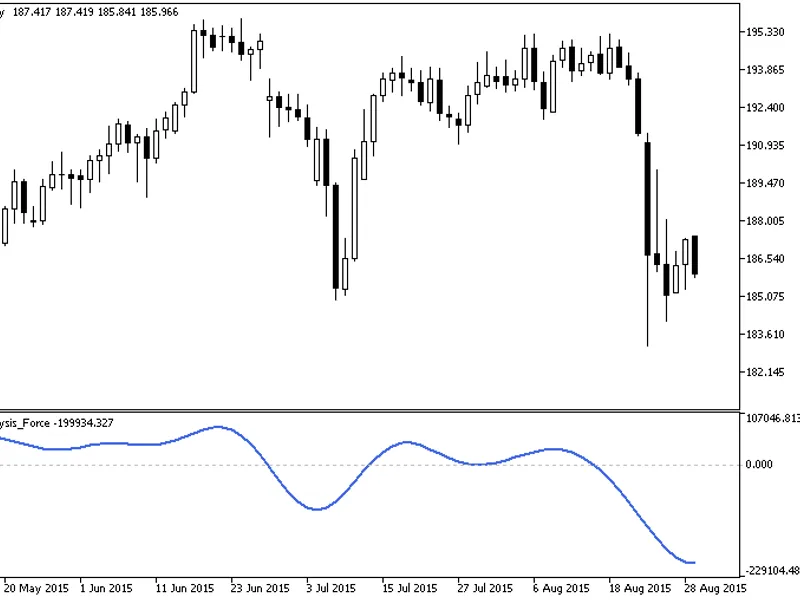
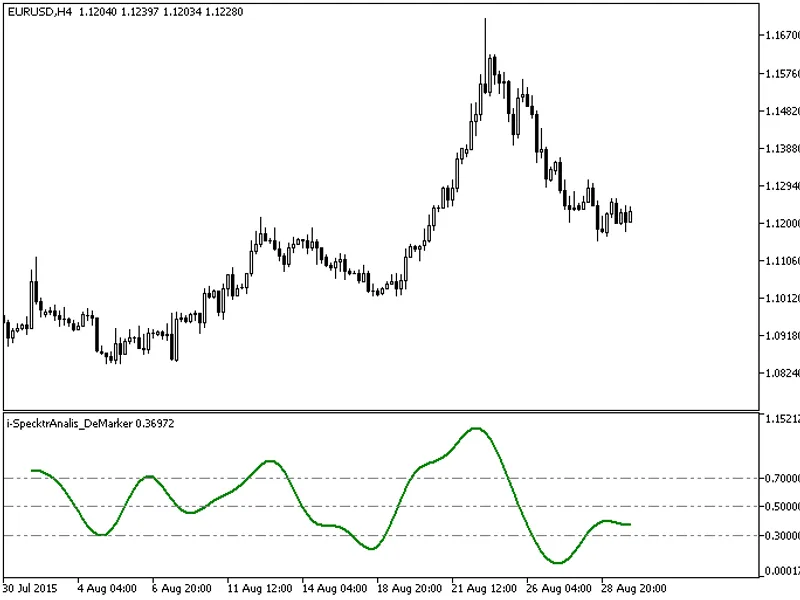
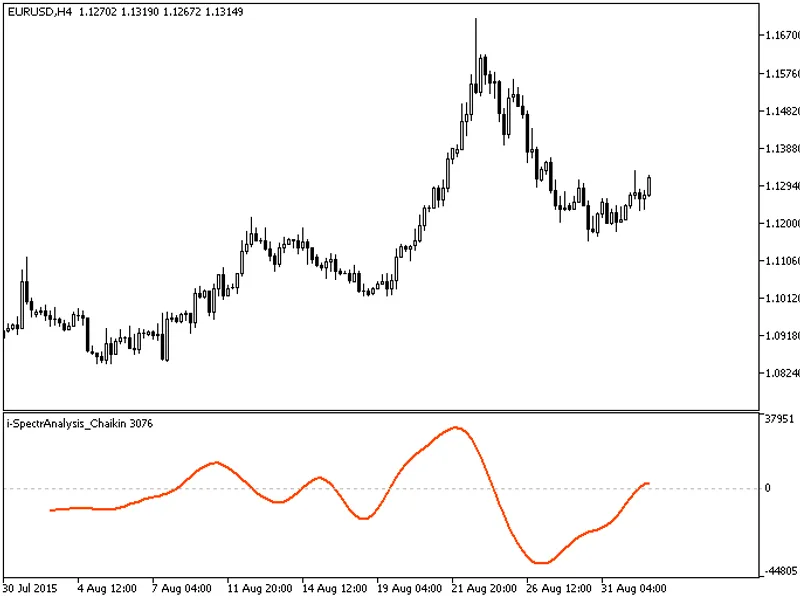
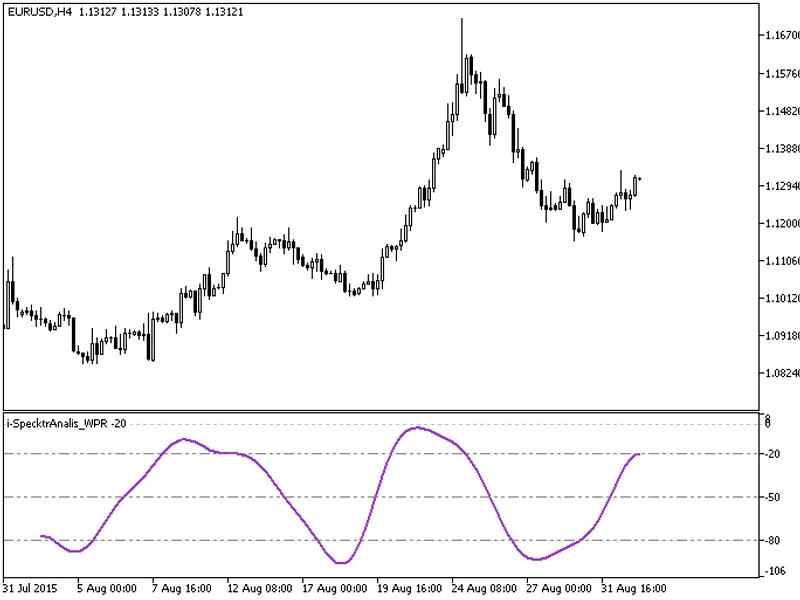
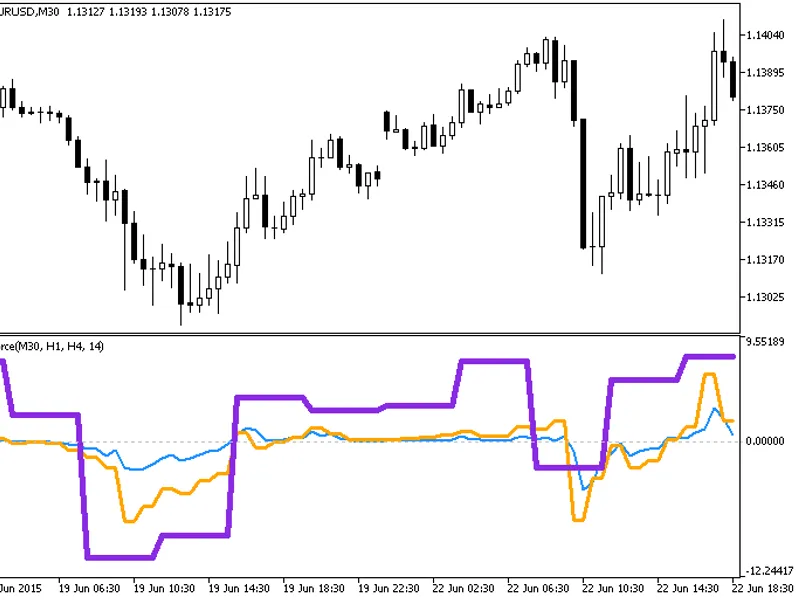
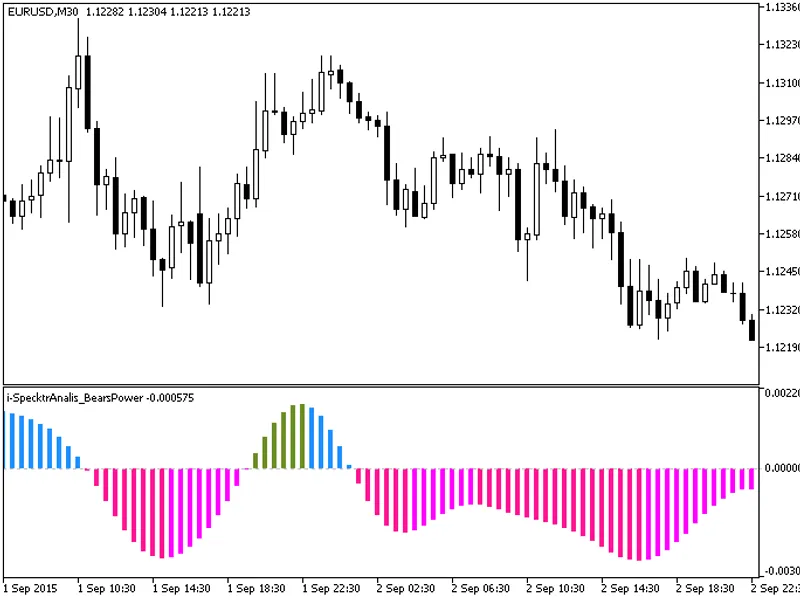
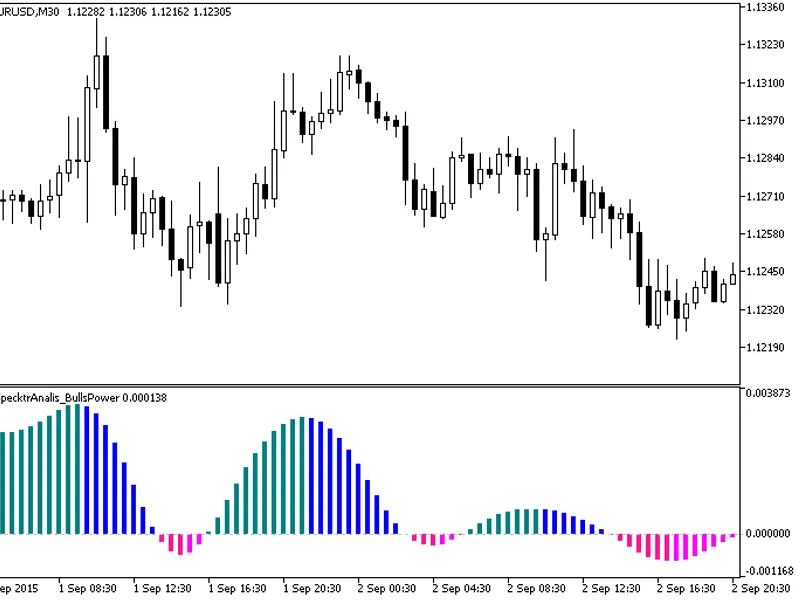
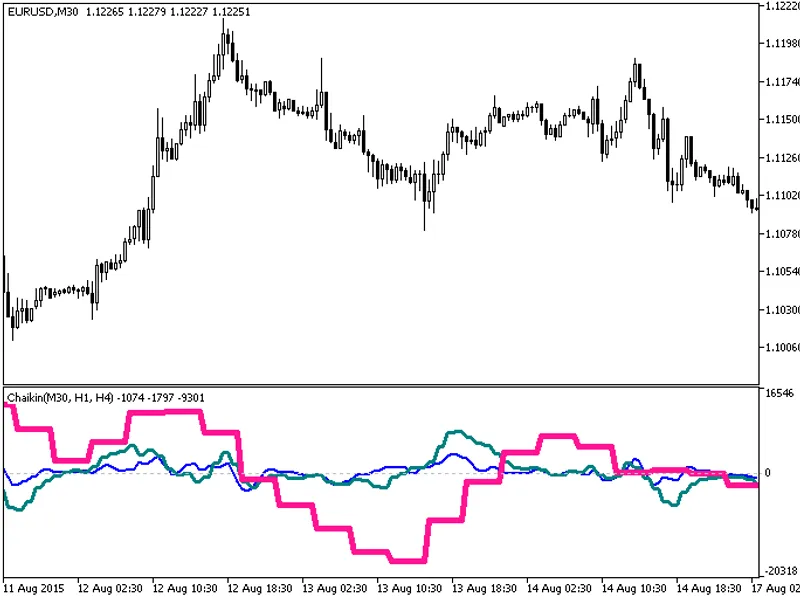
This indicator offers a timeframe selection option in the input parameters.Note: This indicator requires the flat-trend.mq5 indicator file. Place it in \mql5\indicators.Fig.1. The ...
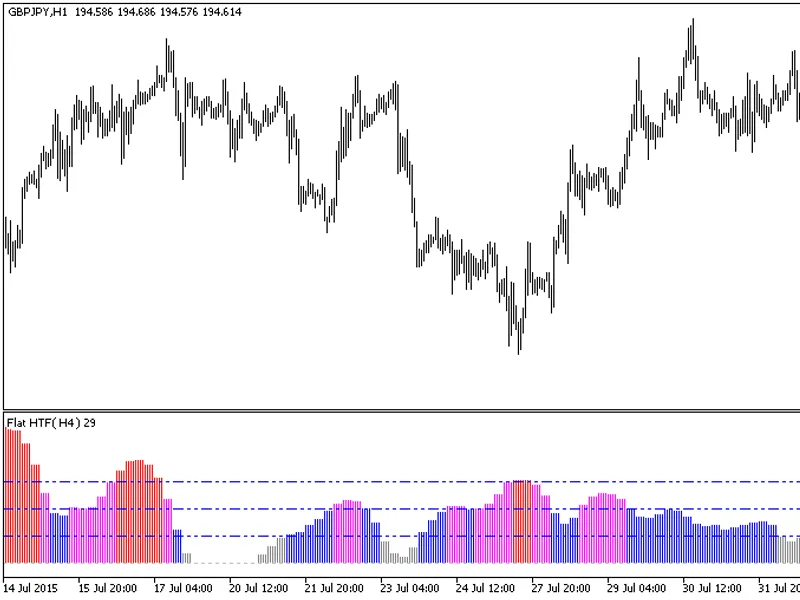
The indicator with the timeframe selection option in the input parameters.This indicator requires the flat.mq5 indicator file. Place it in <terminal_data_folder>\mql5\indicat...
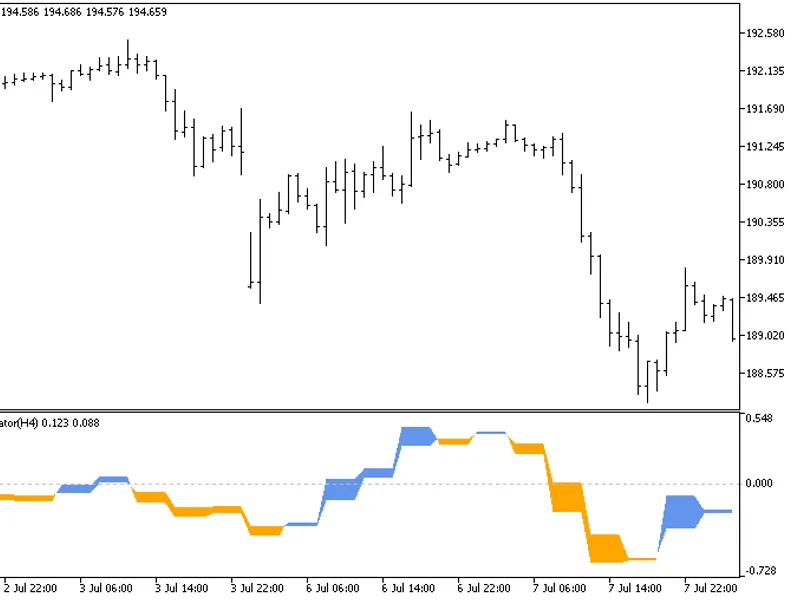
The indicator with the timeframe selection option in the input parameters.This indicator requires the ForecastOscilator.mq5 indicator file. Place it in <terminal_data_folder>...
Serialization and deserialization of JSON protocol.This code is a port from a high-speed C++ library, offering efficient data handling.Contribute by sharing examples of MQL impleme...
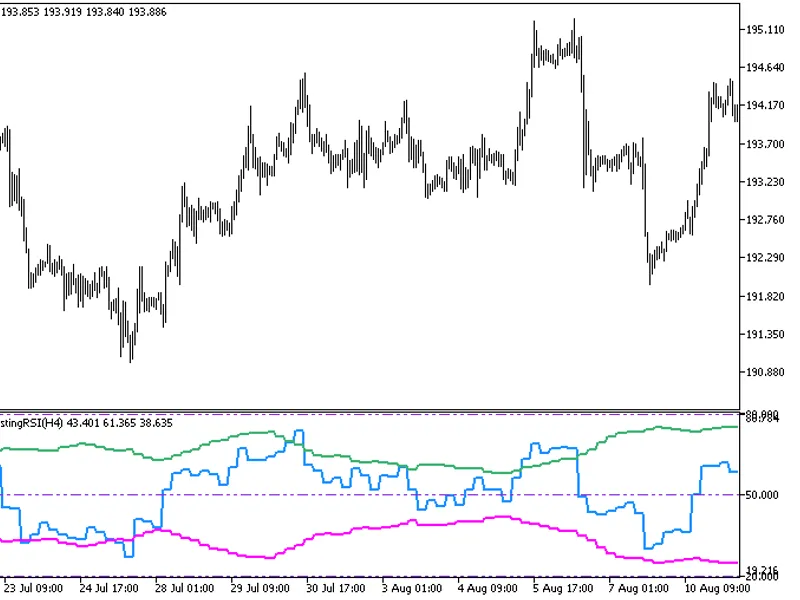
This indicator offers a unique feature: the ability to select the timeframe directly from the input parameters.To use this indicator, you'll need the FX5_SelfAdjustingRSI.mq5 indic...
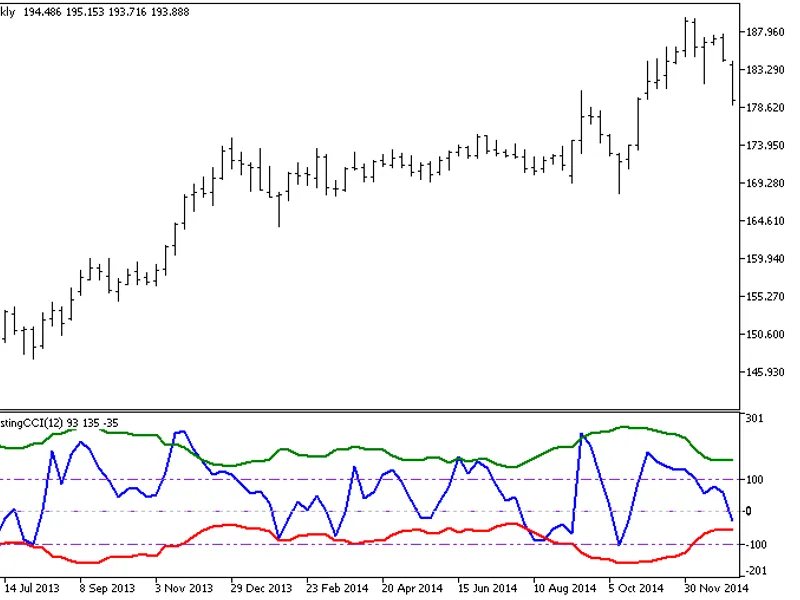
FX5This indicator combines the CCI oscillator with Bollinger Bands to define the overbought and oversold areas.Indicator Input Parameters:Fig.1. FX5 Self-Adjusting CCI Indicator...
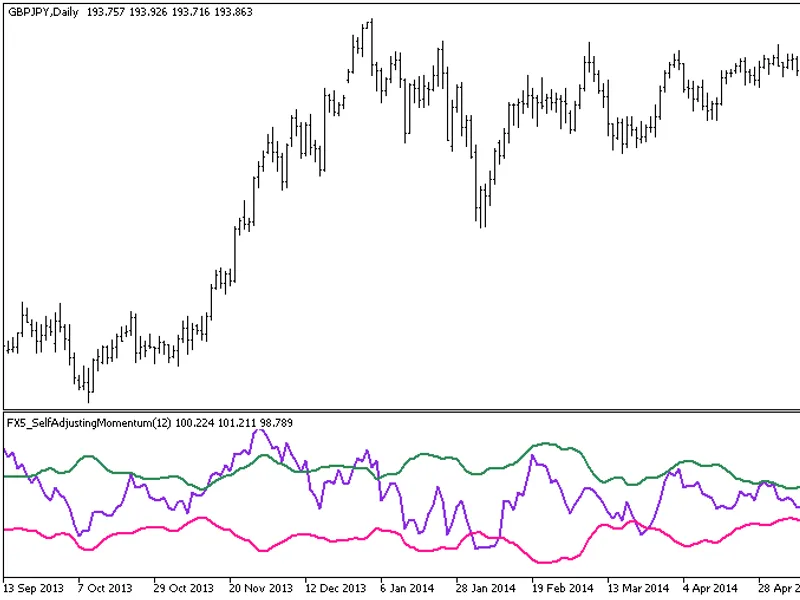
FX5 is a momentum oscillator with a unique feature: the boundaries of the overbought/oversold areas are presented as Bollinger Bands.Indicator Input Parameters:Fig. 1. FX5 Self-Adj...
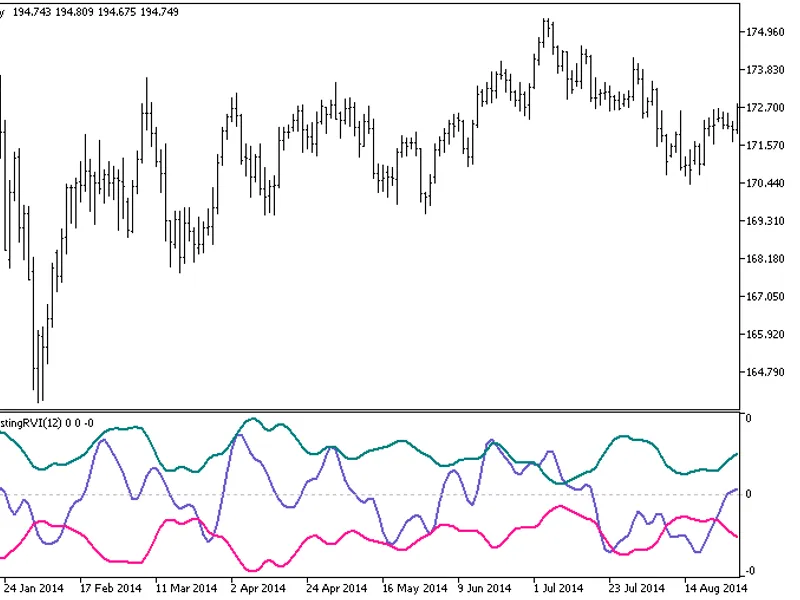
FX5This indicator is an RVI oscillator with overbought/oversold boundaries in the form of Bollinger Bands.Indicator Input Parameters:Fig. 1. FX5 Self-Adjusting RVI Indicator...
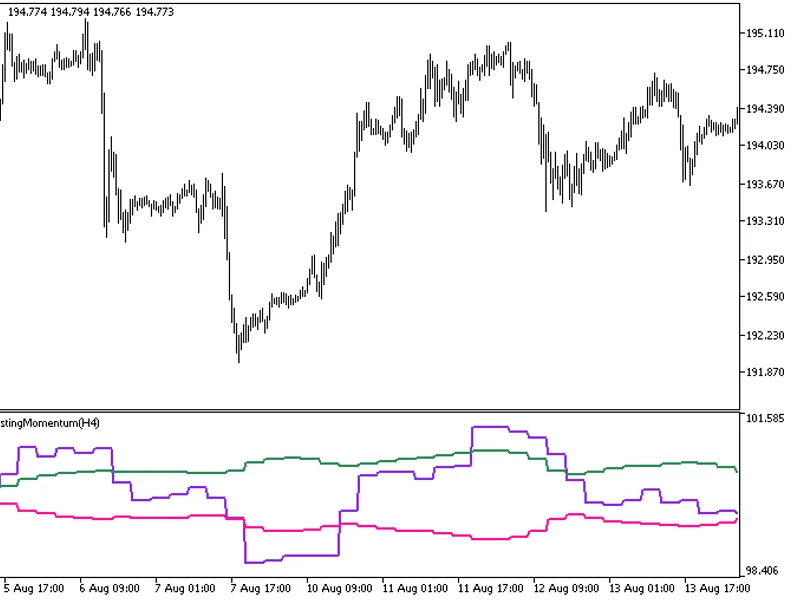
The FX5 Self Adjusting Momentum HTF indicator offers a unique feature: the ability to select the timeframe directly from the input parameters.To utilize this indicator, ensure you ...
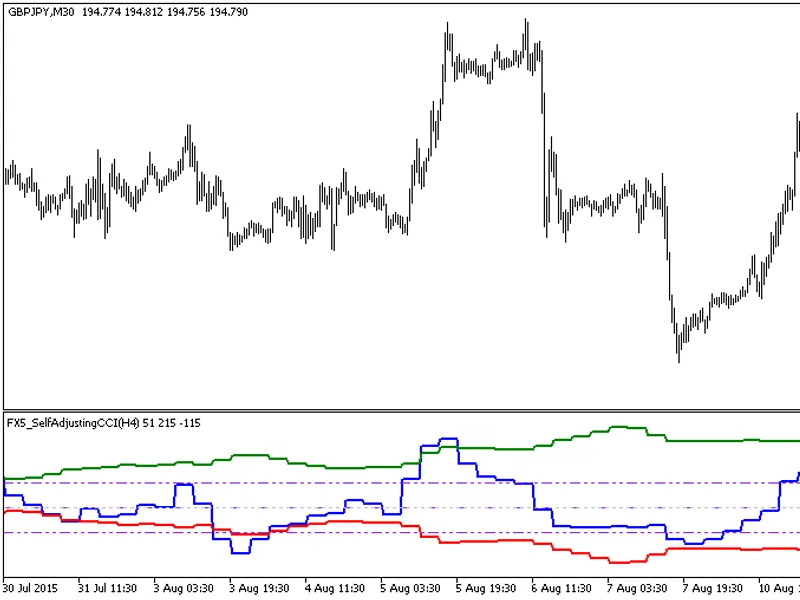
This indicator offers a unique feature: the ability to select the timeframe directly from the input parameters.To use this indicator, you'll need the fx5_selfadjustingcci.mq5 file....
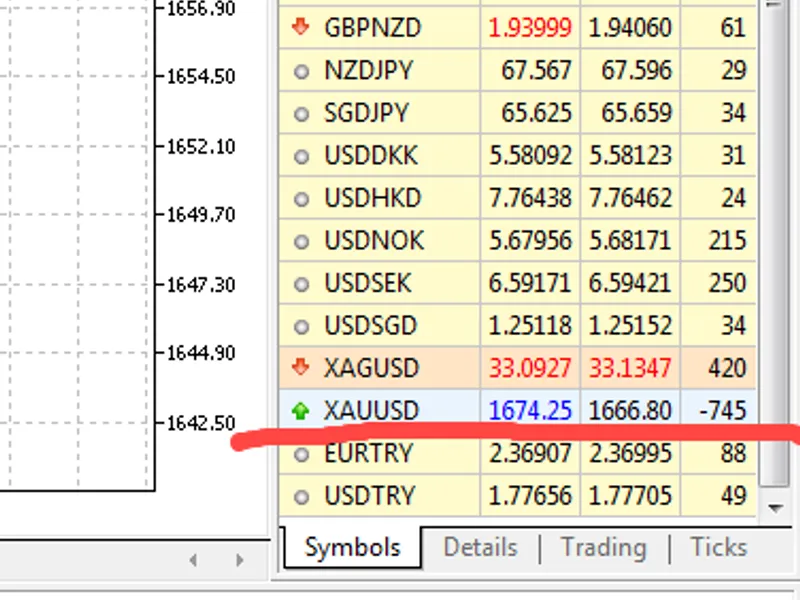
This Expert Advisor (EA) is designed to capitalize on negative spread occurrences in the market.The EA operates by monitoring the ask and bid prices, waiting for a scenario where t...
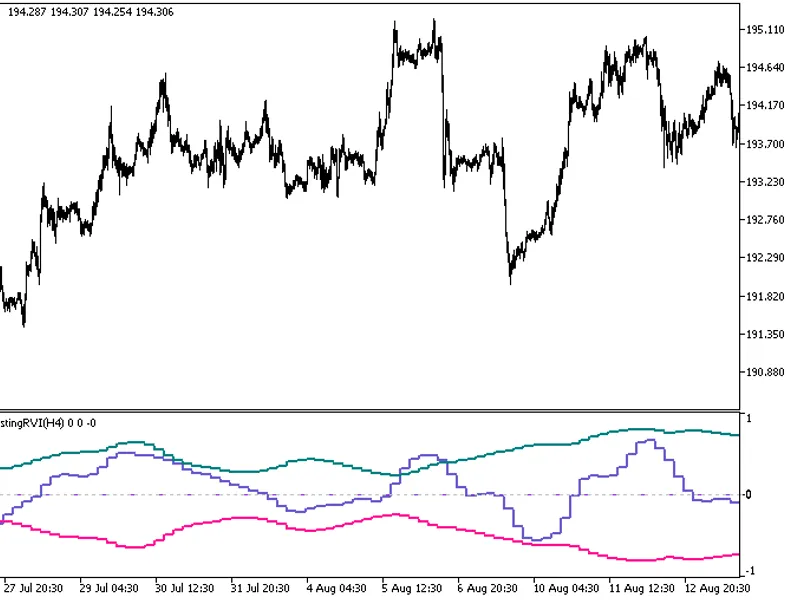
This indicator offers a unique feature: the ability to select the timeframe in the input parameters.To use this indicator, you'll need the fx5_selfadjustingrvi.mq5 file. Place it i...
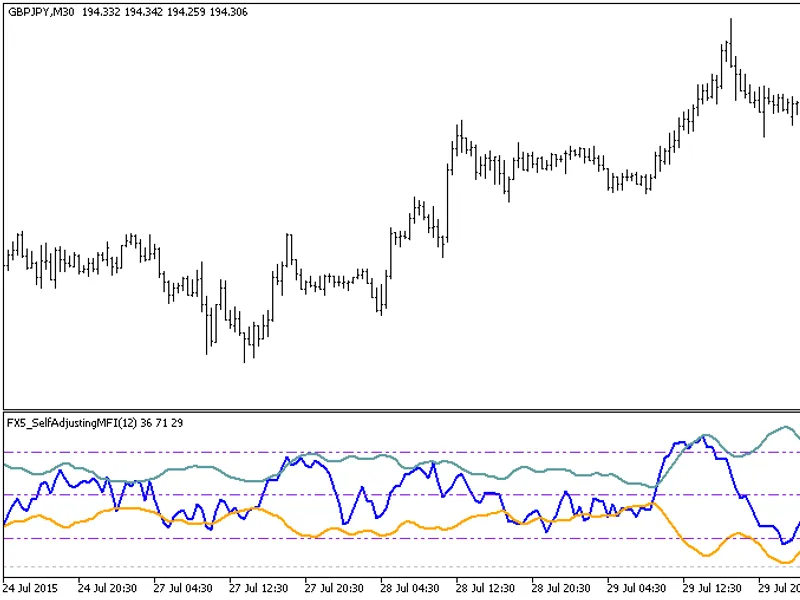
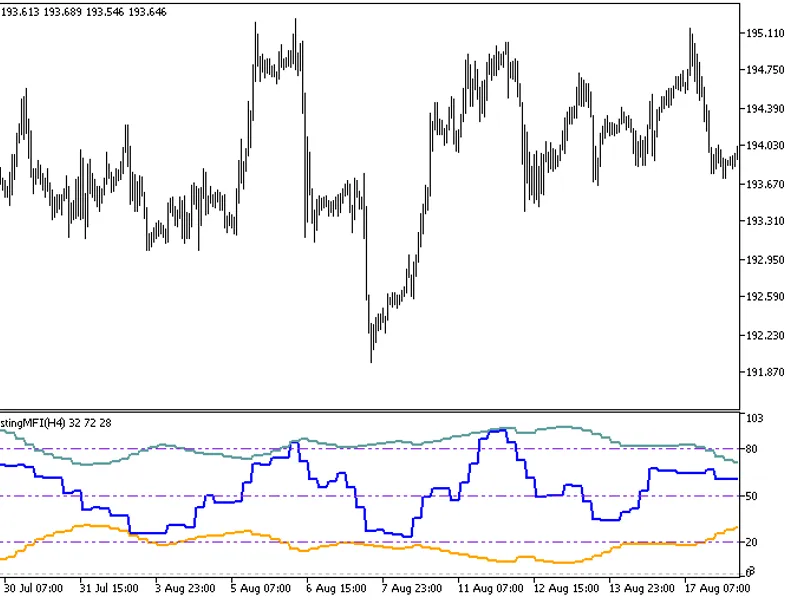
FX5This indicator is an MFI oscillator with overbought/oversold areas defined by Bollinger Bands.Indicator Input Parameters:Fig. 1: FX5_SelfAdjustingMFI Indicator...
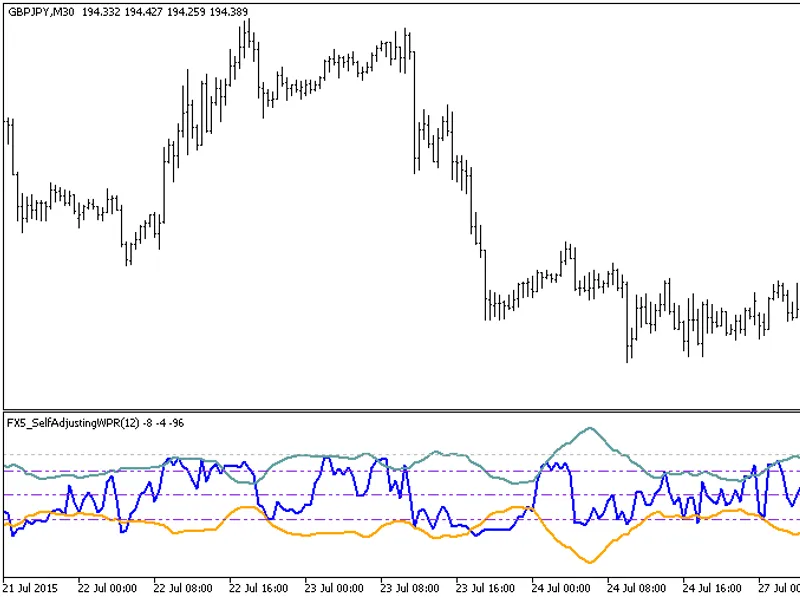
FX5This indicator displays the WPR oscillator with the boundaries of the overbought/oversold areas in the form of Bollinger Bands.Indicator Input Parameters:Fig.1. FX5 Self-Adjusti...
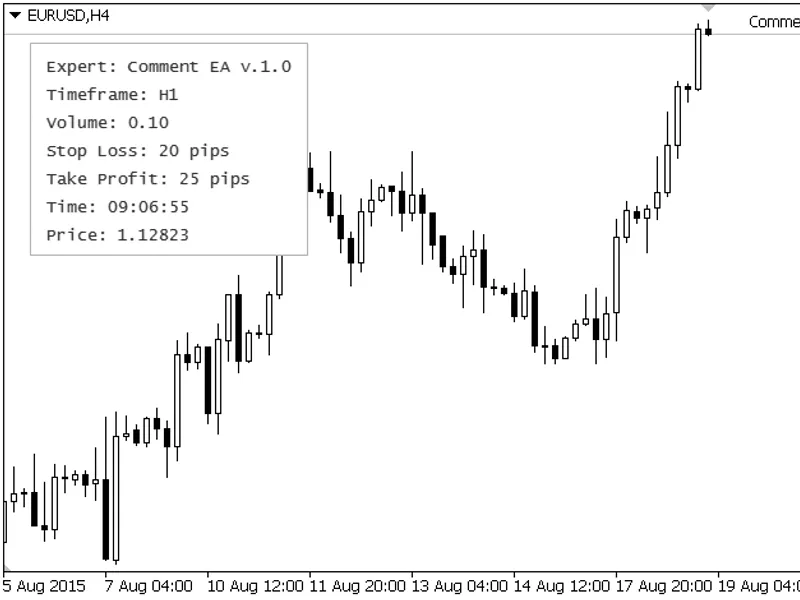
The CCComment class enhances the functionality of the standard function, enabling the display of multi-line comments on a panel with customizable text color, font, style, and line ...
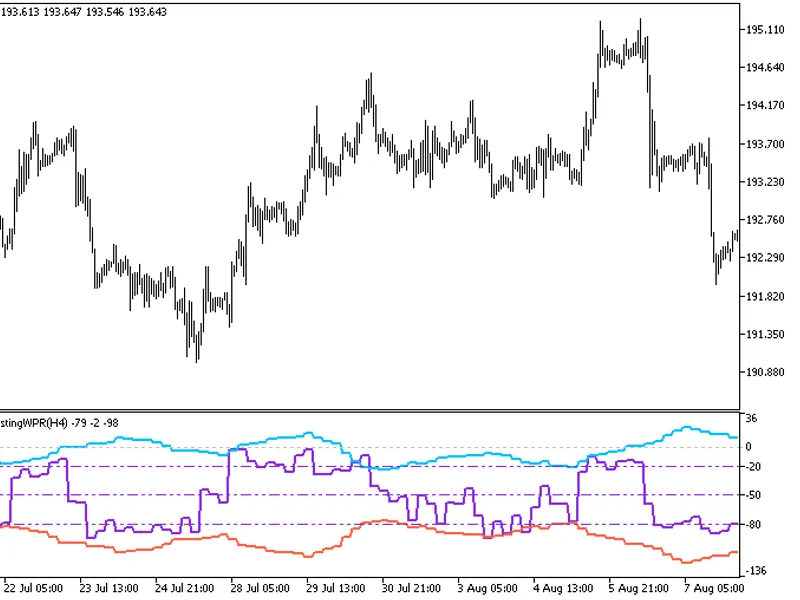
This indicator provides the option to select the timeframe in the input parameters.Note: This indicator requires the fx5_selfadjustingwpr.mq5 indicator file. Place it in \mql5\indi...
This indicator offers a unique feature: the ability to select the timeframe in the input parameters.To use this indicator, you'll need the fx5_selfadjustingmfi.mq5 file. Place it i...
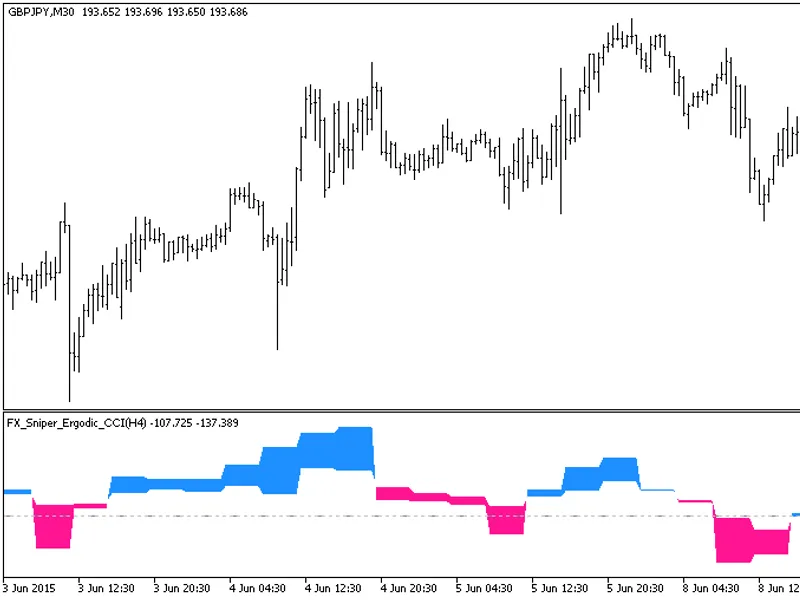
This indicator offers a unique feature: the ability to select the timeframe in the input parameters.To use this indicator, you'll need the fx_sniper_ergodic_cci.mq5 indicator file....
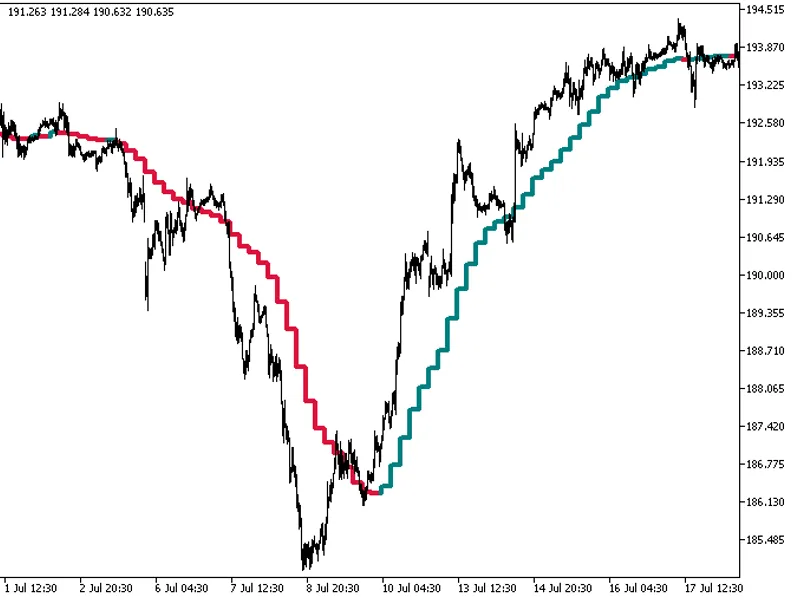
The indicator with the timeframe selection option in the input parameters.This indicator requires the gaus_ma.mq5 indicator file. Place it in <terminal_data_folder>\mql5\indi...
The indicator with the timeframe selection option available in the input parameters:This indicator requires the GRFLeadingEdge.mq5 indicator file. Place it in <terminal_data_fol...
The GRF Leading Edge Mov HTF indicator offers a timeframe selection option in its input parameters.This indicator requires the GRFLeadingEdgeMov.mq5 file, which should be placed in...
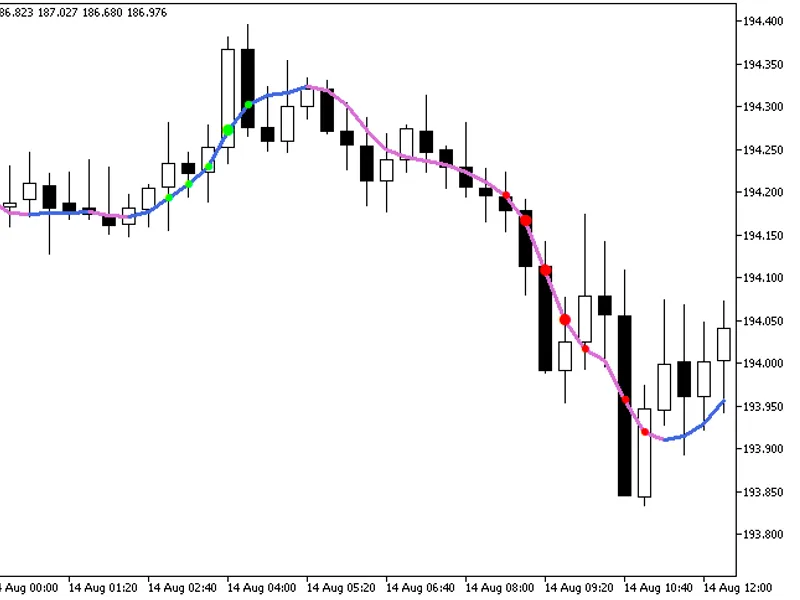
The indicator provides additional trend strength indication using colored dots based on the standard deviation algorithm.When the standard deviation of the Decema indicator falls b...
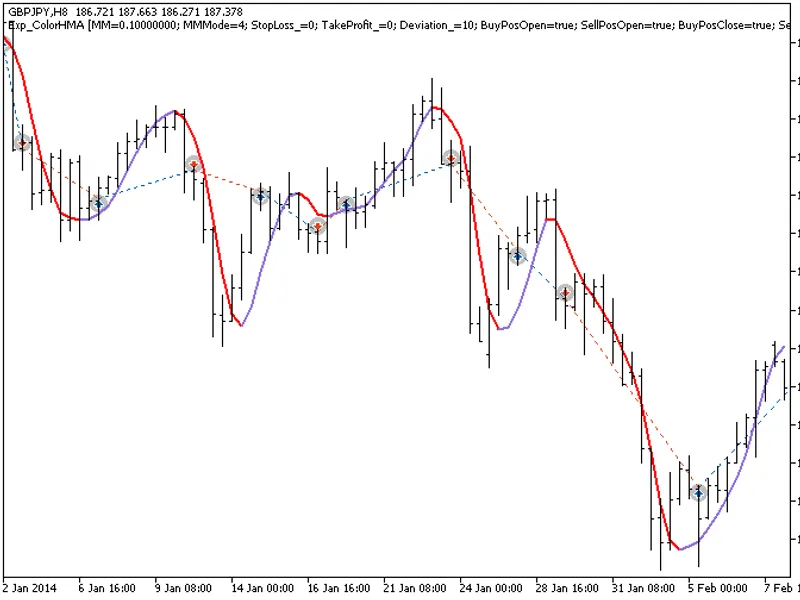
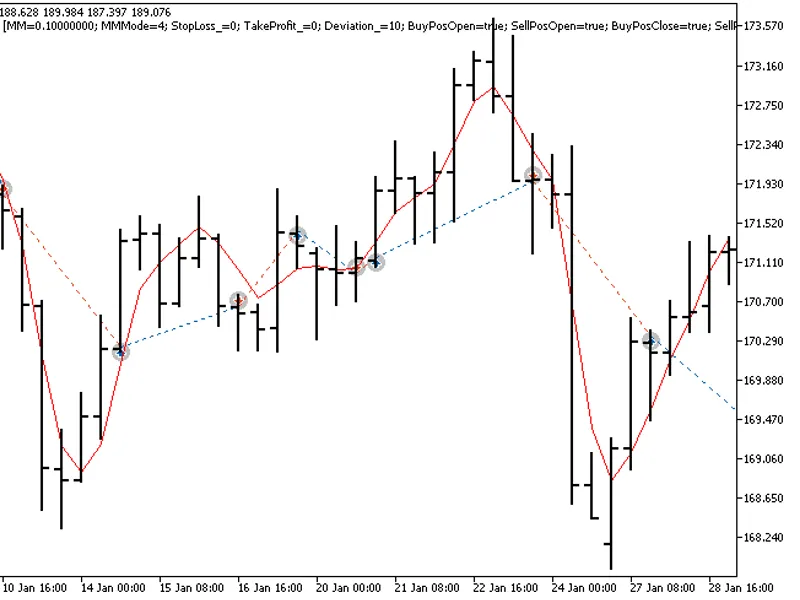
The Exp_ColorHMA expert advisor is based on the reversal of the moving average direction. The signal is formed when a bar is closing if there is a change in the indicator direction...
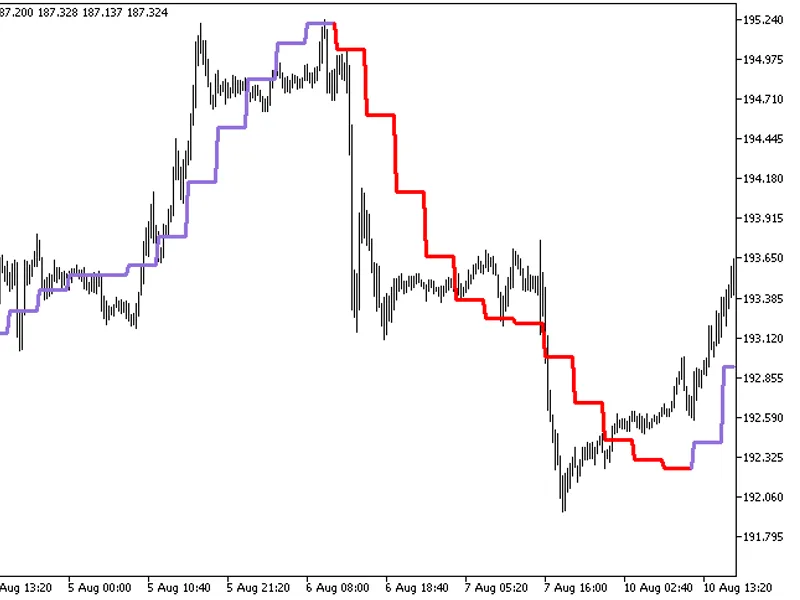
The indicator with the timeframe selection option available in the input parameters:This indicator requires the ColorHMA.mq5 indicator file. Place it in <terminal_data_folder>...
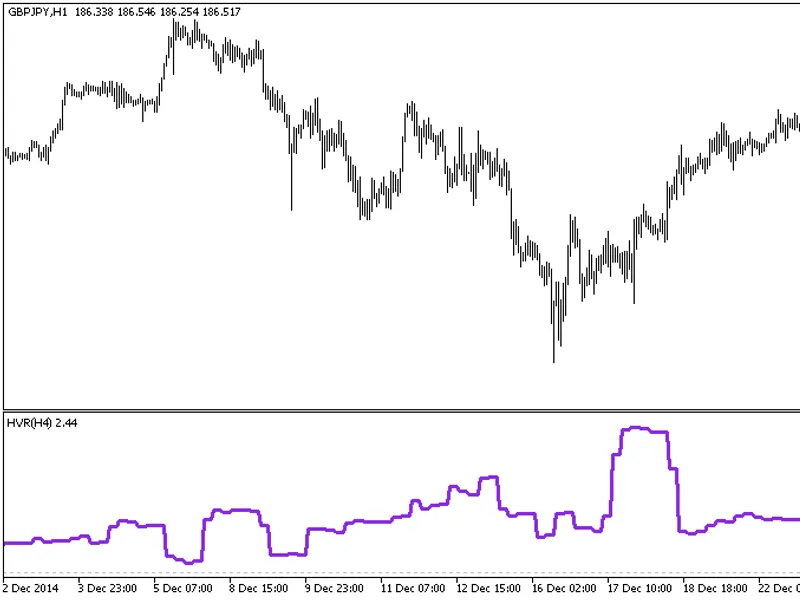
The indicator with the timeframe selection option in the input parameters:This indicator requires the HVR.mq5 indicator file. Place it in \mql5\indicators.Fig.1. The HVR_HTF indica...
The EXP_DECEMA Expert Advisor is designed to identify and act on the reversal of the moving average direction. It generates a signal when a bar is closing, provided there is a chan...
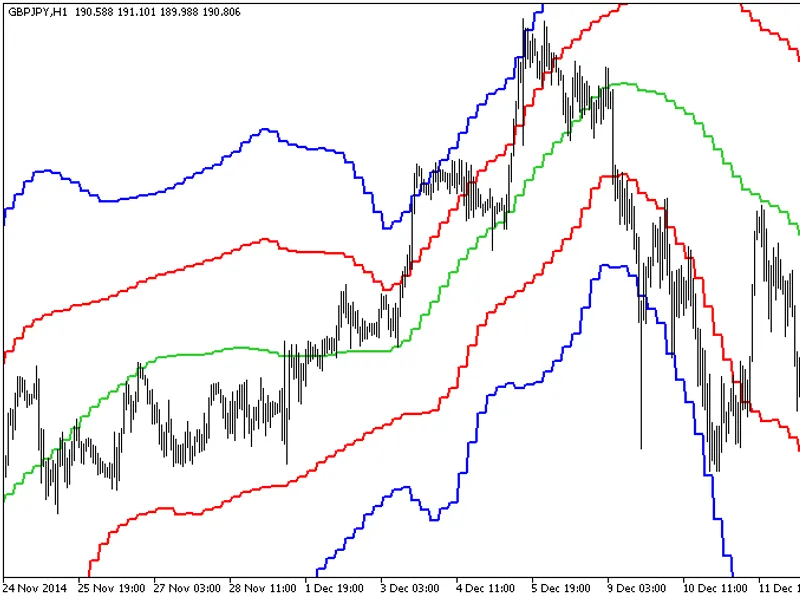
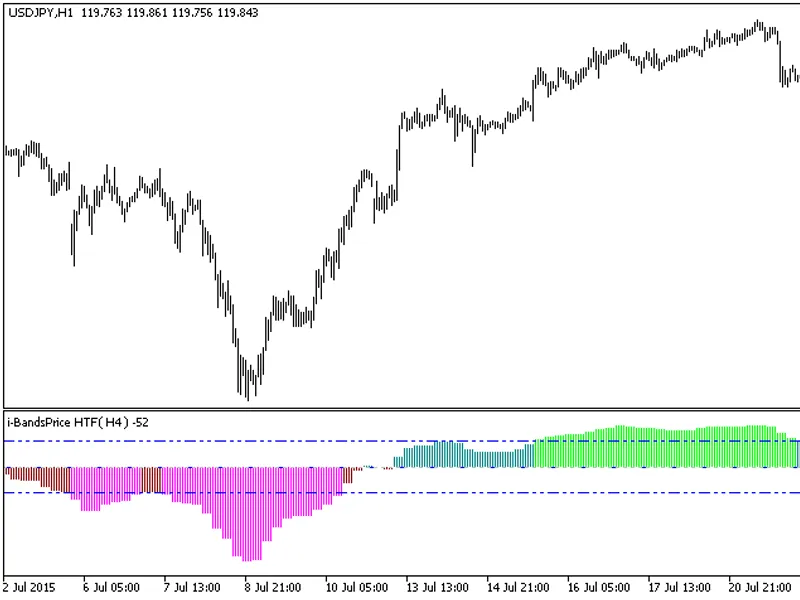
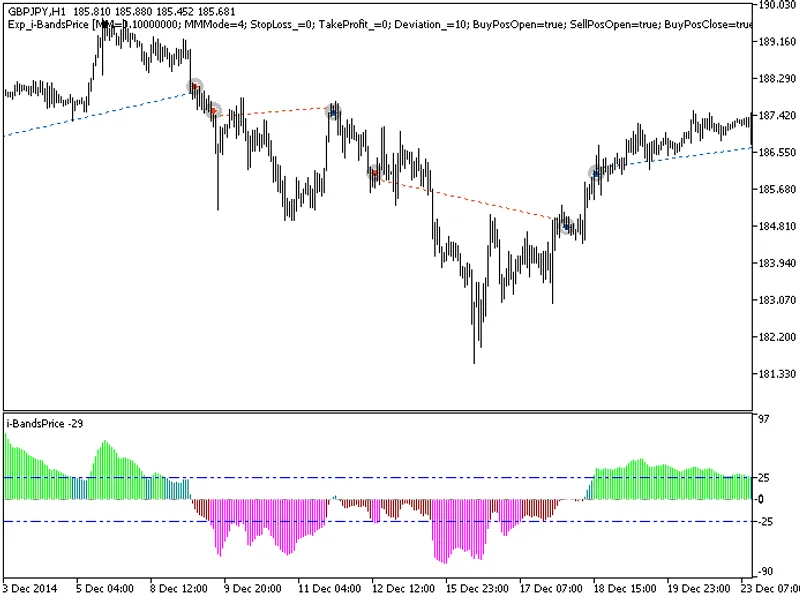
The I-Bands Price HTF indicator offers a unique feature: the ability to select the timeframe directly from the input parameters.This indicator requires the I-BandsPrice.mq5 file, w...
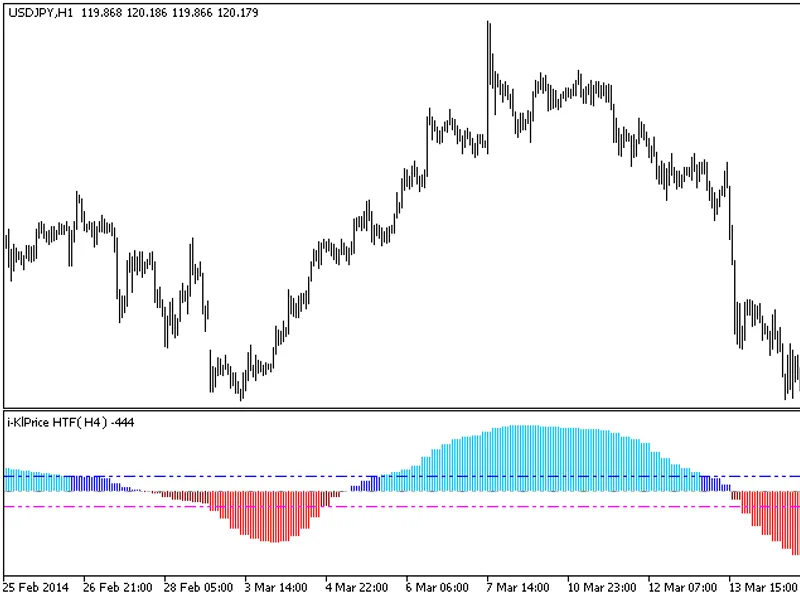
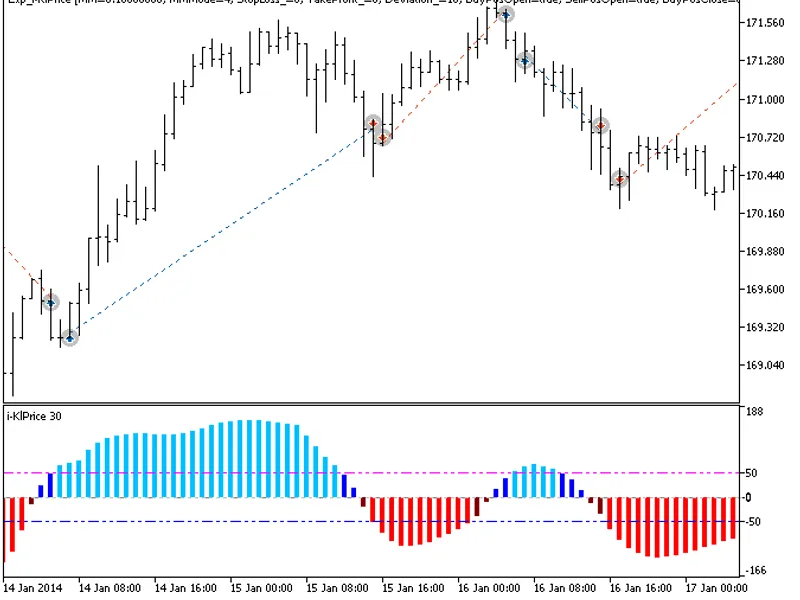
The indicator with the timeframe selection option available in the input parameters.This indicator requires the I-KLPrice.mq5 indicator file. Place it in \mql5\indicators.Fig.1. Th...
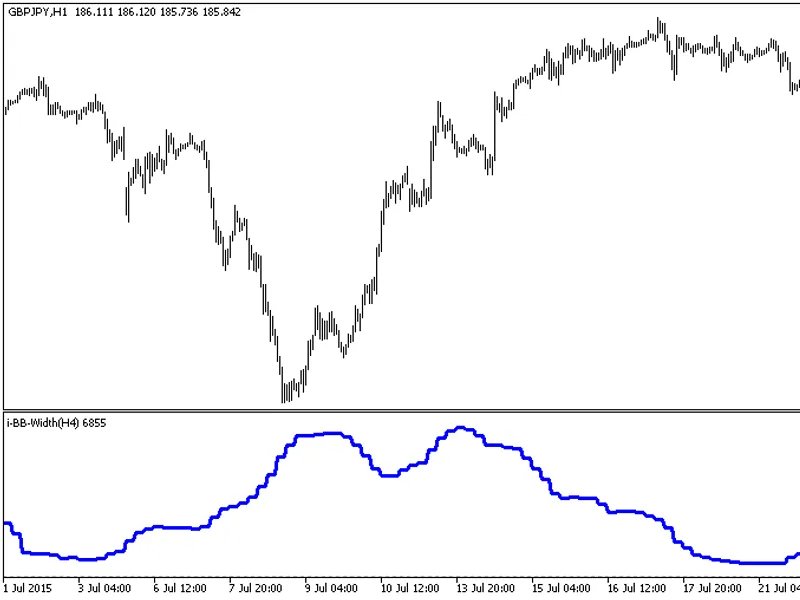
The indicator with the timeframe selection option in the input parameters.This indicator requires the i-bb-width.mq5 indicator file. Place it in \mql5\indicators.Fig.1. The i-bb-wi...
The EXP I-Bands Price Expert Advisor is designed to react to the histogram breaking through overbought and oversold levels. It generates signals when a bar closes and one of these ...
The exp_i-klprice expert advisor utilizes the histogram's breakthrough of overbought and oversold levels to generate trading signals. Signals are formed when a bar closes, indicati...
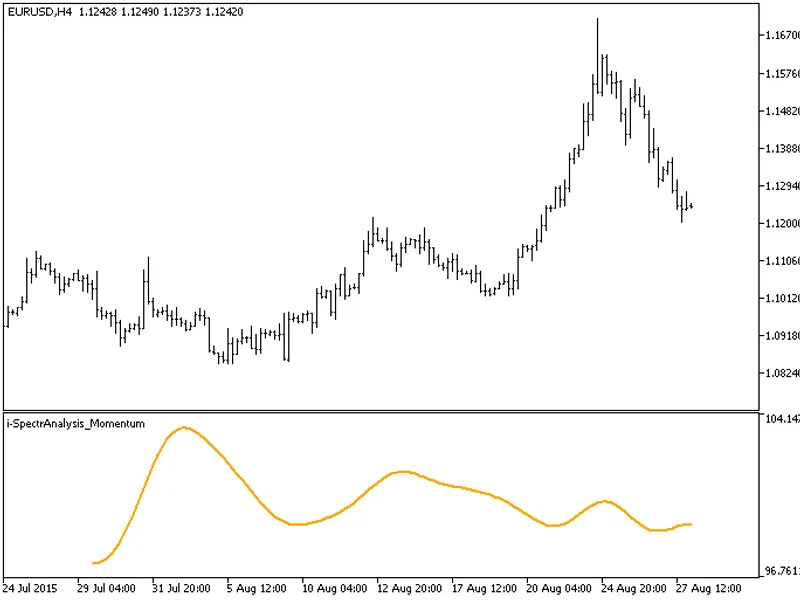
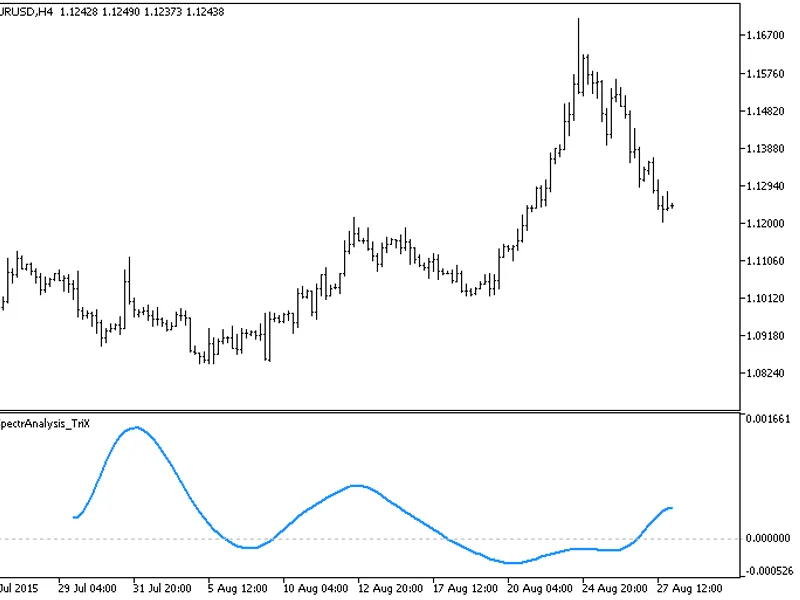
KlotThis indicator demonstrates the technique of smoothing indicator time series by filtering high-order harmonics.The method can be applied to any indicator, offering the benefit ...
KlotThis indicator demonstrates the smoothing of indicator time series by filtering high-order harmonics.This approach can be applied to smooth the output of any indicator, offerin...
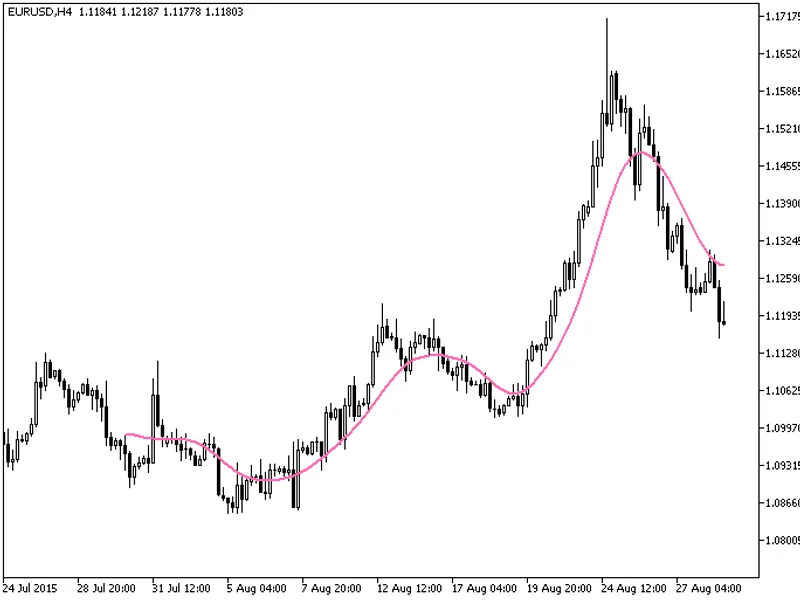
KlotThis indicator smooths the moving average indicator timeseries by filtering high-order harmonics.This approach can be used to smooth the output of any indicator. The major adva...
KlotThis indicator demonstrates the smoothing of the moving average indicator timeseries by filtering high-order harmonics.This technique can be applied to smooth the output of any...
KlotThis indicator demonstrates the smoothing of indicator time series by filtering high-order harmonics.The technique can be applied to any indicator, offering the benefit of mini...
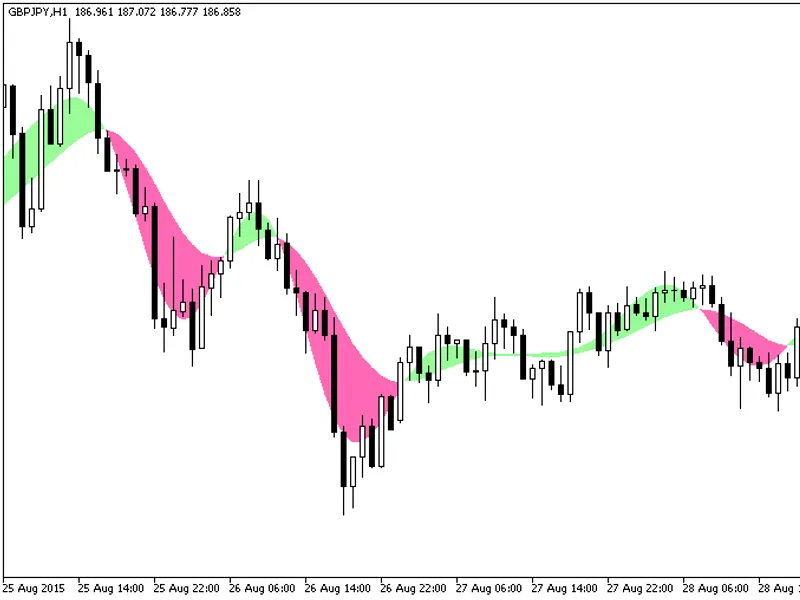
klotThis indicator smooths the indicator time series by filtering high-order harmonics.It can be used to smooth the output of any indicator, with the key benefit of near-zero laten...
klotThis indicator demonstrates the smoothing of indicator time series by filtering high-order harmonics.The technique can be applied to any indicator, offering the benefit of mini...
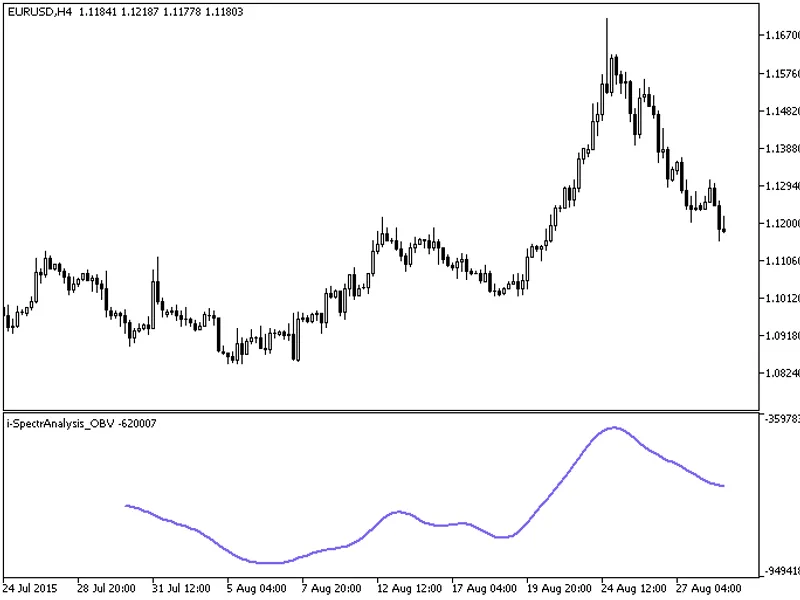
KlotThis indicator demonstrates the smoothing of indicator time series by filtering high-order harmonics.The technique can be applied to any indicator, offering the advantage of vi...
KlotThis indicator demonstrates the smoothing of indicator time series by filtering high-order harmonics.The technique can be applied to any indicator, offering the benefit of mini...
klotThis indicator demonstrates the smoothing of indicator time series by filtering high-order harmonics.The technique can be applied to any indicator, offering the benefit of virt...
KlotThis indicator demonstrates the smoothing of indicator time series by filtering high-order harmonics.The technique can be applied to any indicator, offering the benefit of virt...
KlotThis indicator demonstrates the smoothing of indicator time series by filtering high-order harmonics.The technique can be applied to any indicator, offering the significant ben...
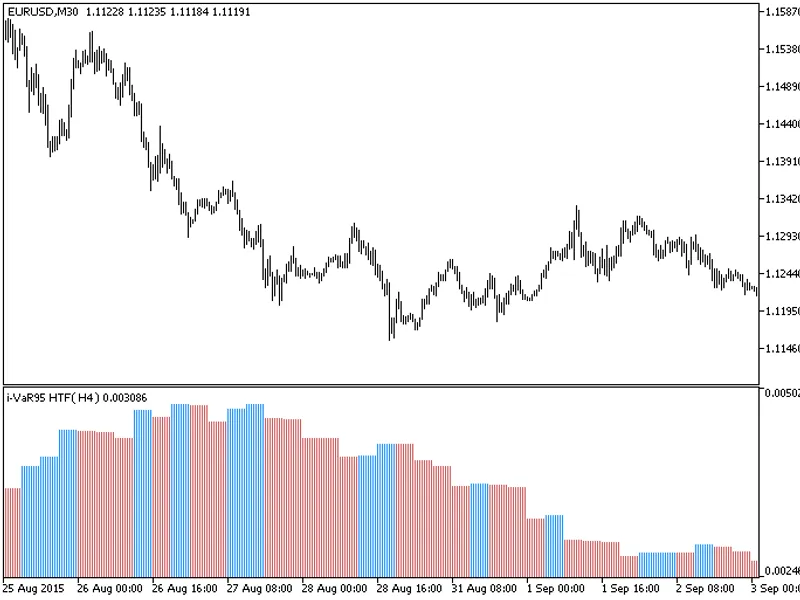
The indicator with the timeframe selection option available in the input parameters:This indicator requires the i-var95.mq5 indicator file. Place it in \mql5\indicators.Fig.1. The ...
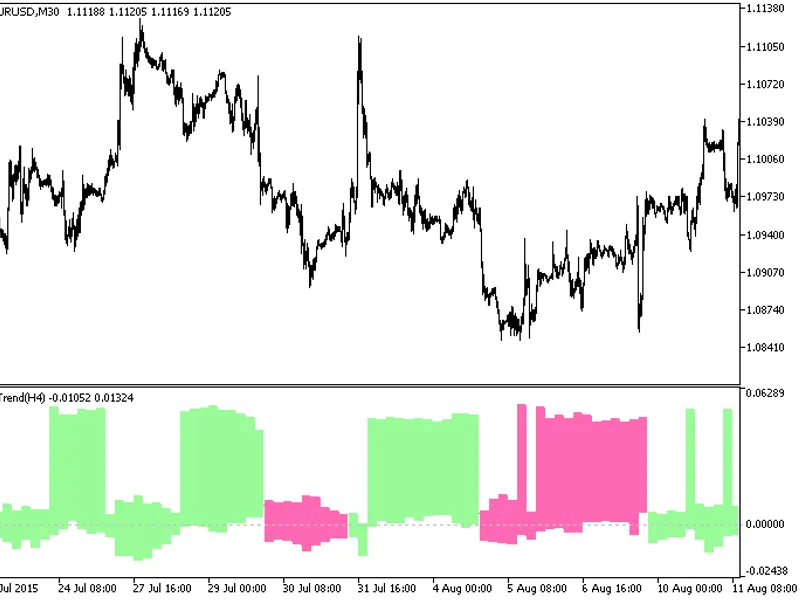
The iTrend HTF indicator offers a unique feature: the ability to select the timeframe in the input parameters.To use this indicator, you'll need the i_trend.mq5 file. Place it in t...
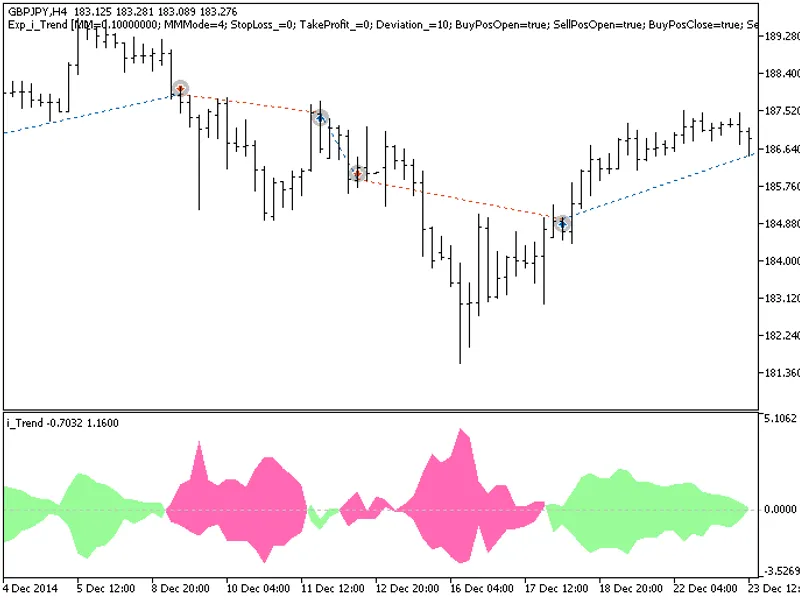
The Exp I Trend Expert Advisor is designed to utilize signals generated by an oscillator. It initiates trades based on the indicator's cloud color change when a bar closes.This Exp...