


Gold Session Liquidity: MT4 XAUUSD Session Analysis and Risk Planner
Info
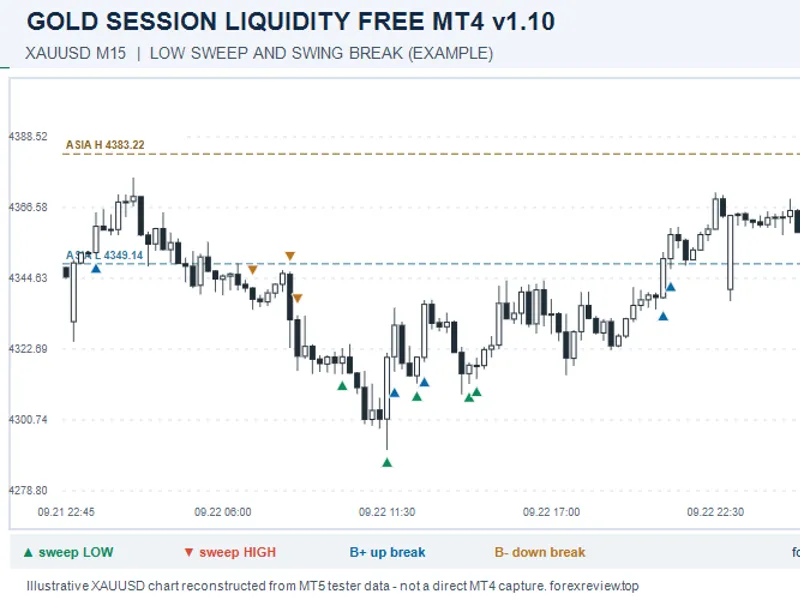
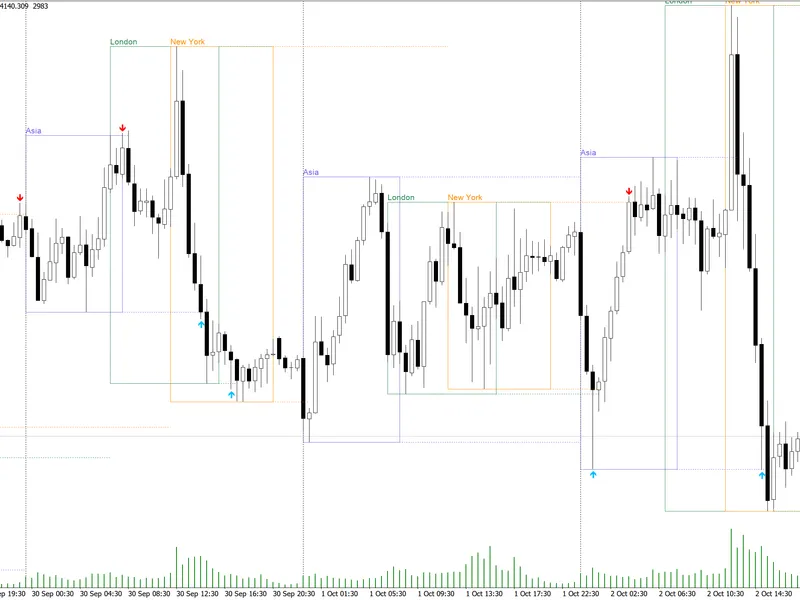
The Gold Session Liquidity: MT4 XAUUSD Session Analysis and Risk Planner is a Indicator for MetaTrader 4 that gold session liquidity free mt4 - xauusd session intelligence and risk plannergold session liquidity free mt4 is an educational, free mql4 indicator for metatrader 4. It assists traders in studying completed Asian ranges, OHLC-based liquidity sweeps, confirmed swing structure breaks, London and New York market sessions, and manually planning risk on XAUUSD.
Usage
This tool is typically used for enhancing chart analysis and decision making.
Platform
This Indicator works exclusively on MetaTrader 4 (both build 600+ and newer versions).
Setup
Place the downloaded file in MQL4/Indicators folder via File ? Open Data Folder in MetaTrader 4.
How to Install and Use Gold Session Liquidity: MT4 XAUUSD Session Analysis and Risk Planner
1. Installation: Place your file in the MQL/Indicators folder via "Open Data Folder" and restart your terminal.
2. Loading: Find the indicator in the Navigator, drag it onto your chart, and configure the input parameters in the popup window.
3. Customization: Press Ctrl+I to open the indicator list, select your tool, and click "Properties" to change colors, levels, or visual styles.
4. Updating: Replace the old file in the Indicators folder with the new version and restart the platform to apply changes.
Frequently Asked Questions
Q: Why is my indicator not showing? A: Verify the file is in the MQL/Indicators folder, or try right-clicking the "Indicators" tree in the Navigator and clicking "Refresh."
Q: Do custom indicators slow down the platform? A: Too many complex indicators can impact performance; remove unused ones via the "Indicator List" (Ctrl+I).
Q: Can I use MT4 indicators on MT5? A: No, MQL4 and MQL5 are distinct languages; ensure the indicator is compiled specifically for your platform version.
What this tool does
Gold Session Liquidity Free MT4 - XAUUSD Session Intelligence and Risk PlannerGold Session Liquidity Free MT4 is an educational, free MQL4 indicator for MetaTrader 4.
Typical Use Case
This Indicator excels in automated trading and technical analysis on MetaTrader 4.
Compatible Platform & Setup
This Indicator works on MetaTrader 4. Place the file in the MQL4/Indicators folder and restart the terminal.
Description & Settings
Related: Trading Session Boxes: Tokyo, London, New York MT4/MT5 - another powerful indicator for MetaTrader 4 traders.
Gold Session Liquidity Free MT4 - XAUUSD Session Intelligence and Risk PlannerAlso recommended: UT Bot Alerts for MT4: Signal Statistics and Session Filtering - similar indicator with strong performance on MetaTrader 4.
Gold Session Liquidity Free MT4 is an educational, free MQL4 indicator for MetaTrader 4. It assists traders in studying completed Asian ranges, OHLC-based liquidity sweeps, confirmed swing structure breaks, London and New York market sessions, and manually planning risk on XAUUSD. The indicator is not an Expert Advisor; it never submits trading orders.
Key features
- Completed Asian range: plots the completed Asian High and Low for the selected UTC window. Check the historical broker UTC offset and DST input.
- Liquidity sweep markers: detects closed-candle penetrations of older confirmed swing highs and lows followed by a closing reclaim or rejection. This is an OHLC price proxy; the indicator cannot observe institutional limit orders or actual stop liquidity.
- Market structure: closed-bar breaks of confirmed swing highs and lows, with separate up/down markers.
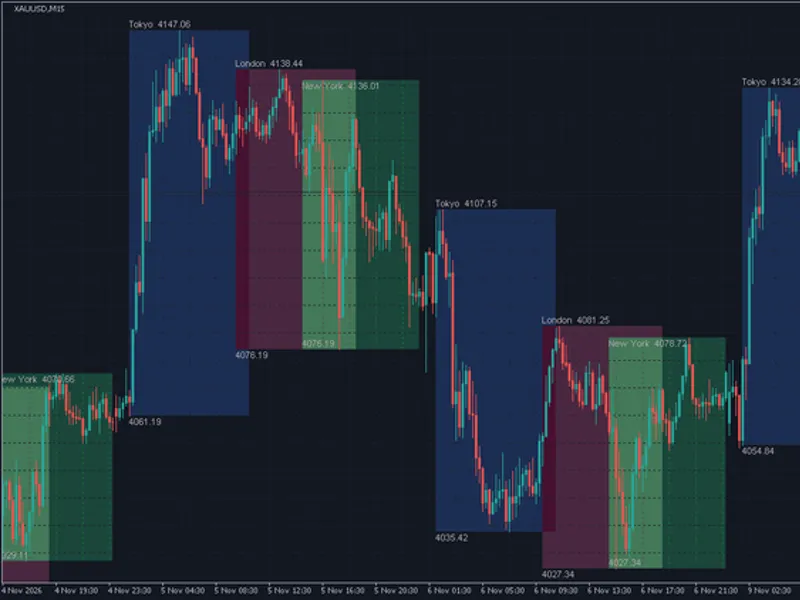
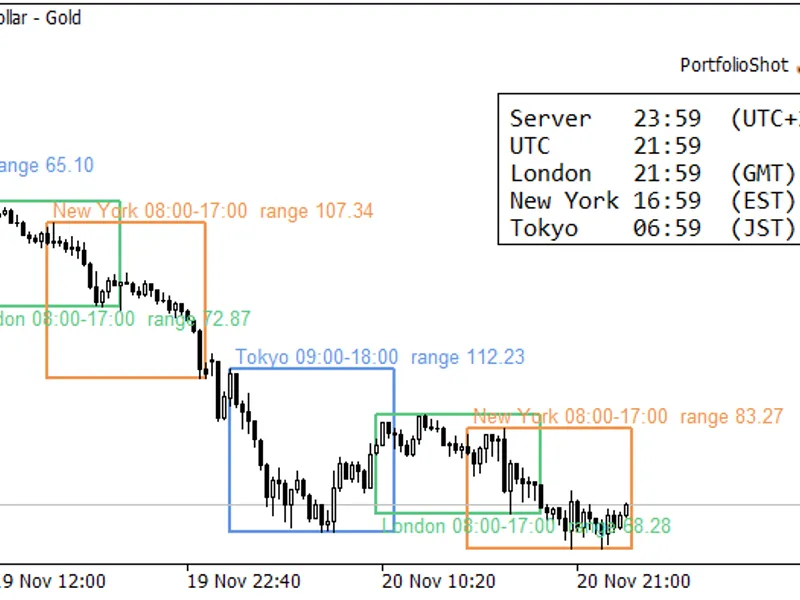
- Session context: Asia, London, New York and overlap, with estimated European and United States DST timing.
- Dashboard: informational H1 EMA 20/50 trend, chart timeframe, current broker spread in points, latest sweep, latest swing break and Asian range.
- Manual lot calculator: uses account equity, your manually entered entry and stop, broker-reported tick value and tick size, minimum lot and volume step, plus a round-trip commission estimate. It rounds volume DOWN and reports when the broker minimum lot would exceed the budget.
- Non-trading and educational: no automatic orders, no purported guaranteed BUY/SELL signals and no performance promises.
How to install
- Copy Gold_Session_Liquidity_Free_MT4.mq4 to your MT4 MQL4/Indicators/GoldSessionLiquidityFree directory.
- Compile in MetaEditor 4 if necessary, refresh the Navigator panel and attach it to an XAUUSD chart. M5 or M15 are practical starting points for intraday visual inspection.
- Review BrokerWinterUTCOffset and BrokerEUDST. The default UTC+2 winter/UTC+3 summer configuration is not universal.
- Enable or disable Asian levels, liquidity sweeps, structure breaks and the dashboard independently in Inputs.
- For manual risk planning, enter ManualEntryPrice, ManualStopPrice, optional target and RiskBudgetPercent. Review the broker's tick value and actual commissions before relying on an estimate.
Important inputs
- AsianStartUTC / AsianEndUTC: completed Asian range window (default 00:00 to 06:00 UTC).
- SwingStrength / MaxSwingAge: confirmed swing selection and lookback age.
- MinSweepPoints / MinSweepATR / MinWickPercent: conditions for classifying closed-bar sweep patterns.
- MaxBarsToScan: bounded chart history scan (default 900 bars).
- RiskBudgetPercent: planned stop-loss risk as a percentage of equity, default 0.50; this is not a maximum realized loss.
- CommissionRoundTrip: estimated commission per 1 lot for the entire round trip, in account currency.
- EducationalPopup: optional closed-bar sweep notification, OFF by default.
QA, illustration and limitations
The standalone source was compiled by MetaEditor 4 with 0 errors and 0 warnings. This is a newly ported MT4 edition; it is not byte-identical to the MT5 source, and the buffer map and risk-calculation APIs differ between platforms. This does not establish profitability or guarantee permanent non-repainting on every broker.
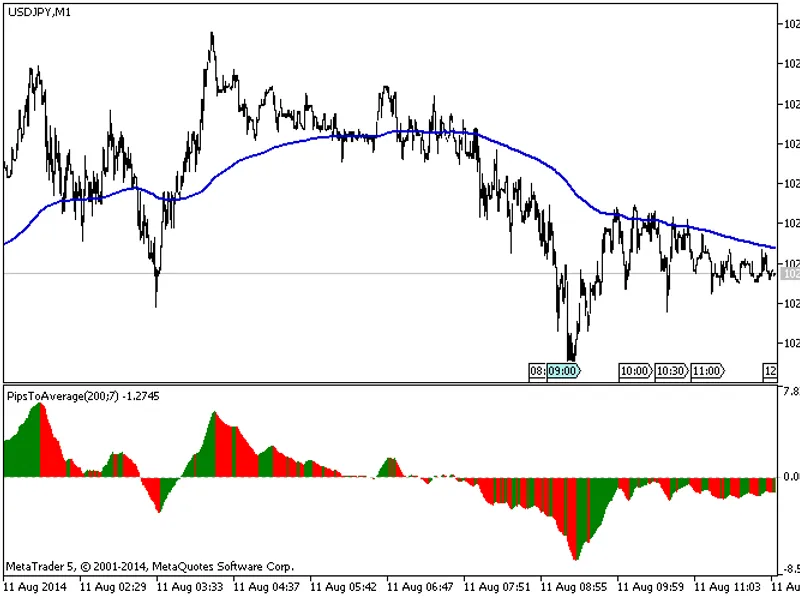
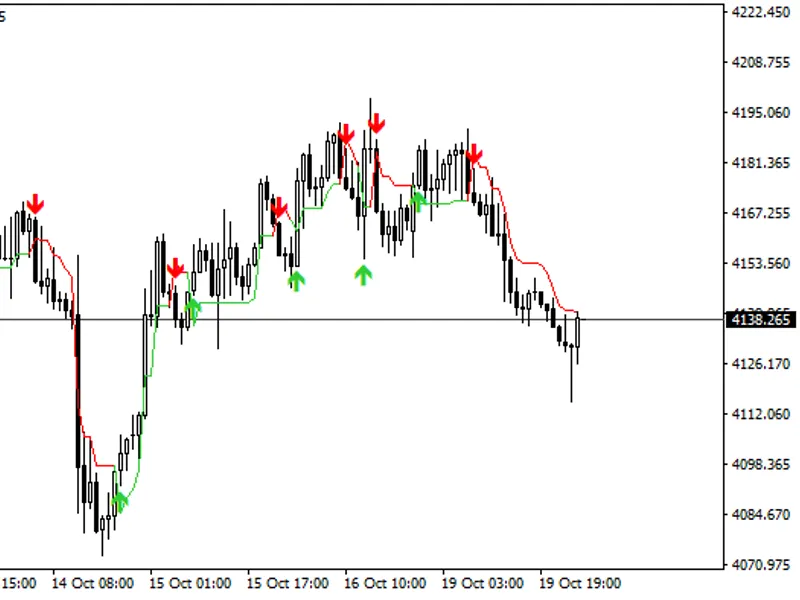
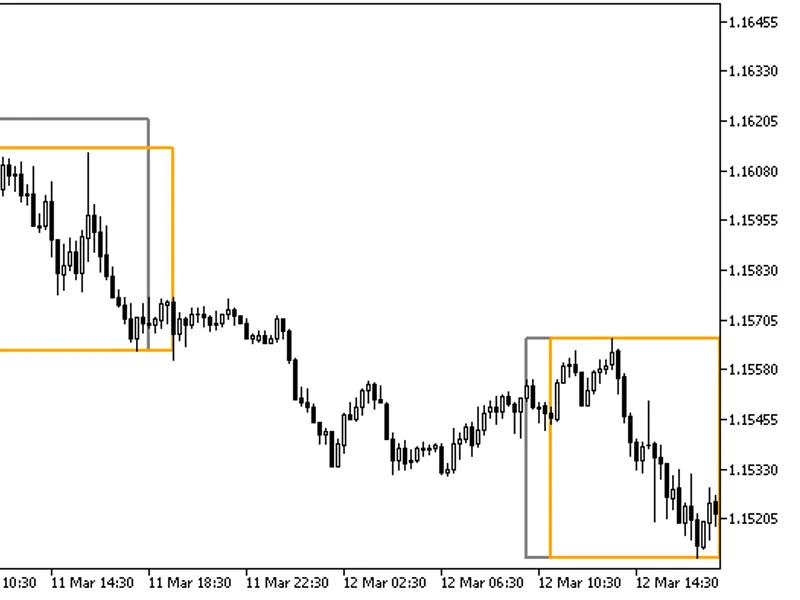
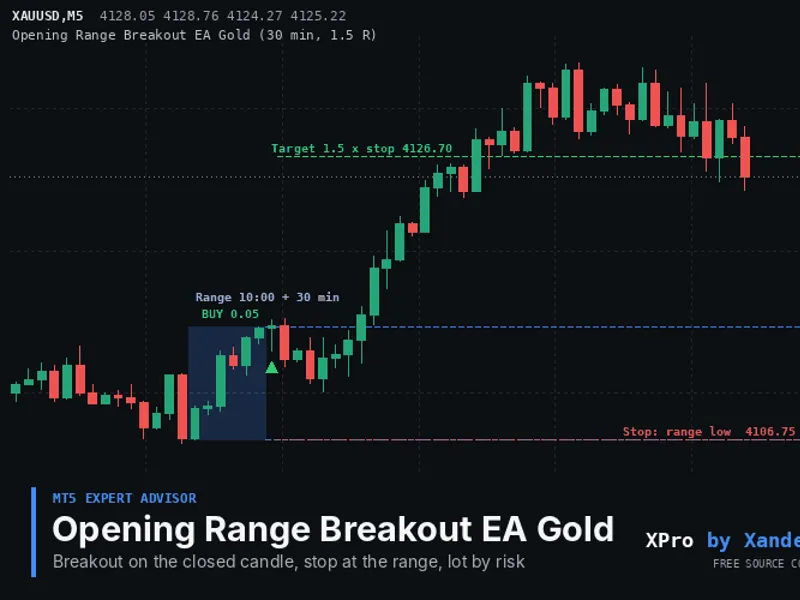
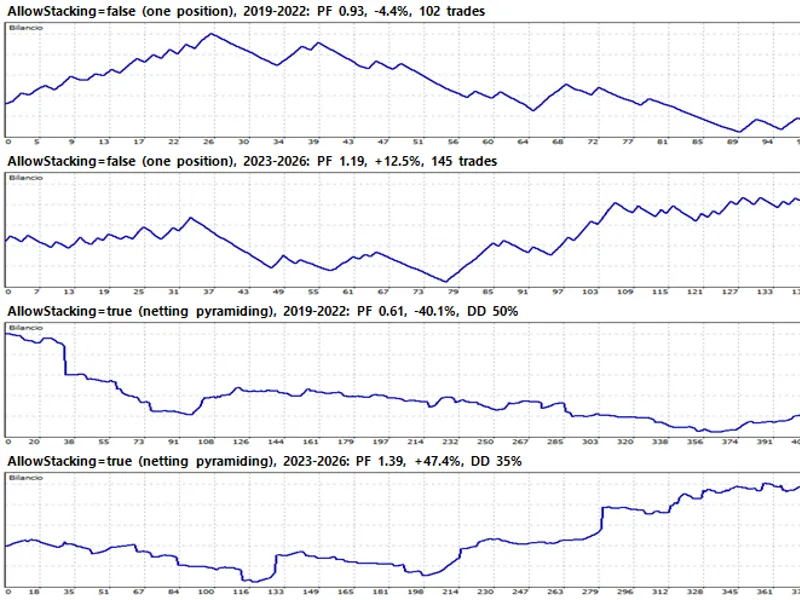
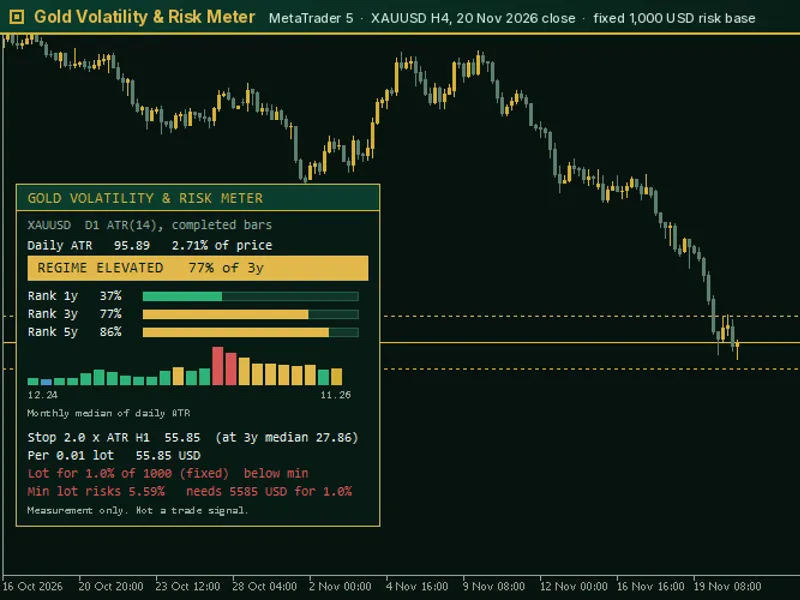
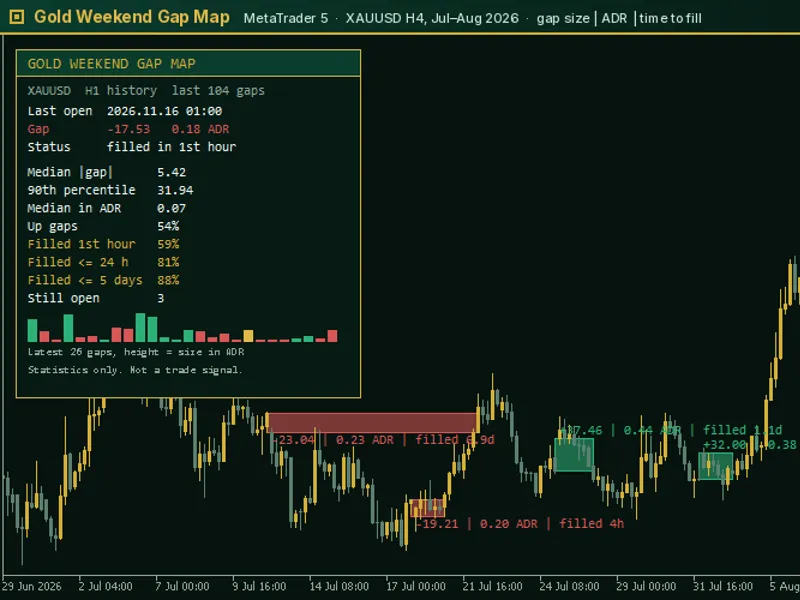
The attached images are illustrative historical XAUUSD chart reconstructions originally based on MetaTrader 5 Strategy Tester data, relabeled to explain MT4 concepts, not direct MT4 screenshots or demonstrated MT4 trading performance. Actual charts, broker spreads and indicator markers can differ.
Risk warning: initial stop-risk estimates are not guaranteed maximum losses. Spread expansion, slippage, weekend gaps, financing and broker-specific execution conditions can increase real losses. No automated orders are sent by this indicator.
Project and license
Project documentation: A dedicated MT4 tutorial URL may be added here after the ForexReview.top guide is published.
Free to study and use. This code incorporates portions of the MIT-licensed Smart Liquidity Hunter swing/pivot approach. Copyright and licensing details appear in the attached THIRD_PARTY_NOTICES.txt.
Created by fxliner for the MetaTrader community. For educational market analysis; no performance guarantees.
Full illustrated MT4 and MT5 user guide:
Gold Session Liquidity Free features, installation, detection rules and risk planner documentation on ForexReview.top.
You may also like: Session Sweep Boxes MT5 - excellent alternative for indicator users on MetaTrader 4.
Source Code
#property strict
#property copyright "RobotFX"
#property link "https://robotfx.org"
#property version "1.10"
#property description "This code is educational. Feel free to use, modify and upgrade as you wish. Visit ROBOTFX.ORG for professional trading tools"
#property indicator_chart_window
#property indicator_buffers 6
#property indicator_color1 clrDarkOrange
#property indicator_color2 clrDeepSkyBlue
#property indicator_color3 clrLimeGreen
.......
⚠ Limitations & Risk Warning
- This tool is provided for educational and testing purposes only.
- Past performance does not guarantee future results.
- Trading involves substantial risk of loss. Use on a demo account first.
- Results may vary depending on market conditions, broker, and settings.
- We recommend thorough backtesting and forward testing before using with real funds.