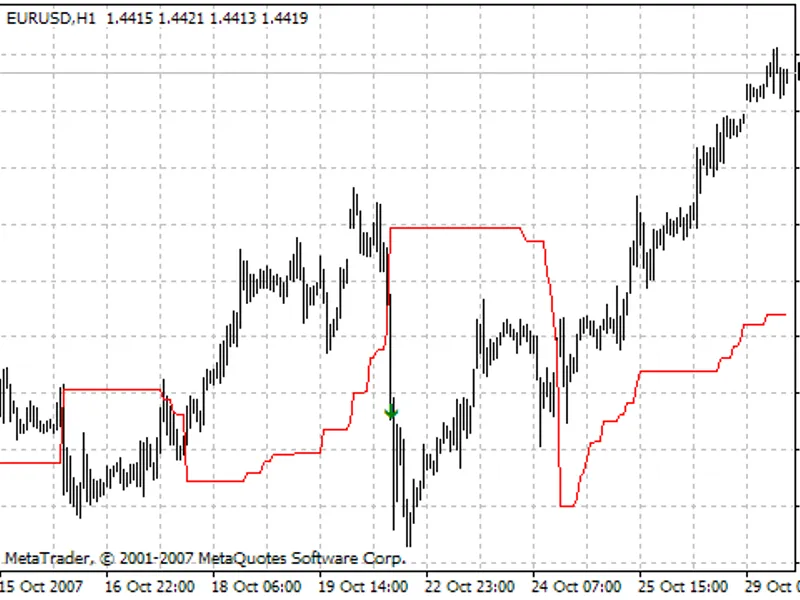




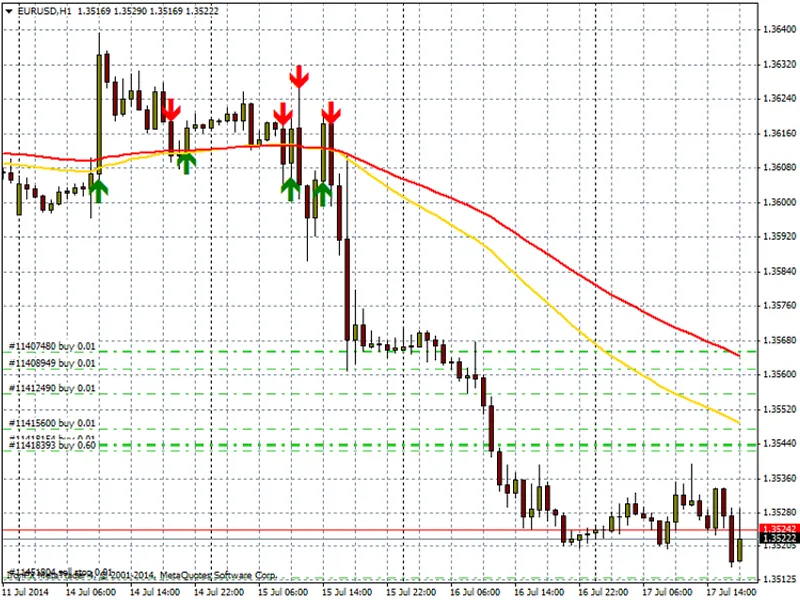
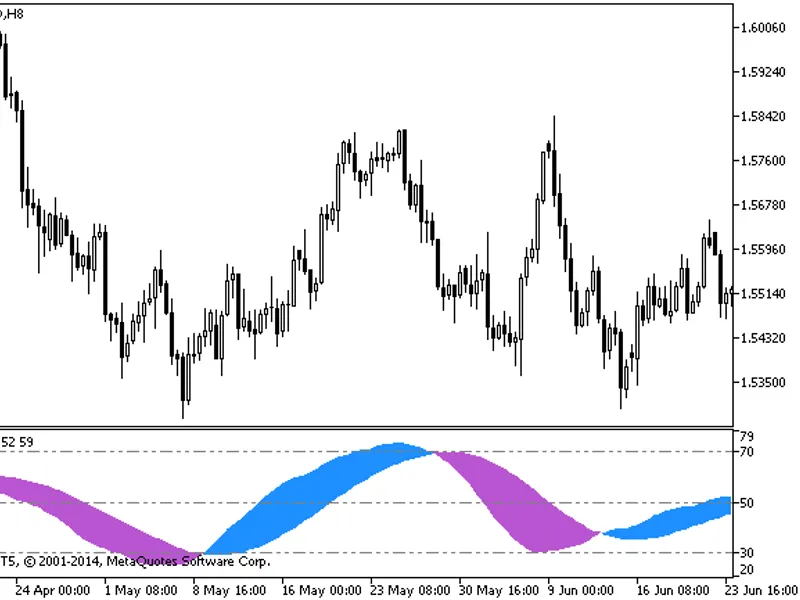
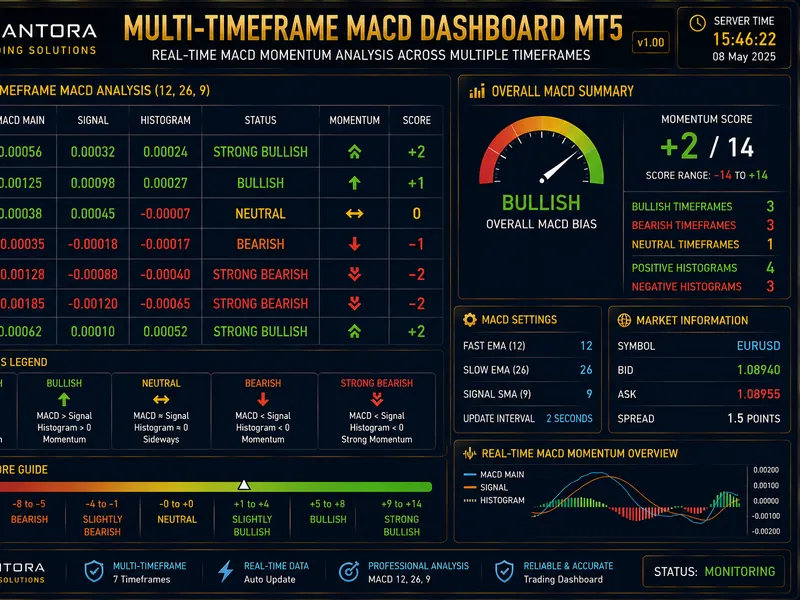
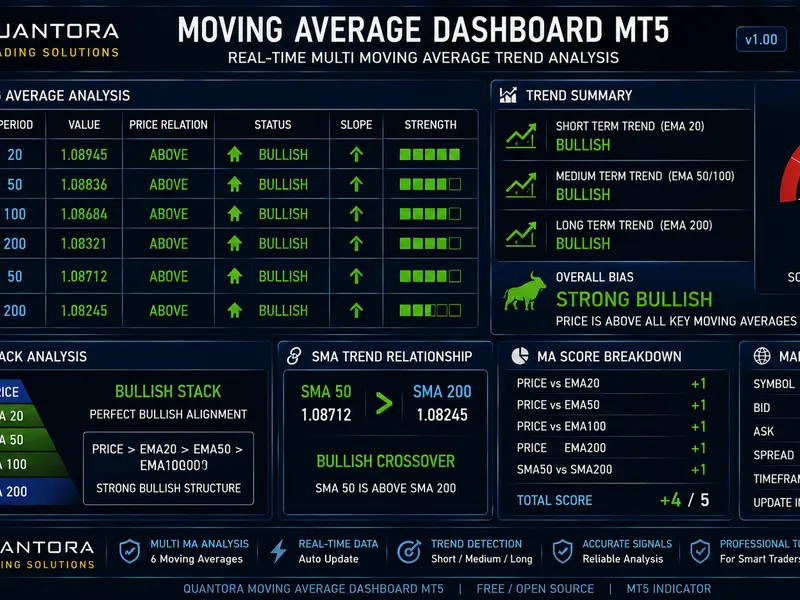
dynamic trend indicator suite
Info
The dynamic trend indicator suite is a Indicator for MetaTrader 4 that this suite of four indicators, named 'dynamic trend', offers a comprehensive solution for traders within the metatrader platform. designed with the mt4/mt5 standards in mind, it ensures a seamless integration and user experience.
Usage
This tool is typically used for trend following strategies across multiple currency pairs.
Platform
This Indicator works exclusively on MetaTrader 4 (both build 600+ and newer versions).
Setup
Place the downloaded file in MQL4/Indicators folder via File ? Open Data Folder in MetaTrader 4.
How to Install and Use dynamic trend indicator suite
1. Installation: Place your file in the MQL/Indicators folder via "Open Data Folder" and restart your terminal.
2. Loading: Find the indicator in the Navigator, drag it onto your chart, and configure the input parameters in the popup window.
3. Customization: Press Ctrl+I to open the indicator list, select your tool, and click "Properties" to change colors, levels, or visual styles.
4. Updating: Replace the old file in the Indicators folder with the new version and restart the platform to apply changes.
Frequently Asked Questions
Q: Why is my indicator not showing? A: Verify the file is in the MQL/Indicators folder, or try right-clicking the "Indicators" tree in the Navigator and clicking "Refresh."
Q: Do custom indicators slow down the platform? A: Too many complex indicators can impact performance; remove unused ones via the "Indicator List" (Ctrl+I).
Q: Can I use MT4 indicators on MT5? A: No, MQL4 and MQL5 are distinct languages; ensure the indicator is compiled specifically for your platform version.
What this tool does
this suite of four indicators, named 'dynamic trend', offers a comprehensive solution for traders within the metatrader platform.
Typical Use Case
This Indicator excels in trend following on MetaTrader 4.
Compatible Platform & Setup
This Indicator works on MetaTrader 4. Place the file in the MQL4/Indicators folder and restart the terminal.
Description & Settings
Related: dynamic moving average - another powerful indicator for MetaTrader 4 traders.
this suite of four indicators, named 'dynamic trend', offers a comprehensive solution for traders within the metatrader platform. designed with the mt4/mt5 standards in mind, it ensures a seamless integration and user experience.Also recommended: instantaneous trendline filter indicator - similar indicator with strong performance on MetaTrader 4.
installation is straightforward, catering to traders of all skill levels. whether you're a novice or an expert, this tool can assist in various ways, from automating routine tasks to enhancing decision-making and offering valuable analytical insights.
You may also like: i trend indicator suite - excellent alternative for indicator users on MetaTrader 4.
Source Code
#property copyright "robotfx"
#property link "https://robotfx.org"
#property indicator_chart_window
#property indicator_buffers 3
#property indicator_color1 red   // buy signal
#property indicator_color2 blue  // buy signal
#property indicator_color3 green // sell signal
double dynamiclinetrend [];      // data buffer for dynamic line trend
double buysignals [];            // data buffer for buy signals
double sellsignals [];           // data buffer for sell signals
.......
⚠ Limitations & Risk Warning
- This tool is provided for educational and testing purposes only.
- Past performance does not guarantee future results.
- Trading involves substantial risk of loss. Use on a demo account first.
- Results may vary depending on market conditions, broker, and settings.
- We recommend thorough backtesting and forward testing before using with real funds.