



AS C Trend Expert
Info
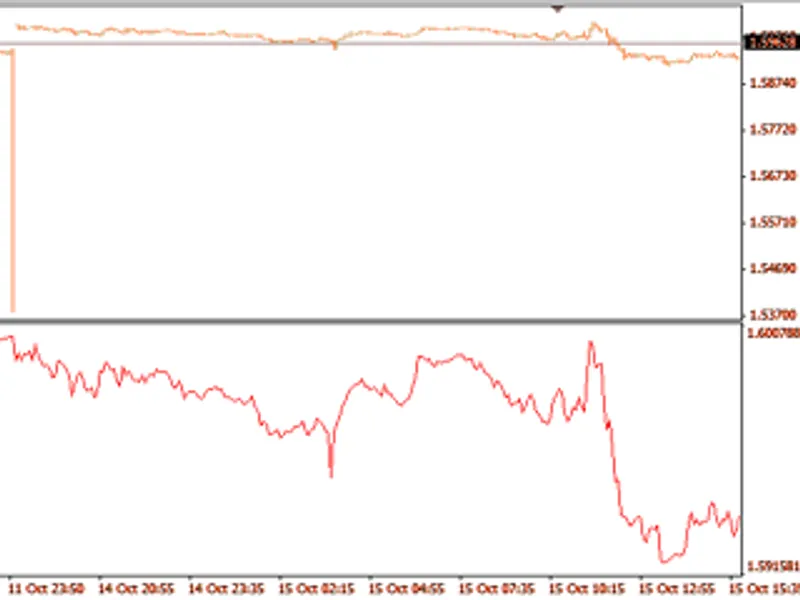
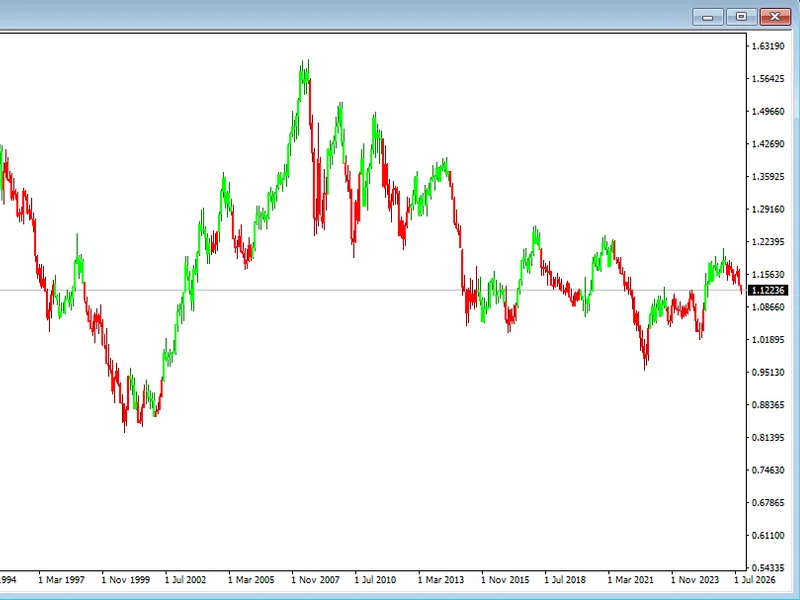
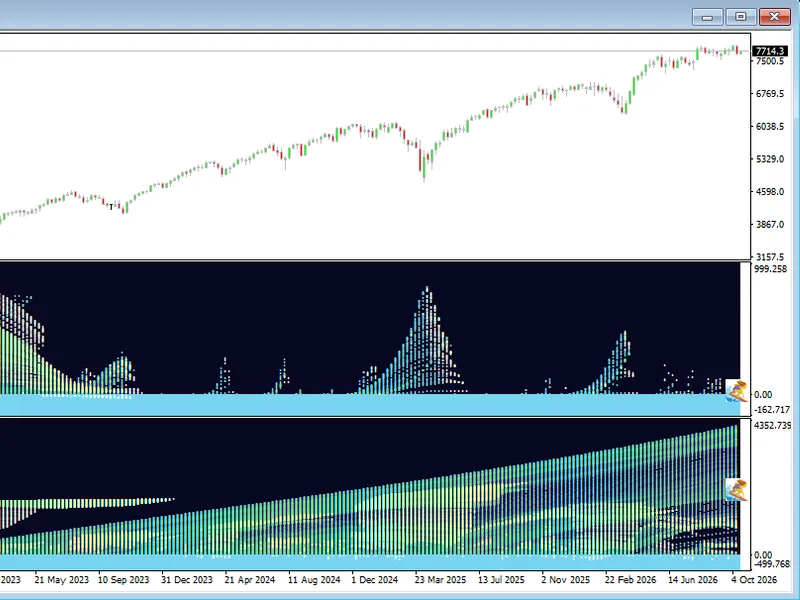
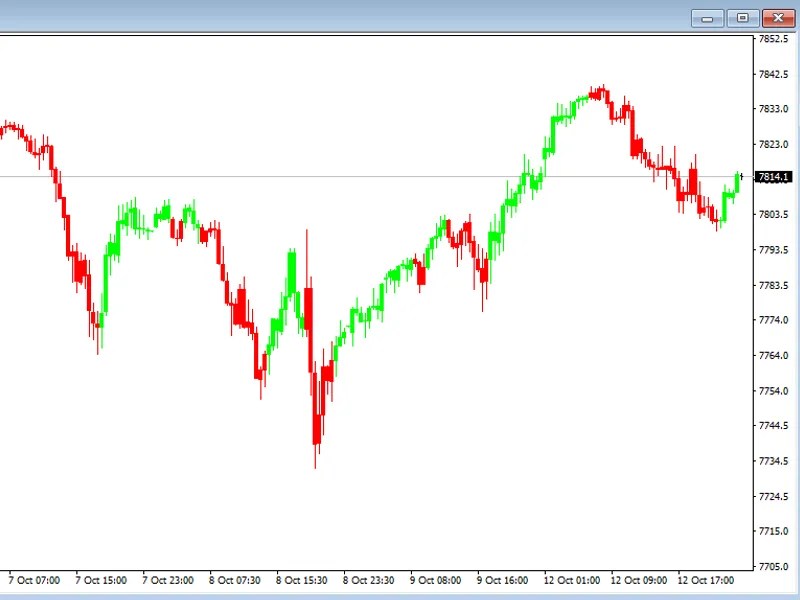
The AS C Trend Expert is a Indicator for MetaTrader 4 that the asctrend is a program designed to predict the most likely market direction, along with optimal stop placements. Its primary objective is to objectively identify the prevailing trend.
Usage
This tool is typically used for trend following strategies across multiple currency pairs.
Platform
This Indicator works exclusively on MetaTrader 4 (both build 600+ and newer versions).
Setup
Place the downloaded file in MQL4/Indicators folder via File ? Open Data Folder in MetaTrader 4.
How to Install and Use AS C Trend Expert
1. Installation: Place your file in the MQL/Indicators folder via "Open Data Folder" and restart your terminal.
2. Loading: Find the indicator in the Navigator, drag it onto your chart, and configure the input parameters in the popup window.
3. Customization: Press Ctrl+I to open the indicator list, select your tool, and click "Properties" to change colors, levels, or visual styles.
4. Updating: Replace the old file in the Indicators folder with the new version and restart the platform to apply changes.
Frequently Asked Questions
Q: Why is my indicator not showing? A: Verify the file is in the MQL/Indicators folder, or try right-clicking the "Indicators" tree in the Navigator and clicking "Refresh."
Q: Do custom indicators slow down the platform? A: Too many complex indicators can impact performance; remove unused ones via the "Indicator List" (Ctrl+I).
Q: Can I use MT4 indicators on MT5? A: No, MQL4 and MQL5 are distinct languages; ensure the indicator is compiled specifically for your platform version.
What this tool does
The ASCTREND is a program designed to predict the most likely market direction, along with optimal stop placements.
Typical Use Case
This Indicator excels in trend following on MetaTrader 4.
Compatible Platform & Setup
This Indicator works on MetaTrader 4. Place the file in the MQL4/Indicators folder and restart the terminal.
Description & Settings
Related: Mistral Trend Candles Indicator - another powerful indicator for MetaTrader 4 traders.
The ASCTREND is a program designed to predict the most likely market direction, along with optimal stop placements. Its primary objective is to objectively identify the prevailing trend.Also recommended: Mr. Wave: Market Trend Visualization - similar indicator with strong performance on MetaTrader 4.
This tool operates based on factual market conditions rather than speculative assumptions. It provides a structured approach to trading, ensuring decisions are grounded in the current market environment.
The optimal stops offer flexibility for various trading strategies, including entries, exits, re-entries, and pyramiding. The ASCTREND calculates the maximum optimal stop for each trade, enabling traders to manage risk effectively. Knowing the exit points allows for more confident entry decisions.
In essence, the ASCTREND serves as a transparent lens, offering a clear view of market dynamics without distortion.
You may also like: Pin-Point Trend Following Strategy - excellent alternative for indicator users on MetaTrader 4.
Source Code
#property indicator_chart_window
#property indicator_buffers 8
#property indicator_color1 red
#property indicator_color2 red
#property indicator_color3 red
#property indicator_color4 white
#property indicator_color5 white
#property indicator_color6 red
#property indicator_color7 blue
#property indicator_color8 orchid
.......
⚠ Limitations & Risk Warning
- This tool is provided for educational and testing purposes only.
- Past performance does not guarantee future results.
- Trading involves substantial risk of loss. Use on a demo account first.
- Results may vary depending on market conditions, broker, and settings.
- We recommend thorough backtesting and forward testing before using with real funds.