






Accurate Timer for MetaTrader 4/5
Info
The Accurate Timer for MetaTrader 4/5 is a Library for MetaTrader 5 that the metatrader 4/5 platform relies on the system timer call, which can lead to inaccuracies. To illustrate this, consider the following expert advisor:By observing the chart comment in the upper left corner, we can see the timer lag increasing over time.
Usage
This tool is typically used for enhancing chart analysis and decision making.
Platform
This Library works exclusively on MetaTrader 5 (both build 600+ and newer versions).
Setup
Place the downloaded file in MQL5/Libraries folder via File ? Open Data Folder in MetaTrader 5.
How to Install and Use Accurate Timer for MetaTrader 4/5
1. Storage: Place library files in the MQL/Libraries directory to ensure they are accessible to your projects.
2. Implementation: Include the library in your code using the #import directive, ensuring you match the exact function names and parameters.
3. Compilation: Ensure the library is present in the directory before you compile your main EA or script, as the compiler links them during this phase.
4. Management: Keep libraries organized in sub-folders if you manage many custom functions to maintain a clean project structure.
Frequently Asked Questions
Q: What is a library file used for? A: Libraries store reusable code modules, allowing you to centralize common logic used by multiple EAs or indicators.
Q: Is a library executable? A: No, libraries are non-executable files containing functions; they must be imported into an EA, indicator, or script to function.
Q: Can I update a library while the platform is running? A: You should compile your EA or script after updating a library to ensure the latest code changes are integrated.
What this tool does
The MetaTrader 4/5 platform relies on the system timer call, which can lead to inaccuracies.
Typical Use Case
This Library excels in automated trading and technical analysis on MetaTrader 5.
Compatible Platform & Setup
This Library works on MetaTrader 5. Place the file in the MQL5/Libraries folder and restart the terminal.
Description & Settings
Related: timer - another powerful library for MetaTrader 5 traders.
The MetaTrader 4/5 platform relies on the system timer call, which can lead to inaccuracies. To illustrate this, consider the following expert advisor:By observing the chart comment in the upper left corner, we can see the timer lag increasing over time.
Also recommended: String Library: Functions for String Manipulation - similar library with strong performance on MetaTrader 5.
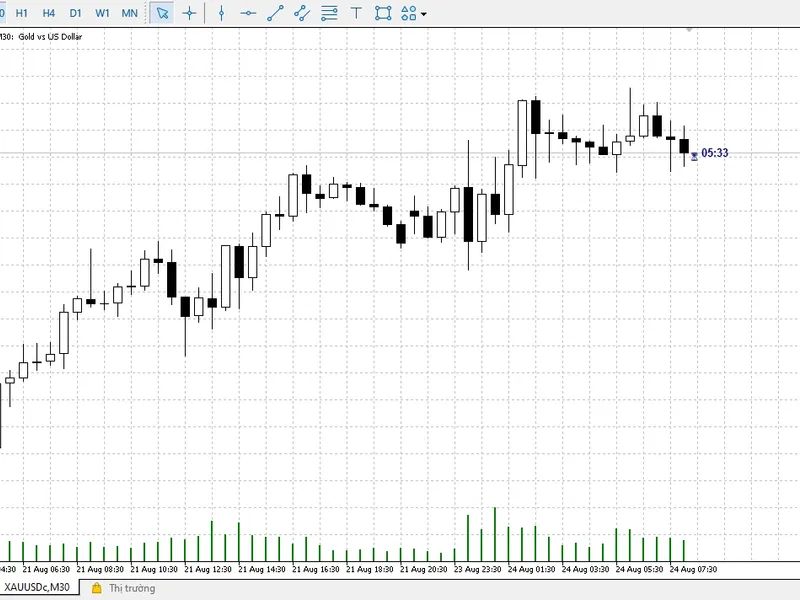
A screenshot demonstrates that within a minute, the second timer exhibits a lag of over a second, and this lag continues to grow.
This library aims to enhance the precision of the standard timer for any expert advisor/indicator. By adding the following line at the beginning of the code:
A comment will appear, indicating:
After ten minutes, the average deviation from the ideal (theoretical) timer is approximately 1 millisecond, and the error remains stable.
Having an accurate timer is beneficial, but for certain applications, it is essential. For instance, synchronizing a second timer with the .
This cross-platform library is compatible with all expert advisors/indicators that utilize the . It does not impact the execution speed in the strategy tester.
With just one line of code, you can significantly improve the accuracy of your existing and new programs.
You may also like: Subwindow Library - excellent alternative for library users on MetaTrader 5.
Source Code
#include <accuratetimer.mqh> //
input int timer = 1000; //
#define tostring(a) #a + " = " + (string)(a) + " ms.\n"
const bool init = eventsetmillisecondtimer(timer);
void ontimer()
{
  static ulong starttime = 0;
  static int count = 0;
  static int sum = 0;
  if (starttime)
.......
⚠ Limitations & Risk Warning
- This tool is provided for educational and testing purposes only.
- Past performance does not guarantee future results.
- Trading involves substantial risk of loss. Use on a demo account first.
- Results may vary depending on market conditions, broker, and settings.
- We recommend thorough backtesting and forward testing before using with real funds.