



Accurate Position Sizing Using Broker Tick Values and Volume Steps
Info
The Accurate Position Sizing Using Broker Tick Values and Volume Steps is a Expert Advisor for MetaTrader 5 that many lot size calculators incorrectly assume that one pip is always worth ten dollars. This is inaccurate for instruments like gold, indices, JPY crosses, and accounts not denominated in USD, leading to potential oversizing and increased risk.
Usage
This tool is typically used for automated trading on major forex pairs and gold.
Platform
This Expert Advisor works exclusively on MetaTrader 5 (both build 600+ and newer versions).
Setup
Place the downloaded file in MQL5/Experts folder via File ? Open Data Folder in MetaTrader 5.
How to Install and Use Accurate Position Sizing Using Broker Tick Values and Volume Steps
1. Installation: Open the "File" menu, select "Open Data Folder," navigate to MQL/Experts, paste your file, and restart the terminal.
2. Activation: Drag the EA from the Navigator onto a chart, ensure "Allow live trading" is checked in the Common tab, and verify the AutoTrading button is green.
3. Optimization: Right-click your chart, choose "Expert List," click "Properties" to adjust inputs, and save your preferred setup as a set file for future use.
4. Maintenance: Regularly check the "Experts" tab in the terminal window to monitor trade logs and potential execution errors.
Frequently Asked Questions
Q: Why is my EA not opening trades? A: Check the "AutoTrading" button, ensure "Allow live trading" is enabled, and verify your broker allows automated trading on your account type.
Q: Can I run multiple EAs on one chart? A: No, each chart can only host one active EA; however, you can open multiple charts for different currency pairs to run several EAs.
Q: What does the "smiley face" icon mean? A: A smiley face in the top-right corner of the chart indicates the EA is successfully running; a frowny face means it is disabled.
What this tool does
Many lot size calculators incorrectly assume that one pip is always worth ten dollars.
Typical Use Case
This Expert Advisor excels in automated trading and technical analysis on MetaTrader 5.
Compatible Platform & Setup
This Expert Advisor works on MetaTrader 5. Place the file in the MQL5/Experts folder and restart the terminal.
Description & Settings
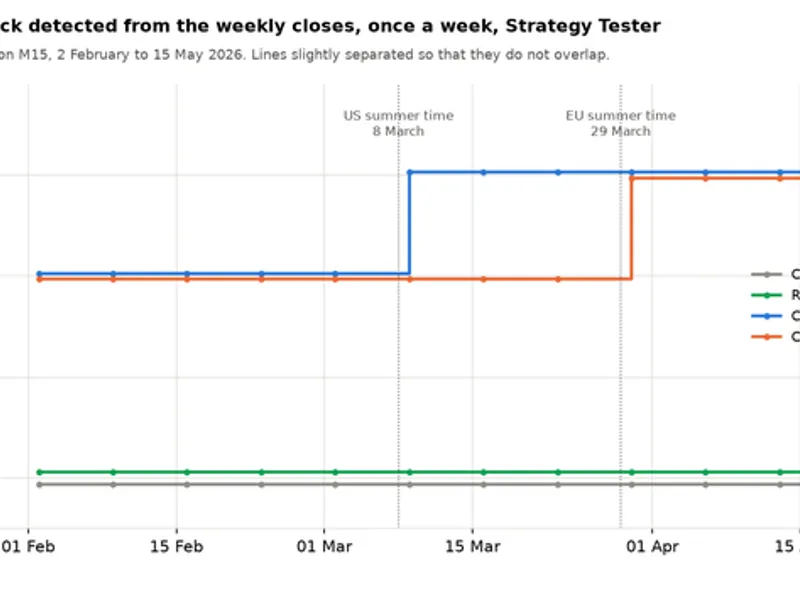
Related: Accurate Broker GMT Offset and Daylight Saving Time Rules from Price History - another powerful expert for MetaTrader 5 traders.
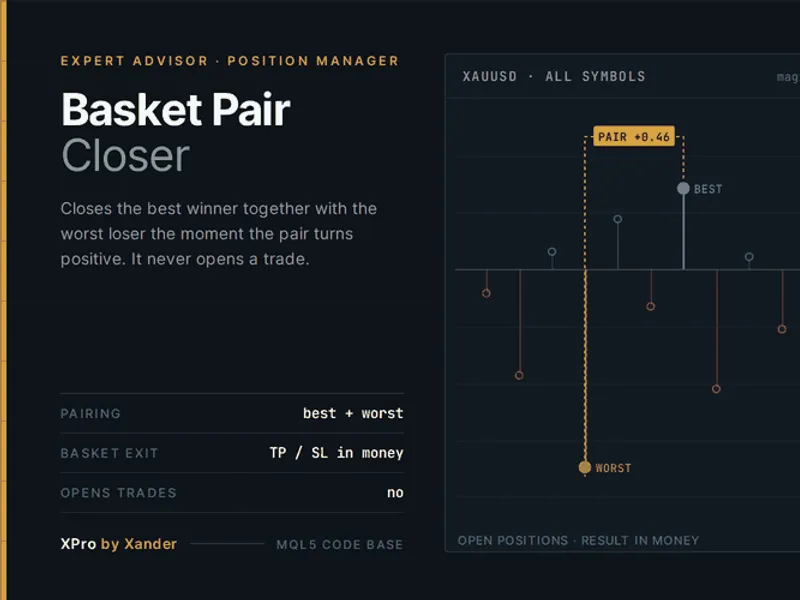
Many lot size calculators incorrectly assume that one pip is always worth ten dollars. This is inaccurate for instruments like gold, indices, JPY crosses, and accounts not denominated in USD, leading to potential oversizing and increased risk.Also recommended: Basket Pair Closer: Efficiently Close Trading Positions - similar expert with strong performance on MetaTrader 5.
This tool performs calculations based on the actual data published by the broker for each symbol.
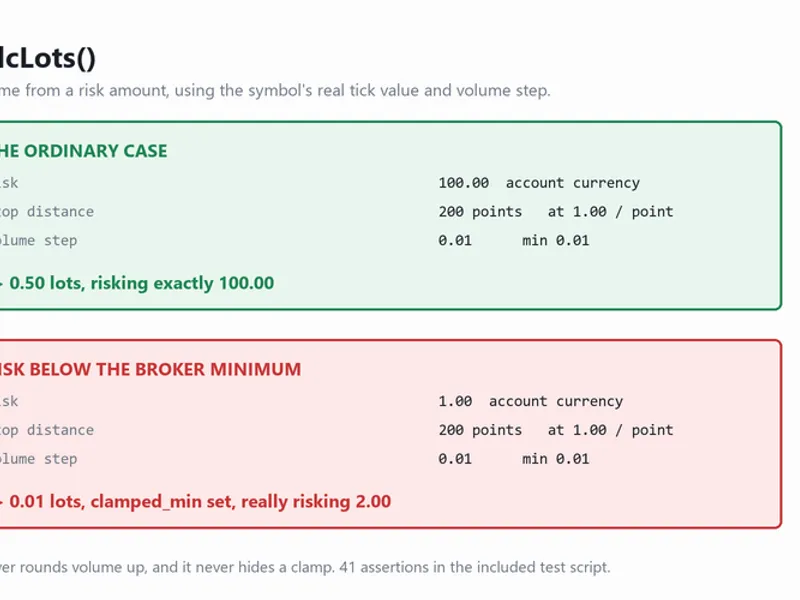
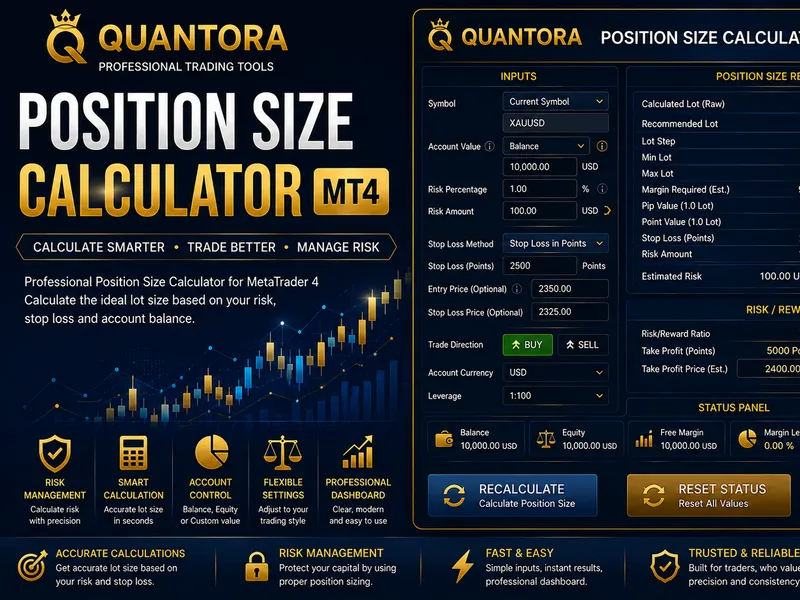
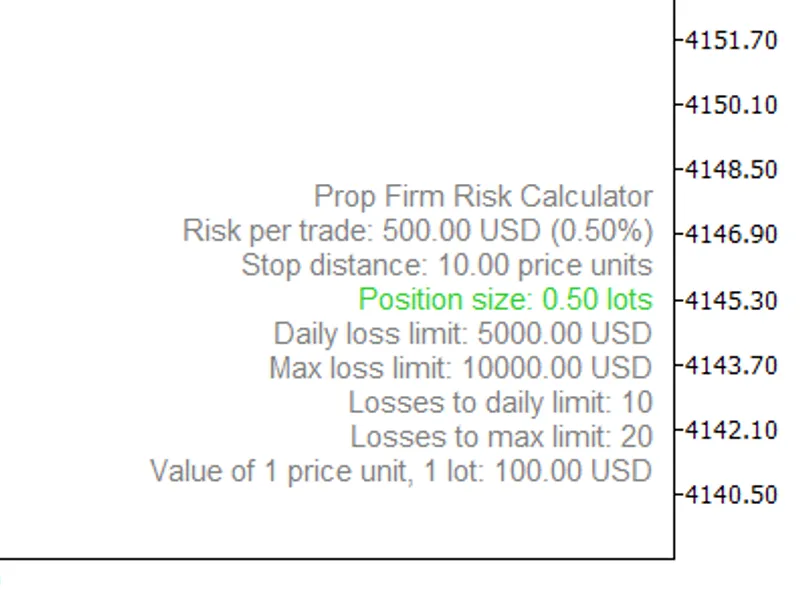
The CalcLots() function accepts the desired risk amount in the account currency, the entry price, and the stop price. It returns the appropriate trading volume and the actual risk associated with that volume, after applying the broker's specific constraints.
Volume is always rounded down to the nearest step defined by the broker. Rounding up would silently exceed the user-defined risk, which is a critical failure for any position sizing tool.
If the requested risk is less than the minimum allowed lot size, the function does not attempt to compensate. It returns the minimum lot size, sets the clamped_min flag, and reports the actual risk of the position, which will be greater than the initial request.
The function is side-agnostic, meaning the stop loss can be placed either above or below the entry price.
Additionally, it provides the stop distance in points and the value of one point per 1.00 lot. This allows users to verify the calculations.
The mathematical logic is contained in a separate header file (Calc.mqh) to ensure it has no terminal state. This header accepts a SymbolSpec struct containing symbol-specific parameters like point size, tick size, tick value, volume minimum/maximum/step, and decimal places. This design allows the sizing logic to be tested offline using synthetic instruments.
The SpecFromSymbol() function is the only part that interacts with live broker data. It prioritizes reading SYMBOL_TRADE_TICK_VALUE_LOSS, as this is the value the server uses when a trade moves against the trader, which is precisely where a stop loss is positioned. If the loss value is zero for a particular broker, it falls back to using SYMBOL_TRADE_TICK_VALUE.
This separation of logic enables the included test script.
The test script, RiskLotCalculatorTests.mq5, can be run on any chart without requiring a broker connection or historical data. It verifies 41 distinct scenarios, including volume step rounding, clamp handling, point value scaling with different tick sizes, testing with a 5-digit major currency pair, gold, an index with a 0.1 lot step, both trade directions, and all rejection paths (zero risk, negative risk, stop price at entry, and missing tick data).
Run the script on a chart and review the Experts tab for the results. It concludes with "ALL PASS, passed=41, failed=0.".
Both script files are self-contained. Place them in the same folder, and the test script will compile without any issues.
Copyright 2026
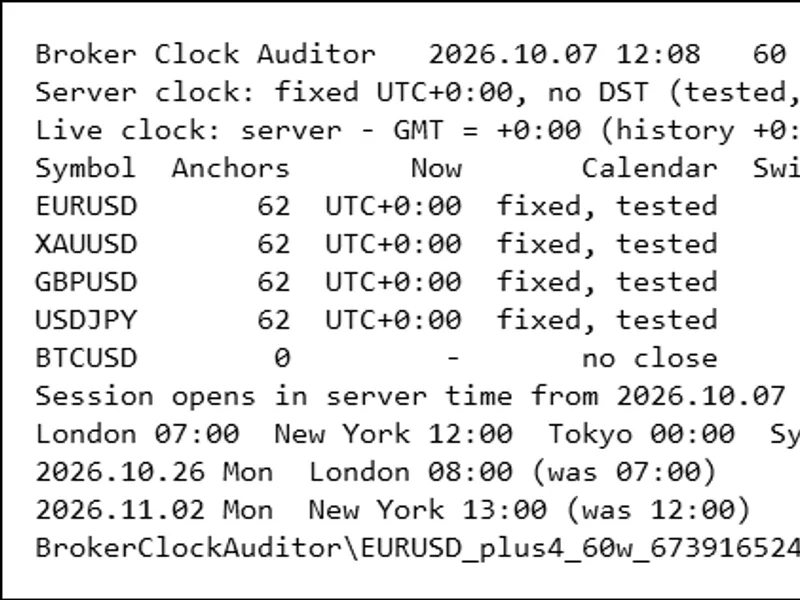
You may also like: Broker Clock Auditor: Accurately Track Server Time and Daylight Saving Shifts - excellent alternative for expert users on MetaTrader 5.
Source Code
#property copyright "RobotFX"
#property link "https://robotfx.org"
#property version   "1.00"
#include "Calc.mqh"
int g_pass = 0;
int g_fail = 0;
void Check(const string what, const bool ok)
  {
   if(ok)
     {
.......
⚠ Limitations & Risk Warning
- This tool is provided for educational and testing purposes only.
- Past performance does not guarantee future results.
- Trading involves substantial risk of loss. Use on a demo account first.
- Results may vary depending on market conditions, broker, and settings.
- We recommend thorough backtesting and forward testing before using with real funds.