
watermark mt5: professional chart branding for metatrader 5
Info
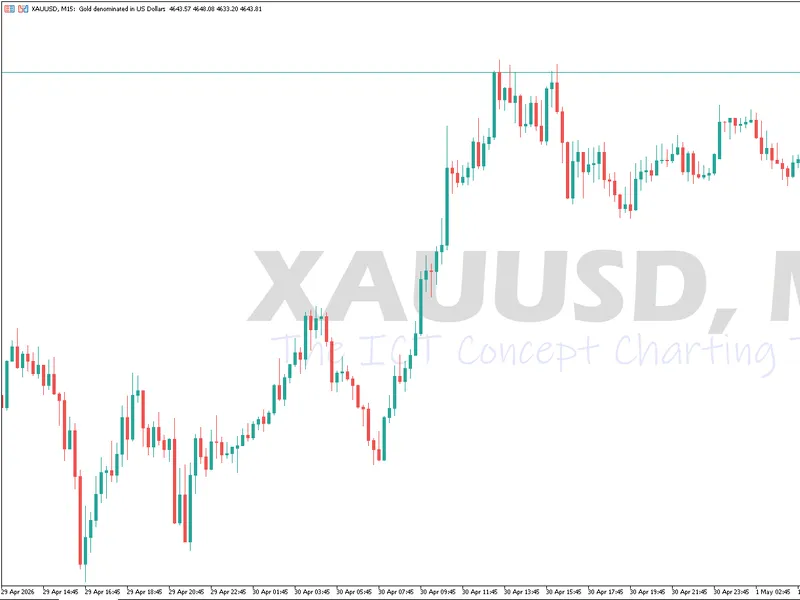
The watermark mt5: professional chart branding for metatrader 5 is a Indicator for MetaTrader 5 that transform your metatrader 5 charts to achieve an elegant and professional appearance, similar to tradingview. watermark mt5 is a lightweight, highly customizable indicator designed to enhance your charting experience by adding sophisticated, modern watermarks directly to your trading terminal.
Usage
This tool is typically used for enhancing chart analysis and decision making.
Platform
This Indicator works exclusively on MetaTrader 5 (both build 600+ and newer versions).
Setup
Place the downloaded file in MQL5/Indicators folder via File ? Open Data Folder in MetaTrader 5.
How to Install and Use watermark mt5: professional chart branding for metatrader 5
1. Installation: Place your file in the MQL/Indicators folder via "Open Data Folder" and restart your terminal.
2. Loading: Find the indicator in the Navigator, drag it onto your chart, and configure the input parameters in the popup window.
3. Customization: Press Ctrl+I to open the indicator list, select your tool, and click "Properties" to change colors, levels, or visual styles.
4. Updating: Replace the old file in the Indicators folder with the new version and restart the platform to apply changes.
Frequently Asked Questions
Q: Why is my indicator not showing? A: Verify the file is in the MQL/Indicators folder, or try right-clicking the "Indicators" tree in the Navigator and clicking "Refresh."
Q: Do custom indicators slow down the platform? A: Too many complex indicators can impact performance; remove unused ones via the "Indicator List" (Ctrl+I).
Q: Can I use MT4 indicators on MT5? A: No, MQL4 and MQL5 are distinct languages; ensure the indicator is compiled specifically for your platform version.
What this tool does
transform your metatrader 5 charts to achieve an elegant and professional appearance, similar to tradingview.
Typical Use Case
This Indicator excels in automated trading and technical analysis on MetaTrader 5.
Compatible Platform & Setup
This Indicator works on MetaTrader 5. Place the file in the MQL5/Indicators folder and restart the terminal.
Description & Settings
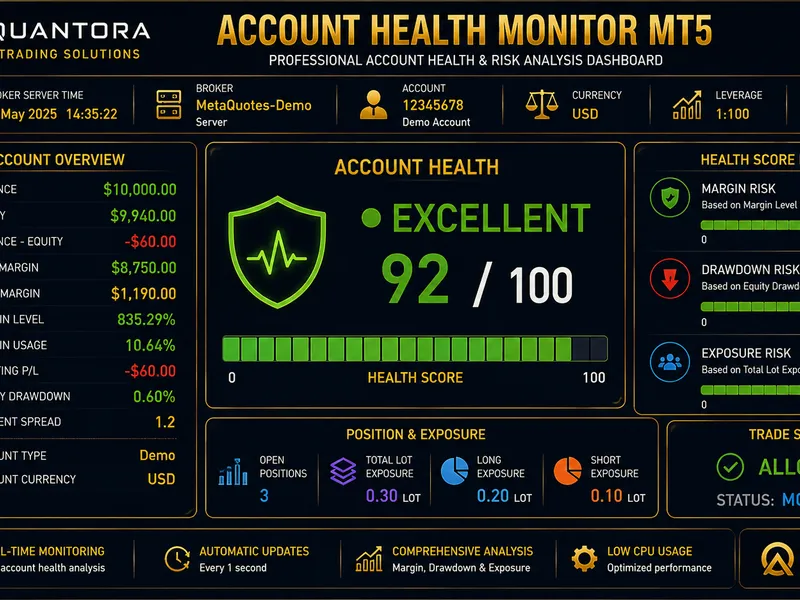
Related: Quantora Account Health Monitor MT5: Professional Account Health and Risk Monitoring - another powerful indicator for MetaTrader 5 traders.
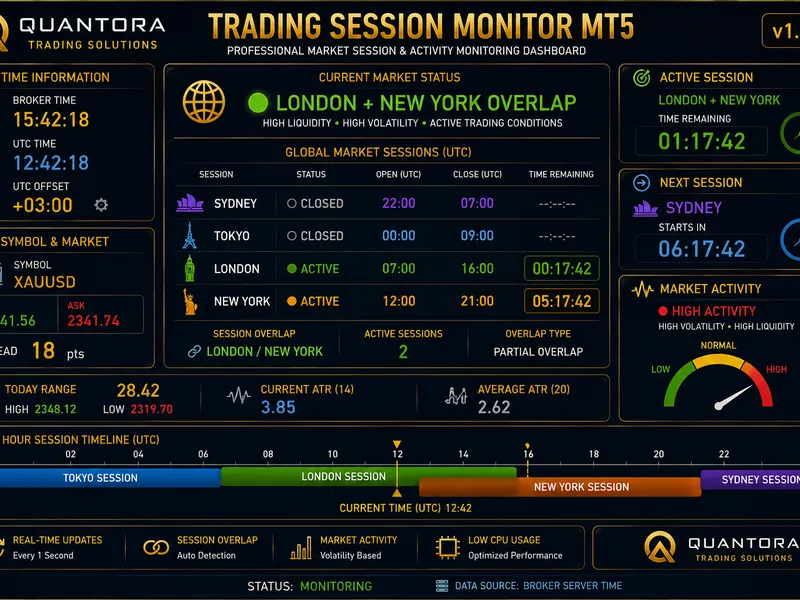
transform your metatrader 5 charts to achieve an elegant and professional appearance, similar to tradingview.Also recommended: Quantora Trading Session Monitor MT5: Professional Market Session and Activity Analysis - similar indicator with strong performance on MetaTrader 5.
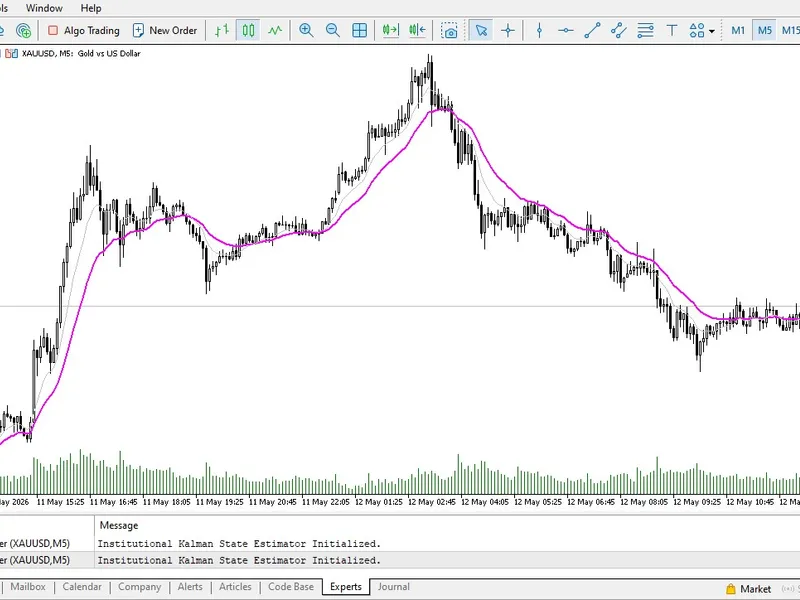
watermark mt5 is a lightweight, highly customizable indicator designed to enhance your charting experience by adding sophisticated, modern watermarks directly to your trading terminal.this indicator bridges the visual gap between standard metatrader charts and premium web-based charting platforms. it enables the dynamic display of the current trading pair and timeframe on your chart, along with two additional fully customizable text labels. inspired by the clean aesthetics of modern charting tools, this indicator is ideal for traders seeking a more visually appealing workspace. it is an essential addition for trading mentors sharing technical analysis, prop firm traders journaling setups, or enthusiasts who appreciate a clean aesthetic. it provides your charts with a unique professional identity and beautifully brands your screenshots before social media sharing.
key features of the indicator
- dynamic pair and timeframe display: the indicator automatically detects and displays your current instrument and timeframe. the text updates instantly when you switch timeframes. it supports all default and custom mt5 timeframes.
- the tradingview aesthetic: incorporate the modern, minimalistic look of popular charting platforms directly into your metatrader desktop. create an inspiring and visually comfortable workspace.
- complete customization: you have full control. adjust the font style, font size, and text color to match your specific chart template. easily position the watermark on your screen using the x and y distance parameters and corner selection.
- dual custom text labels: in addition to the pair and timeframe, you can add two custom lines of text. utilize this to display your brand name, trading community, current trading strategy, or important psychological reminders directly on the chart.
- lightweight and optimized: coded with clean and modern mql5 practices, this indicator operates smoothly without excessive cpu resource consumption. it will not impede your terminal's performance or interfere with your expert advisors.
how to use:
simply attach the indicator to any chart. in the input settings, specify your desired font name (e.g., arial, verdana, or ink free) and adjust the sizing and colors to complement your light or dark chart theme.
upgrade your charting aesthetic today. download this indicator for free and experience a cleaner, more professional metatrader workspace.
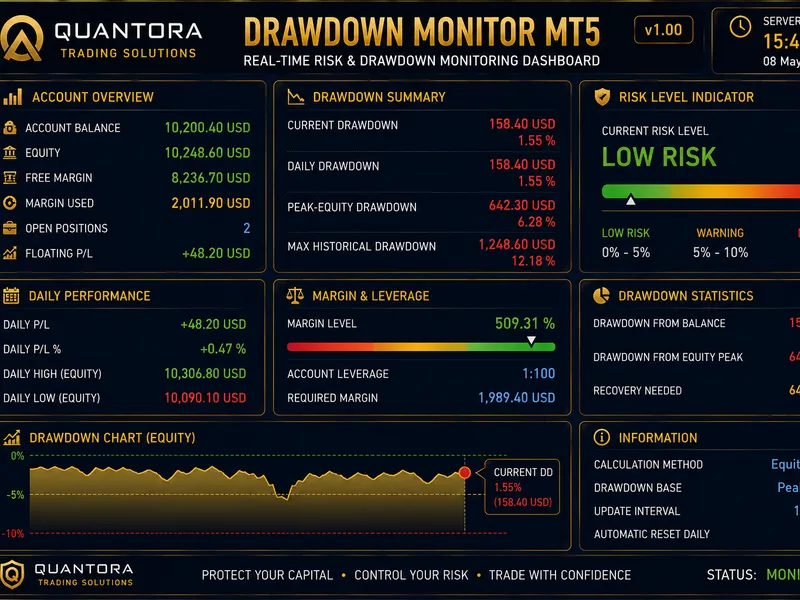
You may also like: Quantora Drawdown Monitor MT5: Professional Account Risk and Drawdown Dashboard - excellent alternative for indicator users on MetaTrader 5.
Source Code
#property copyright "robotfx"
#property link "https://robotfx.org"
#property version   "1.0"
#property description "This code is provided AS IS and intended for educational purposes only. Professional trading EAs and indicators - robotfx www.robotfx.org"
#property indicator_chart_window
#property indicator_plots 0
string periodtostring(enum_timeframes period);
void deleteobjectsbyprefix(const string prefix);
input bool             showpairandtimeframe = true;
input enum_base_corner paircorner           = corner_left_lower;
.......
⚠ Limitations & Risk Warning
- This tool is provided for educational and testing purposes only.
- Past performance does not guarantee future results.
- Trading involves substantial risk of loss. Use on a demo account first.
- Results may vary depending on market conditions, broker, and settings.
- We recommend thorough backtesting and forward testing before using with real funds.