


Pending Order Inspector MT5: Pre-Trade Analysis Tool
Info
The Pending Order Inspector MT5: Pre-Trade Analysis Tool is a Indicator for MetaTrader 5 that pending order inspector mt5 is a read-only indicator designed to analyze proposed buy_stop or sell_stop orders on the current chart symbol. It meticulously compares your intended order against your broker's contract specifications, rule by rule, providing a detailed report before you execute the trade.
Usage
This tool is typically used for enhancing chart analysis and decision making.
Platform
This Indicator works exclusively on MetaTrader 5 (both build 600+ and newer versions).
Setup
Place the downloaded file in MQL5/Indicators folder via File ? Open Data Folder in MetaTrader 5.
How to Install and Use Pending Order Inspector MT5: Pre-Trade Analysis Tool
1. Installation: Place your file in the MQL/Indicators folder via "Open Data Folder" and restart your terminal.
2. Loading: Find the indicator in the Navigator, drag it onto your chart, and configure the input parameters in the popup window.
3. Customization: Press Ctrl+I to open the indicator list, select your tool, and click "Properties" to change colors, levels, or visual styles.
4. Updating: Replace the old file in the Indicators folder with the new version and restart the platform to apply changes.
Frequently Asked Questions
Q: Why is my indicator not showing? A: Verify the file is in the MQL/Indicators folder, or try right-clicking the "Indicators" tree in the Navigator and clicking "Refresh."
Q: Do custom indicators slow down the platform? A: Too many complex indicators can impact performance; remove unused ones via the "Indicator List" (Ctrl+I).
Q: Can I use MT4 indicators on MT5? A: No, MQL4 and MQL5 are distinct languages; ensure the indicator is compiled specifically for your platform version.
What this tool does
Pending Order Inspector MT5 is a read-only indicator designed to analyze proposed BUY_STOP or SELL_STOP orders on the current chart symbol.
Typical Use Case
This Indicator excels in automated trading and technical analysis on MetaTrader 5.
Compatible Platform & Setup
This Indicator works on MetaTrader 5. Place the file in the MQL5/Indicators folder and restart the terminal.
Description & Settings
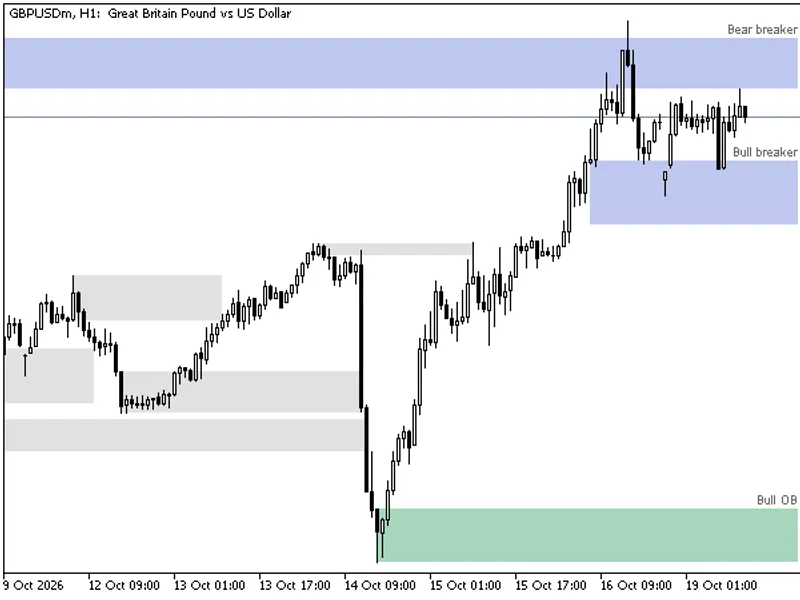
Related: Order Blocks and Breaker Blocks (SMC) - No Repaint, with Mitigation and Alerts - another powerful indicator for MetaTrader 5 traders.
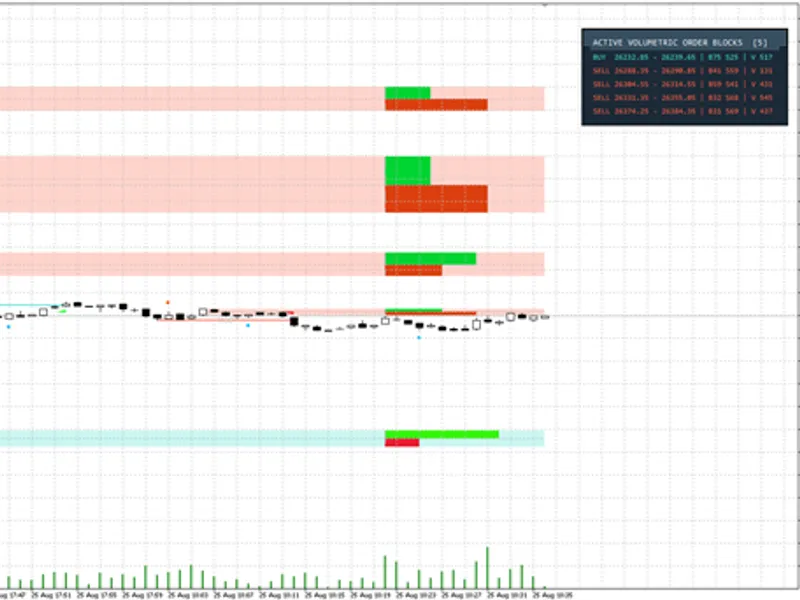
Pending Order Inspector MT5 is a read-only indicator designed to analyze proposed BUY_STOP or SELL_STOP orders on the current chart symbol.Also recommended: Price Action Volumetric Order Blocks MT5 - similar indicator with strong performance on MetaTrader 5.
It meticulously compares your intended order against your broker's contract specifications, rule by rule, providing a detailed report before you execute the trade.
This indicator does not execute trades. Version 1.00 does not include OrderSend, OrderCheck, CTrade, price suggestions, automatic normalization, or account-risk calculations.
Data Read by the Indicator
The indicator reads the following broker contract details for the current symbol: Point, tick size, volume minimum/maximum/step, stops level, freeze level, bid, ask, spread, trade mode, and symbol order permissions. Point indicates the minimum price distance defined by the broker, while tick size represents the smallest permissible price increment. These are displayed separately as a price may have a valid number of decimal places but still not align with the tick grid.
Checks Performed
- Entry Direction: Verifies that BUY_STOP orders are placed above the Ask price and SELL_STOP orders are placed below the Bid price.
- Price Tick Grid: Checks if the entry price, Stop Loss, and Take Profit prices fall on the correct tick grid.
- Volume Constraints: Validates that the specified volume adheres to the minimum, maximum, and step requirements.
- Stops Level Distance: Ensures that the entry price, Stop Loss, and Take Profit are within the broker's required distance from the market price (stops level).
- Order Permissions: Confirms whether the symbol permits stop orders, Stop Loss, and Take Profit orders.
- Quote Age: Determines if the market quote is current and available for a complete check.
For entry prices, volumes, or Stop Loss/Take Profit levels that are off the price grid, the indicator will display the adjacent valid grid values and the grid quantum. For volume, only neighboring values within the specified volume limits are shown. These are presented as factual data points; the indicator does not alter your input, fill in fields, or suggest recommended order sizes.
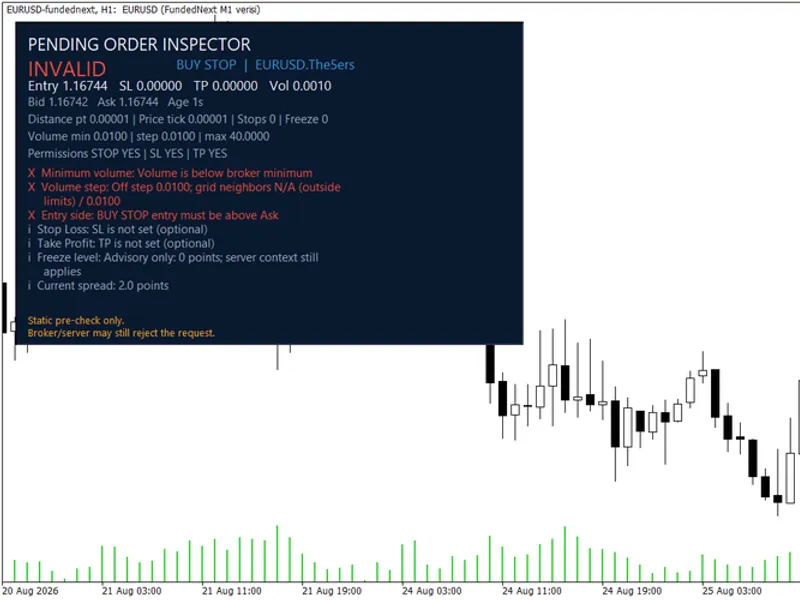
An example of a failing input set might include a volume below the symbol minimum and off the step grid, combined with an entry price on the wrong side of the Ask. Each row in the report clearly names the rule being checked and the value entered.
Result States Interpretation
- CHECKS PASS: All static checks have been completed without any rule failures. This state does not guarantee server acceptance of the order.
- INVALID: At least one rule has failed. The report will specify the failed rule, the value entered, and the required distance or grid parameters.
- CHECK: An input or contract value required for a comprehensive check was not available.
- UNKNOWN: A specific rule could not be evaluated. The indicator will not provide a substitute value.
- INFO: Contextual information that is not a failure, such as an optional Stop Loss that was not configured.
The indicator will display the same symbol with a valid volume and an entry price correctly positioned above the Ask on the tick grid. The footer will reiterate that this is a static pre-check.
Installation and Initial Use
Download the PendingOrderInspector.mq5 file. This release is a single, standalone source file, requiring no additional include files.
Compile the file in MetaEditor and attach the indicator to the desired symbol chart.
In the indicator's Inputs, select BUY_STOP or SELL_STOP. Then, input your intended entry price and volume. If your trading plan includes them, also enter your Stop Loss and Take Profit levels.
Review the overall state and each non-pass row in the indicator panel before manually placing your order.
An entry price of 0.0 is intentionally not replaced with a market price. The panel will display a CHECK message, such as 'CHECK: Set an entry price in Inputs', to prompt the user.
Indicator Inputs
- InpOrderType: Specifies the order type, either BUY_STOP or SELL_STOP.
- InpEntryPrice, InpStopLoss, InpTakeProfit, InpVolume: These fields allow you to input your intended order parameters. The indicator inspects these values but does not modify them.
- InpRequireStopLoss, InpRequireTakeProfit: These options allow you to designate unset optional Stop Loss or Take Profit levels as required fields.
- InpMaxQuoteAgeSeconds: Sets the maximum acceptable age for a quote to be considered for a complete check. The default value is 60 seconds.
- InpPanelX, InpPanelY: Control the panel's position on the chart, specified as offsets from the top-left corner (default X=16, Y=24).
- InpShowLines: Enables the display of non-draggable reference lines for the entry price, Stop Loss, and Take Profit.
Scope of Version 1.00
This version of the indicator is limited to analyzing one chart symbol and the two pending stop order types (BUY_STOP, SELL_STOP). Features such as limit orders, stop-limit orders, draggable input panels, multi-symbol monitoring, alerts, CSV export, position management, and risk sizing are not included in this release.
It is recommended to use this indicator on a demo account first. Please be aware that this is a static pre-check. Market quotes and server conditions can change after the indicator panel refreshes. Consequently, the broker or server may still reject an order request even if the indicator panel reported it as clean.
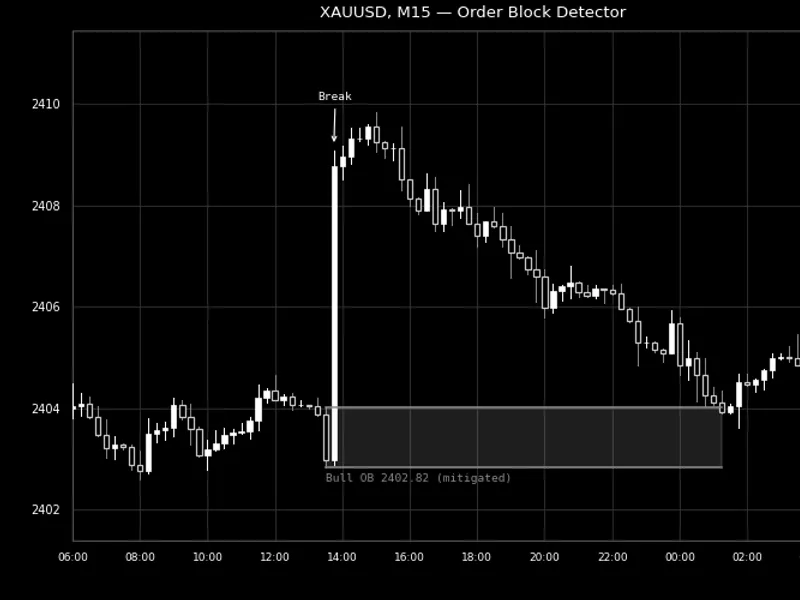
You may also like: Order Block Detector for MT4/MT5 - excellent alternative for indicator users on MetaTrader 5.
Source Code
#property copyright "RobotFX"
#property link "https://robotfx.org"
#property version   "1.00"
#property description "This code is educational. Feel free to use, modify and upgrade as you wish. Visit ROBOTFX.ORG for professional trading tools"
#property indicator_chart_window
#property indicator_plots 0
#ifndef POSI_CONTRACT_MQH
#define POSI_CONTRACT_MQH
#ifndef POSI_TYPES_MQH
#define POSI_TYPES_MQH
.......
⚠ Limitations & Risk Warning
- This tool is provided for educational and testing purposes only.
- Past performance does not guarantee future results.
- Trading involves substantial risk of loss. Use on a demo account first.
- Results may vary depending on market conditions, broker, and settings.
- We recommend thorough backtesting and forward testing before using with real funds.