



Volume Spread Analysis (VSA) Glossary and Indicators
Info
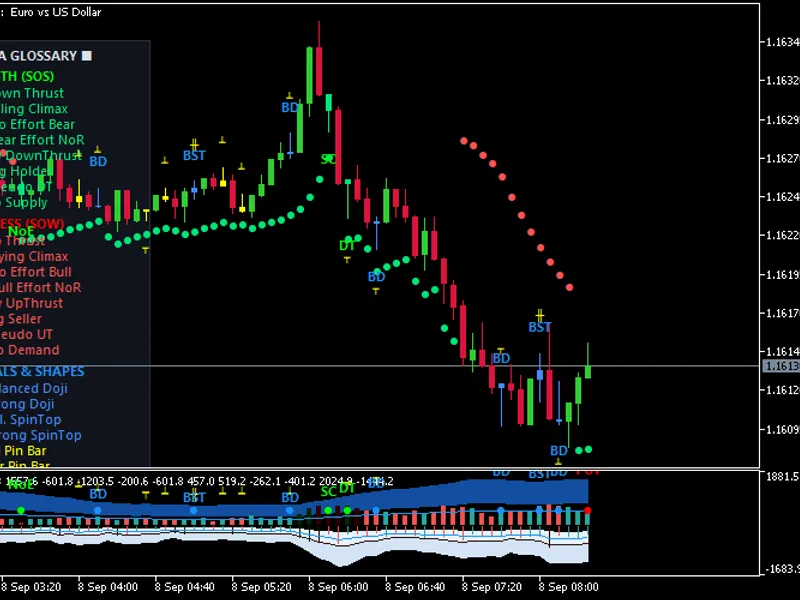
The Volume Spread Analysis (VSA) Glossary and Indicators is a Indicator for MetaTrader 5 that volume spread analysis (vsa) glossary and indicatorskey featuresmain chart window (vsa_candles. mq5)Native Candlestick Color Coding: Direct bar coloring on the main chart based on institutional volume confirmation:Green (SOS): Confirmed Sign of Strength (e.
Usage
This tool is typically used for enhancing chart analysis and decision making.
Platform
This Indicator works exclusively on MetaTrader 5 (both build 600+ and newer versions).
Setup
Place the downloaded file in MQL5/Indicators folder via File ? Open Data Folder in MetaTrader 5.
How to Install and Use Volume Spread Analysis (VSA) Glossary and Indicators
1. Installation: Place your file in the MQL/Indicators folder via "Open Data Folder" and restart your terminal.
2. Loading: Find the indicator in the Navigator, drag it onto your chart, and configure the input parameters in the popup window.
3. Customization: Press Ctrl+I to open the indicator list, select your tool, and click "Properties" to change colors, levels, or visual styles.
4. Updating: Replace the old file in the Indicators folder with the new version and restart the platform to apply changes.
Frequently Asked Questions
Q: Why is my indicator not showing? A: Verify the file is in the MQL/Indicators folder, or try right-clicking the "Indicators" tree in the Navigator and clicking "Refresh."
Q: Do custom indicators slow down the platform? A: Too many complex indicators can impact performance; remove unused ones via the "Indicator List" (Ctrl+I).
Q: Can I use MT4 indicators on MT5? A: No, MQL4 and MQL5 are distinct languages; ensure the indicator is compiled specifically for your platform version.
What this tool does
Volume Spread Analysis (VSA) Glossary and IndicatorsKey FeaturesMain Chart Window (VSA_Candles.
Typical Use Case
This Indicator excels in automated trading and technical analysis on MetaTrader 5.
Compatible Platform & Setup
This Indicator works on MetaTrader 5. Place the file in the MQL5/Indicators folder and restart the terminal.
Description & Settings
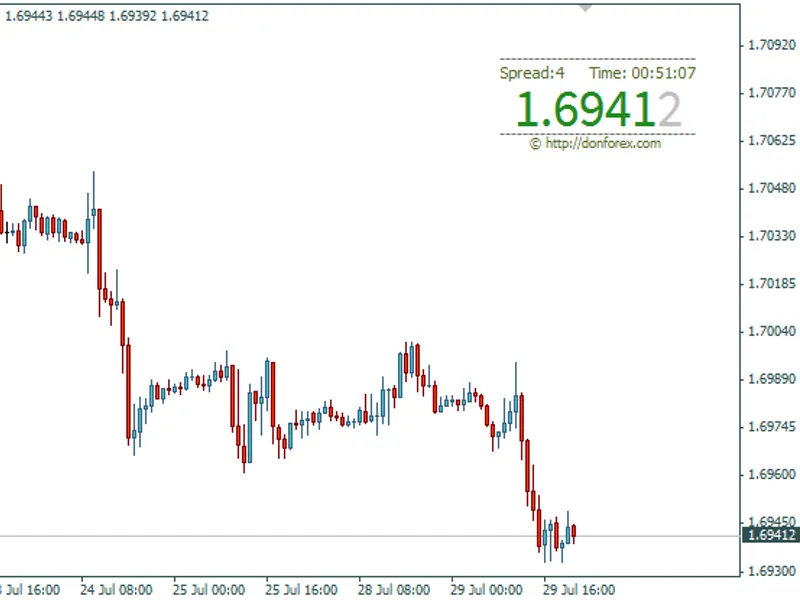
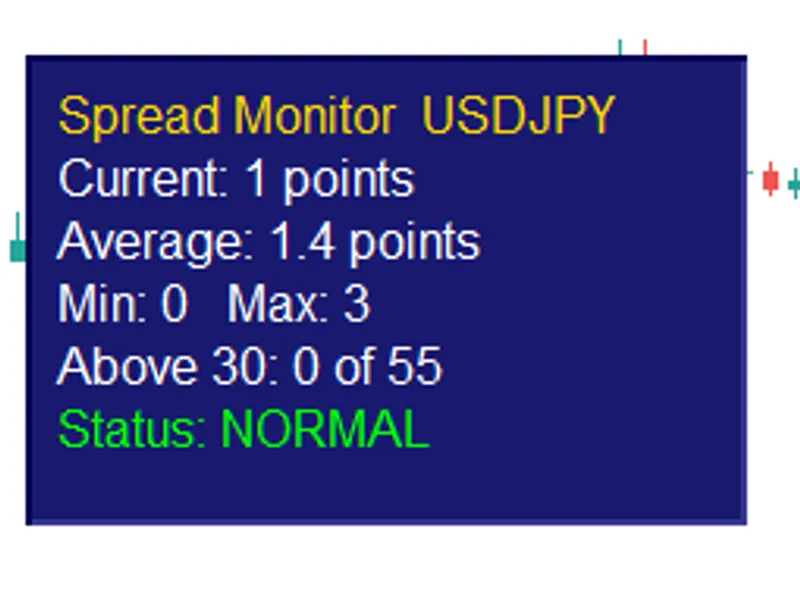
Related: Spread Monitor Indicator for MetaTrader 5 - another powerful indicator for MetaTrader 5 traders.
Volume Spread Analysis (VSA) Glossary and IndicatorsAlso recommended: Enhanced Spread Monitor for MetaTrader 5 - similar indicator with strong performance on MetaTrader 5.
Key Features
Main Chart Window (VSA_Candles.mq5)
Native Candlestick Color Coding: Direct bar coloring on the main chart based on institutional volume confirmation:
Green (SOS): Confirmed Sign of Strength (e.g., Down Thrust / Spring, Selling Climax, Bag Holder, No Supply).
Red (SOW): Confirmed Sign of Weakness (e.g., Up Thrust, Buying Climax, Bag Seller, No Demand).
Blue (Neutral): Dojis and Spinning Tops showing equilibrium / consolidation.
Yellow (Pure Shapes): Classic price action patterns without volume extremes.
VSA SAR-Style Dynamic Trend Dots: Trailing stop/trend dots that trail like a Parabolic SAR but dynamically flip, tighten, or accelerate based on institutional buying and selling exhaustion.
Hover Tooltips (Closed Bars Only): Hovering over any signal label displays institutional context (bar time, exact volume vs. MA multiplier, spread, and expected market reaction).
Left-Side Tower Glossary: A vertical on-chart HUD displaying every pattern's short and full name.
Sub window Display (VSA_Glossary.mq5)
Dual-Direction Layout:
Volume Bars: Color-graded columns rising upward from zero with dark blue High-to-Ultra background fill clouds.
Spread Bars: Inverted range lines projecting downward from zero with light ice-blue fill clouds, auto-scaled to volume.
Baseline Signal Dots: Visual markers plotted along the zero line to indicate signal types at a glance.
Live Bar Forecaster Badges: Dynamic teal pill tags anchored approximately 1 inch from the live candle displaying elapsed bar time percentage and projected volume/spread vs. the active Moving Average.
You may also like: Compression Breakout Channels with Buy and Sell Volume Analysis - excellent alternative for indicator users on MetaTrader 5.
Source Code
#property copyright "RobotFX"
#property link "https://robotfx.org"
#property version     "1.50"
#property indicator_separate_window
#property indicator_plots   9
#property indicator_buffers 14
#property indicator_label1  "Vol Ultra Fill"
#property indicator_type1   DRAW_FILLING
#property indicator_color1  C'18,78,160',C'18,78,160'
#property indicator_label2  "Spread Ultra Fill"
.......
⚠ Limitations & Risk Warning
- This tool is provided for educational and testing purposes only.
- Past performance does not guarantee future results.
- Trading involves substantial risk of loss. Use on a demo account first.
- Results may vary depending on market conditions, broker, and settings.
- We recommend thorough backtesting and forward testing before using with real funds.