




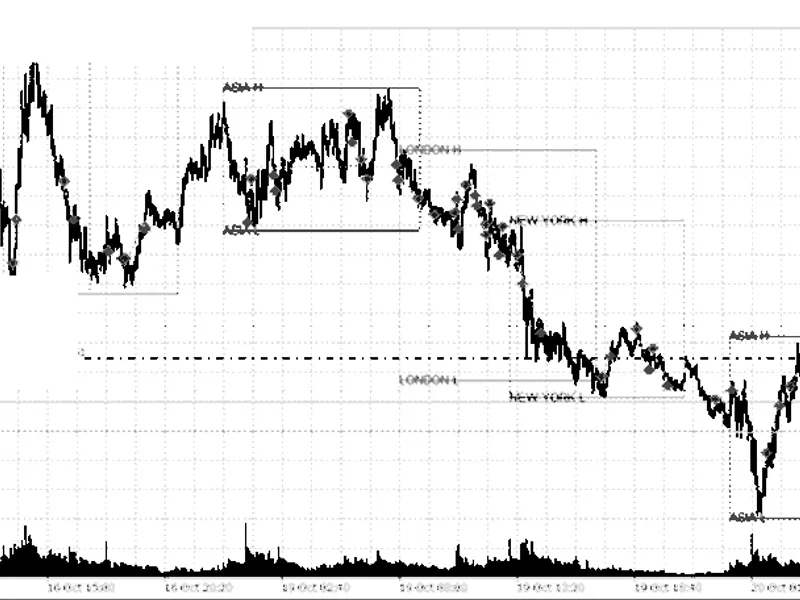
Nikkei 225 EA: High Profitability with Low Volatility and Quiet Volume
Info
The Nikkei 225 EA: High Profitability with Low Volatility and Quiet Volume is a Expert Advisor for MetaTrader 5 that jpn225 quiet drifta free, fully open nikkei 225 ea. It buys when price is leaning up, momentum isn't stretched and volume is unusually quiet, then closes all positions by 17:00 server time.
Usage
This tool is typically used for automated trading on major forex pairs and gold.
Platform
This Expert Advisor works exclusively on MetaTrader 5 (both build 600+ and newer versions).
Setup
Place the downloaded file in MQL5/Experts folder via File ? Open Data Folder in MetaTrader 5.
How to Install and Use Nikkei 225 EA: High Profitability with Low Volatility and Quiet Volume
1. Installation: Open the "File" menu, select "Open Data Folder," navigate to MQL/Experts, paste your file, and restart the terminal.
2. Activation: Drag the EA from the Navigator onto a chart, ensure "Allow live trading" is checked in the Common tab, and verify the AutoTrading button is green.
3. Optimization: Right-click your chart, choose "Expert List," click "Properties" to adjust inputs, and save your preferred setup as a set file for future use.
4. Maintenance: Regularly check the "Experts" tab in the terminal window to monitor trade logs and potential execution errors.
Frequently Asked Questions
Q: Why is my EA not opening trades? A: Check the "AutoTrading" button, ensure "Allow live trading" is enabled, and verify your broker allows automated trading on your account type.
Q: Can I run multiple EAs on one chart? A: No, each chart can only host one active EA; however, you can open multiple charts for different currency pairs to run several EAs.
Q: What does the "smiley face" icon mean? A: A smiley face in the top-right corner of the chart indicates the EA is successfully running; a frowny face means it is disabled.
What this tool does
JPN225 Quiet DriftA free, fully open Nikkei 225 EA.
Typical Use Case
This Expert Advisor excels in automated trading and technical analysis on MetaTrader 5.
Compatible Platform & Setup
This Expert Advisor works on MetaTrader 5. Place the file in the MQL5/Experts folder and restart the terminal.
Description & Settings
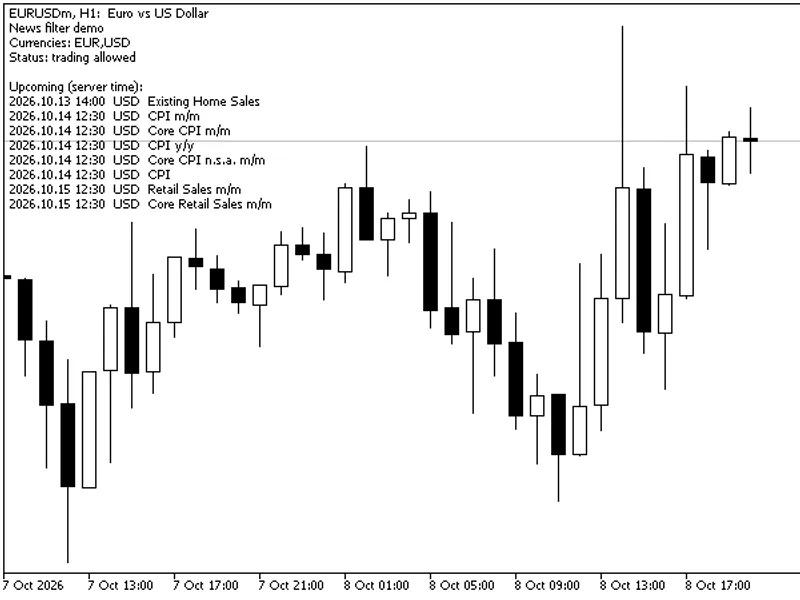
Related: Calendar News Filter for MT5: Avoid Trading During High-Impact News Events - another powerful expert for MetaTrader 5 traders.
JPN225 Quiet DriftAlso recommended: Nikkei 225 Gap Continuation EA - similar expert with strong performance on MetaTrader 5.
A free, fully open Nikkei 225 EA. It buys when price is leaning up, momentum isn't stretched and volume is unusually quiet, then closes all positions by 17:00 server time. The EA employs three conditions, operates on a long-only basis, executes one trade at a time, and includes a stop loss on every trade.
Backtest Results
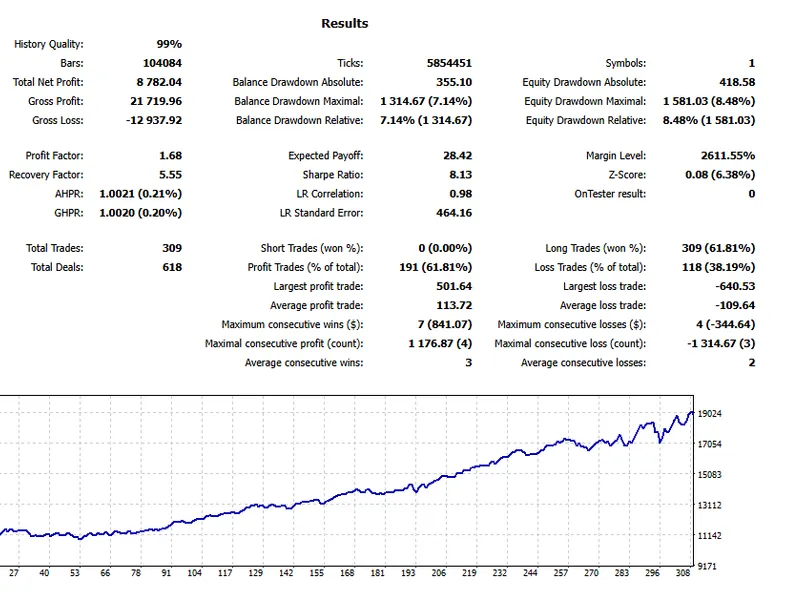
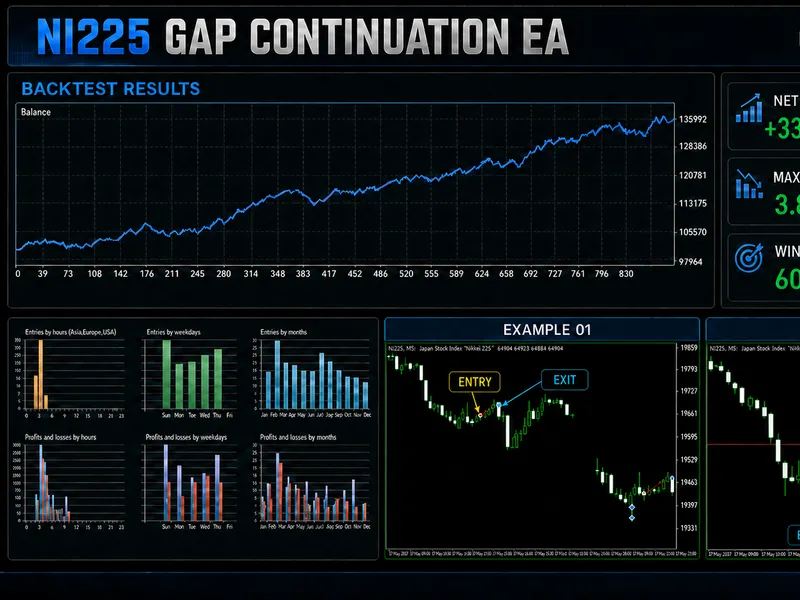
- Net Profit: +$8,782 (+87.8%, based on a 10k account with 15 lots)
- Return per Year: +18.5% (simple, not compounded)
- Maximum Drawdown: 8.5%
- MAR Ratio: 1.17
- Profit Factor: 1.68
- Win Rate: 61.8% (191 out of 309 trades)
- Total Trades: 309 (all long, averaging approximately 65 trades per year)
- Average Trade Duration: 3 hours 48 minutes
- Recovery Factor: 5.55
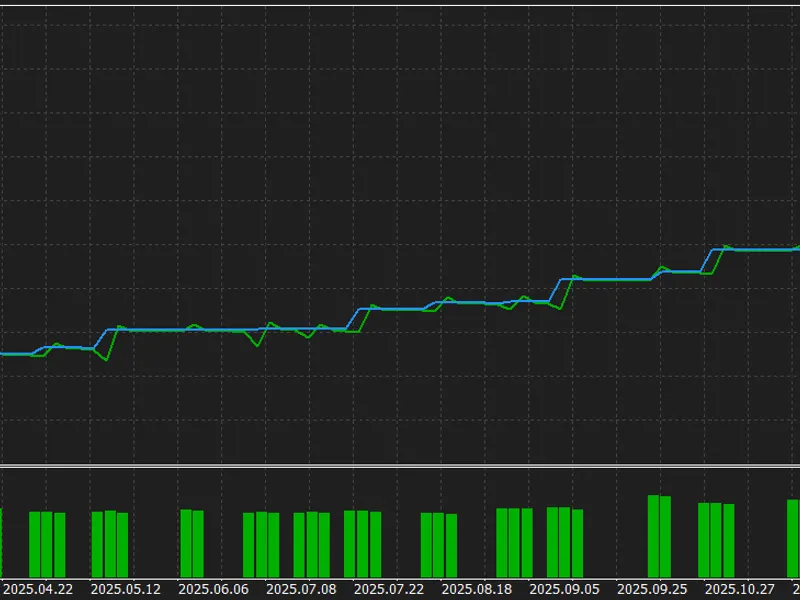
Every year tested was profitable: 2022 +15.6%, 2023 +18.1%, 2024 +22.3%, 2025 +16.4%, 2026 (to October) +15.4%.
Robustness Testing: 15 tests were conducted to assess the EA's resilience.
The EA passed all 15 robustness tests, which were executed within a dedicated research engine.
Performance Under Stress Conditions:
- Increased fees (Profit Factor reduced to 1.50)
- Added slippage (Profit Factor reduced to 1.30)
- Entries delayed by one bar (Profit Factor reduced to 1.61)
Statistical Significance:
- p-value of 0.0004 on the data used for development and 0.011 on unseen data.
- Outperforms 200 random-entry strategies (Profit Factor 1.75 vs 1.00).
- Remains statistically significant after applying the Harvey-Liu haircut to 385 candidate strategies (adjusted p-value 0.014).
- 1,000 Monte Carlo resamples remained profitable.
Overfitting Analysis:
- Held-out Profit Factor: 1.81 compared to 1.72 in-sample.
- 5 out of 5 walk-forward periods were profitable.
- Probability of backtest overfitting: 8.6%.
- Look-ahead audit passed: no conditions utilize future data.
Fragility Assessment:
- All 12 nearby strategy variations maintained a Profit Factor of 1.10 or better.
- All 54 parameter tweaks remained profitable (median Profit Factor 1.45).
- Removing a random 20% of trades, or the 10 best trades, still resulted in a profit.
Strategy Details
A trading signal is generated when all three conditions are met on the bar that just closed:
1. Price Lean: The closing price is more than half a standard deviation above its 34-bar average.
2. Momentum Check: The MACD histogram, measured in ATR units, is below 0.2. This condition filters out strong upward price surges.
3. Volume Condition: Tick volume is below 60% of the normal volume for that specific time of day (calculated using the average of the last 20 days).
These conditions were identified through automated research. The code is provided openly for users to test and evaluate without theoretical claims about their underlying mechanism.
Trade Management:
The EA enters a long position at the open of the next bar. It implements a stop loss set at 4 ATR and a take profit target at 3.5 ATR. All open positions are closed by 17:00 server time. In the backtest, 63% of trades were closed at the 17:00 server time close, 26% reached the take profit target, and 11% were closed by the stop loss.
Trading Schedule:
Trades are taken from Monday to Friday, with signals identified between 11:00 and 14:59 server time, resulting in entries between 11:15 and 15:00 server time, after the Tokyo cash session closes. The times below assume a MetaTrader server time of GMT+2 in winter and GMT+3 in summer:
Entry Window
Close Time
Server Time
11:15 to 15:00
17:00
New York Time
04:15 to 08:00
10:00
London Time
09:15 to 13:00
15:00
UTC
08:15 to 12:00 (summer), 09:15 to 13:00 (winter)
14:00 (summer), 15:00 (winter)
If your broker utilizes a different server time, adjust the trading hours accordingly. The EA will display your server's GMT offset upon initialization.
Setup Instructions:
Attach the EA to your broker's Nikkei 225 chart (e.g., JPN225, JP225, NIKKEI225) on the M15 timeframe. Lot size is the primary adjustable setting. Thresholds and trading hours are available as inputs for experimentation. The validation section at the bottom of the source code is solely for MQL5's automatic testing and does not affect live trading on JPN225 M15.
Advantages and Disadvantages
Advantages
- Three clear and understandable conditions implemented in readable code.
- Profitable performance recorded in every calendar year tested.
- Successfully passed 15 stress tests.
- Every trade includes a stop loss, and all positions are closed by 17:00 (eliminating overnight risk and swap fees).
- Free to use, with complete source code provided.
Disadvantages
- Long-only strategy, which may result in periods with no trading activity.
- Fixed lot sizing means the dollar risk increases as the index value rises (average trade value increased from approximately $92 in 2022 to $256 in 2026).
- The volume condition relies on tick volume, which can vary depending on the broker's data feed.
- Limited to a single market (Nikkei 225) and timeframe (M15).
This EA is provided as free research for educational and testing purposes. Backtest and stress-test results do not guarantee future performance. Trade only with capital you can afford to lose.
You may also like: KCI Embedded Sniper: High-Precision Algorithmic Trading - excellent alternative for expert users on MetaTrader 5.
Source Code
#property copyright "RobotFX"
#property version   "1.01"
#property strict
#property description "This code is educational. Feel free to use, modify and upgrade as you wish. Visit ROBOTFX.ORG for professional trading tools"
#include <Trade/Trade.mqh>
input bool   InpAllowTrading     = true;
input double InpLots             = 0.01;
input double InpZScoreMin        = 0.5;
input double InpMacdMax          = 0.2;
input double InpRelVolumeMax     = 0.6;
.......
⚠ Limitations & Risk Warning
- This tool is provided for educational and testing purposes only.
- Past performance does not guarantee future results.
- Trading involves substantial risk of loss. Use on a demo account first.
- Results may vary depending on market conditions, broker, and settings.
- We recommend thorough backtesting and forward testing before using with real funds.