
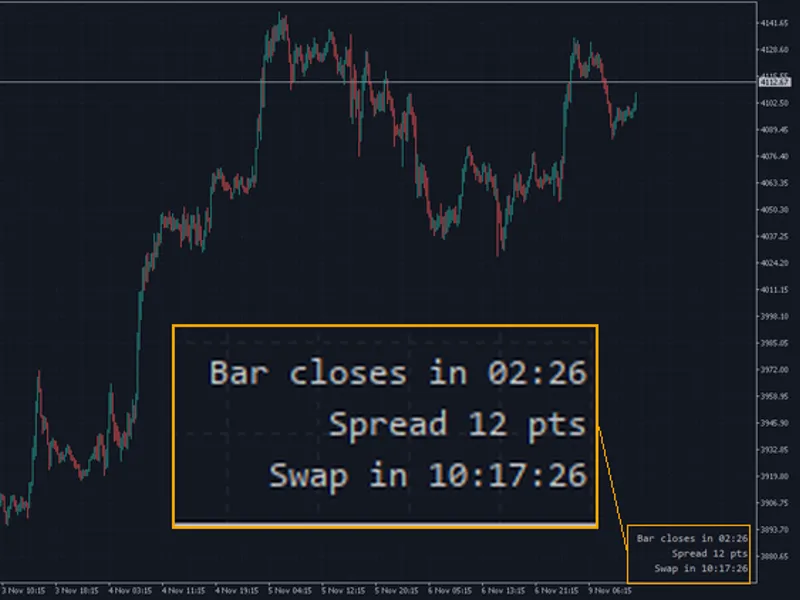
Swap Cost Panel — tonight's rollover cost for every open position
Info
The Swap Cost Panel — tonight's rollover cost for every open position is a Indicator for MetaTrader 5 that why it mattersswing systems on gold, indices and crypto hold positions for days or weeks. With interest rates high, long swaps add up every night.
Usage
This tool is typically used for enhancing chart analysis and decision making.
Platform
This Indicator works exclusively on MetaTrader 5 (both build 600+ and newer versions).
Setup
Place the downloaded file in MQL5/Indicators folder via File ? Open Data Folder in MetaTrader 5.
How to Install and Use Swap Cost Panel — tonight's rollover cost for every open position
1. Installation: Place your file in the MQL/Indicators folder via "Open Data Folder" and restart your terminal.
2. Loading: Find the indicator in the Navigator, drag it onto your chart, and configure the input parameters in the popup window.
3. Customization: Press Ctrl+I to open the indicator list, select your tool, and click "Properties" to change colors, levels, or visual styles.
4. Updating: Replace the old file in the Indicators folder with the new version and restart the platform to apply changes.
Frequently Asked Questions
Q: Why is my indicator not showing? A: Verify the file is in the MQL/Indicators folder, or try right-clicking the "Indicators" tree in the Navigator and clicking "Refresh."
Q: Do custom indicators slow down the platform? A: Too many complex indicators can impact performance; remove unused ones via the "Indicator List" (Ctrl+I).
Q: Can I use MT4 indicators on MT5? A: No, MQL4 and MQL5 are distinct languages; ensure the indicator is compiled specifically for your platform version.
What this tool does
Why it mattersSwing systems on gold, indices and crypto hold positions for days or weeks.
Typical Use Case
This Indicator excels in automated trading and technical analysis on MetaTrader 5.
Compatible Platform & Setup
This Indicator works on MetaTrader 5. Place the file in the MQL5/Indicators folder and restart the terminal.
Description & Settings
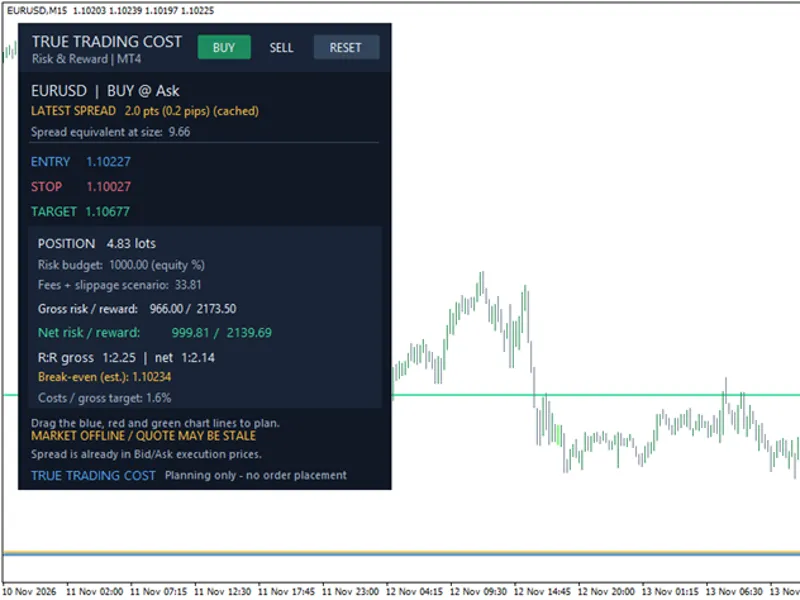
Related: True Trading Cost: Net Risk/Reward Calculator for MT5 - another powerful indicator for MetaTrader 5 traders.
Why it matters
Also recommended: Spread and Cost Monitor Panel - similar indicator with strong performance on MetaTrader 5.
Swing systems on gold, indices and crypto hold positions for days or weeks. With interest rates high, long swaps add up every night. In one of the author's broker tests, swap took 15–18% of a Bitcoin EA's gross profit. Most traders only notice at the end of the month.
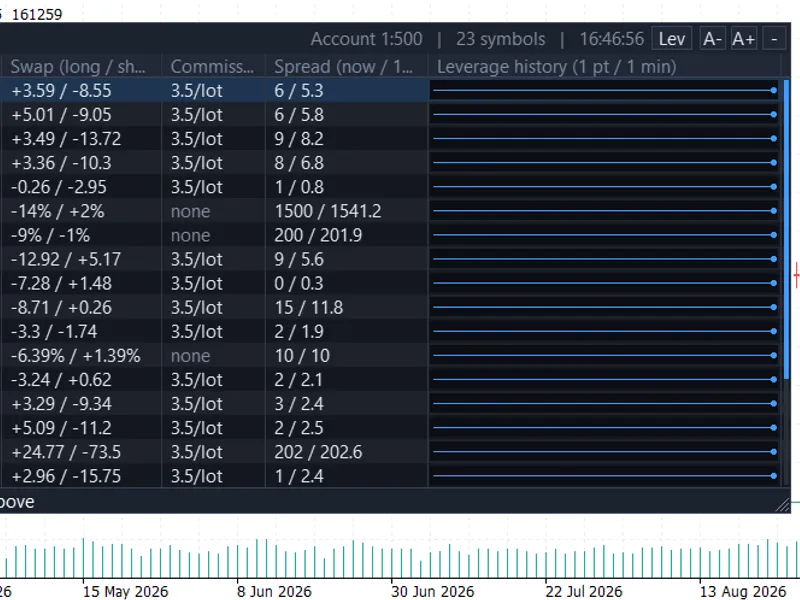
What the panel shows
Column
Meaning
Symbol, B/S, lots
The position
Swap
Tonight's estimate in account currency;
x3
on the triple-swap day
hop
Cost of closing and re-opening: spread from OrderCalcProfit + commission
Verdict
HOP +X
when the swap costs more than the hop, otherwise
hold
TOTAL
Sum of tonight's swaps
Colours: green = swap earned, red = swap paid, orange = paid and worth hopping.
Swap modes supported
Mode
Calculation
Points
swap points × point value × lots
Deposit currency
swap × lots
Interest (current or open price)
notional × annual % / 360
Other modes
shown as n/a
case SYMBOL_SWAP_MODE_POINTS: return(rate*PointValue(s)*lots); case SYMBOL_SWAP_MODE_CURRENCY_DEPOSIT: return(rate*lots); // triple swap: SymbolInfoInteger(s,SYMBOL_SWAP_ROLLOVER3DAYS)
Inputs
Input
Default
Description
Commission per lot
0.0
Round-trip commission in account currency
X / Y offset
12 / 40
Panel position
Background
dark
Panel colour
Max rows
12
Positions listed
Notes
The result is an estimate based on the symbol's current swap settings. Brokers can change swap rates at any time, and some use a different day convention.
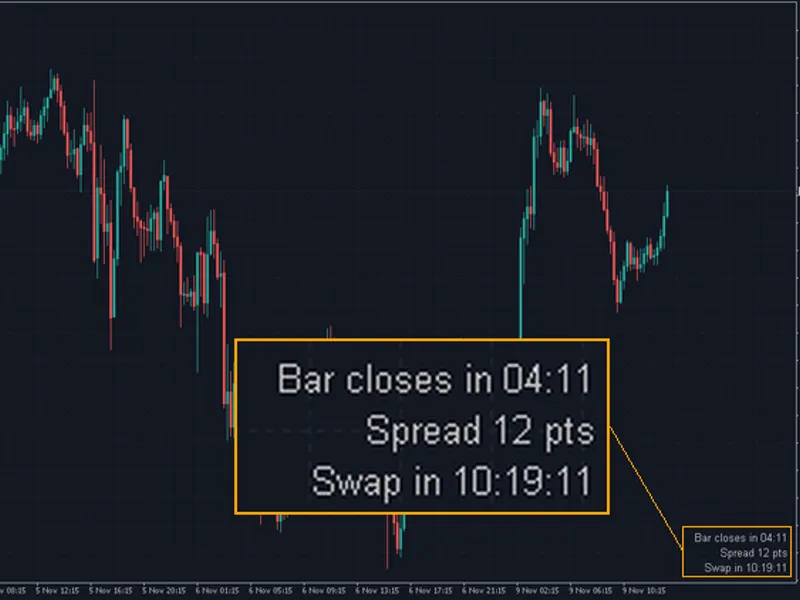
You may also like: Candle Timer with Spread and Swap Countdown for MT4/MT5 - excellent alternative for indicator users on MetaTrader 5.
Source Code
#property copyright "RobotFX"
#property link "https://robotfx.org"
#property version     "1.00"
#property description "This code is educational. Feel free to use, modify and upgrade as you wish. Visit ROBOTFX.ORG for professional trading tools"
#property indicator_chart_window
#property indicator_plots 0
input double InpCommission = 0.0;
input int    InpX          = 12;
input int    InpY          = 40;
input color  InpBg         = C'16,22,30';
.......
⚠ Limitations & Risk Warning
- This tool is provided for educational and testing purposes only.
- Past performance does not guarantee future results.
- Trading involves substantial risk of loss. Use on a demo account first.
- Results may vary depending on market conditions, broker, and settings.
- We recommend thorough backtesting and forward testing before using with real funds.