



SMC Order Block Detector with Alert for MT5
Info
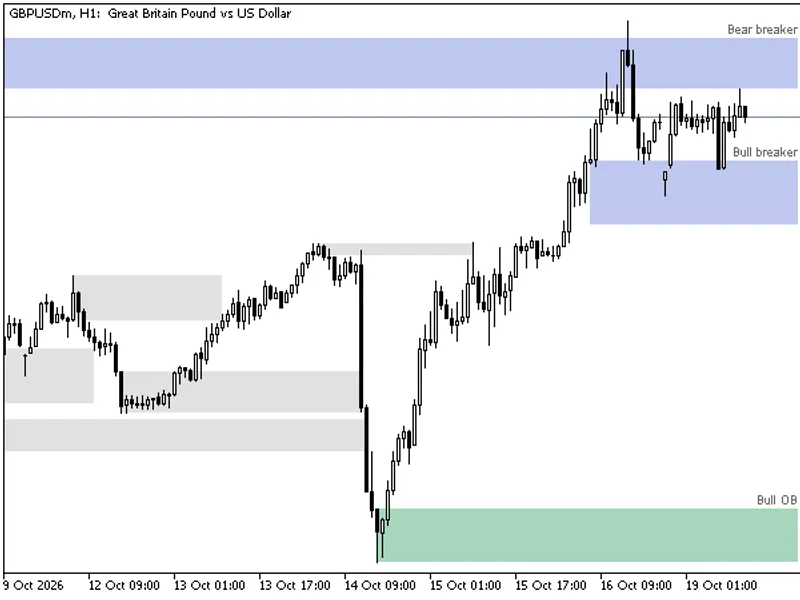
The SMC Order Block Detector with Alert for MT5 is a Indicator for MetaTrader 5 that technical workflow and architecture this indicator operates on an event-driven and sequential calculation pipeline inside the oncalculate and ontimer functions. Below is the step-by-step execution flow: - Initialization Sets chart digits precision dynamically using Digits.
Usage
This tool is typically used for enhancing chart analysis and decision making.
Platform
This Indicator works exclusively on MetaTrader 5 (both build 600+ and newer versions).
Setup
Place the downloaded file in MQL5/Indicators folder via File ? Open Data Folder in MetaTrader 5.
How to Install and Use SMC Order Block Detector with Alert for MT5
1. Installation: Place your file in the MQL/Indicators folder via "Open Data Folder" and restart your terminal.
2. Loading: Find the indicator in the Navigator, drag it onto your chart, and configure the input parameters in the popup window.
3. Customization: Press Ctrl+I to open the indicator list, select your tool, and click "Properties" to change colors, levels, or visual styles.
4. Updating: Replace the old file in the Indicators folder with the new version and restart the platform to apply changes.
Frequently Asked Questions
Q: Why is my indicator not showing? A: Verify the file is in the MQL/Indicators folder, or try right-clicking the "Indicators" tree in the Navigator and clicking "Refresh."
Q: Do custom indicators slow down the platform? A: Too many complex indicators can impact performance; remove unused ones via the "Indicator List" (Ctrl+I).
Q: Can I use MT4 indicators on MT5? A: No, MQL4 and MQL5 are distinct languages; ensure the indicator is compiled specifically for your platform version.
What this tool does
Technical Workflow and Architecture This indicator operates on an event-driven and sequential calculation pipeline inside the OnCalculate and OnTimer functions.
Typical Use Case
This Indicator excels in automated trading and technical analysis on MetaTrader 5.
Compatible Platform & Setup
This Indicator works on MetaTrader 5. Place the file in the MQL5/Indicators folder and restart the terminal.
Description & Settings
Related: Order Blocks and Breaker Blocks (SMC) - No Repaint, with Mitigation and Alerts - another powerful indicator for MetaTrader 5 traders.
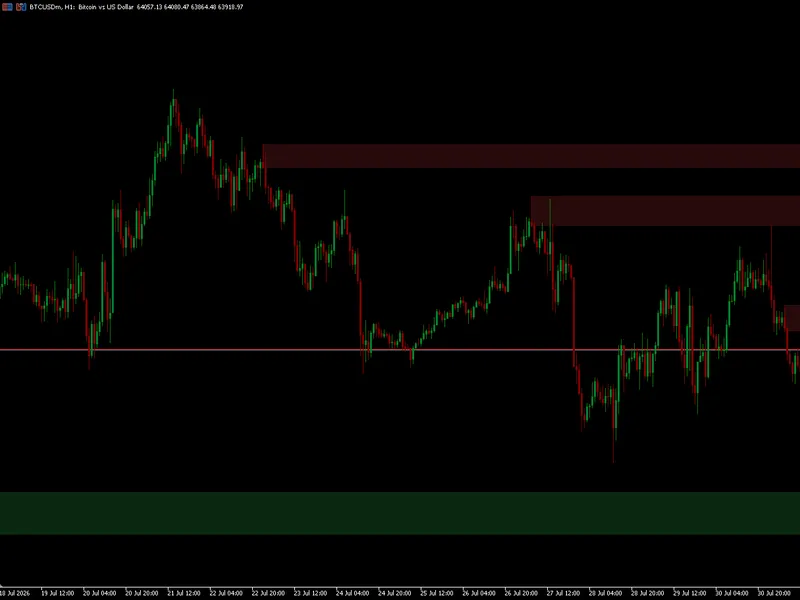
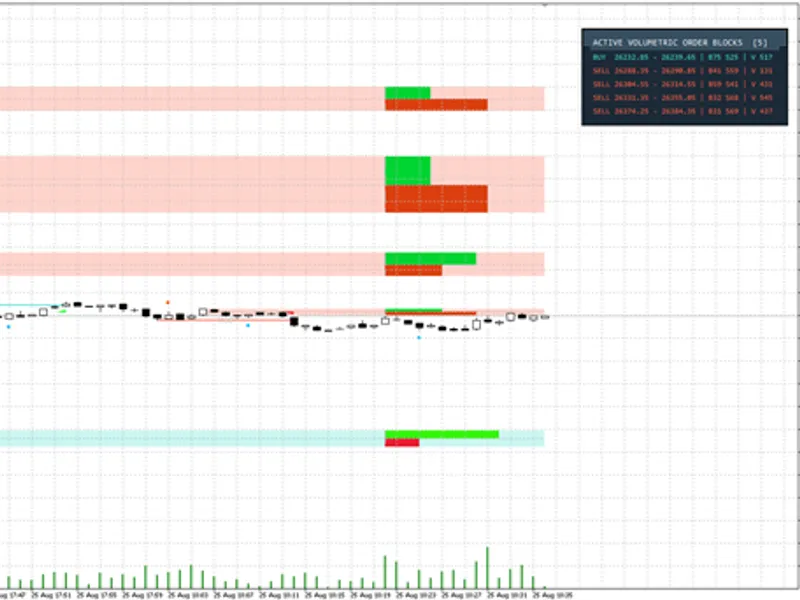
Technical Workflow and Architecture This indicator operates on an event-driven and sequential calculation pipeline inside the OnCalculate and OnTimer functions. Below is the step-by-step execution flow: - Initialization Sets chart digits precision dynamically using Digits. Clears any legacy drawing objects prefixed with SMC_OB_ to ensure a clean slate. Initializes global variables, structural validation buffers, and state tracking arrays. - Historical Iteration and Optimization The engine loops through historical rates starting from prev_calculated - 1 to ensure efficient incremental updates without reprocessing the entire chart history. Price Filter Optimization: To save CPU cycles, the loop evaluates whether current price action exceeds prev_valid_high or prev_valid_low. If price stays within boundaries, minor updates are skipped. - Pivot and Structure Tracking Utilizes a rolling 3-bar structural window to track swing points dynamically using absolute timestamps rather than volatile bar indices. This guarantees absolute positioning stability across terminal reloads and timeframe switches. - Order Block Detection and Filtering Logic Bullish OB: Identified when a lower low is followed by an impulsive displacement breaking above the lower low, leaving a measurable Fair Value Gap. Bearish OB: Identified when a higher high is followed by a displacement breaking below the higher high. Overlap and Nested Filtering: When a new OB forms inside an existing zone, the engine compares their FVG sizes and automatically deactivates the weaker/smaller block. - Mitigation Management Continuously scans historical and live bars against active OB boundaries. Supports dual mitigation modes: - Mitigation by Body: Deactivates the OB if a candle closes beyond its opposite boundary. - Mitigation by Wick: Deactivates the OB the moment a wick penetrates the boundary. - Real-Time Tick Engine and Alert Mechanism On every incoming tick, the engine monitors the live bar using the real-time Bid price. Checks for price crossings against active Bullish and Bearish OB zones. Incorporates a bar-based cooldown filter to prevent duplicate alert spam when price lingers inside an OB zone. - Graphical Rendering Manages rectangle objects and text labels dynamically. Respects the maximum limit set, automatically cleaning up expired or mitigated visual zones to keep the chart clutter-free.Also recommended: Price Action Volumetric Order Blocks MT5 - similar indicator with strong performance on MetaTrader 5.
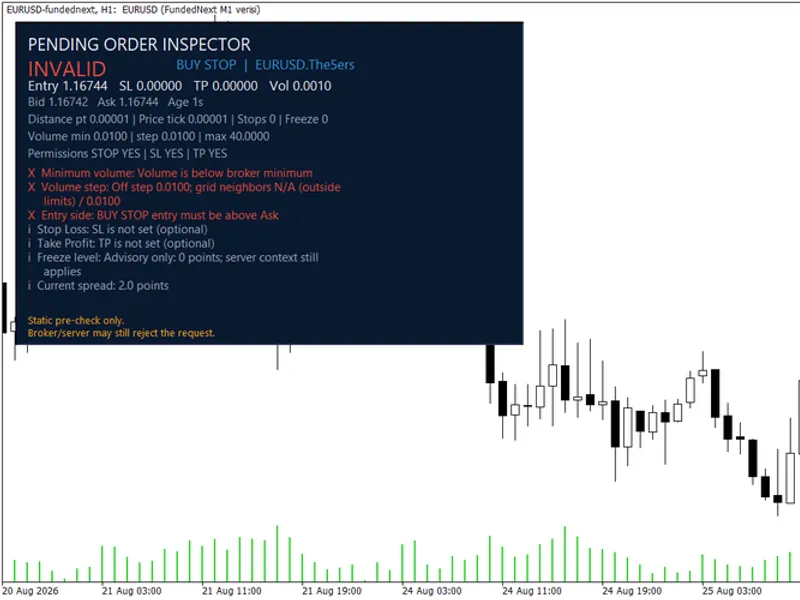
You may also like: Pending Order Inspector MT5: Pre-Trade Analysis Tool - excellent alternative for indicator users on MetaTrader 5.
Source Code
#property copyright "RobotFX"
#property link "https://robotfx.org"
#property version   "1.00"
#property indicator_chart_window
#property indicator_buffers 0
#property indicator_plots   0
enum ENUM_MITIGATION {
    MITIGATION_BODY,
    MITIGATION_WICK
};
.......
⚠ Limitations & Risk Warning
- This tool is provided for educational and testing purposes only.
- Past performance does not guarantee future results.
- Trading involves substantial risk of loss. Use on a demo account first.
- Results may vary depending on market conditions, broker, and settings.
- We recommend thorough backtesting and forward testing before using with real funds.