

PRO Day Trading Signals for MT5
Info
The PRO Day Trading Signals for MT5 is a Indicator for MetaTrader 5 that pro day trading signals (pro dts): how it workswhat it isa non-repainting m15 signal indicator for mt5. It combines three key concepts:- Trade only in the direction of the higher-timeframe trend (H4 and H1).
Usage
This tool is typically used for enhancing chart analysis and decision making.
Platform
This Indicator works exclusively on MetaTrader 5 (both build 600+ and newer versions).
Setup
Place the downloaded file in MQL5/Indicators folder via File ? Open Data Folder in MetaTrader 5.
How to Install and Use PRO Day Trading Signals for MT5
1. Installation: Place your file in the MQL/Indicators folder via "Open Data Folder" and restart your terminal.
2. Loading: Find the indicator in the Navigator, drag it onto your chart, and configure the input parameters in the popup window.
3. Customization: Press Ctrl+I to open the indicator list, select your tool, and click "Properties" to change colors, levels, or visual styles.
4. Updating: Replace the old file in the Indicators folder with the new version and restart the platform to apply changes.
Frequently Asked Questions
Q: Why is my indicator not showing? A: Verify the file is in the MQL/Indicators folder, or try right-clicking the "Indicators" tree in the Navigator and clicking "Refresh."
Q: Do custom indicators slow down the platform? A: Too many complex indicators can impact performance; remove unused ones via the "Indicator List" (Ctrl+I).
Q: Can I use MT4 indicators on MT5? A: No, MQL4 and MQL5 are distinct languages; ensure the indicator is compiled specifically for your platform version.
What this tool does
PRO Day Trading Signals (PRO DTS): How It WorksWhat It IsA non-repainting M15 signal indicator for MT5.
Typical Use Case
This Indicator excels in automated trading and technical analysis on MetaTrader 5.
Compatible Platform & Setup
This Indicator works on MetaTrader 5. Place the file in the MQL5/Indicators folder and restart the terminal.
Description & Settings
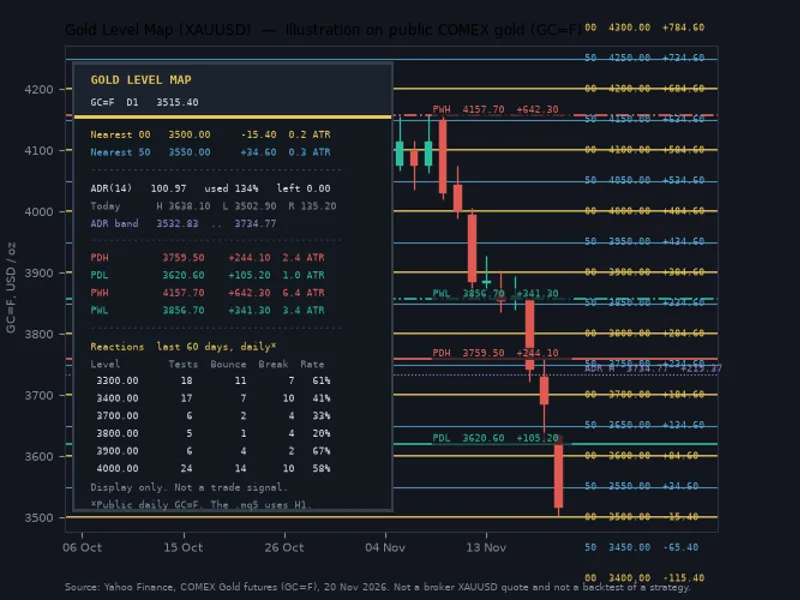
Related: Gold Level Map for XAUUSD: Key Levels and Trading Context - another powerful indicator for MetaTrader 5 traders.
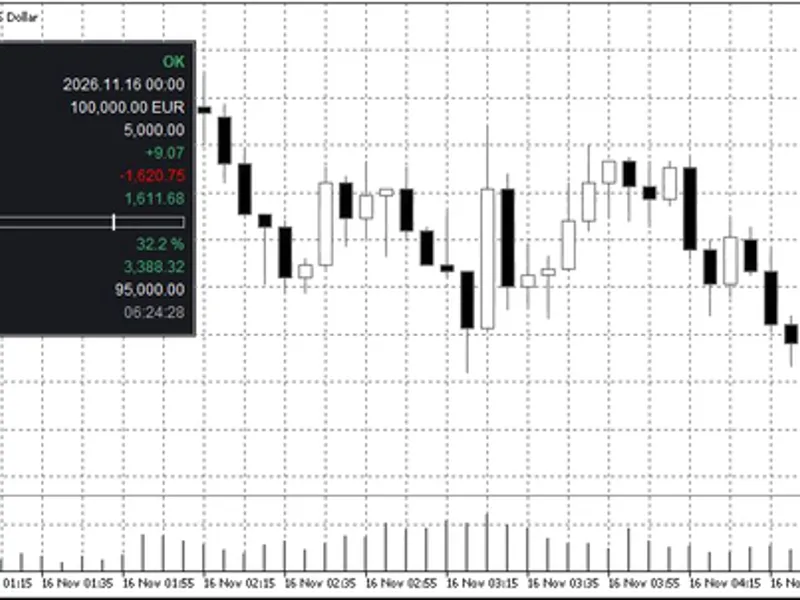
PRO Day Trading Signals (PRO DTS): How It WorksAlso recommended: Daily Loss Limit Tracker for Prop Firm Trading - similar indicator with strong performance on MetaTrader 5.
What It Is
A non-repainting M15 signal indicator for MT5. It combines three key concepts:
- Trade only in the direction of the higher-timeframe trend (H4 and H1).
- Enter after a liquidity sweep (stop-hunt) at the M15 EMA20/50 zone.
- Confirm with momentum (RSI and a strong candle body).
It displays BUY/SELL arrows only on closed bars. For each signal, it provides a recommended entry, stop loss, two take-profit levels, and lot size calculation. The indicator is designed for M15 timeframe only; any other timeframe will display "WRONG TIMEFRAME".
Signal Logic
All conditions are evaluated on the last closed M15 candle. All criteria must be met simultaneously.
1. Trend Filter (H4 + H1, using the last closed higher-TF bar)
For a BUY signal: H4 close must be above EMA200, H1 EMA20 must be above H1 EMA50, and H1 close must be above H1 EMA200.
For a SELL signal: H4 close must be below EMA200, H1 EMA20 must be below H1 EMA50, and H1 close must be below H1 EMA200.
If neither trend condition is met, the market bias is NEUTRAL, and no signal will be generated.
2. EMA Zone (M15)
The trading candle must touch the area between the EMA20 and EMA50. This indicates price is pulling back into a zone of perceived value within the trend, rather than extending excessively.
3. Liquidity Sweep
The indicator considers the lowest low and highest high of the previous 10 bars (Sweep_Lookback parameter).
Bullish Sweep: The current candle's low penetrates below the previous 10-bar low, but the candle closes back above it. This suggests sellers' stops were triggered and then price rejected.
Bearish Sweep: The current candle's high penetrates above the previous 10-bar high, but the candle closes back below it. This suggests buyers' stops were triggered and then price rejected.
4. Candle Body Size
The candle's body (from open to close) must be at least 0.30 times the Average True Range (ATR). This filters out weak or indecisive price action.
5. Momentum
For BUY: The candle must be bullish (close above open), the close must be above EMA20, and the RSI must be 52 or higher.
For SELL: The candle must be bearish, the close must be below EMA20, and the RSI must be 48 or lower.
In summary: A BUY signal represents a pullback into the EMA zone within an uptrend, where price has swept prior lows, closed higher, and is supported by strong momentum. A SELL signal is the inverse.
Trade Plan Generated for Each Signal
Parameter - Calculation
Entry - Close of the signal candle
Stop Loss - Placed beyond the sweep wick, with a 0.20 x ATR buffer (below the low for BUY, above the high for SELL)
TP1 - Entry +/- 2R (2 times the risked amount)
TP2 - Entry +/- 3R (3 times the risked amount)
Arrow - Positioned 0.15 x ATR away from the candle to avoid overlap.
Given that the stop loss is placed just beyond the sweep wick, the risk is typically tight and defined by market structure rather than a fixed pip value.
Real-Trading Features
Position Sizing.
Lot size is calculated based on Risk_Percent (default 1% of account balance) and the stop loss distance. It utilizes the symbol's tick value and adheres to minimum/maximum lot size rules and lot step increments. If the broker's minimum lot size would result in a risk exceeding your specified percentage by more than 5%, the indicator flags a "MIN LOT" warning. It also displays the required margin relative to the free margin available.
Entry Quality Check. A dashboard provides a live rating for the latest signal:
VALID ENTRY: The signal is fresh, and price has not moved significantly away from the entry level.
LATE ENTRY: More than the specified number of bars (Max_Entry_Age_Bars) have passed since the signal.
CHASING: Price has already moved more than 0.5R in profit (Max_Chase_R), diminishing the planned risk-to-reward ratio.
A prominent banner displays "BUY SIGNAL" or "SELL SIGNAL" only when the entry is considered valid; otherwise, it shows "NEUTRAL".
Trade Tracking. The latest active signal is monitored in real-time, showing floating profit in units of Risk (R):
TP1 REACHED: Notifies you to manage the open trade.
TP2 REACHED: Indicates the trade has closed successfully at 3R.
SL HIT: Shows a loss of -1R.
STOPPED AFTER TP1: Indicates the trade hit TP1 and subsequently hit the stop loss.
If both stop loss and take profit levels are touched within the same bar, the system conservatively assumes the stop loss was triggered first.
Statistics. The indicator performs back-testing on the loaded chart history (default 3000 bars) using its own signal logic. It reports the total number of signals, wins, losses, open trades, and TP2 (3R) targets achieved.
Spread Filter. If a maximum spread (Max_Spread_Points) is configured, the dashboard and alerts will notify you when the spread exceeds this threshold. This is a warning only and does not prevent signals from appearing.
Alerts. Alerts are triggered once on the first closed bar of a new signal. They do not repaint historical signals or trigger when the indicator is first attached to a chart. Alert types include pop-up, sound, mobile push notification, and email. The alert message includes the symbol, entry price, stop loss, take profit levels (TP1, TP2), and calculated lot size.
Chart Lines. Lines representing the entry price, stop loss, TP1, and TP2 are drawn on the chart for the active signal setup and extend 20 bars into the future.
Dashboard. The dashboard provides a comprehensive overview, including:
Market Data: Current price, spread, feed status, time to next bar close, and daily range.
Trend Status: H4 and H1 trend indicators.
Momentum Indicators: RSI and ATR values.
Setup Checklist: For both BUY and SELL signals, showing the status of Trend, Zone, Sweep, Body, and Momentum conditions (T/Z/S/B/M ticks).
Last Signal Details: Information about the most recent signal generated.
Risk and Account Details: Relevant trading account information.
Open Positions: A list of open trades for the current symbol.
The checklist allows you to quickly assess how close the market is to generating a signal, for example, displaying "4 of 5 conditions met".
No Repainting, No Look-Ahead Bias
Signals are generated exclusively from closed bars, ensuring that arrows on the chart never disappear or shift position. The H4/H1 trend values are determined by the last closed higher timeframe bar relative to each M15 candle, eliminating any look-ahead bias in back-testing.
Practical Notes
This is a selective and conservative system requiring five conditions to align, resulting in fewer signals, primarily during active trading sessions. A fixed reward ratio (1:2 or 1:3) is dependent on the win rate; therefore, it is crucial to review the built-in statistics for your chosen symbols and test the indicator on a demo account before live trading. The indicator functions as a signal and risk planning tool; it does not execute trades automatically. Manual trade execution is required using the provided lot size and price levels. The statistics generated are a simplified simulation and do not account for spread or slippage, so live trading results may vary.
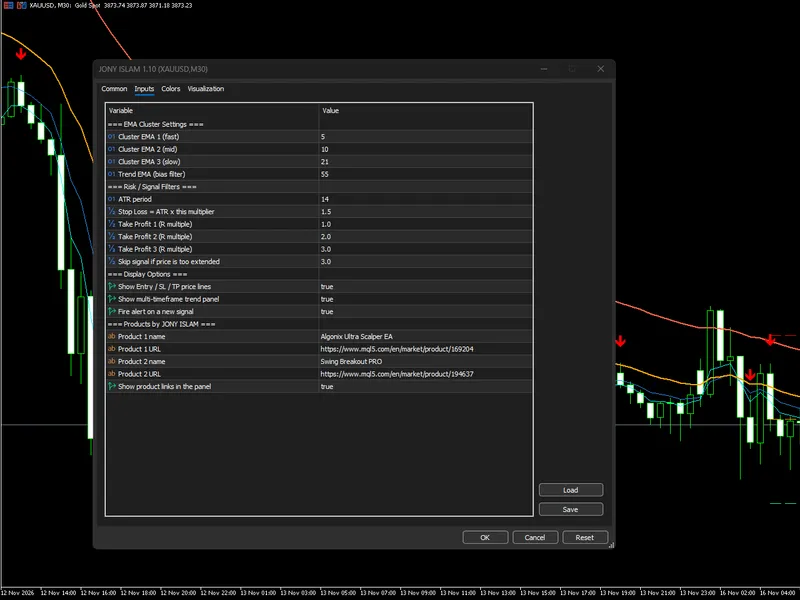
You may also like: JONY ISLAM EMA Cluster Signals with Entry SL TP MTF Panel - excellent alternative for indicator users on MetaTrader 5.
Source Code
#property copyright "RobotFX"
#property version     "2.30"
#property description "This code is educational. Feel free to use, modify and upgrade as you wish. Visit ROBOTFX.ORG for professional trading tools"
#property indicator_chart_window
#property indicator_buffers 2
#property indicator_plots   2
#property indicator_label1  "BUY"
#property indicator_type1   DRAW_ARROW
#property indicator_color1  clrLime
#property indicator_width1  2
.......
⚠ Limitations & Risk Warning
- This tool is provided for educational and testing purposes only.
- Past performance does not guarantee future results.
- Trading involves substantial risk of loss. Use on a demo account first.
- Results may vary depending on market conditions, broker, and settings.
- We recommend thorough backtesting and forward testing before using with real funds.