
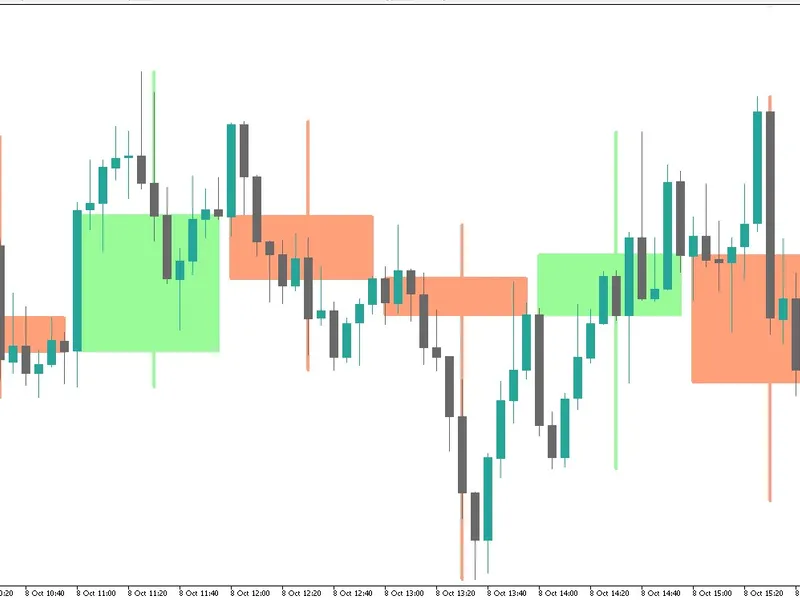
Multi-Timeframe Candle Map Indicator
Info
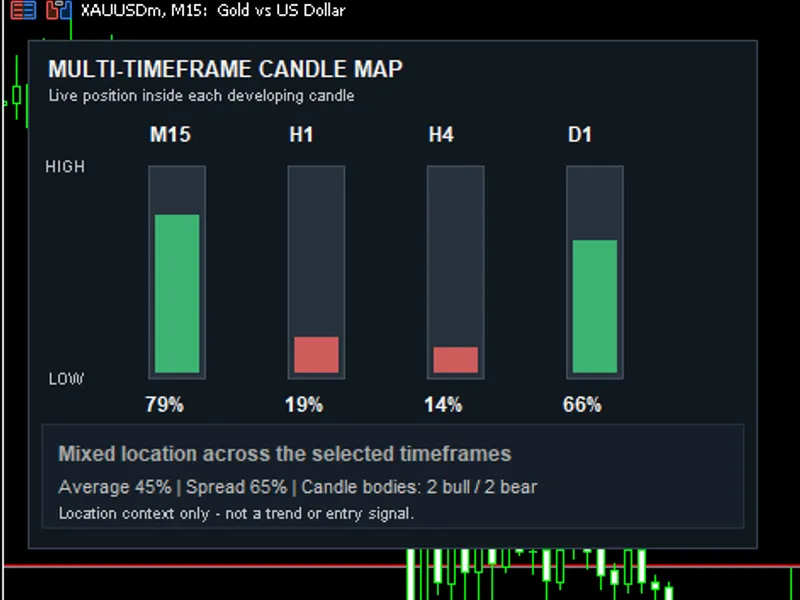
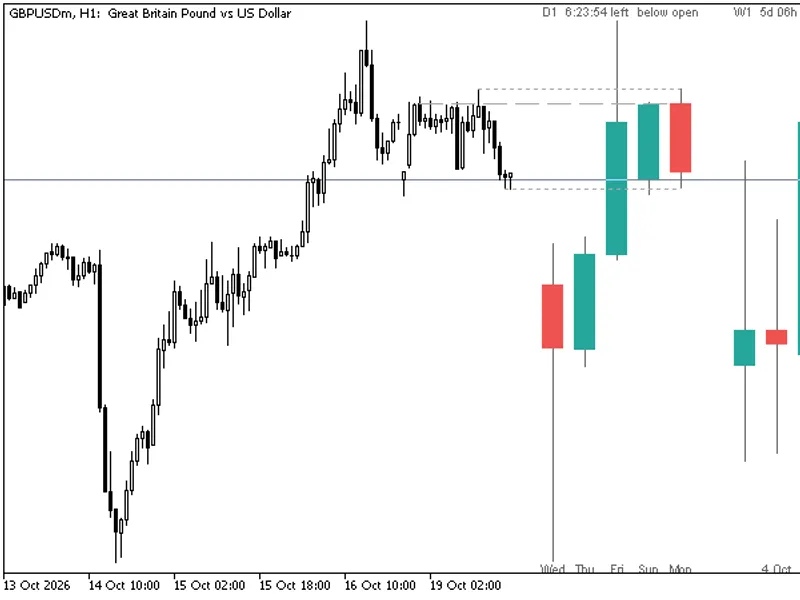
The Multi-Timeframe Candle Map Indicator is a Indicator for MetaTrader 5 that the multi-timeframe candle map indicator displays the current price position within developing candles across four selected timeframes. The core concept addresses the difficulty of comparing raw price distances across different timeframes (M15, H1, H4, D1) due to their varying ranges.
Usage
This tool is typically used for enhancing chart analysis and decision making.
Platform
This Indicator works exclusively on MetaTrader 5 (both build 600+ and newer versions).
Setup
Place the downloaded file in MQL5/Indicators folder via File ? Open Data Folder in MetaTrader 5.
How to Install and Use Multi-Timeframe Candle Map Indicator
1. Installation: Place your file in the MQL/Indicators folder via "Open Data Folder" and restart your terminal.
2. Loading: Find the indicator in the Navigator, drag it onto your chart, and configure the input parameters in the popup window.
3. Customization: Press Ctrl+I to open the indicator list, select your tool, and click "Properties" to change colors, levels, or visual styles.
4. Updating: Replace the old file in the Indicators folder with the new version and restart the platform to apply changes.
Frequently Asked Questions
Q: Why is my indicator not showing? A: Verify the file is in the MQL/Indicators folder, or try right-clicking the "Indicators" tree in the Navigator and clicking "Refresh."
Q: Do custom indicators slow down the platform? A: Too many complex indicators can impact performance; remove unused ones via the "Indicator List" (Ctrl+I).
Q: Can I use MT4 indicators on MT5? A: No, MQL4 and MQL5 are distinct languages; ensure the indicator is compiled specifically for your platform version.
What this tool does
The Multi-Timeframe Candle Map indicator displays the current price position within developing candles across four selected timeframes.
Typical Use Case
This Indicator excels in automated trading and technical analysis on MetaTrader 5.
Compatible Platform & Setup
This Indicator works on MetaTrader 5. Place the file in the MQL5/Indicators folder and restart the terminal.
Description & Settings
Related: Heikin Ashi Candlesticks - another powerful indicator for MetaTrader 5 traders.
The Multi-Timeframe Candle Map indicator displays the current price position within developing candles across four selected timeframes.Also recommended: HTF Candles (ICT Power of Three): Higher Timeframe Candles Displayed - similar indicator with strong performance on MetaTrader 5.
The core concept addresses the difficulty of comparing raw price distances across different timeframes (M15, H1, H4, D1) due to their varying ranges. The indicator normalizes the price location into a percentage using the formula:
position = (current price - candle low) / (candle high - candle low) * 100
A reading close to 0% indicates the price is near the candle's low, while a reading close to 100% signifies it is near the candle's high. Each timeframe is visualized as a vertical gauge, allowing for quick interpretation of price relationships without needing to switch charts.
Panel Features
- Four configurable timeframes.
- Vertical price position displayed from candle low to candle high.
- Classification into Near Low, Lower Half, Upper Half, and Near High price zones.
- Indication of the current candle's body direction.
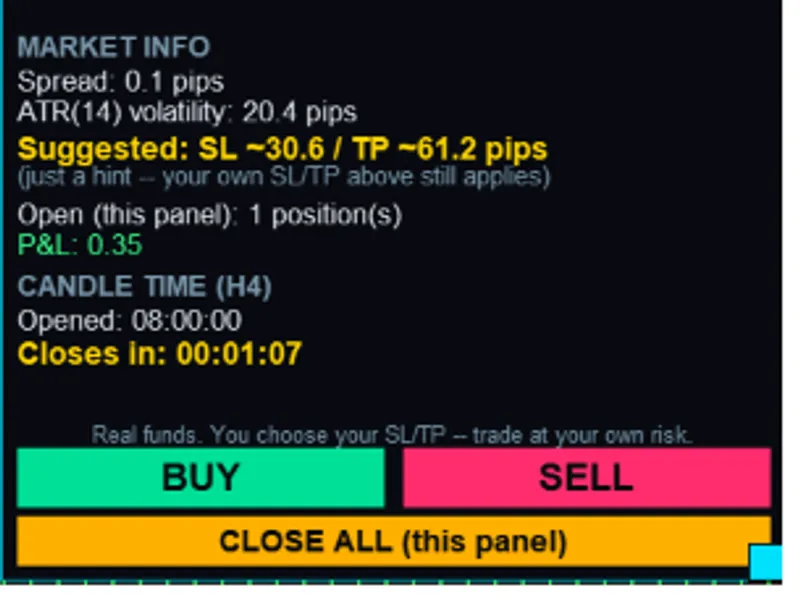
- Countdown timer showing time remaining until each candle closes.
- Calculation of the average normalized position across selected timeframes.
- Display of the spread between the highest and lowest normalized readings.
- A summary alert triggered when several timeframes align near the same price edge.
The spread value is particularly useful for gauging agreement among timeframes. A small spread suggests that the selected candles share similar normalized positions. Conversely, a large spread indicates that the timeframes are depicting different parts of their price ranges, implying mixed market context.
Inputs
- InpTimeframe1 to InpTimeframe4: These inputs allow you to select the timeframes whose candles will be displayed in the panel.
- InpUseBidPrice: When enabled, this setting uses the live Bid price for calculations. If disabled, the indicator utilizes the current candle close price provided by CopyRates.
- InpEdgeThreshold: This parameter defines the percentage range considered 'near' the candle's high or low. For example, with a default value of 20, readings from 0% to 20% are classified as Near Low, and readings from 80% to 100% are classified as Near High.
- InpAlignmentCount: This input determines the minimum number of timeframes that must be near the same price edge before the panel reports an alignment.
- InpEnableAlerts: This optional input allows the indicator to generate alerts for new high-edge or low-edge alignments.
The indicator's code also serves as a practical example for developers, demonstrating techniques such as multi-timeframe data retrieval using CopyRates, percentage-based price normalization, timer-based refresh mechanisms, the creation of chart object panels, and the implementation of state-controlled alerts.
Important Note: This indicator does not predict future price direction nor does it generate trading entry signals. A candle's price can be near its high and subsequently reverse, or remain near its high while the prevailing trend continues. The displayed readings should be used solely as contextual information about price location within a candle.
You may also like: Vela Mayor MTF: Higher Timeframe Candle Overlay for MT5 - excellent alternative for indicator users on MetaTrader 5.
Source Code
#property copyright "RobotFX"
#property link "https://robotfx.org"
#property version   "1.00"
#property description "This code is educational. Feel free to use, modify and upgrade as you wish. Visit ROBOTFX.ORG for professional trading tools"
#property indicator_chart_window
#property indicator_plots 0
input ENUM_TIMEFRAMES InpTimeframe1       = PERIOD_M15;
input ENUM_TIMEFRAMES InpTimeframe2       = PERIOD_H1;
input ENUM_TIMEFRAMES InpTimeframe3       = PERIOD_H4;
input ENUM_TIMEFRAMES InpTimeframe4       = PERIOD_D1;
.......
⚠ Limitations & Risk Warning
- This tool is provided for educational and testing purposes only.
- Past performance does not guarantee future results.
- Trading involves substantial risk of loss. Use on a demo account first.
- Results may vary depending on market conditions, broker, and settings.
- We recommend thorough backtesting and forward testing before using with real funds.