Download ALL MT5 indicators (5914)

Similar MetaTrader Tools
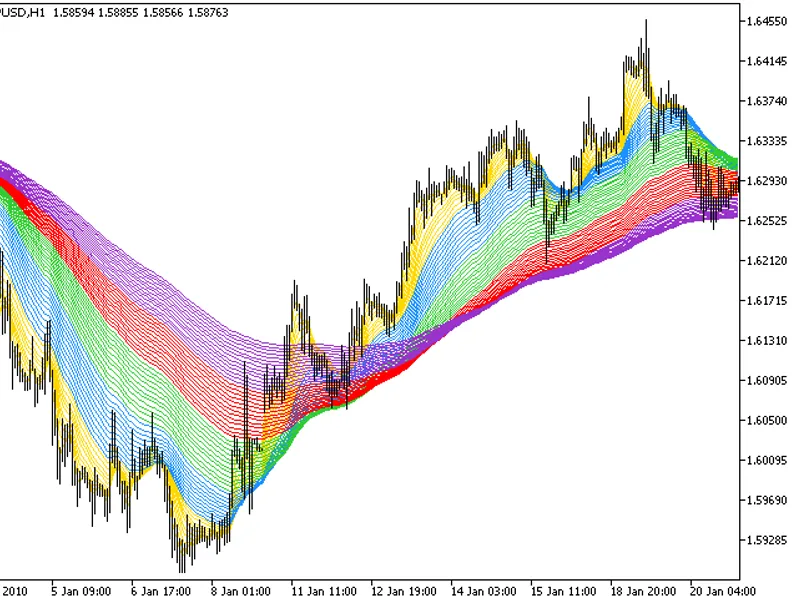
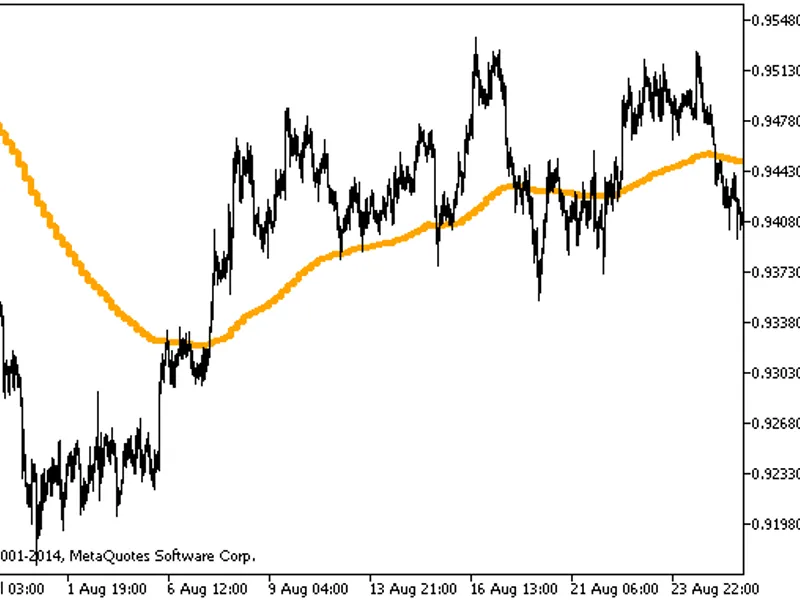
Vela Mayor MTF: Higher Timeframe Candle Overlay for MT5
Info
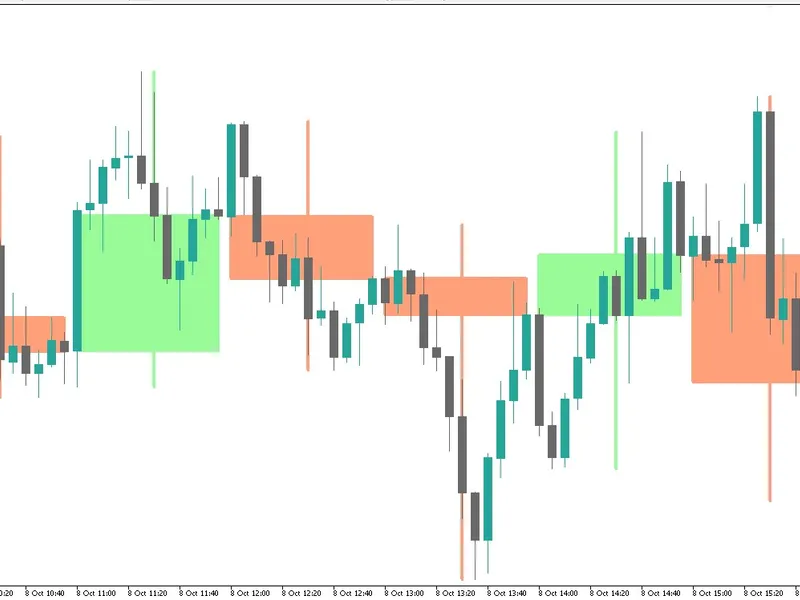
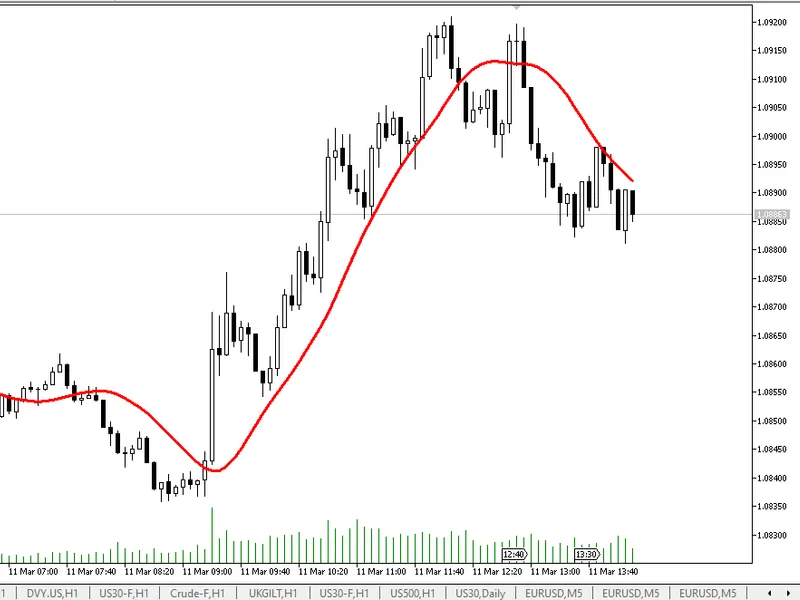
The Vela Mayor MTF: Higher Timeframe Candle Overlay for MT5 is a Indicator for MetaTrader 5 that vela mayor mtf is a powerful multi-timeframe visualization indicator for metatrader 5, engineered for traders practicing multi-timeframe analysis, smart money concepts (smc), price action, and ict strategies. Instead of flipping between multiple charts, Vela Mayor projects the last X candles of any higher timeframe (e.
Usage
This tool is typically used for enhancing chart analysis and decision making.
Platform
This Indicator works exclusively on MetaTrader 5 (both build 600+ and newer versions).
Setup
Place the downloaded file in MQL5/Indicators folder via File ? Open Data Folder in MetaTrader 5.
How to Install and Use Vela Mayor MTF: Higher Timeframe Candle Overlay for MT5
1. Installation: Place your file in the MQL/Indicators folder via "Open Data Folder" and restart your terminal.
2. Loading: Find the indicator in the Navigator, drag it onto your chart, and configure the input parameters in the popup window.
3. Customization: Press Ctrl+I to open the indicator list, select your tool, and click "Properties" to change colors, levels, or visual styles.
4. Updating: Replace the old file in the Indicators folder with the new version and restart the platform to apply changes.
Frequently Asked Questions
Q: Why is my indicator not showing? A: Verify the file is in the MQL/Indicators folder, or try right-clicking the "Indicators" tree in the Navigator and clicking "Refresh."
Q: Do custom indicators slow down the platform? A: Too many complex indicators can impact performance; remove unused ones via the "Indicator List" (Ctrl+I).
Q: Can I use MT4 indicators on MT5? A: No, MQL4 and MQL5 are distinct languages; ensure the indicator is compiled specifically for your platform version.
What this tool does
Vela Mayor MTF is a powerful multi-timeframe visualization indicator for MetaTrader 5, engineered for traders practicing Multi-Timeframe Analysis, Smart Money Concepts (SMC), Price Action, and ICT strategies.
Typical Use Case
This Indicator excels in automated trading and technical analysis on MetaTrader 5.
Compatible Platform & Setup
This Indicator works on MetaTrader 5. Place the file in the MQL5/Indicators folder and restart the terminal.
Description & Settings
Related: Draw Psy Levels - another powerful indicator for MetaTrader 5 traders.
Vela Mayor MTF is a powerful multi-timeframe visualization indicator for MetaTrader 5, engineered for traders practicing Multi-Timeframe Analysis, Smart Money Concepts (SMC), Price Action, and ICT strategies.Also recommended: Trading Signals Module for MQL5 Wizard - similar indicator with strong performance on MetaTrader 5.
Instead of flipping between multiple charts, Vela Mayor projects the last X candles of any higher timeframe (e.g. H1, H4, D1) directly onto your execution timeframe (e.g. M1, M5, M15).
Dual-Layer Rendering (Independent Borders & Fills)
Choose separate colors for candle bodies and candle outlines for maximum contrast on both light and dark chart themes.
True Period Separation ( Separate Boxes )
Unlike typical indicators that stretch full-interval blocks across the screen, Vela Mayor bounds the box strictly to the inner candles formed within that timeframe, leaving natural breathing space between periods.
Centered High/Low Wicks
Cleanly detached upper and lower wicks that respect body boundaries and keep chart readability crisp.
Zero-Lag Real-Time Candle 0
Live bar updating tick by tick with instant price expansion.
Timeframe Change Auto-Recovery
Built-in background timer and chart-event listeners ensure all boxes and wicks reappear reliably whenever you switch timeframes or reconnect.
Optional Features
Full High-to-Low range envelope and floating info labels with OHLC values and point ranges.
You may also like: trading with ma trends, atr, tp, sl, and pivot point lines - excellent alternative for indicator users on MetaTrader 5.
Source Code
#property copyright "RobotFX"
#property version     "1.00"
#property description "This code is educational. Feel free to use, modify and upgrade as you wish. Visit ROBOTFX.ORG for professional trading tools"
#property indicator_chart_window
#property indicator_buffers 0
#property indicator_plots   0
sinput string InpSep_1_1             = "";
input group "─── ■■■■■■■ [ 1. Timeframe y Alcance ] ───"
input ENUM_TIMEFRAMES InpTimeframe   = PERIOD_H1;
input int             InpBarsCount   = 25;
.......
⚠ Limitations & Risk Warning
- This tool is provided for educational and testing purposes only.
- Past performance does not guarantee future results.
- Trading involves substantial risk of loss. Use on a demo account first.
- Results may vary depending on market conditions, broker, and settings.
- We recommend thorough backtesting and forward testing before using with real funds.