



modern time panel: candle time indicator for metatrader 5
Info
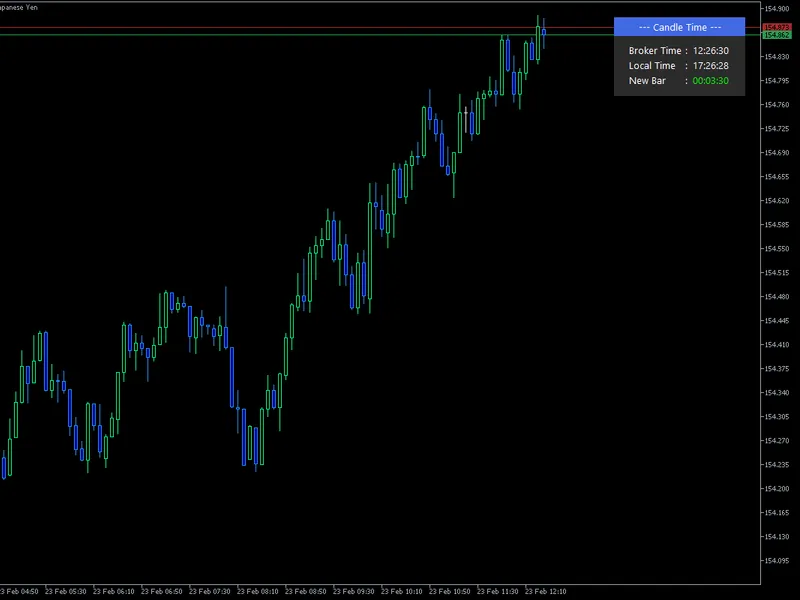
The modern time panel: candle time indicator for metatrader 5 is a Indicator for MetaTrader 5 that modern time panel: a minimalist on-chart time & countdown dashboardelevate your metatrader 5 trading with the modern time panel, a meticulously designed dashboard that brings essential time insights to your charts. in the fast-paced world of trading, precise timing is crucial, and this indicator delivers exactly that.
Usage
This tool is typically used for enhancing chart analysis and decision making.
Platform
This Indicator works exclusively on MetaTrader 5 (both build 600+ and newer versions).
Setup
Place the downloaded file in MQL5/Indicators folder via File ? Open Data Folder in MetaTrader 5.
How to Install and Use modern time panel: candle time indicator for metatrader 5
1. Installation: Place your file in the MQL/Indicators folder via "Open Data Folder" and restart your terminal.
2. Loading: Find the indicator in the Navigator, drag it onto your chart, and configure the input parameters in the popup window.
3. Customization: Press Ctrl+I to open the indicator list, select your tool, and click "Properties" to change colors, levels, or visual styles.
4. Updating: Replace the old file in the Indicators folder with the new version and restart the platform to apply changes.
Frequently Asked Questions
Q: Why is my indicator not showing? A: Verify the file is in the MQL/Indicators folder, or try right-clicking the "Indicators" tree in the Navigator and clicking "Refresh."
Q: Do custom indicators slow down the platform? A: Too many complex indicators can impact performance; remove unused ones via the "Indicator List" (Ctrl+I).
Q: Can I use MT4 indicators on MT5? A: No, MQL4 and MQL5 are distinct languages; ensure the indicator is compiled specifically for your platform version.
What this tool does
modern time panel: a minimalist on-chart time & countdown dashboardelevate your metatrader 5 trading with the modern time panel, a meticulously designed dashboard that brings essential time insights to your charts.
Typical Use Case
This Indicator excels in automated trading and technical analysis on MetaTrader 5.
Compatible Platform & Setup
This Indicator works on MetaTrader 5. Place the file in the MQL5/Indicators folder and restart the terminal.
Description & Settings
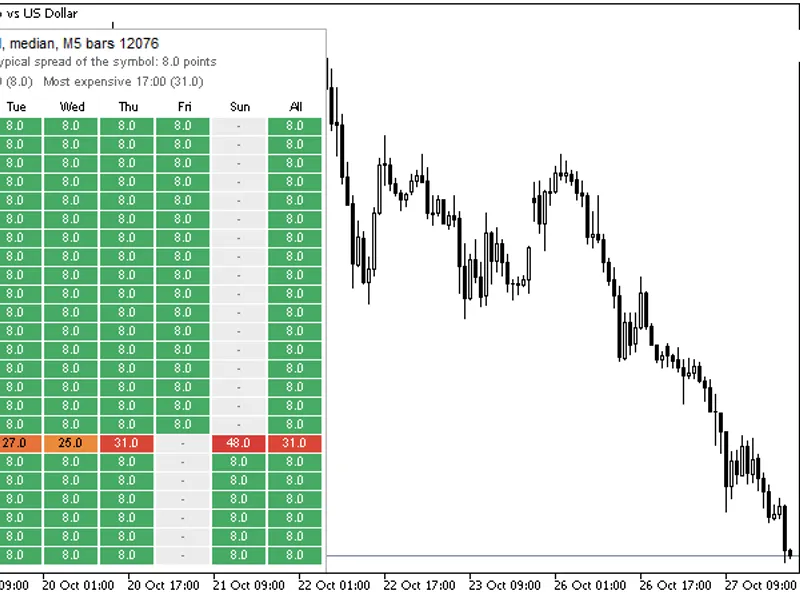
Related: Spread Heatmap: Hourly Spread Analysis by Day and Time - another powerful indicator for MetaTrader 5 traders.
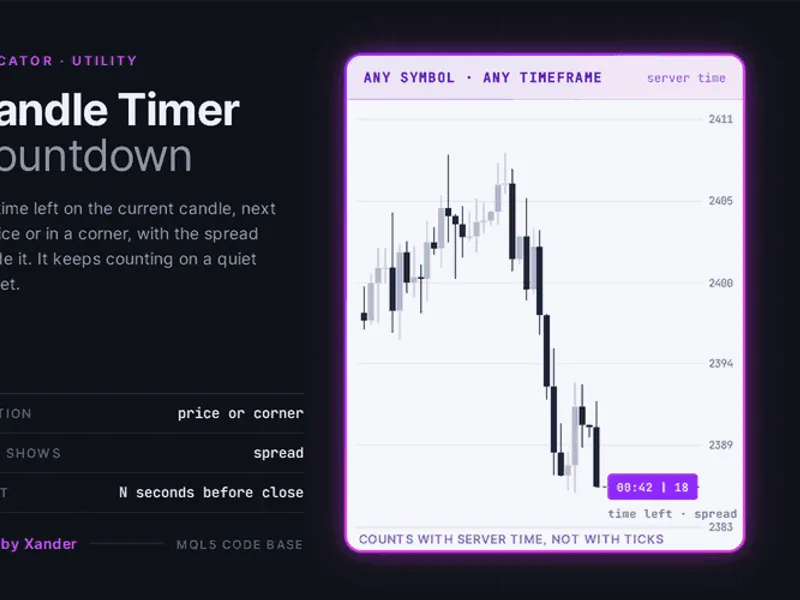
modern time panel: a minimalist on-chart time & countdown dashboardAlso recommended: Candle Timer Countdown for MetaTrader 5 - similar indicator with strong performance on MetaTrader 5.
elevate your metatrader 5 trading with the modern time panel, a meticulously designed dashboard that brings essential time insights to your charts. in the fast-paced world of trading, precise timing is crucial, and this indicator delivers exactly that.
key features:
real-time candle countdown:
experience a precise countdown to the next candlestick opening, powered by mt5's ontimer event, ensuring accuracy even during volatile market conditions.
dual time display:
effortlessly manage your trading sessions by viewing your local time alongside the broker time, making it easy to align with server hours.
visually appealing, aligned design:
the dashboard boasts a professional look with a clear header and body, featuring perfectly aligned colons and typography, resembling a sleek data table.
non-intrusive placement:
positioned in the top-right corner of your chart, the panel stays out of your price analysis space.
customization options:
adapt the dashboard to your chart template preferences, including dark and light modes, with the following adjustments:
offset control:
fine-tune the x and y offsets to fit your chart borders perfectly.
color customization:
personalize the header and body background colors, as well as text colors, to match your chart theme.
font settings:
choose your preferred font style and size for enhanced readability.
whether you're a scalper tracking 1-minute candles or a swing trader analyzing 4-hour charts, the modern time panel keeps you synchronized with the market's rhythm.
You may also like: Accurate Broker Time Zones and Session Lines for MT4/MT5 - excellent alternative for indicator users on MetaTrader 5.
Source Code
#property indicator_chart_window
#property indicator_plots 0
input int               inpoffsetx     = 20;
input int               inpoffsety     = 20;
input color             inpheaderbg    = clrroyalblue;
input color             inpbodybg      = c'43,43,43';
input color             inptextcolor   = clrwhite;
input string            inpfontname    = "segoe ui";
input int               inpfontsize    = 10;
input color             inptnewbar     = clrlime;
.......
⚠ Limitations & Risk Warning
- This tool is provided for educational and testing purposes only.
- Past performance does not guarantee future results.
- Trading involves substantial risk of loss. Use on a demo account first.
- Results may vary depending on market conditions, broker, and settings.
- We recommend thorough backtesting and forward testing before using with real funds.