




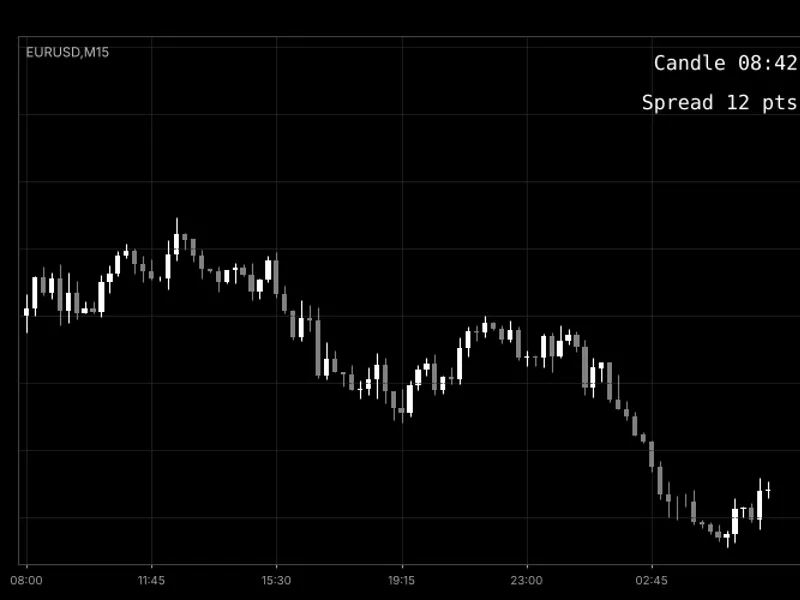
Ezo Candle Timer: Real-time Candle Expiry, Spread, and Daily Range
Info
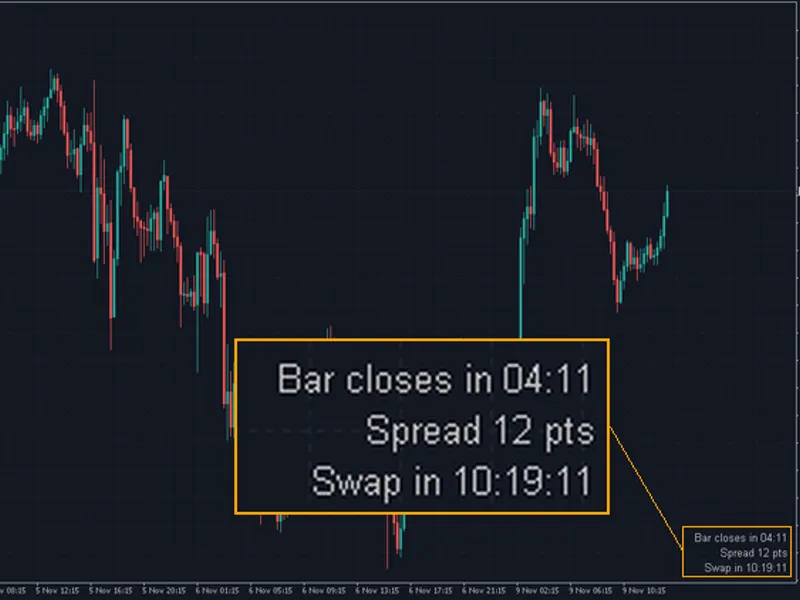
The Ezo Candle Timer: Real-time Candle Expiry, Spread, and Daily Range is a Indicator for MetaTrader 5 that ezo candle timer displays the remaining time until the current candlestick closes. This information is positioned at the right edge of the chart, aligned with the current price, allowing for easy viewing without diverting attention from price action.
Usage
This tool is typically used for enhancing chart analysis and decision making.
Platform
This Indicator works exclusively on MetaTrader 5 (both build 600+ and newer versions).
Setup
Place the downloaded file in MQL5/Indicators folder via File ? Open Data Folder in MetaTrader 5.
How to Install and Use Ezo Candle Timer: Real-time Candle Expiry, Spread, and Daily Range
1. Installation: Place your file in the MQL/Indicators folder via "Open Data Folder" and restart your terminal.
2. Loading: Find the indicator in the Navigator, drag it onto your chart, and configure the input parameters in the popup window.
3. Customization: Press Ctrl+I to open the indicator list, select your tool, and click "Properties" to change colors, levels, or visual styles.
4. Updating: Replace the old file in the Indicators folder with the new version and restart the platform to apply changes.
Frequently Asked Questions
Q: Why is my indicator not showing? A: Verify the file is in the MQL/Indicators folder, or try right-clicking the "Indicators" tree in the Navigator and clicking "Refresh."
Q: Do custom indicators slow down the platform? A: Too many complex indicators can impact performance; remove unused ones via the "Indicator List" (Ctrl+I).
Q: Can I use MT4 indicators on MT5? A: No, MQL4 and MQL5 are distinct languages; ensure the indicator is compiled specifically for your platform version.
What this tool does
Ezo Candle Timer displays the remaining time until the current candlestick closes.
Typical Use Case
This Indicator excels in automated trading and technical analysis on MetaTrader 5.
Compatible Platform & Setup
This Indicator works on MetaTrader 5. Place the file in the MQL5/Indicators folder and restart the terminal.
Description & Settings
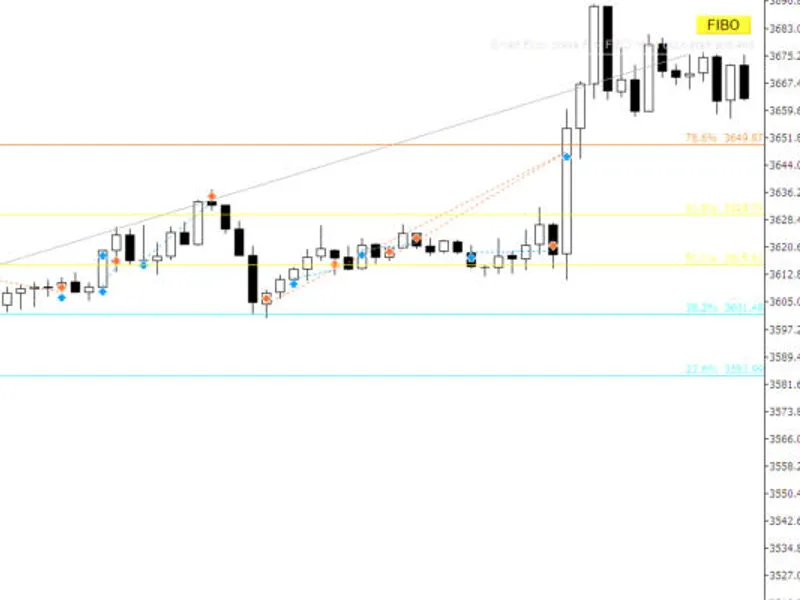
Related: Ezo Smart Fibo: Intuitive Two-Click Fibonacci Tool with Candle Snap - another powerful indicator for MetaTrader 5 traders.
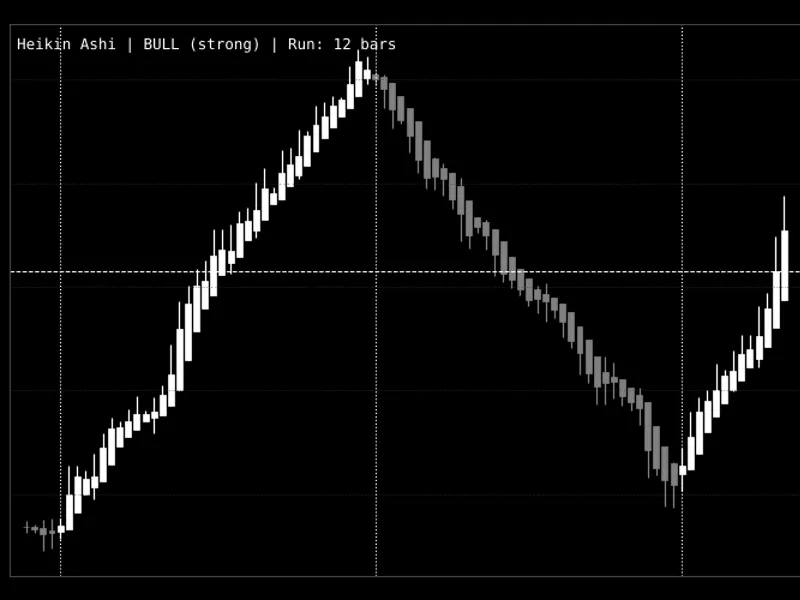
Ezo Candle Timer displays the remaining time until the current candlestick closes. This information is positioned at the right edge of the chart, aligned with the current price, allowing for easy viewing without diverting attention from price action. It can also be anchored to any corner of the chart.Also recommended: Heikin Ashi Candles as a Chart Overlay - similar indicator with strong performance on MetaTrader 5.
In addition to the countdown, the indicator shows the live spread in points and the current day's trading range (daily high minus daily low) in points. When the remaining time is less than a specified number of seconds, the text color changes to a warning hue.
The countdown operates based on the trade server time, ensuring continuous operation between price ticks. It functions across all timeframes, from M1 to MN1, and indicates 'closed' when the market is not active.
Configuration Options:
- Position: Choose between placement next to the current price or in a fixed chart corner (with corner selection).
- Display Options: Enable or disable the display of the live spread and the daily trading range.
- Warning Settings: Configure the number of seconds for the warning, the text color (or use automatic dark/light text based on the chart background), the warning color, and the font style and size.
This indicator is designed to be lightweight, rendering only a single text label. It does not utilize data buffers and has no trading functionalities.
You may also like: Candle Countdown Timer and Spread Display - excellent alternative for indicator users on MetaTrader 5.
Source Code
#property copyright "RobotFX"
#property version   "1.00"
#property description "This code is educational. Feel free to use, modify and upgrade as you wish. Visit ROBOTFX.ORG for professional trading tools"
#property indicator_chart_window
#property indicator_plots 0
enum ENUM_TIMER_POS
  {
   POS_PRICE  = 0,
   POS_CORNER = 1
  };
.......
⚠ Limitations & Risk Warning
- This tool is provided for educational and testing purposes only.
- Past performance does not guarantee future results.
- Trading involves substantial risk of loss. Use on a demo account first.
- Results may vary depending on market conditions, broker, and settings.
- We recommend thorough backtesting and forward testing before using with real funds.