


Trail Guard: Automated Break-Even and Trailing Stop Management for MetaTrader 5
Info
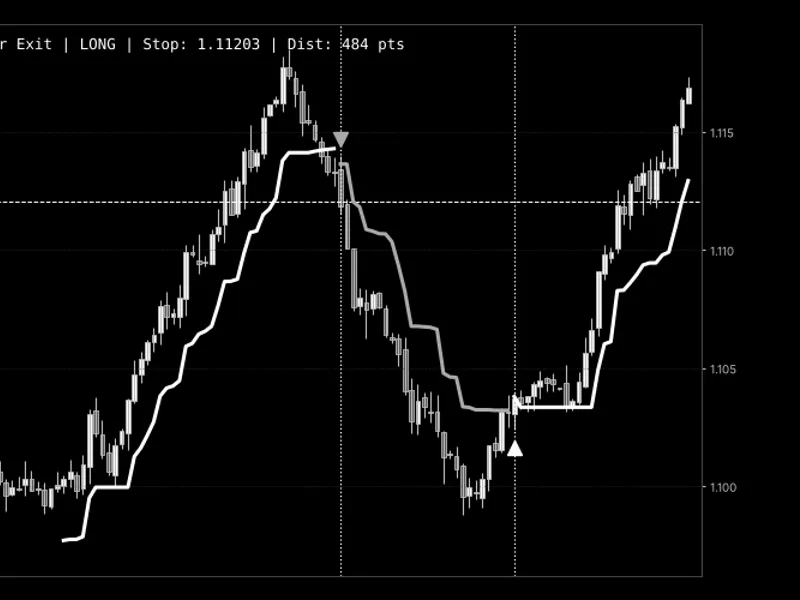
The Trail Guard: Automated Break-Even and Trailing Stop Management for MetaTrader 5 is a Expert Advisor for MetaTrader 5 that trailguard is an expert advisor for metatrader 5 designed to manage stop losses on open trades. The EA automatically moves a trade's stop loss to the entry price once a specified profit level is reached (defaulting to 150 points), with an optional locked profit (defaulting to 10 points).
Usage
This tool is typically used for automated trading on major forex pairs and gold.
Platform
This Expert Advisor works exclusively on MetaTrader 5 (both build 600+ and newer versions).
Setup
Place the downloaded file in MQL5/Experts folder via File ? Open Data Folder in MetaTrader 5.
How to Install and Use Trail Guard: Automated Break-Even and Trailing Stop Management for MetaTrader 5
1. Installation: Open the "File" menu, select "Open Data Folder," navigate to MQL/Experts, paste your file, and restart the terminal.
2. Activation: Drag the EA from the Navigator onto a chart, ensure "Allow live trading" is checked in the Common tab, and verify the AutoTrading button is green.
3. Optimization: Right-click your chart, choose "Expert List," click "Properties" to adjust inputs, and save your preferred setup as a set file for future use.
4. Maintenance: Regularly check the "Experts" tab in the terminal window to monitor trade logs and potential execution errors.
Frequently Asked Questions
Q: Why is my EA not opening trades? A: Check the "AutoTrading" button, ensure "Allow live trading" is enabled, and verify your broker allows automated trading on your account type.
Q: Can I run multiple EAs on one chart? A: No, each chart can only host one active EA; however, you can open multiple charts for different currency pairs to run several EAs.
Q: What does the "smiley face" icon mean? A: A smiley face in the top-right corner of the chart indicates the EA is successfully running; a frowny face means it is disabled.
What this tool does
TrailGuard is an Expert Advisor for MetaTrader 5 designed to manage stop losses on open trades.
Typical Use Case
This Expert Advisor excels in automated trading and technical analysis on MetaTrader 5.
Compatible Platform & Setup
This Expert Advisor works on MetaTrader 5. Place the file in the MQL5/Experts folder and restart the terminal.
Description & Settings
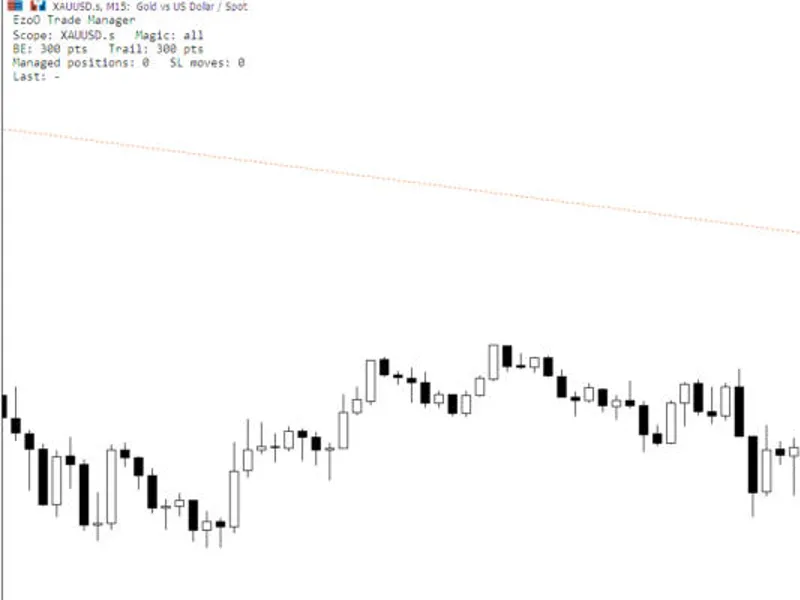
Related: Ezo Trade Manager: Break-Even and Trailing Stop for Open Positions - another powerful expert for MetaTrader 5 traders.
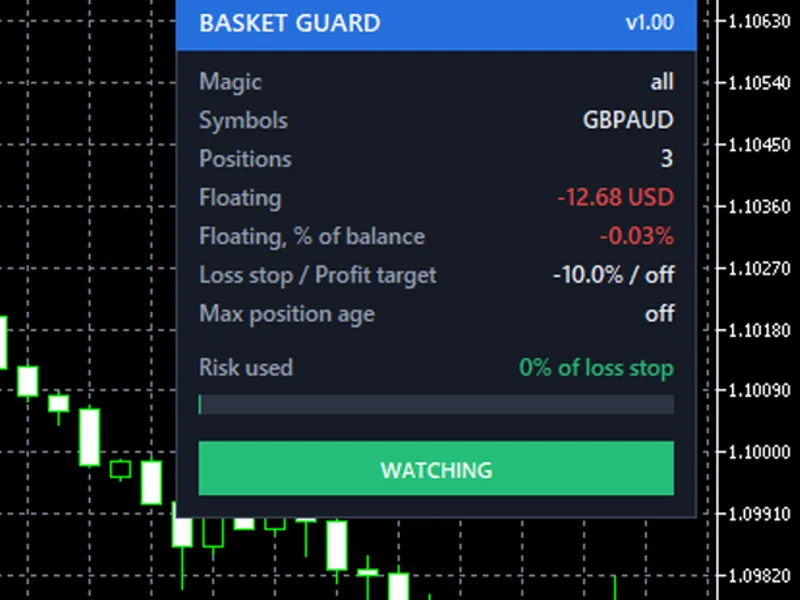
TrailGuard is an Expert Advisor for MetaTrader 5 designed to manage stop losses on open trades.Also recommended: Basket Guard: Basket Position Management for MT4/MT5 - similar expert with strong performance on MetaTrader 5.
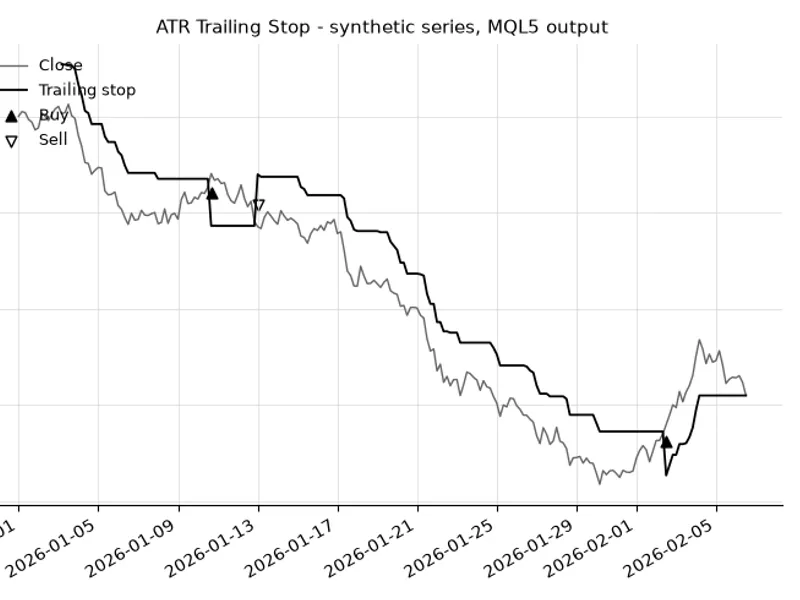
The EA automatically moves a trade's stop loss to the entry price once a specified profit level is reached (defaulting to 150 points), with an optional locked profit (defaulting to 10 points).Following this, it can trail the stop loss behind the market price using one of two methods: a fixed point distance (defaulting to 200 points) or a dynamic distance based on market volatility (1.5 times the 14-bar Average True Range on the H1 timeframe). Trailing activation begins when a trade reaches a profit of 300 points.
This tool is ideal for manual traders or users of other Expert Advisors who wish to automate their stop loss management.
TrailGuard can manage trades for the current chart's symbol exclusively or for all symbols on the account. It can also filter trades by magic number, managing manual trades only, trades from a specific EA, or all trades.
Since TrailGuard operates on already open trades, the timeframe of the chart where it is attached does not impact its functionality.
Key operational features:
TrailGuard does not open or close trades; its sole function is to adjust stop losses in a manner that benefits the trade, never moving them backward.
It adheres to the broker's rules regarding the minimum distance a stop loss can be placed from the current market price.
To avoid excessive broker communication, the EA only attempts to move a stop loss when the market movement is at least 20 points.
If a stop loss adjustment is rejected by the broker, TrailGuard will wait for 60 seconds before attempting the adjustment again.
A control panel displayed on the chart provides real-time information on the EA's settings, the number of managed trades, the count of adjusted stop losses, and the last executed action.
Testing Information:
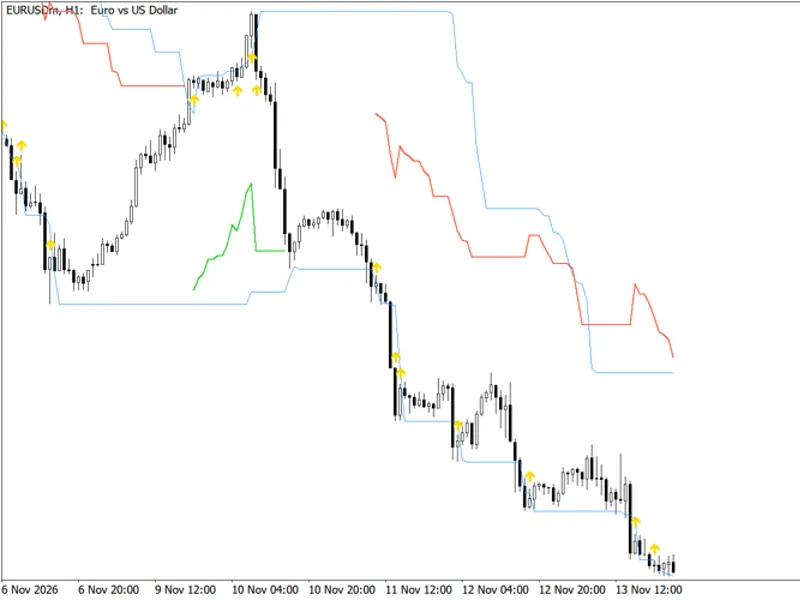
The EA was tested using the MetaTrader 5 Strategy Tester on EURUSD, H1 timeframe, from October 1 to November 20, 2026.
Results include 221 stop loss adjustments across 53 trades, with 0 rejections by the broker and 0 instances of stops being moved backward.
Note: The EA has not been tested on netting accounts.
In the Strategy Tester, an option is available to open small demo positions for management purposes, simulating live trading scenarios. This option has no effect on live trading charts.
Input Parameters (Default Values):
Break-even trigger, points (0 = disabled): 150
Locked profit, points: 10
Trailing mode: off / fixed points / ATR
Trailing activation profit, points: 300
Trailing distance, points (fixed mode): 200
ATR multiplier (ATR mode): 1.5
ATR period: 14
ATR timeframe: H1
Minimum stop movement step, points: 20
Positions to manage: this symbol / all symbols
Magic number filter: -1 = any, 0 = manual trades only, a positive number = specific EA's trades only
Display status panel on chart: on / off
Strategy Tester only - enable demo positions for management: on / off
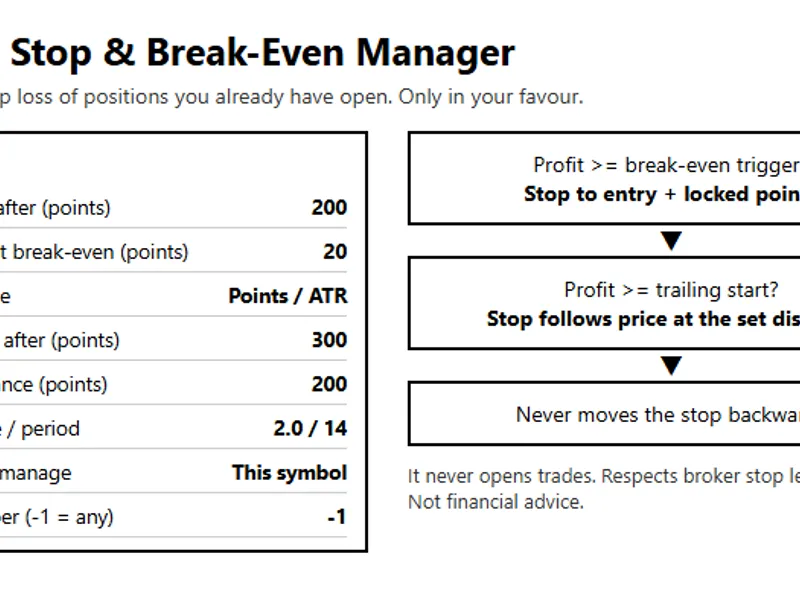
You may also like: Trailing Stop and Break-Even Manager (Points or ATR) - excellent alternative for expert users on MetaTrader 5.
Source Code
#property copyright "RobotFX"
#property version   "1.00"
#property strict
#include <Trade\Trade.mqh>
enum ENUM_TRAIL_MODE  { TRAIL_OFF = 0, TRAIL_POINTS = 1, TRAIL_ATR = 2 };
enum ENUM_SCOPE       { SCOPE_THIS_SYMBOL = 0, SCOPE_ALL_SYMBOLS = 1 };
input group "Break-even"
input int              InpBETrigger      = 150;
input int              InpBELock         = 10;
input group "Trailing stop"
.......
⚠ Limitations & Risk Warning
- This tool is provided for educational and testing purposes only.
- Past performance does not guarantee future results.
- Trading involves substantial risk of loss. Use on a demo account first.
- Results may vary depending on market conditions, broker, and settings.
- We recommend thorough backtesting and forward testing before using with real funds.