
position size pro lite: interactive risk calculator
Info
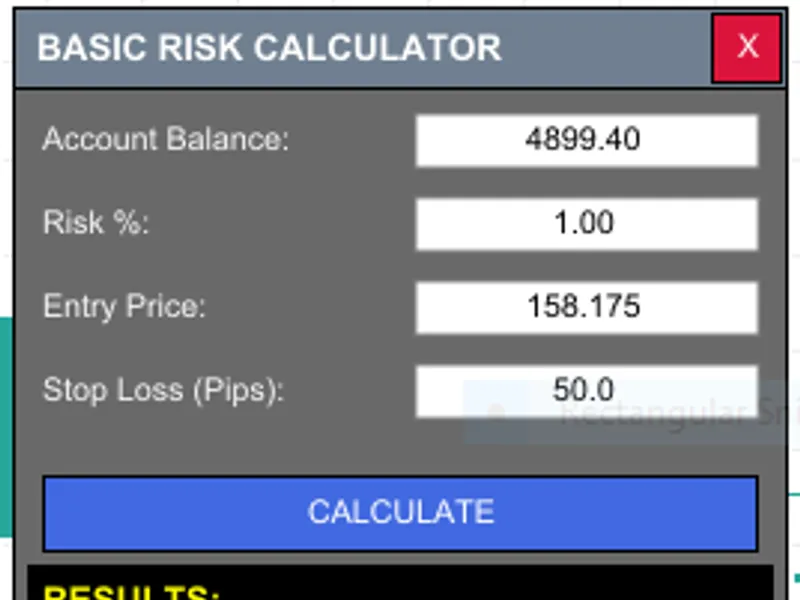
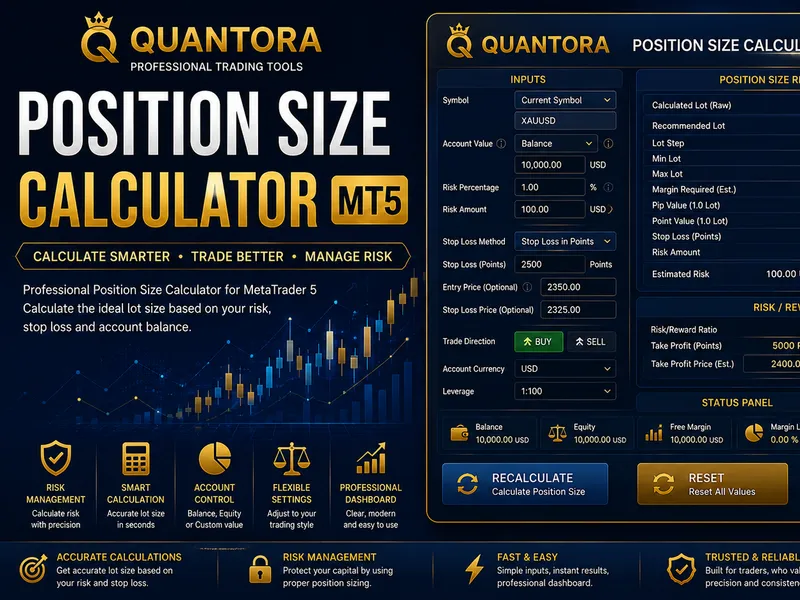
The position size pro lite: interactive risk calculator is a Expert Advisor for MetaTrader 5 that basic risk calculator is a powerful trading tool designed to address a fundamental challenge in manual trading: position sizing. this innovative utility calculates the precise volume for your trades based on your risk tolerance, eliminating the guesswork and over-leveraging.
Usage
This tool is typically used for automated trading on major forex pairs and gold.
Platform
This Expert Advisor works exclusively on MetaTrader 5 (both build 600+ and newer versions).
Setup
Place the downloaded file in MQL5/Experts folder via File ? Open Data Folder in MetaTrader 5.
How to Install and Use position size pro lite: interactive risk calculator
1. Installation: Open the "File" menu, select "Open Data Folder," navigate to MQL/Experts, paste your file, and restart the terminal.
2. Activation: Drag the EA from the Navigator onto a chart, ensure "Allow live trading" is checked in the Common tab, and verify the AutoTrading button is green.
3. Optimization: Right-click your chart, choose "Expert List," click "Properties" to adjust inputs, and save your preferred setup as a set file for future use.
4. Maintenance: Regularly check the "Experts" tab in the terminal window to monitor trade logs and potential execution errors.
Frequently Asked Questions
Q: Why is my EA not opening trades? A: Check the "AutoTrading" button, ensure "Allow live trading" is enabled, and verify your broker allows automated trading on your account type.
Q: Can I run multiple EAs on one chart? A: No, each chart can only host one active EA; however, you can open multiple charts for different currency pairs to run several EAs.
Q: What does the "smiley face" icon mean? A: A smiley face in the top-right corner of the chart indicates the EA is successfully running; a frowny face means it is disabled.
What this tool does
basic risk calculator is a powerful trading tool designed to address a fundamental challenge in manual trading: position sizing.
Typical Use Case
This Expert Advisor excels in automated trading and technical analysis on MetaTrader 5.
Compatible Platform & Setup
This Expert Advisor works on MetaTrader 5. Place the file in the MQL5/Experts folder and restart the terminal.
Description & Settings
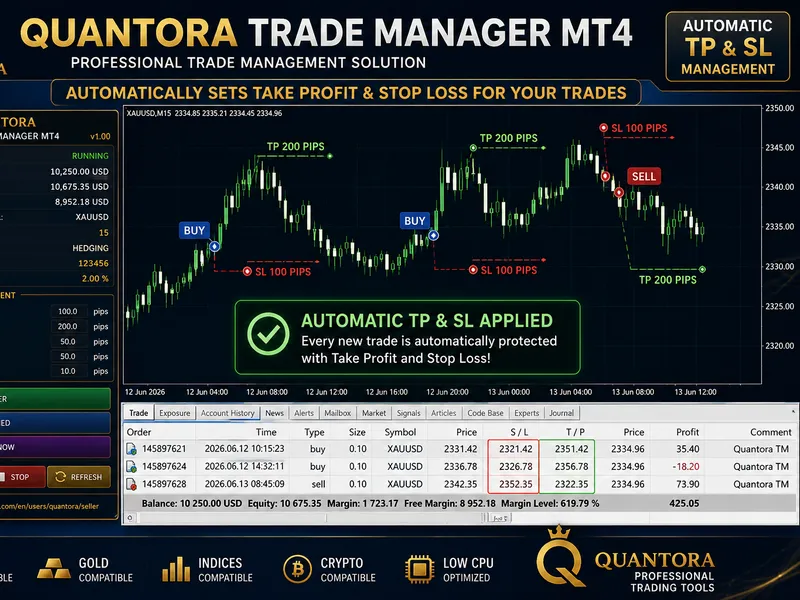
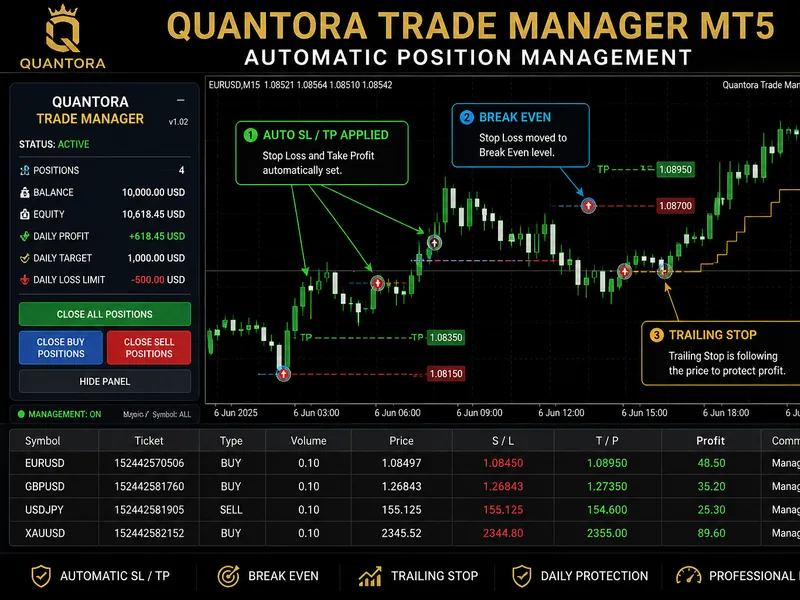
Related: Quantora Trade Manager MT5: Advanced Position Management - another powerful expert for MetaTrader 5 traders.
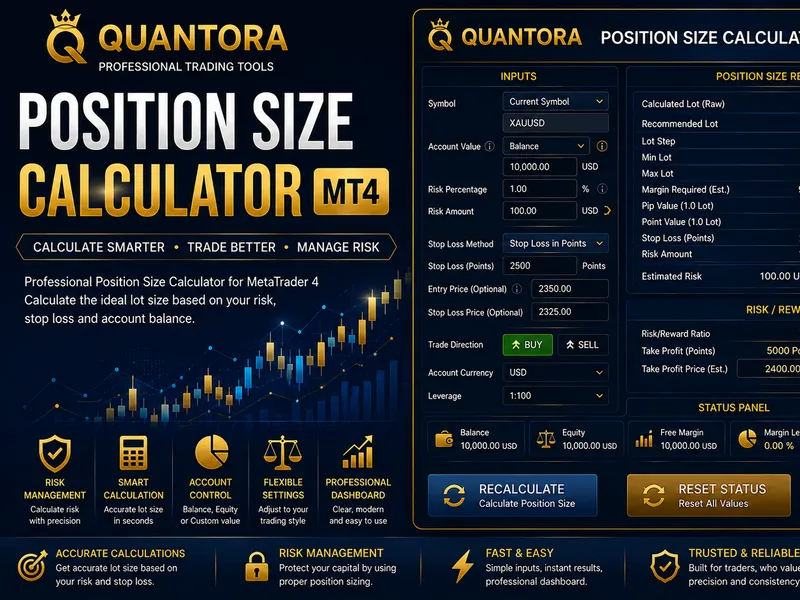
basic risk calculator is a powerful trading tool designed to address a fundamental challenge in manual trading: position sizing.Also recommended: Quantora Position Size Calculator MT5: Professional Risk-Based Lot Size Calculation - similar expert with strong performance on MetaTrader 5.
this innovative utility calculates the precise volume for your trades based on your risk tolerance, eliminating the guesswork and over-leveraging.
features
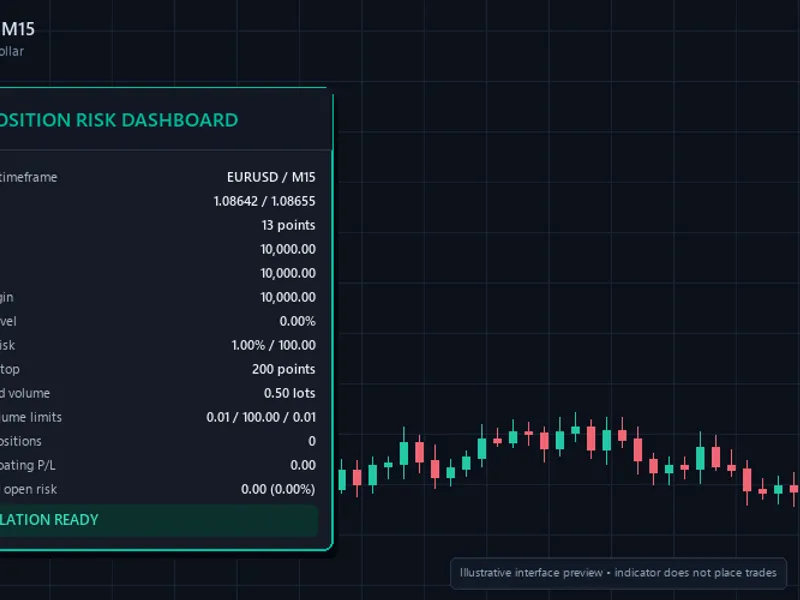
- real-time position sizing: instant lot calculations as you input values.
- automatic balance detection: retrieves your current account balance.
- dynamic pip valuation: supports all symbols with accurate tick value calculations.
- safety lot rounding: rounds lots to your broker's 'lot step' (e.g., 0.01).
- interactive gui: a clean, draggable panel for an uncluttered chart.
- risk in currency: displays the exact amount at risk in your account currency.
- zero lag: lightweight code for seamless platform performance.
safety and control
the calculator ensures your trades adhere to your broker's volume limits, preventing errors. it also supports:
- price mode toggle: switch between live and specific price entry for pending orders.
- auto-refresh: real-time updates with an on/off toggle.
- risk preset buttons: quick 1%, 2%, and 3% risk buttons.
- take profit calculator: shows profit potential based on tp pips.
- risk:reward ratio: live r:r ratio display for each trade.
- tick-sync technology: auto-updates entry price with market ticks.
enhanced user experience
- premium ui: a polished, larger dashboard with a professional color scheme.
- sl price field: dedicated input for precise stop-loss levels.
- smart workflow: read-only fields for a user-friendly, error-free experience.
easy to use
1. drag the ea onto a chart.
2. input risk % and sl in pips.
3. click calculate.
installation
1. download the .mq5 file.
2. open metaeditor in mt5 (f4).
3. right-click the experts folder -> open folder.
4. copy the file and refresh the navigator.
5. attach to chart, ensuring 'algo trading' is enabled.
reliability and support
the calculator provides 100% accurate tick value calculations for forex, metals, and cfds. if this tool enhances your trading experience, please consider leaving a 5-star review to encourage the development of more free utilities.
You may also like: Advanced Risk Manager: Auto Suffix Detection Multi-Currency Lot Sizer - excellent alternative for expert users on MetaTrader 5.
Source Code
яю/.......
⚠ Limitations & Risk Warning
- This tool is provided for educational and testing purposes only.
- Past performance does not guarantee future results.
- Trading involves substantial risk of loss. Use on a demo account first.
- Results may vary depending on market conditions, broker, and settings.
- We recommend thorough backtesting and forward testing before using with real funds.