




periodic range breakout 2. 0
Info
The periodic range breakout 2. 0 is a Expert Advisor for MetaTrader 5 that this expert has extended features relative to the previous. please examine the previous one before proceeding.
Usage
This tool is typically used for breakout trading when price moves beyond key support/resistance levels.
Platform
This Expert Advisor works exclusively on MetaTrader 5 (both build 600+ and newer versions).
Setup
Place the downloaded file in MQL5/Experts folder via File ? Open Data Folder in MetaTrader 5.
How to Install and Use periodic range breakout 2. 0
1. Installation: Open the "File" menu, select "Open Data Folder," navigate to MQL/Experts, paste your file, and restart the terminal.
2. Activation: Drag the EA from the Navigator onto a chart, ensure "Allow live trading" is checked in the Common tab, and verify the AutoTrading button is green.
3. Optimization: Right-click your chart, choose "Expert List," click "Properties" to adjust inputs, and save your preferred setup as a set file for future use.
4. Maintenance: Regularly check the "Experts" tab in the terminal window to monitor trade logs and potential execution errors.
Frequently Asked Questions
Q: Why is my EA not opening trades? A: Check the "AutoTrading" button, ensure "Allow live trading" is enabled, and verify your broker allows automated trading on your account type.
Q: Can I run multiple EAs on one chart? A: No, each chart can only host one active EA; however, you can open multiple charts for different currency pairs to run several EAs.
Q: What does the "smiley face" icon mean? A: A smiley face in the top-right corner of the chart indicates the EA is successfully running; a frowny face means it is disabled.
What this tool does
this expert has extended features relative to the previous.
Typical Use Case
This Expert Advisor excels in automated trading and technical analysis on MetaTrader 5.
Compatible Platform & Setup
This Expert Advisor works on MetaTrader 5. Place the file in the MQL5/Experts folder and restart the terminal.
Description & Settings
Related: V1N1 LONNY MT5: Asian Range Breakout Day Trader - another powerful expert for MetaTrader 5 traders.
this expert has extended features relative to the previous. please examine the previous one before proceeding.
Also recommended: easy range breakout ea - mt5 - similar expert with strong performance on MetaTrader 5.
[warning]the main purpose of this purely mechanical expert is to make use of statistical and analytical observations to gain insight into how markets work.
using it for trading could result in financial loss.
[main idea]
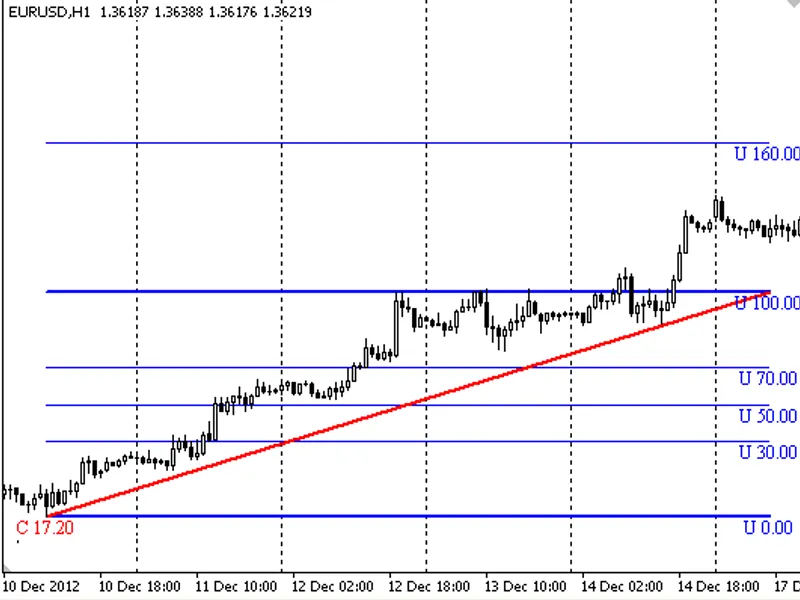
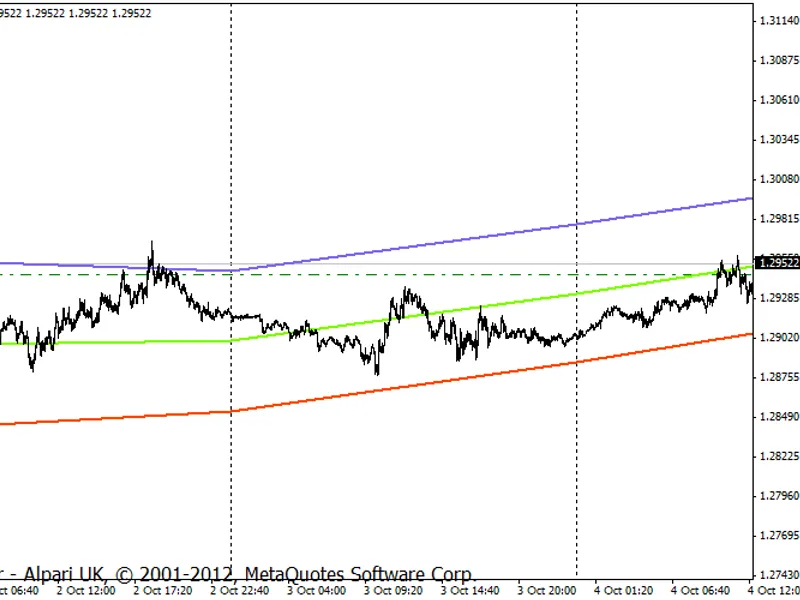
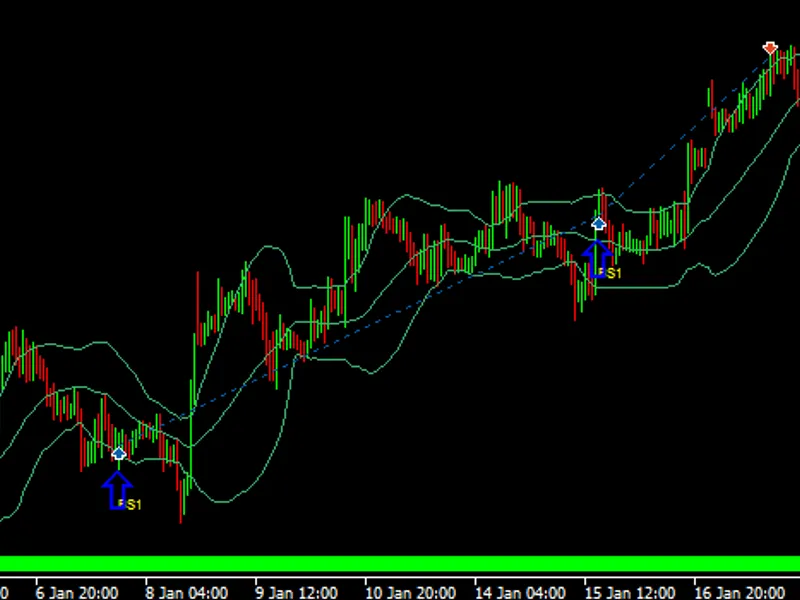
at the beginning of the period, we'll take the current value of the time-dependent variable which in case ask price of an fx instrument as a reference.
then performing addition and subtraction on this value by user-specified range to obtain high and low breakout levels.
if price breaks high level upward buy-stop or sell-limit order will get opened.
if price breaks low level downward buy-limit or sell-stop order will get opened.
take-profit and stop-loss levels are determined by taking specific portion of the range in pips.
if trade ends with loss, it will get compensate it in the next trade if requested by user by incrementing volume or take-profit level as set. [main features]
periodicity modes
weekly:
take close price of a specific hour of a day of week as reference.
daily:
take close price of a specific hour of any day as reference.
nonstop:
take current price immediately as reference, if there isn't any trade opened.
range calculation modes
atr:
user-specified percentage of atr(20).
percent:
user-specified percentage of current price.
fixed:
constant user-specified pips.
trade modes
stop:
if high breaks open buy, if low breaks open sell.
limit:
if high breaks open sell, if low breaks open buy.
random:
randomly select orders. doesn't work in tester mode.
trade parameters
range percentage:
percentage of calculated range used to evaluate take-profit and stop-loss.
take-profit percentage:
take-profit in pips as percentage of derived range.
stop-loss percentage:
stop-loss in pips as percentage of derived range.
lot management modes
constant:
never increment volume after loss.
linear:
multiply volume by linearly incremented coefficients after loss. (1, 2, 3, 4, ...)
martingale:
multiply volume by a number between 1 and 2 after loss.
fibonacci:
increment volume as fibonacci sequence after loss. (1, 1, 2, 3, 5, 8, ...)
other money management parameters
margin percentage:
how much of free margin will be used in trade initally or trade after winning trade.
lot multiplier:
multiplier used in martingale mode.
range multiplier:
multiplier used to increment take profit level after each loss. this was based on an assumption that previous loss increases the interval of success.
[observations]
profit and loss counts are highly dependent on the selection of take-profit and stop-loss ratios. if these ratios converges counts are converges also and vice versa.
lower take-profit ratio relative to stop-loss increases chance of success in short term, but rare cases like consecutive losses greater than expected crashes equity. randomizing will reduce the probability of encountering these types of risk.
You may also like: easy range breakout ea for mt5 - excellent alternative for expert users on MetaTrader 5.
Source Code
#property copyright "RobotFX"
#property link "https://robotfx.org"
#property description "Educational code - RobotFX www.robotfx.org"
#property version             "2.0"
#property script_show_inputs  true
#define MACIT 1248
enum WEEK_DAY{Monday=1, Tuesday, Wednesday, Thursday, Friday};
enum HOUR{H0, H1, H2, H3, H4, H5, H6, H7, H8, H9, H10, H11, H12, H13, H14, H15, H16, H17, H18, H19, H20, H21, H22, H23};
enum PHASE{StandBy, Setup, Trade, Deal};
enum MODE_PERIOD{Weekly, Daily, NonStop};
.......
⚠ Limitations & Risk Warning
- This tool is provided for educational and testing purposes only.
- Past performance does not guarantee future results.
- Trading involves substantial risk of loss. Use on a demo account first.
- Results may vary depending on market conditions, broker, and settings.
- We recommend thorough backtesting and forward testing before using with real funds.