

Advanced Trailing Stop Manager for MT4/MT5
Info
The Advanced Trailing Stop Manager for MT4/MT5 is a Expert Advisor for MetaTrader 5 that a trailing stop can be complex. Many trailing Expert Advisors (EAs) encounter issues such as sending excessive requests to the broker (leading to "too many requests" errors or disabled automated trading), generating "invalid stops" by ignoring broker stop levels, placing sell position stops within the spread, or losing track of their state after a restart.
Usage
This tool is typically used for automated trading on major forex pairs and gold.
Platform
This Expert Advisor works exclusively on MetaTrader 5 (both build 600+ and newer versions).
Setup
Place the downloaded file in MQL5/Experts folder via File ? Open Data Folder in MetaTrader 5.
How to Install and Use Advanced Trailing Stop Manager for MT4/MT5
1. Installation: Open the "File" menu, select "Open Data Folder," navigate to MQL/Experts, paste your file, and restart the terminal.
2. Activation: Drag the EA from the Navigator onto a chart, ensure "Allow live trading" is checked in the Common tab, and verify the AutoTrading button is green.
3. Optimization: Right-click your chart, choose "Expert List," click "Properties" to adjust inputs, and save your preferred setup as a set file for future use.
4. Maintenance: Regularly check the "Experts" tab in the terminal window to monitor trade logs and potential execution errors.
Frequently Asked Questions
Q: Why is my EA not opening trades? A: Check the "AutoTrading" button, ensure "Allow live trading" is enabled, and verify your broker allows automated trading on your account type.
Q: Can I run multiple EAs on one chart? A: No, each chart can only host one active EA; however, you can open multiple charts for different currency pairs to run several EAs.
Q: What does the "smiley face" icon mean? A: A smiley face in the top-right corner of the chart indicates the EA is successfully running; a frowny face means it is disabled.
What this tool does
A trailing stop can be complex.
Typical Use Case
This Expert Advisor excels in automated trading and technical analysis on MetaTrader 5.
Compatible Platform & Setup
This Expert Advisor works on MetaTrader 5. Place the file in the MQL5/Experts folder and restart the terminal.
Description & Settings
Related: Trailing Stop and Break-Even Manager (Points or ATR) - another powerful expert for MetaTrader 5 traders.
A trailing stop can be complex. Many trailing Expert Advisors (EAs) encounter issues such as sending excessive requests to the broker (leading to "too many requests" errors or disabled automated trading), generating "invalid stops" by ignoring broker stop levels, placing sell position stops within the spread, or losing track of their state after a restart. This EA is designed to prevent these problems.Also recommended: Breakeven and R-Trail Manager: R-Multiple Trailing and Break-even at +1R - similar expert with strong performance on MetaTrader 5.
Trailing Methods (Select One)
Fixed Distance: Set a fixed distance from the price. This is most effective when using points. Using ATR multiples provides the same functionality as the ATR method.
ATR Distance: For buys, the stop is placed at the price minus a specified multiple of the Average True Range (ATR) (default is 2.5 times ATR with a 14-period). This allows the stop distance to adapt to market volatility.
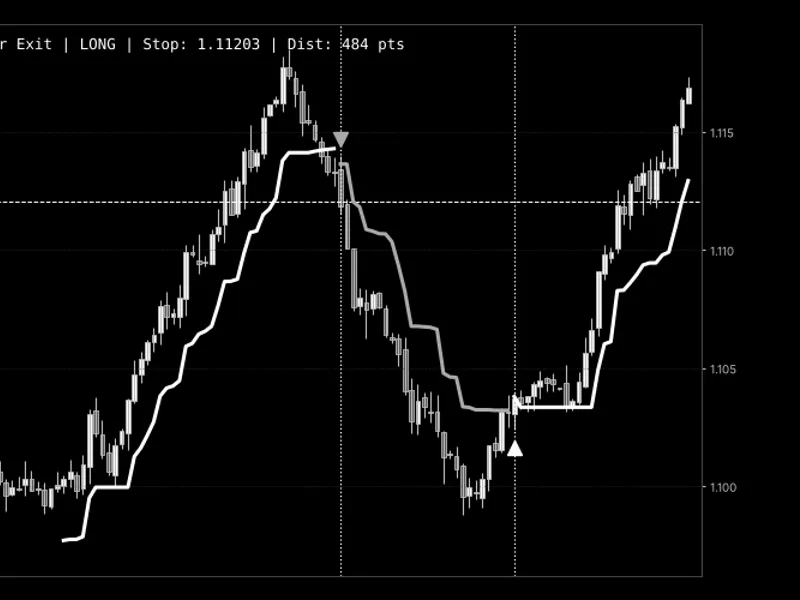
Chandelier Exit: For buys, the stop is set at the highest high since the position opened, minus a multiple of the ATR (default 3 times ATR with a 22-period). For sells, it's the lowest low since the position opened, plus the ATR multiple. This method tracks the price since entry, so restarts do not reset the stop level.
Swing: For buys, the stop is placed below the last confirmed swing low (defined by default as a low with 3 higher bars on each side), plus a buffer. For sells, it's above the last confirmed swing high, plus a buffer.
Previous Candle: For buys, the stop is placed below the low of the last closed candle, plus a buffer. For sells, it's above the high of the last closed candle, plus a buffer.
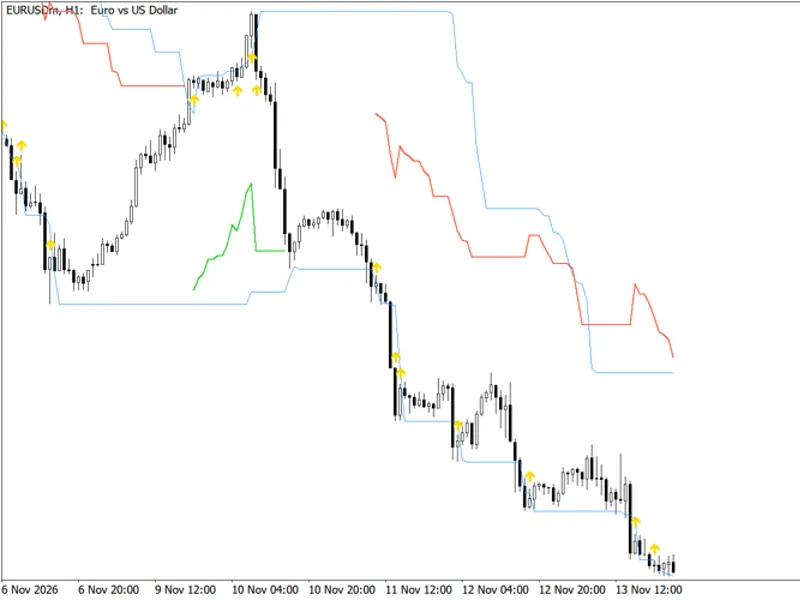
Parabolic SAR: The stop is set at the Parabolic SAR value, but only when the SAR is on the right side of the price.
Moving Average: The stop is placed at the Moving Average value minus a buffer (default is EMA 20).
Break-even Only: No trailing is applied; only the break-even functionality is active.
Units of Measurement: All distance settings (distance, buffer, start, step, break-even) can be specified in points or in multiples of ATR. Using ATR multiples ensures that the same settings are effective across different instruments like EURUSD, gold, and indices.
Effective Break-even with Costs
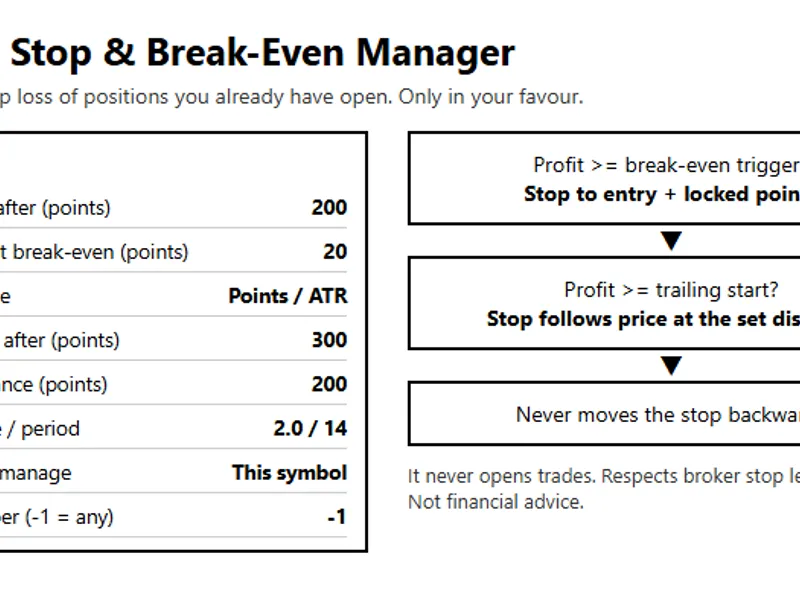
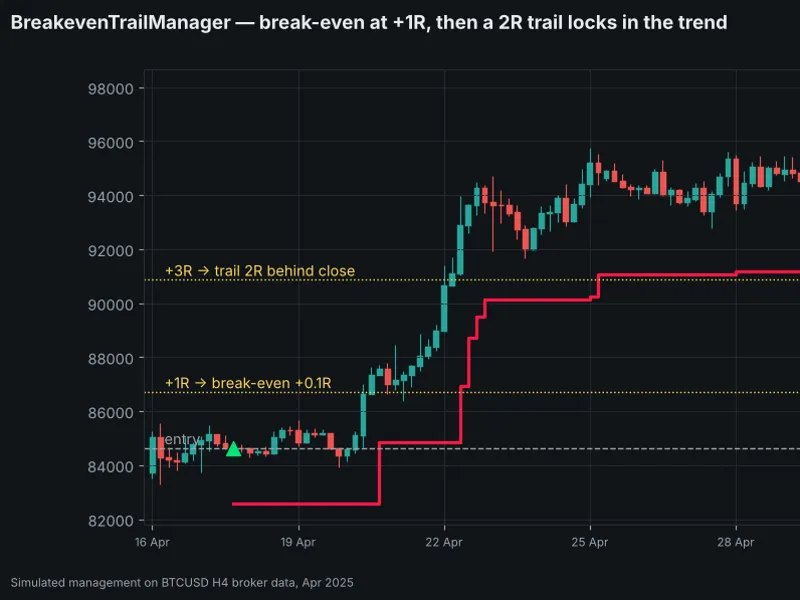
When the profit reaches a specified trigger level (default is 1 times ATR), the stop loss is moved to the entry price plus a small lock-in amount. If "Add commission and swap" is enabled, the EA calculates the commission for the entry (counted twice for entry and exit) and the swap fees for the position. It then adjusts the stop loss further to cover these costs. A stop placed only at the entry price might still result in a loss on a commission-based account.
Account Protection Rules
Stops are only moved in the direction of profit and only when the new stop offers an improvement of at least one step (default 0.1 times ATR). The stop is never moved backward.
Stop Price Calculation: The stop for a buy position is checked against the Bid price, and for a sell position, it's checked against the Ask price, as these are the prices that trigger the stop.
Broker Level Compliance: The EA reads the symbol's stop level and freeze level on each pass (these can change during news events), adding a 2-point margin. If a stop is too close to the current price, it is adjusted only to the maximum allowed distance. If the price is within the freeze level of the stop or take profit, no order modification is sent, as the server would reject it.
Market Session Awareness: No stop modifications are sent when the market for the symbol is closed (weekends, daily breaks). This is determined by reading the symbol's trade sessions.
Rate Limiting: A maximum of one stop change per position is allowed every 5 seconds. There is also a daily limit on the number of changes (500 by default) and a 60-second pause is implemented after receiving a "too many requests" response.
Spread Guard: No stop modifications are made if the spread exceeds 3 times its recent average (which can occur during rollovers or news events), preventing the stop from being pulled too close during wide spread conditions.
Take Profit Management: The take profit level remains unchanged.
Position Management
The EA can manage trades based on: Manual trades only (magic number 0), a specific magic number, or all positions. It can operate on the current chart symbol only or on all symbols (other symbols' positions are checked once per second via a timer). The EA is compatible with both hedging and netting account types. It maintains no internal state; all information is retrieved from open positions, trade history, and price bars. Therefore, restarting the terminal or changing the chart has no adverse effect.
Panel and Logging
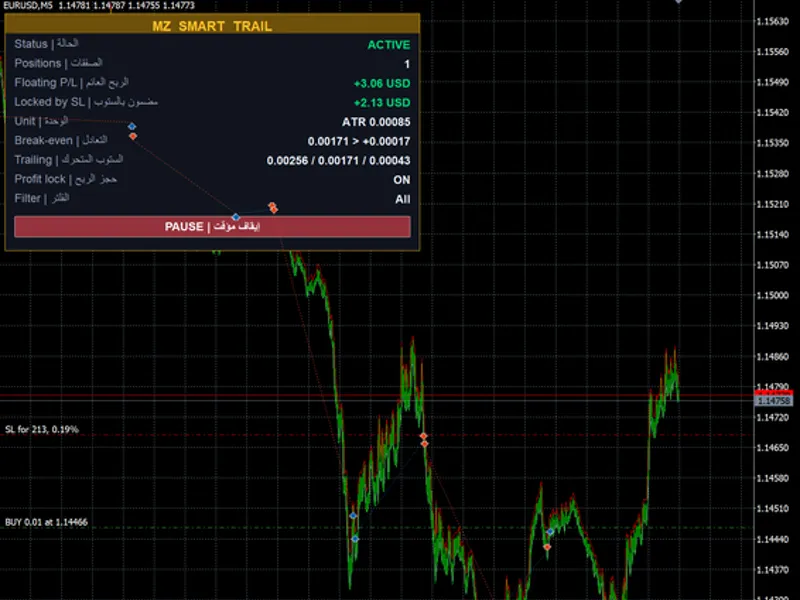
A compact panel displays the active trailing method, the number of managed positions, daily change counts, and the last action performed. Every modification is logged in the Experts log, including details like "#123 buy EURUSD SL 1.08000 -> 1.08120 (ATR distance)", along with any rejected modifications and their return codes.
Strategy Tester
While running exclusively in the Strategy Tester (not on live or demo charts), the EA opens small demo trades every 10 bars (using minimum lot size, in the direction of a 50-bar slope) to allow for visible and testable trailing stop behavior. This feature can be disabled via the last input setting.
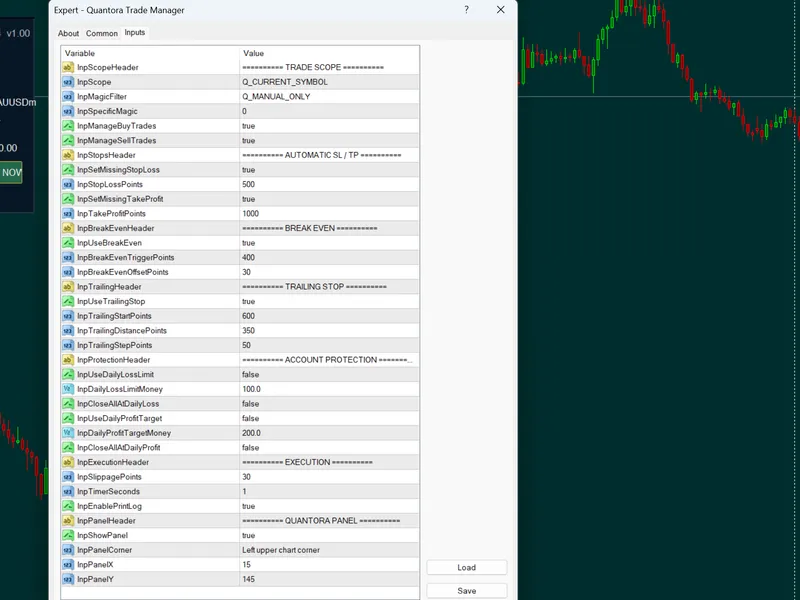
Inputs: Manage positions (all, magic, manual), Magic number, All symbols, Method, Timeframe, Units (points/ATR multiples), Distance, Buffer, Start trailing, Step, ATR Period, Chandelier Period and Multiplier, Swing Strength and Lookback, SAR Step and Maximum, MA Period and Method, Break-even activation, Break-even Trigger, Break-even Lock, Costs (commission/swap), Seconds between changes, Daily limit, Spread guard, Extra points, Panel display, Tester demo trades.
Testing and Validation
Extensive testing was conducted using 15 Strategy Tester runs: EURUSD H1, XAUUSD D1, GBPUSD M30, and EURUSD M1. Each method was tested on EURUSD H1 from June to October 2026. Fixed distances in points were tested on XAUUSD M15, the Chandelier exit on GBPUSD M5, and a stress test with a 3-point distance was performed on EURUSD M15 (ensuring every stop encountered the broker's stop level). A script analyzed all stop changes from the logs, recording 4,117 modifications. Crucially, no stop was moved backward, none were rejected by the server, and no errors occurred.
An earlier version allowed modifications during market closure (weekends and gold's daily break), resulting in "market closed" rejections. The current version preemptively checks trade sessions.
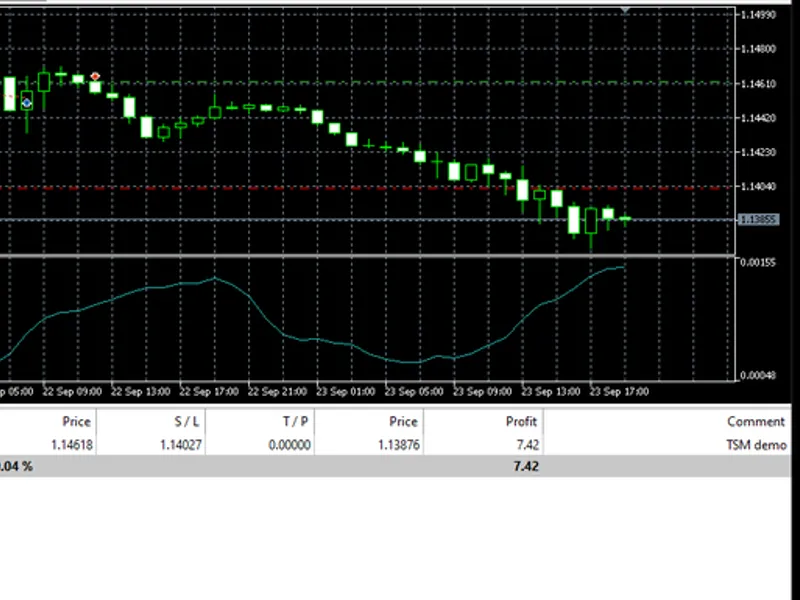
The provided screenshot showcases a live Strategy Tester run on a demo account.
Note: This EA exclusively manages stop losses. It does not initiate entries and cannot make an unprofitable strategy profitable.
You may also like: MZ Smart Trail Manager: Break-even, Stepped Trailing Stop, and Profit Lock - excellent alternative for expert users on MetaTrader 5.
Source Code
#property copyright "RobotFX"
#property version   "1.00"
#property description "This code is educational. Feel free to use, modify and upgrade as you wish. Visit ROBOTFX.ORG for professional trading tools"
enum ENUM_TSM_METHOD
  {
   TSM_NONE       = 0,
   TSM_FIXED      = 1,
   TSM_ATR        = 2,
   TSM_CHANDELIER = 3,
   TSM_SWING      = 4,
.......
⚠ Limitations & Risk Warning
- This tool is provided for educational and testing purposes only.
- Past performance does not guarantee future results.
- Trading involves substantial risk of loss. Use on a demo account first.
- Results may vary depending on market conditions, broker, and settings.
- We recommend thorough backtesting and forward testing before using with real funds.