










Breakeven and R-Trail Manager: R-Multiple Trailing and Break-even at +1R
Info
The Breakeven and R-Trail Manager: R-Multiple Trailing and Break-even at +1R is a Expert Advisor for MetaTrader 5 that understanding risk units (r) in tradingr represents the initial stop distance for a trade. Using settings in terms of R ensures consistency across different assets and price levels.
Usage
This tool is typically used for automated trading on major forex pairs and gold.
Platform
This Expert Advisor works exclusively on MetaTrader 5 (both build 600+ and newer versions).
Setup
Place the downloaded file in MQL5/Experts folder via File ? Open Data Folder in MetaTrader 5.
How to Install and Use Breakeven and R-Trail Manager: R-Multiple Trailing and Break-even at +1R
1. Installation: Open the "File" menu, select "Open Data Folder," navigate to MQL/Experts, paste your file, and restart the terminal.
2. Activation: Drag the EA from the Navigator onto a chart, ensure "Allow live trading" is checked in the Common tab, and verify the AutoTrading button is green.
3. Optimization: Right-click your chart, choose "Expert List," click "Properties" to adjust inputs, and save your preferred setup as a set file for future use.
4. Maintenance: Regularly check the "Experts" tab in the terminal window to monitor trade logs and potential execution errors.
Frequently Asked Questions
Q: Why is my EA not opening trades? A: Check the "AutoTrading" button, ensure "Allow live trading" is enabled, and verify your broker allows automated trading on your account type.
Q: Can I run multiple EAs on one chart? A: No, each chart can only host one active EA; however, you can open multiple charts for different currency pairs to run several EAs.
Q: What does the "smiley face" icon mean? A: A smiley face in the top-right corner of the chart indicates the EA is successfully running; a frowny face means it is disabled.
What this tool does
Understanding Risk Units (R) in TradingR represents the initial stop distance for a trade.
Typical Use Case
This Expert Advisor excels in automated trading and technical analysis on MetaTrader 5.
Compatible Platform & Setup
This Expert Advisor works on MetaTrader 5. Place the file in the MQL5/Experts folder and restart the terminal.
Description & Settings
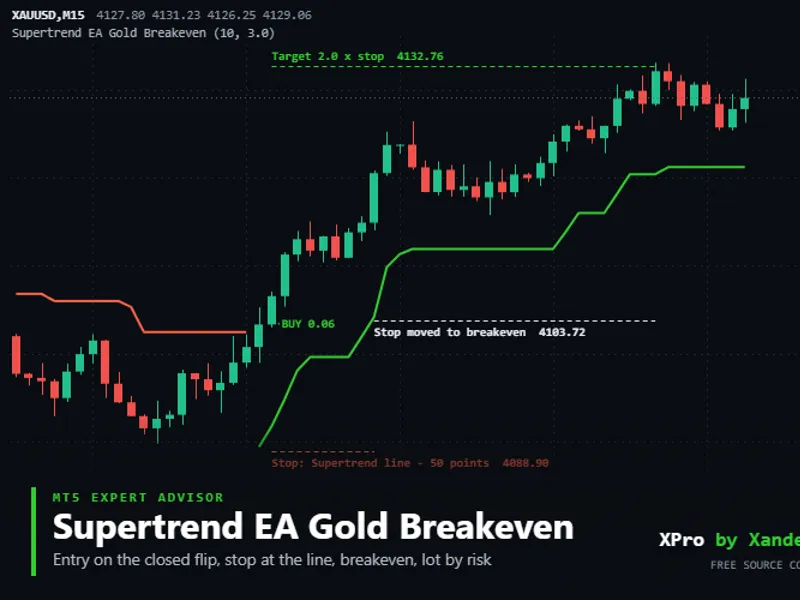
Related: Supertrend EA for Gold: Automated Trading with Breakeven - another powerful expert for MetaTrader 5 traders.
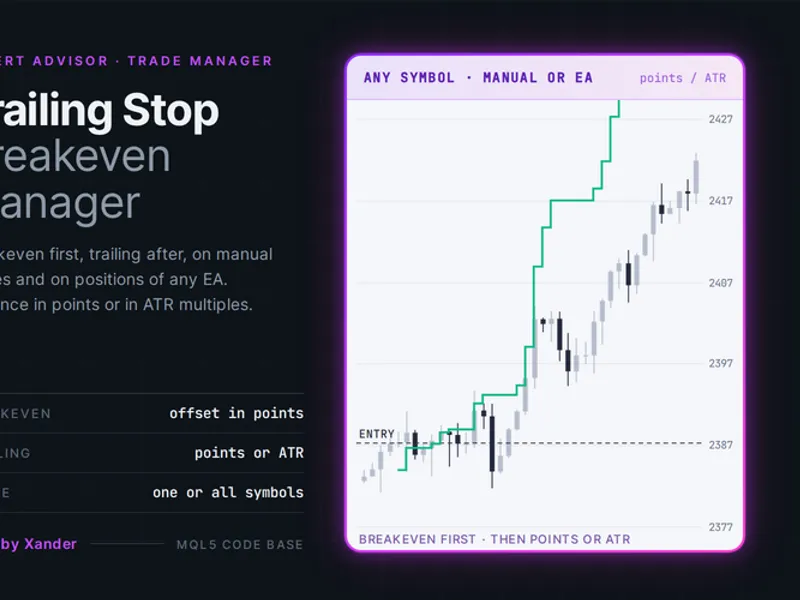
Understanding Risk Units (R) in TradingAlso recommended: Trailing Stop Breakeven Manager for MT5 - similar expert with strong performance on MetaTrader 5.
R represents the initial stop distance for a trade. Using settings in terms of R ensures consistency across different assets and price levels. For example, a setting applied to gold at $1,800 will function identically to the same setting on Bitcoin or EURUSD at different price points. This allows you to establish a rule once, and it will adapt to every trade.
The Impact of Moving Stops to Break-even
In tests conducted on Bitcoin breakouts, moving the stop loss to break-even at +1R proved to be the most significant improvement. This strategy increased the win rate from approximately 20% to around 50% and reduced the longest losing streak from 16–21 trades to 8–9 trades. Many trades that would have resulted in a loss were converted into small, breakeven trades, while profitable trades remained unaffected.
Operational Logic
When the manager detects a position with an initial stop loss, it calculates R, defined as the absolute difference between the entry price and the stop loss (|open – SL|). This value is stored in a terminal global variable associated with the trade ticket. This stored value persists even if the terminal is restarted or if the stop loss is modified later.
The stop loss is adjusted to the entry price plus or minus a specified 'Lock R' amount when the price reaches the '+BE R' threshold.
Subsequently, when the price reaches the '+Trail start R' threshold, the stop loss begins to trail behind the price by a specified 'Trail R' distance.
Crucially, the stop loss is only ever moved in a direction that benefits the trade.
The reference price used for these calculations is typically the close of the most recently completed bar on a chosen timeframe (defaulting to H1). This mirrors the methodology used in most backtests for evaluating trade exits. Alternatively, it can utilize the live bid or ask prices.
The internal calculation logic is as follows:
double gainR=(is_buy?px-open:open-px)/R; if(gainR>=InpBE_R) // break-even + lock new_sl=is_buy?MathMax(sl,open+InpLock_R*R):MathMin(sl,open-InpLock_R*R); if(InpTrailStartR>0 && gainR>=InpTrailStartR) // R trail new_sl=is_buy?MathMax(new_sl,px-InpTrail_R*R):MathMin(new_sl,px+InpTrail_R*R);
Customizable Inputs
Input
Default
Description
Magic filter
-1
-1 for all trades, 0 for manual trades only, or specify a magic number.
Only chart symbol
true
Restrict the manager to operate only on the current chart's symbol.
Break-even trigger
1.0 R
The R-multiple distance at which the stop loss is moved to break-even.
Locked profit
0.1 R
The amount of profit to lock in when break-even is triggered.
Trail start
2.0 R
Set to 0 to disable trailing. Otherwise, the R-multiple distance that triggers the stop loss trailing.
Trail distance
2.0 R
The distance to trail the stop loss behind the reference price.
Closed bars only
true
Evaluate stop adjustments only once per completed bar.
Bar timeframe
H1
The timeframe used for the closed-bar check.
Safety Features
Trades without an initial stop loss are ignored, as the R value cannot be determined. The manager incorporates checks for the minimum stop level and freeze level before executing any stop modifications. Prices are rounded to the nearest tick size, and stop loss levels that do not change are not sent to the broker, preventing unnecessary errors (error 10025). Global variables associated with closed positions are cleared periodically every 30 seconds to maintain efficiency.
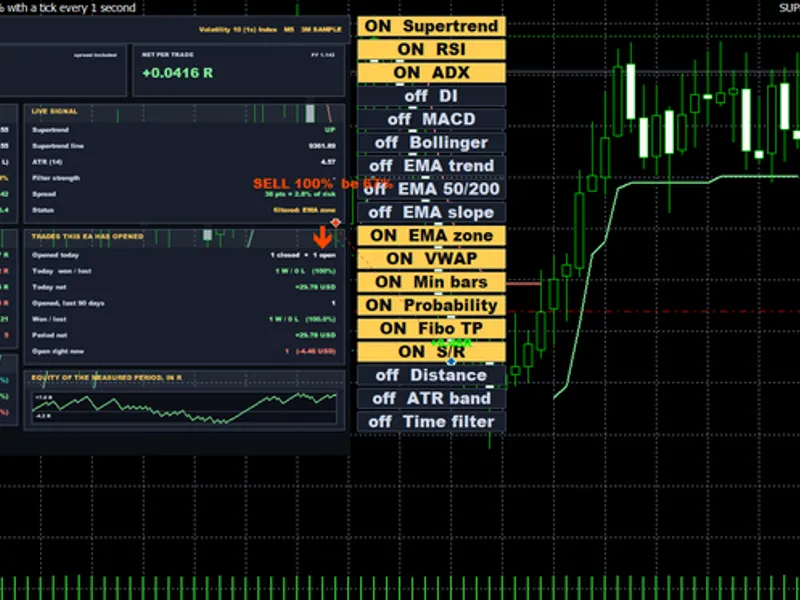
You may also like: Supertrend Scalper with Breakeven Win Rate Panel - excellent alternative for expert users on MetaTrader 5.
Source Code
#property copyright "RobotFX"
#property link "https://robotfx.org"
#property version     "1.00"
#property description "This code is educational. Feel free to use, modify and upgrade as you wish. Visit ROBOTFX.ORG for professional trading tools"
#include <Trade\Trade.mqh>
bool TH_TradeAllowed(const string symbol,string &why)
  {
   why="";
   if(!TerminalInfoInteger(TERMINAL_CONNECTED))
     { why="terminal not connected"; return(false); }
.......
⚠ Limitations & Risk Warning
- This tool is provided for educational and testing purposes only.
- Past performance does not guarantee future results.
- Trading involves substantial risk of loss. Use on a demo account first.
- Results may vary depending on market conditions, broker, and settings.
- We recommend thorough backtesting and forward testing before using with real funds.