

advanced pattern scanner with dom and news integration
Info
The advanced pattern scanner with dom and news integration is a Expert Advisor for MetaTrader 5 that brief description an advanced expert advisor designed for institutional-level trading, focusing on classical chart patterns and real-time order book (dom) volume analysis, while incorporating a macroeconomic news filter for risk management. concept most algorithmic trading systems rely on lagging indicators.
Usage
This tool is typically used for automated trading on major forex pairs and gold.
Platform
This Expert Advisor works exclusively on MetaTrader 5 (both build 600+ and newer versions).
Setup
Place the downloaded file in MQL5/Experts folder via File ? Open Data Folder in MetaTrader 5.
How to Install and Use advanced pattern scanner with dom and news integration
1. Installation: Open the "File" menu, select "Open Data Folder," navigate to MQL/Experts, paste your file, and restart the terminal.
2. Activation: Drag the EA from the Navigator onto a chart, ensure "Allow live trading" is checked in the Common tab, and verify the AutoTrading button is green.
3. Optimization: Right-click your chart, choose "Expert List," click "Properties" to adjust inputs, and save your preferred setup as a set file for future use.
4. Maintenance: Regularly check the "Experts" tab in the terminal window to monitor trade logs and potential execution errors.
Frequently Asked Questions
Q: Why is my EA not opening trades? A: Check the "AutoTrading" button, ensure "Allow live trading" is enabled, and verify your broker allows automated trading on your account type.
Q: Can I run multiple EAs on one chart? A: No, each chart can only host one active EA; however, you can open multiple charts for different currency pairs to run several EAs.
Q: What does the "smiley face" icon mean? A: A smiley face in the top-right corner of the chart indicates the EA is successfully running; a frowny face means it is disabled.
What this tool does
brief description an advanced expert advisor designed for institutional-level trading, focusing on classical chart patterns and real-time order book (dom) volume analysis, while incorporating a macroeconomic news filter for risk management.
Typical Use Case
This Expert Advisor excels in automated trading and technical analysis on MetaTrader 5.
Compatible Platform & Setup
This Expert Advisor works on MetaTrader 5. Place the file in the MQL5/Experts folder and restart the terminal.
Description & Settings
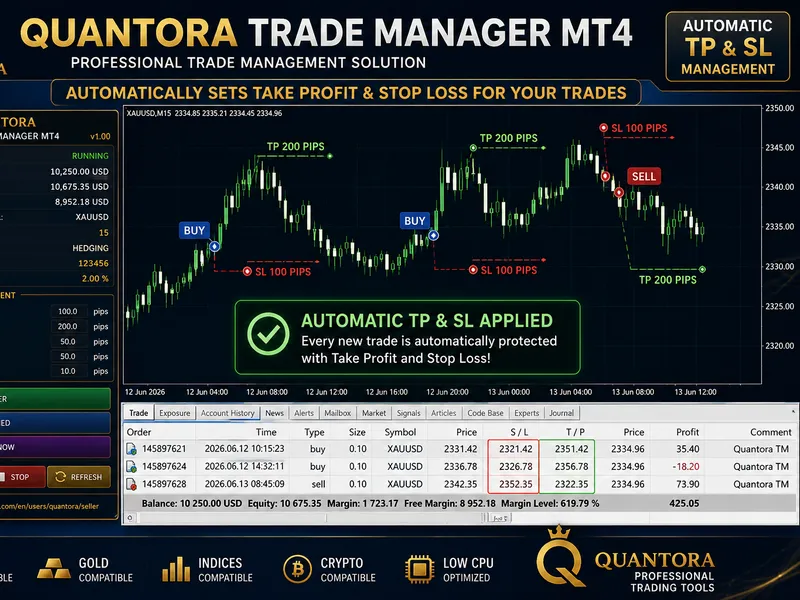
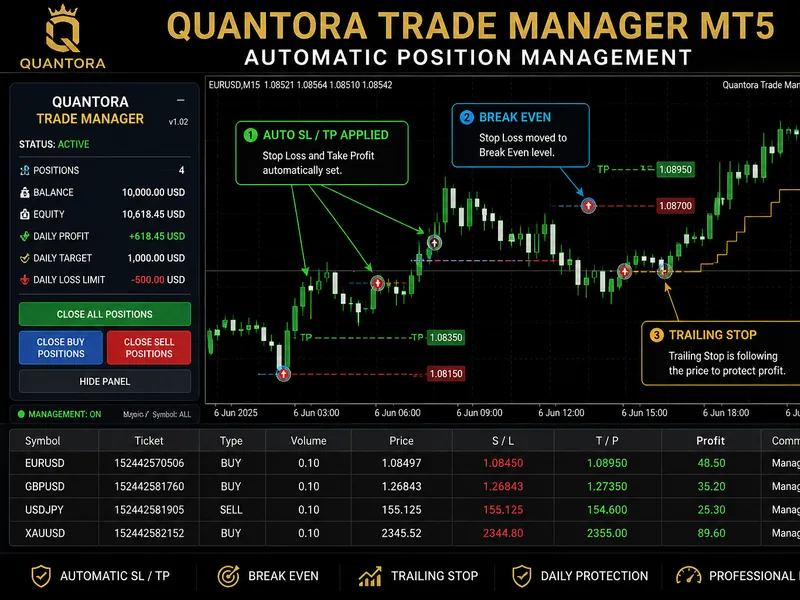
Related: Quantora Trade Manager MT5: Advanced Position Management - another powerful expert for MetaTrader 5 traders.
brief descriptionAlso recommended: Advanced Risk Manager: Auto Suffix Detection Multi-Currency Lot Sizer - similar expert with strong performance on MetaTrader 5.
an advanced expert advisor designed for institutional-level trading, focusing on classical chart patterns and real-time order book (dom) volume analysis, while incorporating a macroeconomic news filter for risk management.concept
most algorithmic trading systems rely on lagging indicators. this ea is based on the concept that structural price action, combined with quantitative volume flow, offers the highest probability entries.
the system operates on three key principles:
pattern recognition:
the ea dynamically identifies structural chart patterns such as head & shoulders, double/rounding bottoms, triangles, and flags.
order flow & dom analysis:
upon pattern breakout, the ea analyzes the level 2 order book (marketbookget) to assess bid/ask imbalances and true volume absorption. if dom is unavailable, it estimates tick volume as a fallback.
risk management:
trades are sized using a modified kelly criterion, ensuring controlled risk exposure. the system monitors correlated positions and enforces daily and weekly drawdown limits to safeguard capital.
interpretation
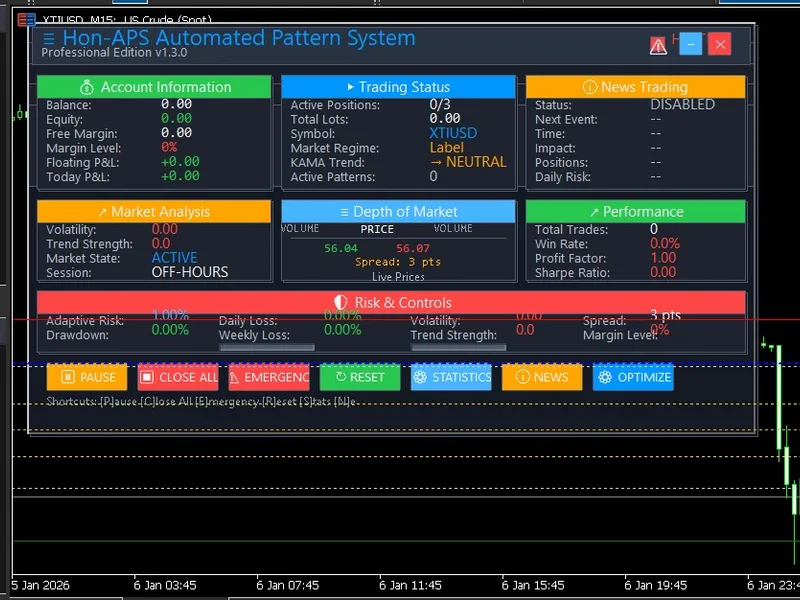
the ea operates autonomously, providing a transparent on-chart dashboard for monitoring.
kama trend:
displays the overarching market trend (bullish/bearish/neutral) to align trades with the broader direction.
volume imbalance/absorption:
breakouts are triggered only when aggressive limit orders at support/resistance levels are absorbed by the dominant trend.
news filter:
highlights when trading is paused due to upcoming high-impact macroeconomic events.
recommended symbols and timeframes
symbols:
major forex pairs (eurusd, gbpusd) and indices (us30, nas100). the ea includes adaptive spread control for crypto and indices.
timeframes:
h1 (1-hour) or h4 (4-hour) charts are optimal for capturing structural pattern formations.
description of #include files
the ea utilizes two custom include files for modularity:
hon-aps-dashboard.mqh
: develops an interactive gui on the chart, displaying real-time account metrics, risk exposure, market trends, and dom visualizations without interfering with the core trading logic.
hon-newstrader.mqh
: a comprehensive macroeconomic event handler that references the mql5 economic calendar and external web sources (forex factory json / forexprostools html) to automatically pause trading before significant news releases.
external variables (inputs)
baseriskpercent / usekellycriterion
: defines the position sizing approach for each trade.
maxdailyloss / maxweeklyloss
: implements hard equity stops to prevent excessive drawdowns, suitable for prop firm trading.
pattern toggles (tradecuphandle, tradeflags, etc.)
: allows users to select specific chart patterns for the ea to monitor.
requirevolumeconfirmation
: when enabled, the ea requires institutional volume confirmation for pattern breakouts.
adaptive moving average (usekamafilter)
: configures kama periods and slope thresholds to align trades with the macro trend.
usepartialprofits & trailing stops (initialtrailingatr)
: implements an atr-based trailing stop and partial profit-taking at defined risk-to-reward levels (1r, 2r).
You may also like: Blue Moon EA: Advanced EMA Envelope Trading for MT5 - excellent alternative for expert users on MetaTrader 5.
Source Code
яю/.......
⚠ Limitations & Risk Warning
- This tool is provided for educational and testing purposes only.
- Past performance does not guarantee future results.
- Trading involves substantial risk of loss. Use on a demo account first.
- Results may vary depending on market conditions, broker, and settings.
- We recommend thorough backtesting and forward testing before using with real funds.