

position size calculator - based on vp money management rules
Info
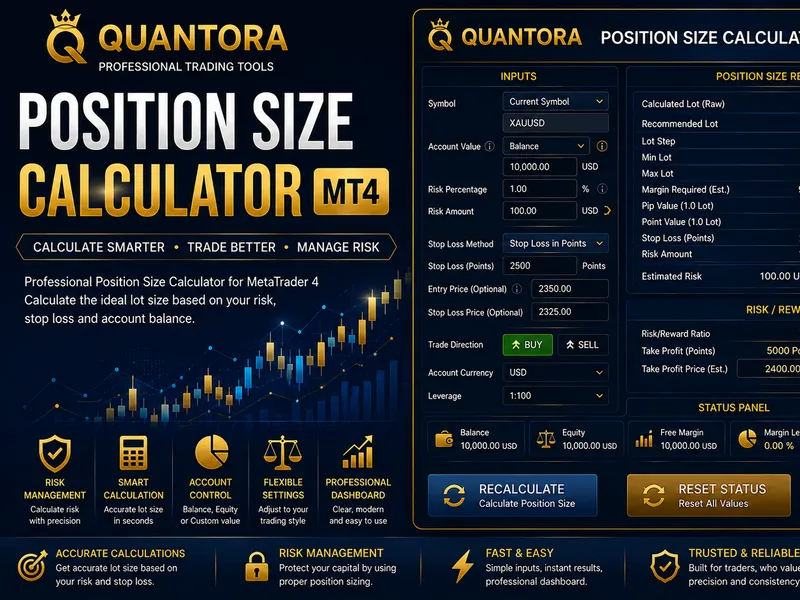
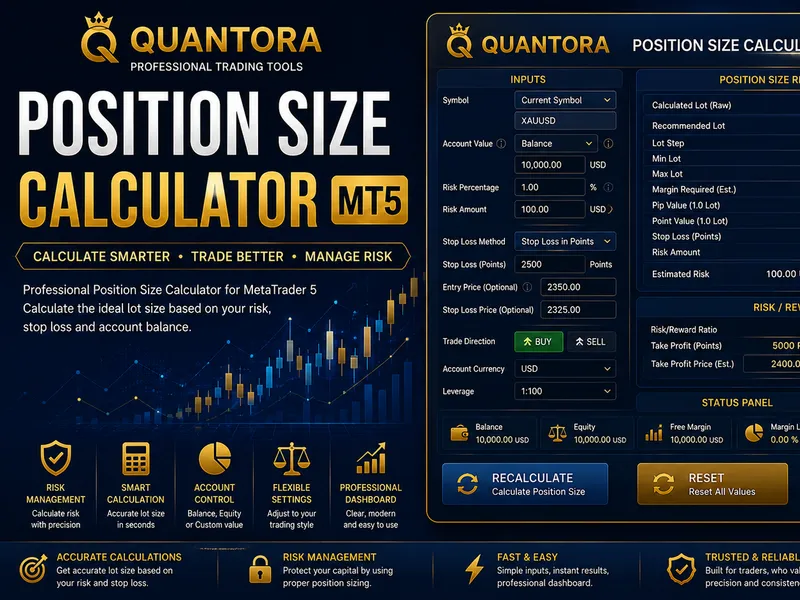
The position size calculator - based on vp money management rules is a Indicator for MetaTrader 4 that this indicator is based on the money management approach used by vp from nononsenseforex. com it uses atr to calculate stop loss, take profit and volume you should enter into a trade based on the percentage of your equity you want to risk.
Usage
This tool is typically used for enhancing chart analysis and decision making.
Platform
This Indicator works exclusively on MetaTrader 4 (both build 600+ and newer versions).
Setup
Place the downloaded file in MQL4/Indicators folder via File ? Open Data Folder in MetaTrader 4.
How to Install and Use position size calculator - based on vp money management rules
1. Installation: Place your file in the MQL/Indicators folder via "Open Data Folder" and restart your terminal.
2. Loading: Find the indicator in the Navigator, drag it onto your chart, and configure the input parameters in the popup window.
3. Customization: Press Ctrl+I to open the indicator list, select your tool, and click "Properties" to change colors, levels, or visual styles.
4. Updating: Replace the old file in the Indicators folder with the new version and restart the platform to apply changes.
Frequently Asked Questions
Q: Why is my indicator not showing? A: Verify the file is in the MQL/Indicators folder, or try right-clicking the "Indicators" tree in the Navigator and clicking "Refresh."
Q: Do custom indicators slow down the platform? A: Too many complex indicators can impact performance; remove unused ones via the "Indicator List" (Ctrl+I).
Q: Can I use MT4 indicators on MT5? A: No, MQL4 and MQL5 are distinct languages; ensure the indicator is compiled specifically for your platform version.
What this tool does
this indicator is based on the money management approach used by vp from nononsenseforex.
Typical Use Case
This Indicator excels in automated trading and technical analysis on MetaTrader 4.
Compatible Platform & Setup
This Indicator works on MetaTrader 4. Place the file in the MQL4/Indicators folder and restart the terminal.
Description & Settings
Related: size of the candle body - another powerful indicator for MetaTrader 4 traders.
this indicator is based on the money management approach used by vp from nononsenseforex.com it uses atr to calculate stop loss, take profit and volume you should enter into a trade based on the percentage of your equity you want to risk.
Also recommended: stoch r% super position indicator - similar indicator with strong performance on MetaTrader 4.
inputs include :-atr periods
stop loss factor - calculate stop loss as 1.5 times the atr from the current price
take profit - calculate a take profit as a factor of atr based on current price
font size and color
fixed atr - leave it at 0 unless you want to lock the atr value eg during a flash crash
what is displayed :-
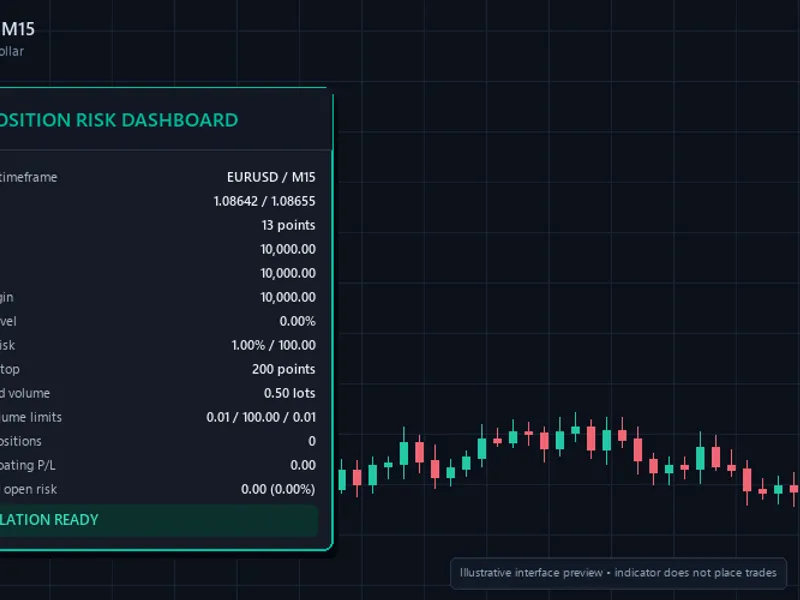
atr(14):80pips - the atr for the current period in pips rather than points
if you see "fixed atr" you have entered a value under input to override the atr. enter 0 as fixed atr to use a calculated atr
equity:50,30.65gbp - your current equity and account currency
risk 1.0%:502gbp - the calculated risk in your currency and counter currency
time left:01:55:33 - how long before the current period closes
depending on if you will buy or sell the stop loss and take profit
buy sl:0.72654
buy tp:0.72814
sell sl:0.72997
sell tp:0.72129
base corner 0 to 3 - allow you to move pos size to a different corner of the screen
0= upper left, 1=upper right, 2=lower left,3= lower right
volume:1.19 - this is the lot size or "volume" in the mt4 order window
**v2.00 upgrade notes**
firstly thank you to my fellow vp cousin for sending me the cleaned up display.
important - you will need to reset the risk size % eg for 2% enter 2.0 not 0.02
please feel free to add comments, and send me any bug you spot or suggested updates.
hope it helps!
change log :-
29th dec 2018 - v1.01 fixes bug with account currency not being loaded when mt4 is reloaded or charts already loaded
2nd jan 2019 -v1.02 the actual fix to the bug (thanks warren.)
17 jan 2019 v2.00 cleaned up output in particular on jpy pairs, ability to change the corner of the screen and fixed atr
You may also like: rs i de marker super position indicator - excellent alternative for indicator users on MetaTrader 4.
Source Code
#property copyright "robotfx"
#property link "https://robotfx.org"
#property version   "2.00"
#property strict
#property indicator_chart_window
input int               inpatrperiod=14;         // atr periods
input float             inprisk=1;               // risk size %
input float             inpslfactor=1.5;         // stop loss as a factor of atr
input float             inptpfactor=1.0;         // take profit as a factor of atr
input int               inpfontsize=9;          // font size
.......
⚠ Limitations & Risk Warning
- This tool is provided for educational and testing purposes only.
- Past performance does not guarantee future results.
- Trading involves substantial risk of loss. Use on a demo account first.
- Results may vary depending on market conditions, broker, and settings.
- We recommend thorough backtesting and forward testing before using with real funds.