
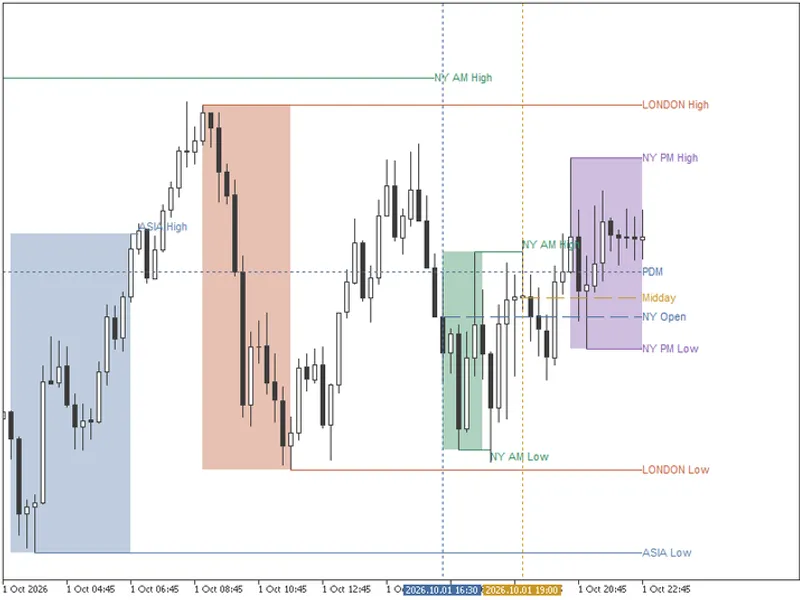
Pivot Point Indicator with Customizable Closing Time
Info
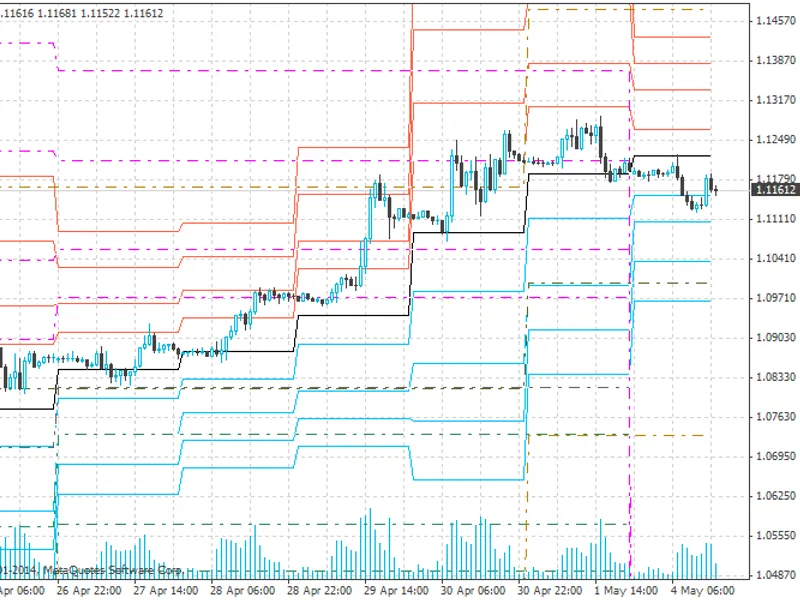
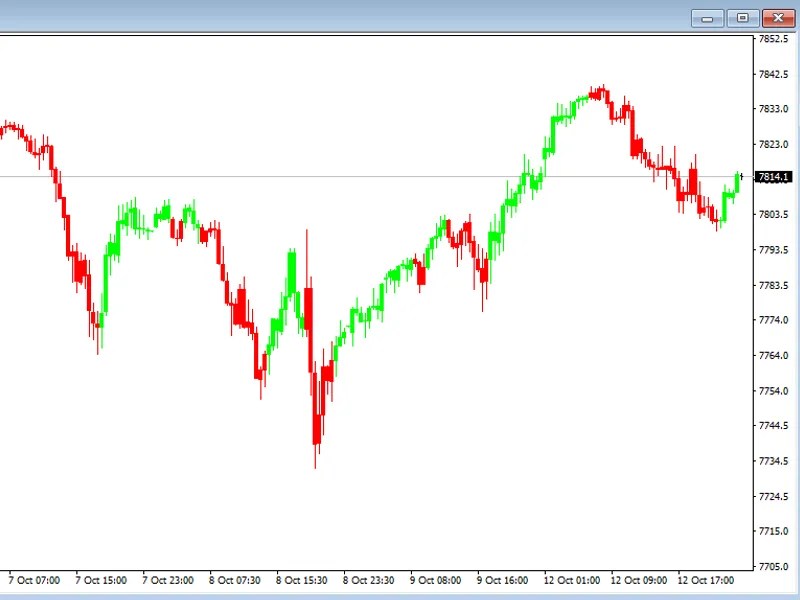
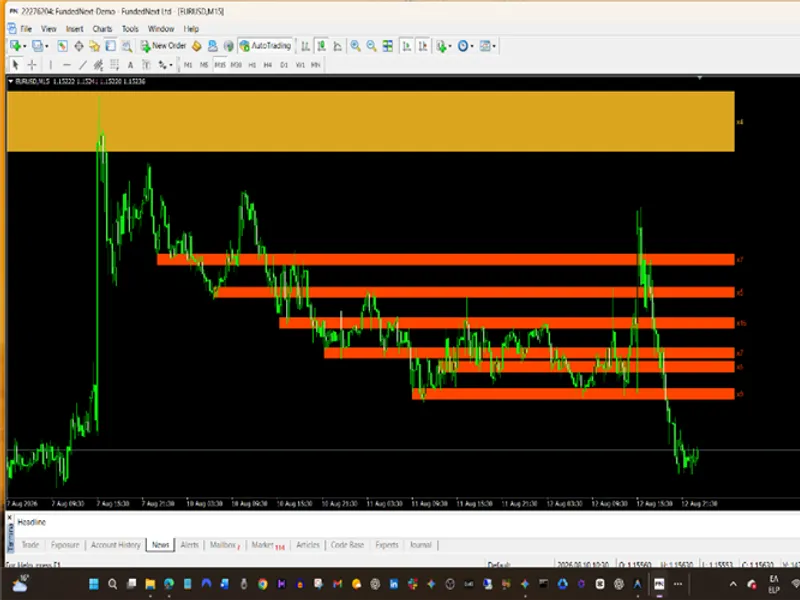
The Pivot Point Indicator with Customizable Closing Time is a Indicator for MetaTrader 4 that this indicator provides pivot points (pp) on daily, weekly, and monthly levels for use in smaller timeframes. Customizations:- Eliminates Sunday bars for data feeds starting on Sundays at 22:00 UTC.
Usage
This tool is typically used for enhancing chart analysis and decision making.
Platform
This Indicator works exclusively on MetaTrader 4 (both build 600+ and newer versions).
Setup
Place the downloaded file in MQL4/Indicators folder via File ? Open Data Folder in MetaTrader 4.
How to Install and Use Pivot Point Indicator with Customizable Closing Time
1. Installation: Place your file in the MQL/Indicators folder via "Open Data Folder" and restart your terminal.
2. Loading: Find the indicator in the Navigator, drag it onto your chart, and configure the input parameters in the popup window.
3. Customization: Press Ctrl+I to open the indicator list, select your tool, and click "Properties" to change colors, levels, or visual styles.
4. Updating: Replace the old file in the Indicators folder with the new version and restart the platform to apply changes.
Frequently Asked Questions
Q: Why is my indicator not showing? A: Verify the file is in the MQL/Indicators folder, or try right-clicking the "Indicators" tree in the Navigator and clicking "Refresh."
Q: Do custom indicators slow down the platform? A: Too many complex indicators can impact performance; remove unused ones via the "Indicator List" (Ctrl+I).
Q: Can I use MT4 indicators on MT5? A: No, MQL4 and MQL5 are distinct languages; ensure the indicator is compiled specifically for your platform version.
What this tool does
This indicator provides pivot points (PP) on daily, weekly, and monthly levels for use in smaller timeframes.
Typical Use Case
This Indicator excels in automated trading and technical analysis on MetaTrader 4.
Compatible Platform & Setup
This Indicator works on MetaTrader 4. Place the file in the MQL4/Indicators folder and restart the terminal.
Description & Settings
Related: Pin-Point Trend Following Strategy - another powerful indicator for MetaTrader 4 traders.
This indicator provides pivot points (PP) on daily, weekly, and monthly levels for use in smaller timeframes.Also recommended: Smart Swing-Pivot Support and Resistance Zones for MT4 - similar indicator with strong performance on MetaTrader 4.
Customizations:
- Eliminates Sunday bars for data feeds starting on Sundays at 22:00 UTC.
- Allows adjustment of the closing time used for calculation (default is 20:00 UTC).
The indicator is designed to use the closing price of a preceding trading day's adjustable hourly bar, enabling users to reference specific time zones, such as New York's closing price.
Special handling is applied to Sunday bars, treating them similarly to Mondays. Weekly and monthly PPs can be displayed for additional analysis. Midpoints for the current day can also be shown.
The calculation logic uses a switch to determine the day of the week and adjusts the formula accordingly. It calculates the number of hourly bars until day start (hshift) and adds the necessary shift to reach the desired bar for PP calculation.
Important Note: The indicator is calculated on an hourly basis, and its values may become inaccurate after a certain number of hours (around 3500 in the author's case). To maintain chart clarity, the drawing is cut off before these inaccurate values appear, but they remain in the arrays.
Please review the code and provide feedback for improvement.
You may also like: control points at ma crossovers - excellent alternative for indicator users on MetaTrader 4.
Source Code
/*copyright (c) 2015 pomegranate
 this program is free software; you can redistribute it and/or modify
 it under the terms of the gnu general public license as published by
 the free software foundation; either version 3 of the license, or
 (at your option) any later version.
 this program is distributed in the hope that it will be useful, but
 without any warranty; without even the implied warranty of
 merchantability or fitness for a particular purpose. see the
 gnu general public license for more details.
 you should have received a copy of the gnu general public license
.......
⚠ Limitations & Risk Warning
- This tool is provided for educational and testing purposes only.
- Past performance does not guarantee future results.
- Trading involves substantial risk of loss. Use on a demo account first.
- Results may vary depending on market conditions, broker, and settings.
- We recommend thorough backtesting and forward testing before using with real funds.