



strategy tester in pips
Info
The strategy tester in pips is a Expert Advisor for MetaTrader 4 that the code was created because the main strategy tester did not meet my expectations. my eas trades on all symbols and everything depends on the sum of pips, not on the currency.
Usage
This tool is typically used for automated trading on major forex pairs and gold.
Platform
This Expert Advisor works exclusively on MetaTrader 4 (both build 600+ and newer versions).
Setup
Place the downloaded file in MQL4/Experts folder via File ? Open Data Folder in MetaTrader 4.
How to Install and Use strategy tester in pips
1. Installation: Open the "File" menu, select "Open Data Folder," navigate to MQL/Experts, paste your file, and restart the terminal.
2. Activation: Drag the EA from the Navigator onto a chart, ensure "Allow live trading" is checked in the Common tab, and verify the AutoTrading button is green.
3. Optimization: Right-click your chart, choose "Expert List," click "Properties" to adjust inputs, and save your preferred setup as a set file for future use.
4. Maintenance: Regularly check the "Experts" tab in the terminal window to monitor trade logs and potential execution errors.
Frequently Asked Questions
Q: Why is my EA not opening trades? A: Check the "AutoTrading" button, ensure "Allow live trading" is enabled, and verify your broker allows automated trading on your account type.
Q: Can I run multiple EAs on one chart? A: No, each chart can only host one active EA; however, you can open multiple charts for different currency pairs to run several EAs.
Q: What does the "smiley face" icon mean? A: A smiley face in the top-right corner of the chart indicates the EA is successfully running; a frowny face means it is disabled.
What this tool does
the code was created because the main strategy tester did not meet my expectations.
Typical Use Case
This Expert Advisor excels in automated trading and technical analysis on MetaTrader 4.
Compatible Platform & Setup
This Expert Advisor works on MetaTrader 4. Place the file in the MQL4/Experts folder and restart the terminal.
Description & Settings
Related: equity tester - another powerful expert for MetaTrader 4 traders.
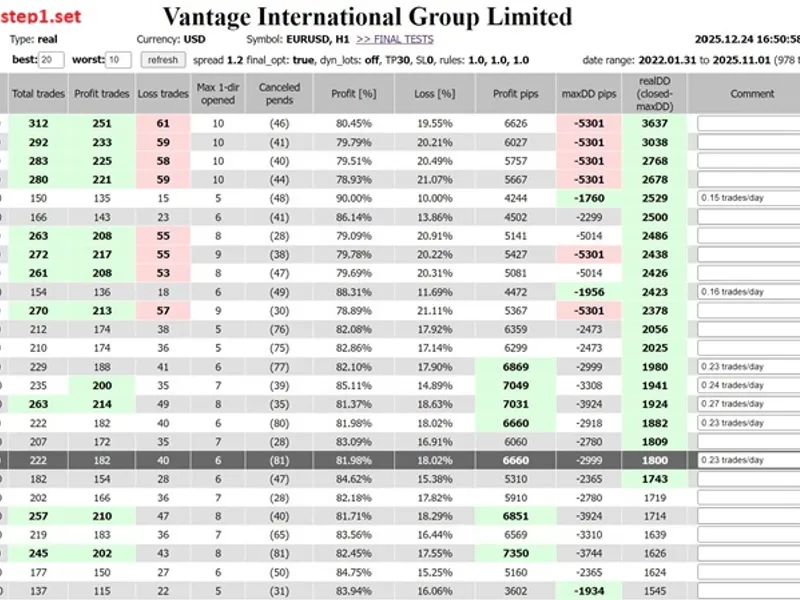
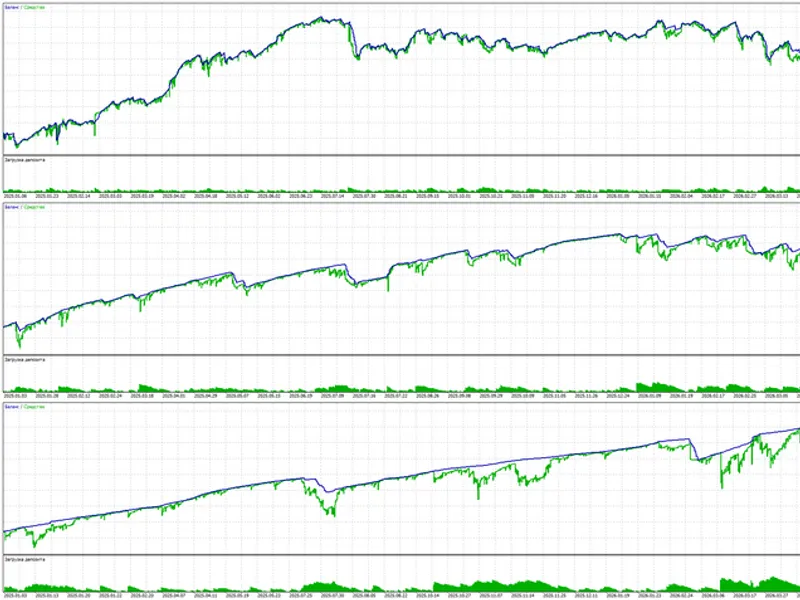
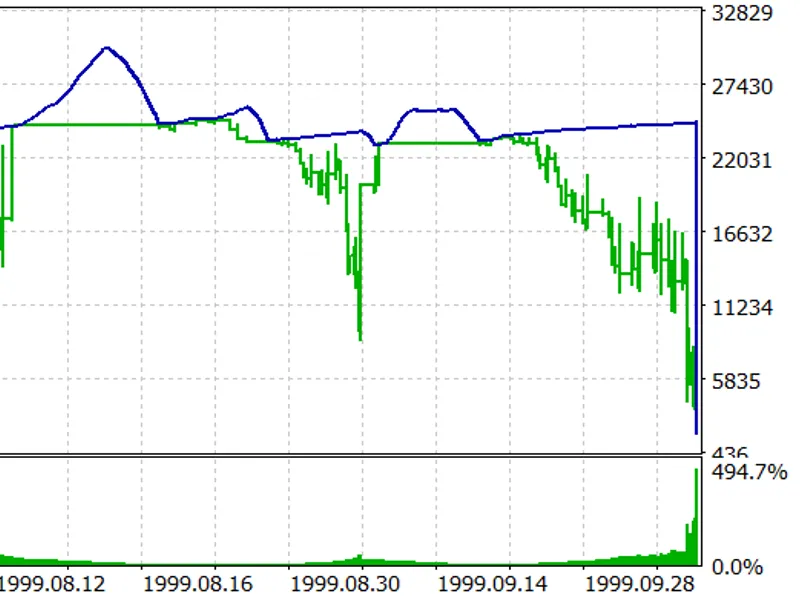
the code was created because the main strategy tester did not meet my expectations.my eas trades on all symbols and everything depends on the sum of pips, not on the currency. additionally, symbols have different pip values, so i needed to systematise the results. another issue is that the standard tester uses current swap points, which made the results seem random to me. in recent months, swap points have changed more than before. in addition, brokers have different swaps. my tester systematised everything.
Also recommended: tc trade channel: a channel-based trading strategy - similar expert with strong performance on MetaTrader 4.
the results are pre-filtered: rule1,2,3. of course, you can add your own.- rule1 is in the maxdd function and depends on lots.- rules2 and 3 are checked in the analyzetrades function before being sent for save.this ea is just an empty sketch with ready-to-use functions. the javascript functions are in a separate file. you can change them as you wish, the file will not be overwritten.you can check it in two ways. insert the contents of ontick() from macd sample.mq4 and adjust the variables, or faster download the working ea and apply the attached optimisation set.
procedure sequence:- set optimisation parameters- enable strategytester in pips- set filters- disable “test selected results”run optimisationopen the html file, sort, select/deselect results, save the .csv file to csv_done folder- deselect optimisation parameters- enable “test selected results”- select “stage1 results array”run optimisation
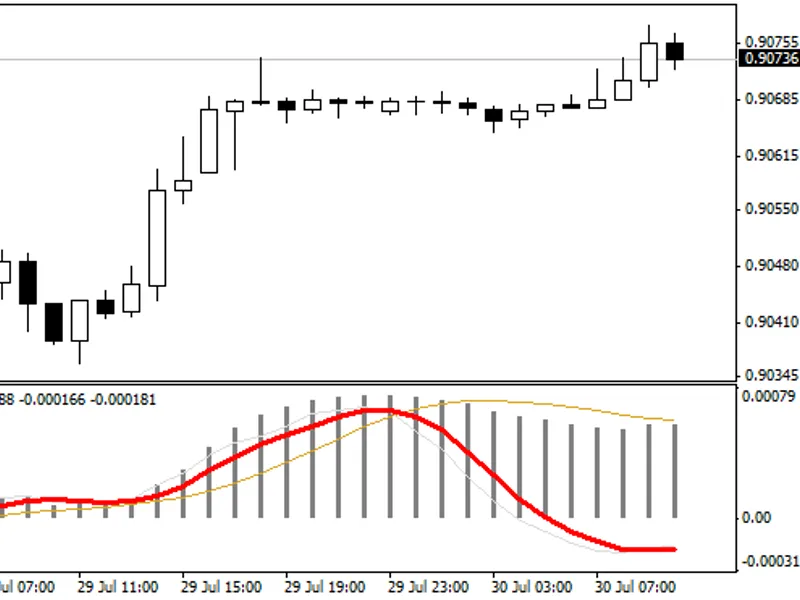
for shorttrendreversal the two steps above are in the attached .set files.
finally, before you enable optimisation, disable genetic optimisation. additionally, if you change the optimisation parameters in the first step, you must clear the tester's cache, as the tester skips calculations, and these are essential.
below windows script for cleaning tester cache and last created file
You may also like: strategy tester expert advisor - excellent alternative for expert users on MetaTrader 4.
Source Code
яю//+------------------------------------------------------------------+
#property copyright "RobotFX"
#property link "https://robotfx.org"
#property strict
#define EA_folder "Sketch_sample\\"
#define csv_folder "csv_done\\"
enum timeframes {M5=5,M15=15,M30=30,H1=60,H4=240,D1=1440};
enum enPrice    {CLOSE=PRICE_CLOSE,OPEN=PRICE_OPEN,HIGH=PRICE_HIGH,LOW=PRICE_LOW};
sinput string sep1 = "";//============= optimize params =============
extern int        variable1   = 12;
.......
⚠ Limitations & Risk Warning
- This tool is provided for educational and testing purposes only.
- Past performance does not guarantee future results.
- Trading involves substantial risk of loss. Use on a demo account first.
- Results may vary depending on market conditions, broker, and settings.
- We recommend thorough backtesting and forward testing before using with real funds.