Simplest Logger class for Meta Trader 5
This is a powerful addition to your MetaTrader 5 toolkit designed to optimize market analysis and performance. This library provides a collection of modular, reusable code. It is utilized by developers to organize common functions, allowing for the integration of complex logic across multiple Expert Advisors, indicators, or scripts without the need for code duplication.
How to Setup and Use Simplest Logger class for Meta Trader 5
1. Storage: Place library files in the MQL/Libraries directory to ensure they are accessible to your projects.
2. Implementation: Include the library in your code using the #import directive, ensuring you match the exact function names and parameters.
3. Compilation: Ensure the library is present in the directory before you compile your main EA or script, as the compiler links them during this phase.
4. Management: Keep libraries organized in sub-folders if you manage many custom functions to maintain a clean project structure.
Frequently Asked Questions
Q: What is a library file used for? A: Libraries store reusable code modules, allowing you to centralize common logic used by multiple EAs or indicators.
Q: Is a library executable? A: No, libraries are non-executable files containing functions; they must be imported into an EA, indicator, or script to function.
Q: Can I update a library while the platform is running? A: You should compile your EA or script after updating a library to ensure the latest code changes are integrated.
Description & Settings
Every programmer has their own logger. I wrote my own for MQL5, inspired by the Python logging module.
This class is simplest. No hierarchy, rotators or formatters. It's simple and convenient for any project.
Installation
Copy CDKLogger.mqh to MQL\Include\DKStdLib\Logger folder.
Import CDKLogger class. Usage
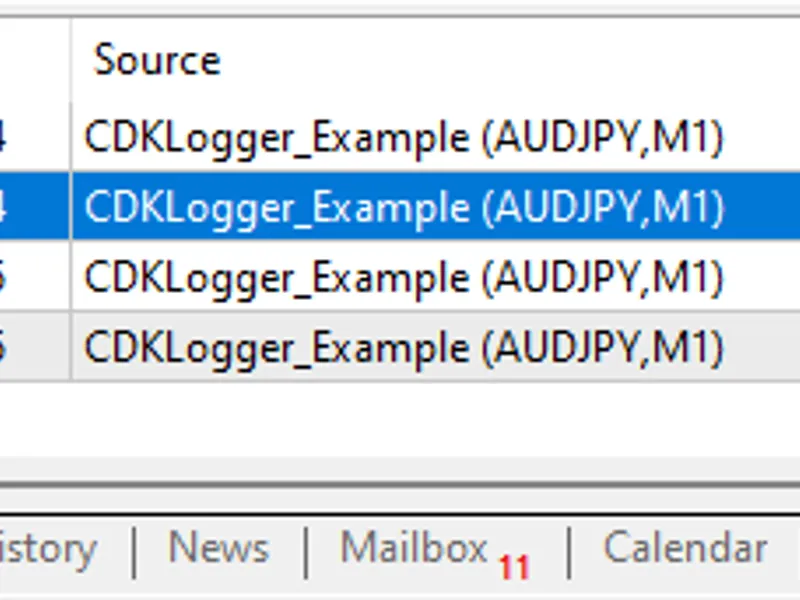
The following messages will be output to the log as a result of execution:
Open issues
I often use class this way:
But here we have an issue. StringFormat function parse string every time, even if the logging level does not require the message to be output.
If you need to output debug messages a lot, you'll have to wrap the output in a condition:
The best way to do this would be to use StringFormat lazily,
but unfortunately MQL5 doesn't support passing a dynamic number of function parameters
to the Debug, Info, Error, and so on functions.
If you have any ideas on how this could be done, I'd love to hear them.