Spread Data Logger
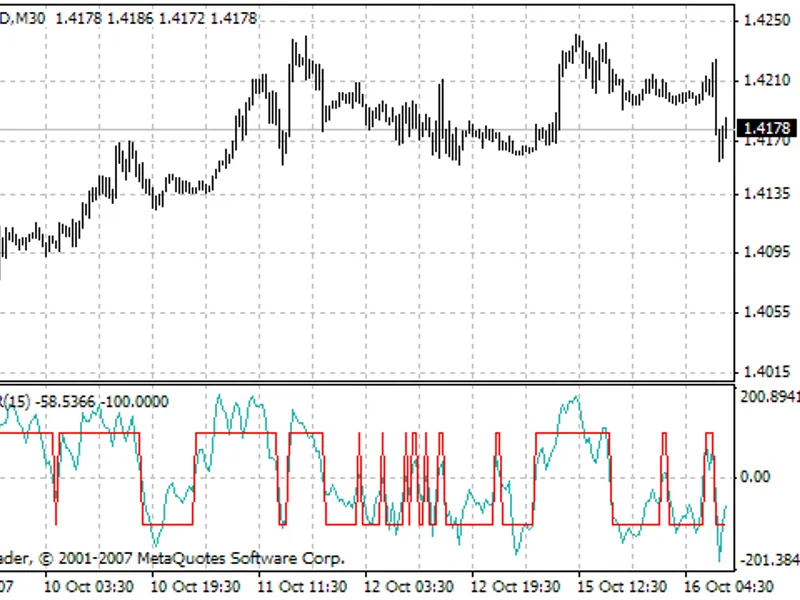
This is a powerful addition to your MetaTrader 4 toolkit designed to optimize market analysis and performance. This technical indicator acts as a specialized analysis tool designed to visualize market data. It helps traders identify emerging trends, momentum shifts, and key support or resistance levels by plotting statistical calculations directly onto price charts.
How to Setup and Use Spread Data Logger
1. Installation: Place your file in the MQL/Indicators folder via "Open Data Folder" and restart your terminal.
2. Loading: Find the indicator in the Navigator, drag it onto your chart, and configure the input parameters in the popup window.
3. Customization: Press Ctrl+I to open the indicator list, select your tool, and click "Properties" to change colors, levels, or visual styles.
4. Updating: Replace the old file in the Indicators folder with the new version and restart the platform to apply changes.
Frequently Asked Questions
Q: Why is my indicator not showing? A: Verify the file is in the MQL/Indicators folder, or try right-clicking the "Indicators" tree in the Navigator and clicking "Refresh."
Q: Do custom indicators slow down the platform? A: Too many complex indicators can impact performance; remove unused ones via the "Indicator List" (Ctrl+I).
Q: Can I use MT4 indicators on MT5? A: No, MQL4 and MQL5 are distinct languages; ensure the indicator is compiled specifically for your platform version.
Description & Settings
Are you getting the spread you've been quoted by your broker?
Ever wanted to verify spread data stats from another source or create your own data?
Description:
Spread Logger consists of two indicators:
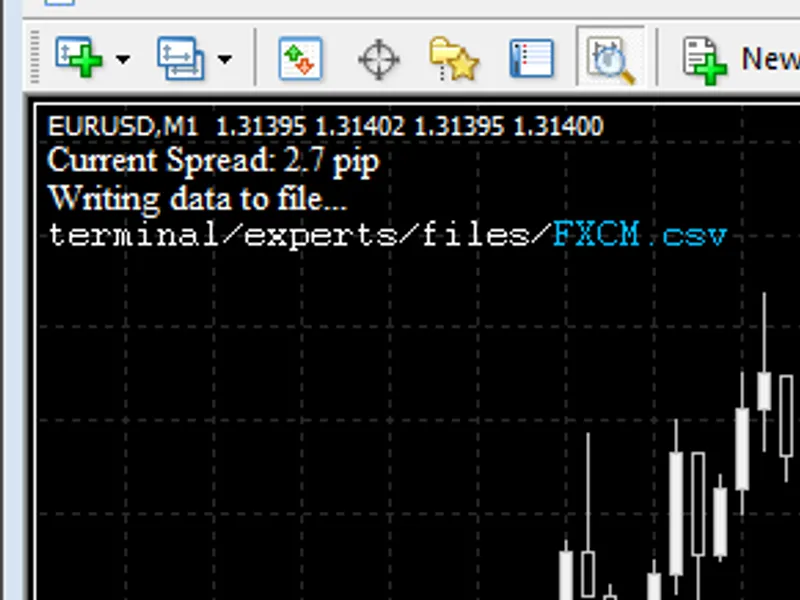
Spread Logger Write
- Creates a CSV file containing spread data as a function of time. This is done in real-time.
Spread Logger Read
- Reads CSV file created, displays some stats, & draws collected data to chart. Also, draws live spread data to chart.
Directions:
Save both files in terminal\experts\indicators folder
Spread Logger Write:
Attach Spread Logger Write to any chart. (Insert > Indicators > Custom > Spread Logger Write)
Name your file under the inputs tab or leave the default filename.
Leave the MT4 terminal running and chart open for the time desired, Spread Logger will collect data in real-time.
Note: For most accurate data, attach Spread Logger Write to a 1-Minute chart.
note: All files created by Spread Logger Write are saved to the terminal\experts\files folder.
Spread Logger Read:
Open chart of currency pair for which you have logged data & attach Spread Logger Read to chart. If you used a custom file name, make sure you type the file name correctly.
note: While you may attach Spread Logger Read to a chart of any timeframe, using a chart of the same timeframe for which you collected data will yield the best results visually.
Spread Logger Read will display some stats:
Time tested & number of bars tested
Mean spread
Mode & frequency of the mode as a percentage
If the time interval for which data was collected is within the range of the portion of the chart currently being displayed, you will see the spread data you collected drawn to the chart. The live spread will also be displayed as of the time Spread Logger Read was attached to the chart.
Please post your data and results.
Happy logging! :)