





Spread Monitor: Analyze Market Spread in Real-Time
Info
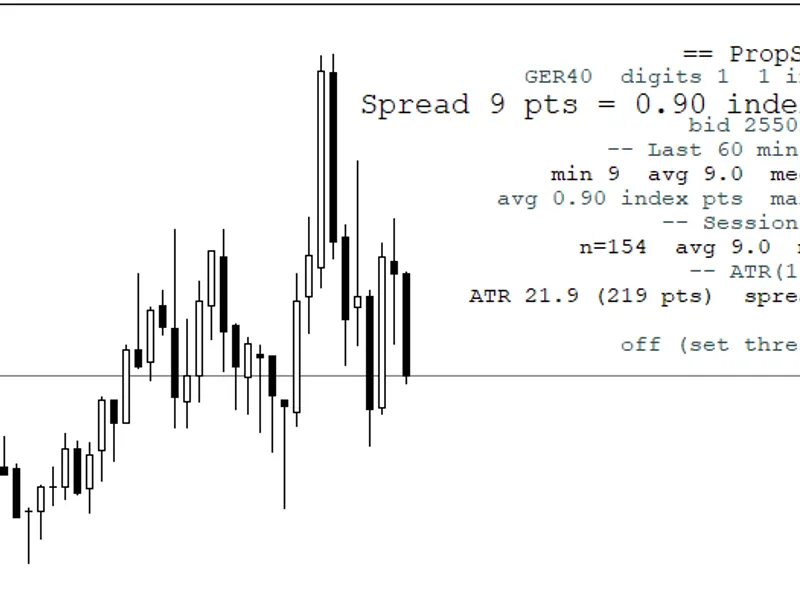
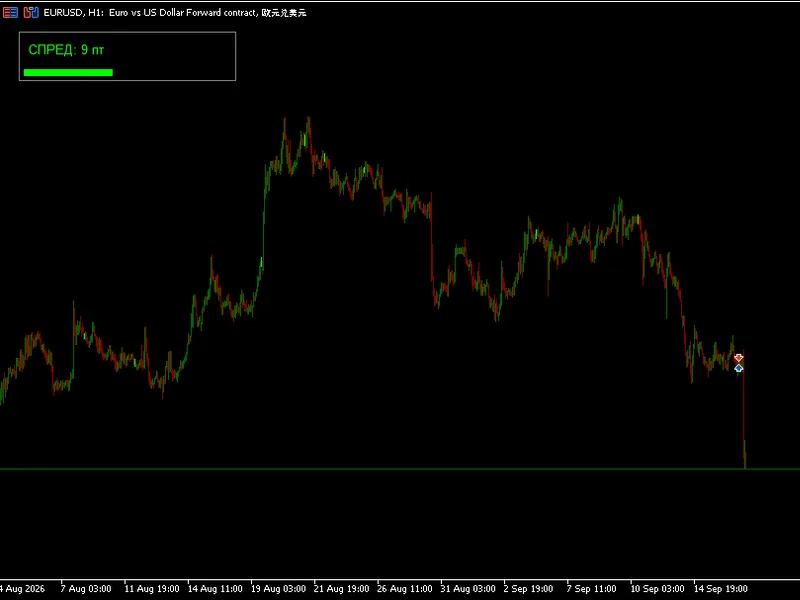
The Spread Monitor: Analyze Market Spread in Real-Time is a Indicator for MetaTrader 5 that the spread monitor is a professional statistical dashboard that evaluates the current market spread relative to its recent historical behavior. Instead of simply displaying the current spread, it determines whether the spread is unusually high, unusually low, or within its normal statistical range.
Usage
This tool is typically used for enhancing chart analysis and decision making.
Platform
This Indicator works exclusively on MetaTrader 5 (both build 600+ and newer versions).
Setup
Place the downloaded file in MQL5/Indicators folder via File ? Open Data Folder in MetaTrader 5.
How to Install and Use Spread Monitor: Analyze Market Spread in Real-Time
1. Installation: Place your file in the MQL/Indicators folder via "Open Data Folder" and restart your terminal.
2. Loading: Find the indicator in the Navigator, drag it onto your chart, and configure the input parameters in the popup window.
3. Customization: Press Ctrl+I to open the indicator list, select your tool, and click "Properties" to change colors, levels, or visual styles.
4. Updating: Replace the old file in the Indicators folder with the new version and restart the platform to apply changes.
Frequently Asked Questions
Q: Why is my indicator not showing? A: Verify the file is in the MQL/Indicators folder, or try right-clicking the "Indicators" tree in the Navigator and clicking "Refresh."
Q: Do custom indicators slow down the platform? A: Too many complex indicators can impact performance; remove unused ones via the "Indicator List" (Ctrl+I).
Q: Can I use MT4 indicators on MT5? A: No, MQL4 and MQL5 are distinct languages; ensure the indicator is compiled specifically for your platform version.
What this tool does
The Spread Monitor is a professional statistical dashboard that evaluates the current market spread relative to its recent historical behavior.
Typical Use Case
This Indicator excels in automated trading and technical analysis on MetaTrader 5.
Compatible Platform & Setup
This Indicator works on MetaTrader 5. Place the file in the MQL5/Indicators folder and restart the terminal.
Description & Settings
Related: Spread Monitor Indicator for MetaTrader 5 - another powerful indicator for MetaTrader 5 traders.
The Spread Monitor is a professional statistical dashboard that evaluates the current market spread relative to its recent historical behavior. Instead of simply displaying the current spread, it determines whether the spread is unusually high, unusually low, or within its normal statistical range.Also recommended: Enhanced Spread Monitor for MetaTrader 5 - similar indicator with strong performance on MetaTrader 5.
It is designed to answer a critical execution question:
"Is this a good moment to execute a trade?"
rather than
"Should I buy or sell?"
Inputs
InpPeriod
Rolling statistical period.
Determines how many recent bars are used to calculate:
- Average spread
- Standard deviation
- Minimum spread
- Maximum spread
Recommended values:
- Scalping: 10–25
- Intraday: 30–60
- Swing Trading: 80–200
A larger value produces more stable statistics but slower adaptation.
InpZScoreHigh
Upper Z-Score threshold.
When the current spread exceeds this statistical level, the indicator classifies the market as:
TOXIC FLOW / HIGH RISK
This usually occurs during:
- Major economic news
- Market open
- Market close
- Low liquidity periods
- Broker spread expansion
Trading during these conditions often results in higher execution costs and increased slippage.
InpZScoreLow
Lower Z-Score threshold.
When the spread falls significantly below its historical average, the indicator displays:
COMPRESSED (Optimal MM Entry)
This indicates:
- Excellent liquidity
- Tight spreads
- Low transaction costs
Ideal conditions for:
- Scalping
- Market Making
- Grid strategies
- High-frequency execution
- Automated trading systems
InpTextSize
Adjusts the dashboard font size.
It has no impact on the statistical calculations.
InpPanelColor
Changes the dashboard appearance.
Available themes:
- Terminal Dark
- Navy Executive
- Charcoal Steel
- Matte Black
This setting is purely cosmetic.
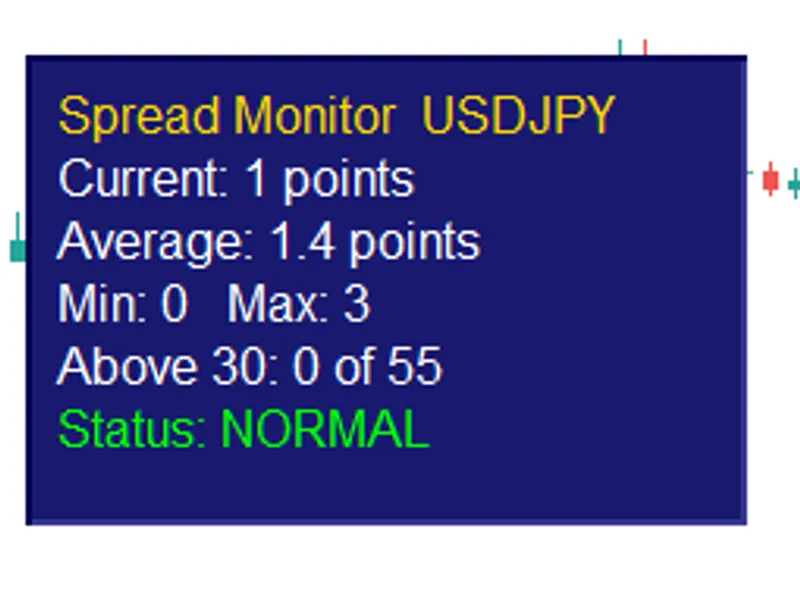
Dashboard Metrics
Live Spread – Current transaction cost in points.
Rolling Mean – Average spread over the selected statistical window.
Relative Spread (%) – Current spread expressed as a percentage of its historical average.
Standard Deviation – Measures spread stability. Lower values indicate a more stable broker.
Z-Score – The most important statistical metric. It quantifies how abnormal the current spread is compared to recent history.
Min / Max Window – Lowest and highest spread recorded within the analysis period.
Instrument Asset – Displays the active trading symbol and timeframe.
Market Regime – Indicates one of three execution environments:
- COMPRESSED – Excellent liquidity and low execution costs.
- NORMAL LIQUIDITY – Typical trading conditions.
- TOXIC FLOW / HIGH RISK – Abnormally wide spreads and elevated execution risk.
Real Trading Benefits
The indicator serves as an execution quality filter rather than a directional trading system.
It helps traders:
- Avoid entering positions during expensive spread expansions.
- Improve execution quality for scalping strategies.
- Reduce slippage during volatile market conditions.
- Filter automated trading systems based on execution costs.
- Compare broker execution quality objectively using statistical measurements.
By avoiding trades during statistically abnormal spread conditions, traders can lower transaction costs and potentially improve long-term strategy performance without changing their entry or exit logic.
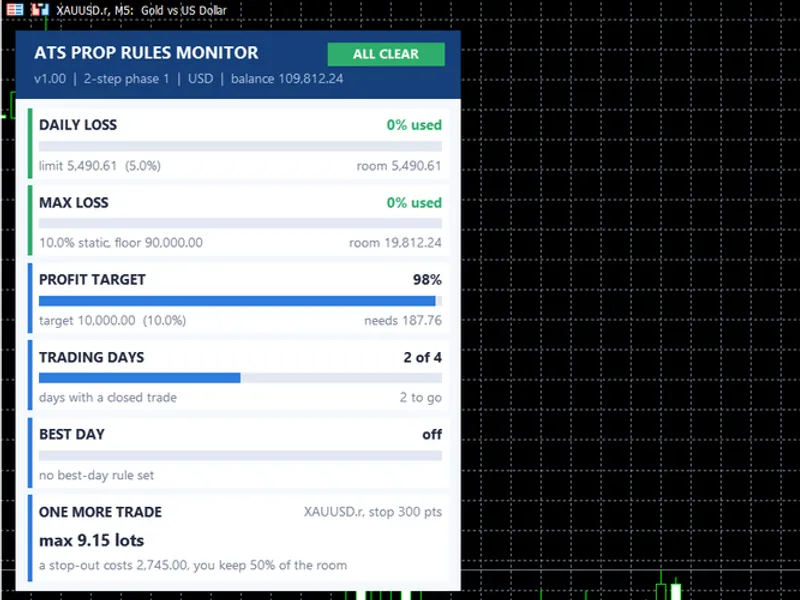
You may also like: ATS Prop Rules Monitor: Comprehensive Prop Firm Challenge Scoreboard - excellent alternative for indicator users on MetaTrader 5.
Source Code
#property copyright "RobotFX"
#property link "https://robotfx.org"
#property version   "5.02"
#property indicator_chart_window
#property indicator_buffers 0
#property indicator_plots   0
enum ENUM_PANEL_BG
{
   BG_TerminalDark  = 0,
   BG_NavyExecutive = 1,
.......
⚠ Limitations & Risk Warning
- This tool is provided for educational and testing purposes only.
- Past performance does not guarantee future results.
- Trading involves substantial risk of loss. Use on a demo account first.
- Results may vary depending on market conditions, broker, and settings.
- We recommend thorough backtesting and forward testing before using with real funds.