
Rollover Cost Table: Understanding Swap Modes and Triple Swap Days
Info
The Rollover Cost Table: Understanding Swap Modes and Triple Swap Days is a Indicator for MetaTrader 5 that a swap can result in a charge or a credit, with the amount determined by the swap mode published by the broker for a specific symbol and whether it is a triple-swap day. This indicator analyzes the swap mode and triple-swap weekday from the symbol's specifications.
Usage
This tool is typically used for enhancing chart analysis and decision making.
Platform
This Indicator works exclusively on MetaTrader 5 (both build 600+ and newer versions).
Setup
Place the downloaded file in MQL5/Indicators folder via File ? Open Data Folder in MetaTrader 5.
How to Install and Use Rollover Cost Table: Understanding Swap Modes and Triple Swap Days
1. Installation: Place your file in the MQL/Indicators folder via "Open Data Folder" and restart your terminal.
2. Loading: Find the indicator in the Navigator, drag it onto your chart, and configure the input parameters in the popup window.
3. Customization: Press Ctrl+I to open the indicator list, select your tool, and click "Properties" to change colors, levels, or visual styles.
4. Updating: Replace the old file in the Indicators folder with the new version and restart the platform to apply changes.
Frequently Asked Questions
Q: Why is my indicator not showing? A: Verify the file is in the MQL/Indicators folder, or try right-clicking the "Indicators" tree in the Navigator and clicking "Refresh."
Q: Do custom indicators slow down the platform? A: Too many complex indicators can impact performance; remove unused ones via the "Indicator List" (Ctrl+I).
Q: Can I use MT4 indicators on MT5? A: No, MQL4 and MQL5 are distinct languages; ensure the indicator is compiled specifically for your platform version.
What this tool does
A swap can result in a charge or a credit, with the amount determined by the swap mode published by the broker for a specific symbol and whether it is a triple-swap day.
Typical Use Case
This Indicator excels in automated trading and technical analysis on MetaTrader 5.
Compatible Platform & Setup
This Indicator works on MetaTrader 5. Place the file in the MQL5/Indicators folder and restart the terminal.
Description & Settings
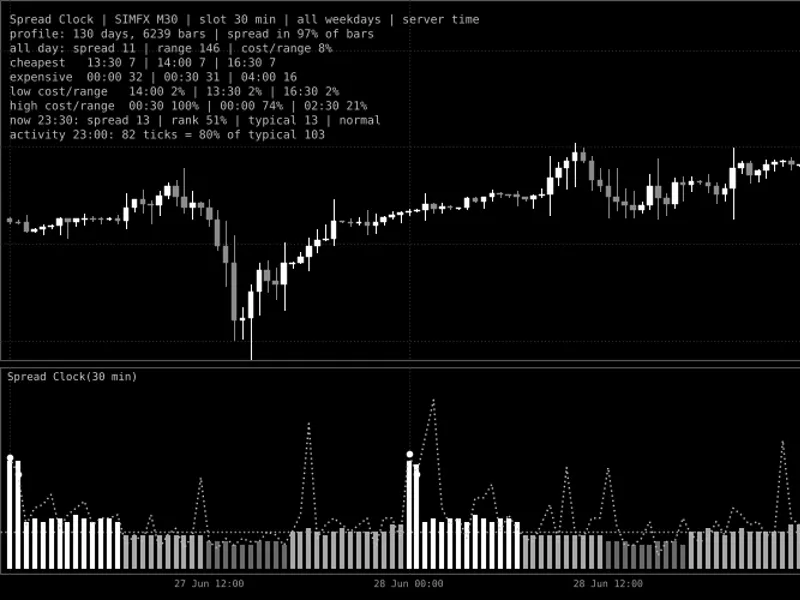
Related: Spread and Liquidity Clock: Time-of-Day Cost-to-Range Profile - another powerful indicator for MetaTrader 5 traders.
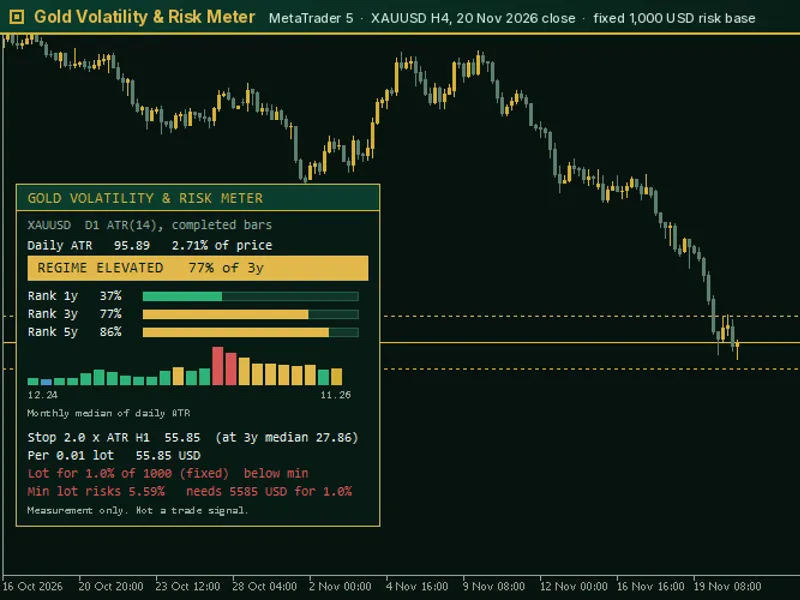
A swap can result in a charge or a credit, with the amount determined by the swap mode published by the broker for a specific symbol and whether it is a triple-swap day. This indicator analyzes the swap mode and triple-swap weekday from the symbol's specifications. It calculates the overnight swap cost in the deposit currency and displays a dash and a reason if the terminal cannot provide a figure.Also recommended: Gold Volatility and Risk Meter: ATR Regimes and Stop Cost Analysis for XAUUSD - similar indicator with strong performance on MetaTrader 5.
What it does
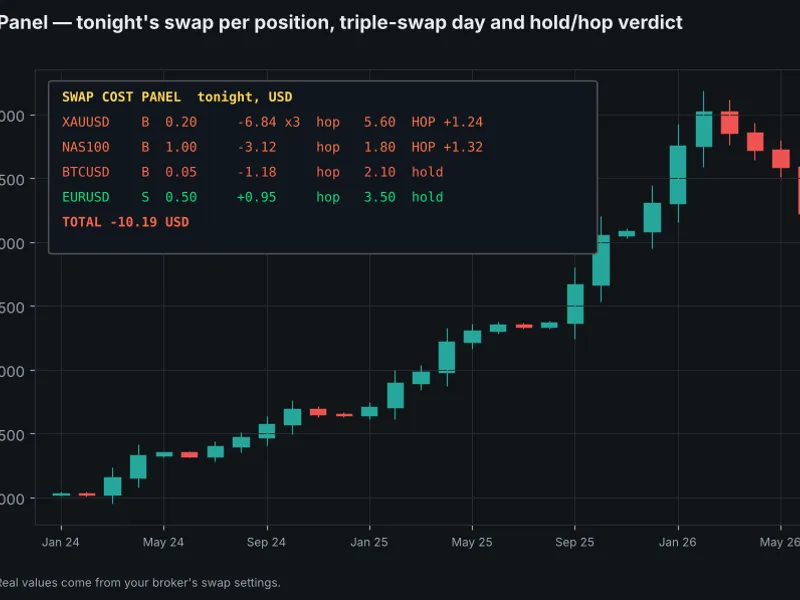
This tool generates a table within the chart window, presenting one row for each open position. The positions are organized by symbol and then by ticket, displayed across eight columns: Symbol, Side, Volume, Swap So Far, Tonight, Normal, Nights, and Horizon.
The 'Swap So Far' column shows the swap amount already recorded by the terminal for the position. The 'Tonight' and 'Normal' columns are calculated using the symbol's rates, providing distinct data sources for these readings.
The indicator reads the specification for each symbol's row on every redraw. This is done for a group of identical symbols at once, ensuring that any broker changes are reflected in the table without requiring a recompile.
Additionally, it displays two preview rows for the chart's symbol, illustrating the cost for both long and short positions at an example volume. This allows users to see the overnight cost even if no positions are currently open.
How it works
The 'LoadSpec' function retrieves the swap mode, two rates, and their return flags. If any of these fail, all figure cells for that symbol will display a dash, and 'SWAP SPEC UNREADABLE' will appear once in the 'Horizon' cell. The triple-swap weekday is read independently; if this fails, the charge is still displayed, but the multiplier is omitted, showing 'TRIPLE -' in the header.
The 'Points' mode calculates the cost by multiplying the rate by the point, dividing by the tick size, then multiplying by the tick value and the volume. This method directly yields the cost in the deposit currency.
The three currency modes multiply the rate by the volume and mark the cell with 'EST', as the per-volume-unit reading introduces an assumption. A rate in a currency other than the deposit currency is shown as 'RAW' with its code and is not converted.
The two 'Interest' modes calculate the charge based on price times contract size times volume at a rate divided by 360 or 365. This is applied to either the current price or the position's open price. The two 'Reopen' modes do not involve a money amount and display only the rate.
The 'Tonight' value multiplies the unrounded nightly swap by the factor and rounds the result only at the display stage. This applies when the server's current weekday matches the published triple-swap weekday. A zero value or a mode without a money component will not have a suffix.
The 'Round Turn' cost includes the spread, converted to money using the point, tick size, and tick value, plus the commission per volume unit specified in the inputs. The 'Horizon' is this total cost divided by the normal nightly swap, rounded up after subtracting a billionth of a night to prevent an exact quotient from displaying one extra night.
Inputs
- Redraw Interval (milliseconds, 200-5000): Determines how often the table is rebuilt. Default is 1000.
- Triple Swap Factor (1-5, 1 disables it): The multiplier applied on the triple-swap weekday. Default is 3.
- Interest Day Count (360 or 365): The divisor used in the two interest modes. Default is 360. Any other value will default to 360 and log a message.
- Commission per Volume Unit (both sides, 0-100000): Added to the spread in the round turn calculation. Default is 0.0.
- Example Volume for Previews (0.01-10000): Used for the two preview rows. Default is 0.10.
- Position Rows Displayed (1-20): The maximum number of position rows to show. Default is 8. Positions exceeding this limit are summarized in a '+N MORE POSITIONS' line.
- Show Preview Rows: Option to display the two preview rows. Default is 'on'.
- Screen Corner: Determines the table's position on the chart. Default is 'lower right'. Invalid values default to 'lower right' with a logged message.
- Inset from Edge (pixels, 0-2000): Horizontal distance from the screen edge. Default is 10.
- Inset from Top/Bottom Edge (pixels, 0-2000): Vertical distance from the top or bottom edge. Default is 10.
- Font Size (logical points, 6-12): Sets the font size for the table. Default is 8. Column widths adjust dynamically based on this setting.
How to use it
Place the indicator file in the MQL5/Indicators directory of your MetaTrader terminal's data folder. Compile it using MetaEditor and then attach it to a chart. With the default settings, the table will appear in the lower-right corner, 10 pixels from each edge on a display scaled to 100%. This distance increases proportionally with the display scale, to 15 pixels at 150% scale.
If your account incurs commission fees on trades, input the commission per volume unit for both sides. If set to zero (the default), the round turn cost will solely reflect the spread.
Review the header information displayed above the rows. The second line provides the server time, deposit currency, triple-swap weekday, and the multiplier applied tonight. The third line indicates the swap mode reported by the symbol.
Limits
The 'Horizon' is calculated only for positive points-mode nights. All other cell types will show a specific reason in their column if the calculation cannot be performed.
The 'Nights' column counts the server date boundaries between the position's opening time and the current server clock, providing an estimate of charging events. The 'Swap So Far' cell reflects the actual recorded figure.
This indicator does not use order calls, trade headers, history reads, files, networks, or DLLs. It does not generate alerts, push notifications, sounds, or emails. It operates by creating and deleting chart objects exclusively.
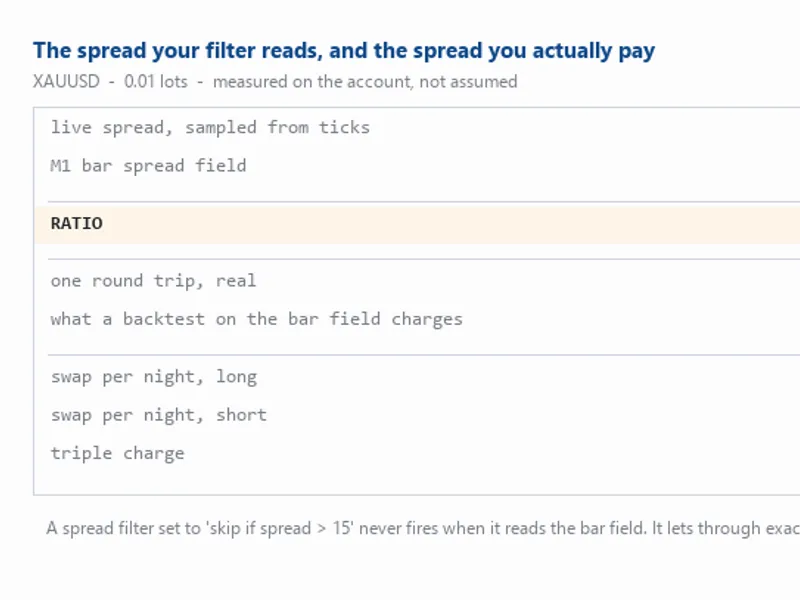
The table displayed on a chart, potentially cut off by the left edge of the screen, and rendered with a font size of 7 and a bottom inset of 64 pixels, shows the two preview rows. The final column displays the round-turn horizon or the reason why it could not be computed.
You may also like: Swap Cost Panel: Monitor Overnight Rollover Costs - excellent alternative for indicator users on MetaTrader 5.
Source Code
#property copyright "RobotFX"
#property link "https://robotfx.org"
#property version     "1.01"
#property description "This code is educational. Feel free to use, modify and upgrade as you wish. Visit ROBOTFX.ORG for professional trading tools"
#property indicator_chart_window
#property indicator_plots 0
#define BRAND_PREFIX       "chimaster_"
#define BRAND_NAME         "chimaster"
#define BRAND_URL          "https:
enum ENUM_ICT_SESSION
.......
⚠ Limitations & Risk Warning
- This tool is provided for educational and testing purposes only.
- Past performance does not guarantee future results.
- Trading involves substantial risk of loss. Use on a demo account first.
- Results may vary depending on market conditions, broker, and settings.
- We recommend thorough backtesting and forward testing before using with real funds.