




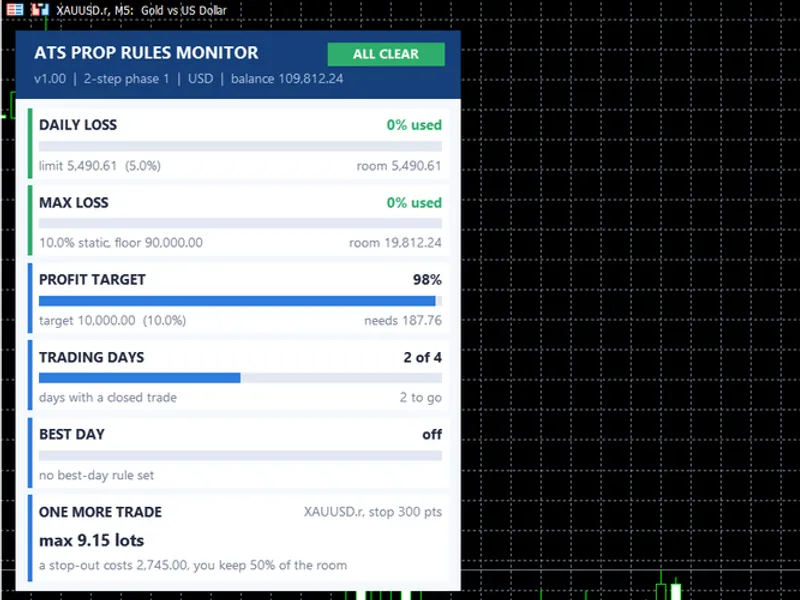
Prop Firm Daily Loss Tracker: Monitor Your Risk Limits
Info
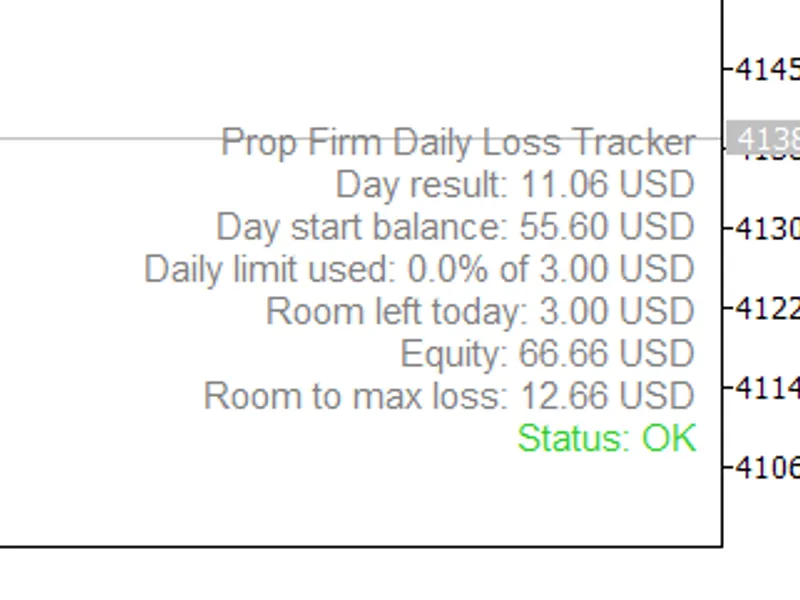
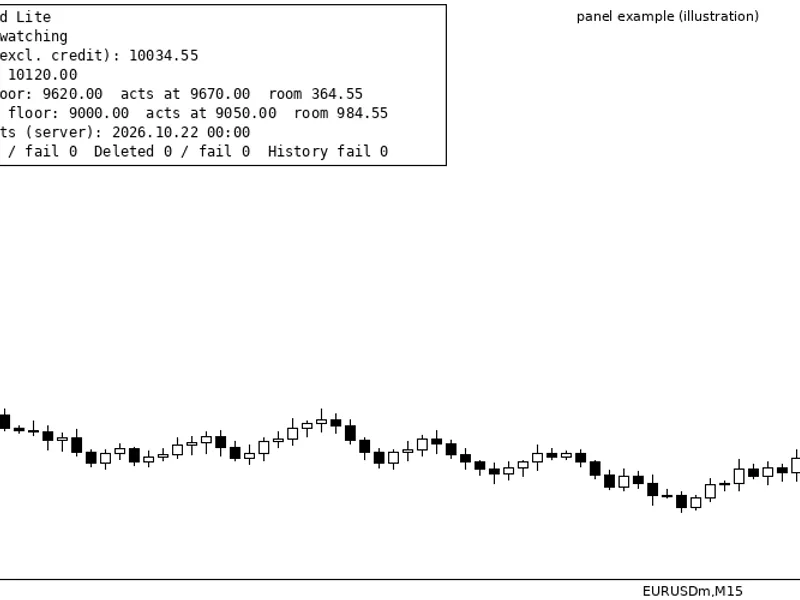
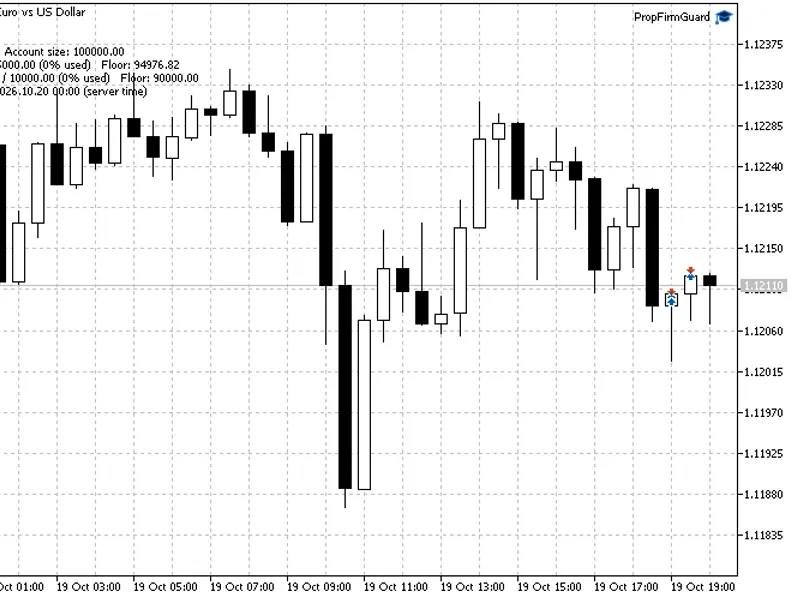
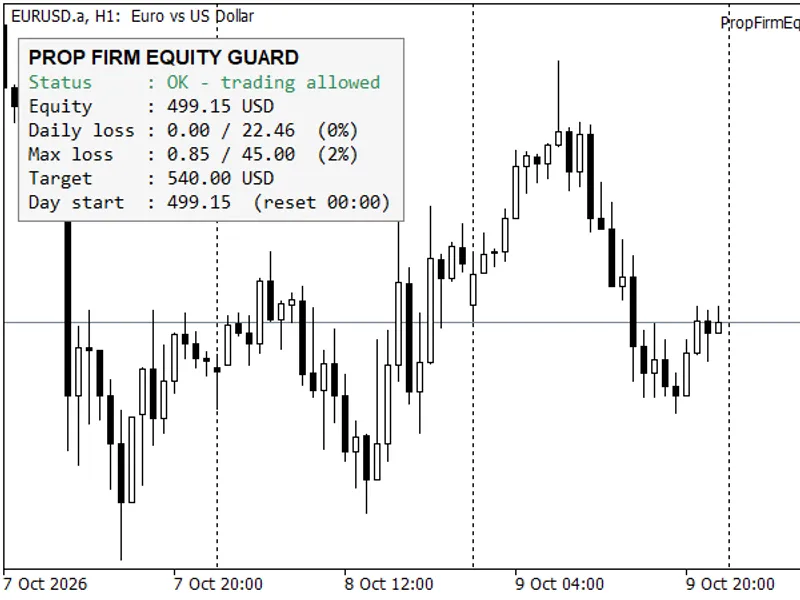
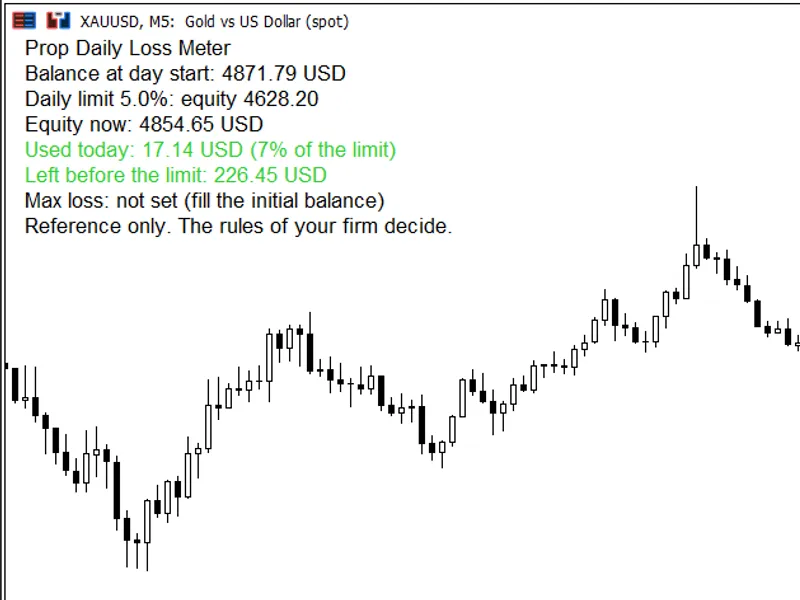
The Prop Firm Daily Loss Tracker: Monitor Your Risk Limits is a Indicator for MetaTrader 5 that prop firm daily loss trackera concise on-chart panel designed to monitor the percentage of your funded or prop firm account's daily loss limit that has been utilized. This is a monitoring tool only; it does not generate signals or execute trades.
Usage
This tool is typically used for enhancing chart analysis and decision making.
Platform
This Indicator works exclusively on MetaTrader 5 (both build 600+ and newer versions).
Setup
Place the downloaded file in MQL5/Indicators folder via File ? Open Data Folder in MetaTrader 5.
How to Install and Use Prop Firm Daily Loss Tracker: Monitor Your Risk Limits
1. Installation: Place your file in the MQL/Indicators folder via "Open Data Folder" and restart your terminal.
2. Loading: Find the indicator in the Navigator, drag it onto your chart, and configure the input parameters in the popup window.
3. Customization: Press Ctrl+I to open the indicator list, select your tool, and click "Properties" to change colors, levels, or visual styles.
4. Updating: Replace the old file in the Indicators folder with the new version and restart the platform to apply changes.
Frequently Asked Questions
Q: Why is my indicator not showing? A: Verify the file is in the MQL/Indicators folder, or try right-clicking the "Indicators" tree in the Navigator and clicking "Refresh."
Q: Do custom indicators slow down the platform? A: Too many complex indicators can impact performance; remove unused ones via the "Indicator List" (Ctrl+I).
Q: Can I use MT4 indicators on MT5? A: No, MQL4 and MQL5 are distinct languages; ensure the indicator is compiled specifically for your platform version.
What this tool does
Prop Firm Daily Loss TrackerA concise on-chart panel designed to monitor the percentage of your funded or prop firm account's daily loss limit that has been utilized.
Typical Use Case
This Indicator excels in automated trading and technical analysis on MetaTrader 5.
Compatible Platform & Setup
This Indicator works on MetaTrader 5. Place the file in the MQL5/Indicators folder and restart the terminal.
Description & Settings
Related: Daily Profit/Loss Percentage Overlay for Prop Firm Daily Loss Limits - another powerful indicator for MetaTrader 5 traders.
Prop Firm Daily Loss TrackerAlso recommended: Prop Firm Daily Loss Limit Indicator - similar indicator with strong performance on MetaTrader 5.
A concise on-chart panel designed to monitor the percentage of your funded or prop firm account's daily loss limit that has been utilized. This is a monitoring tool only; it does not generate signals or execute trades.
Key Information Displayed:
- Daily result in account currency (includes closed trades and floating P/L).
- Starting balance for the day.
- Percentage of the daily loss limit consumed.
- Remaining buffer for the day and the overall maximum loss.
- Current account equity and a status indicator: OK, WARNING, or LIMIT REACHED.
Operational Mechanics:
- Daily result is calculated as the sum of the day's closed trade profit/loss plus the difference between current equity and the day's starting balance.
Daily limit is determined by: account size multiplied by the daily loss percentage.
Maximum loss floor is determined by: account size multiplied by (1 minus the maximum loss percentage).
The trading day begins at the server time specified in the input settings. Deposits and withdrawals are excluded from the daily result calculation.
Alerts are triggered once per day when the utilized portion of the daily loss limit reaches the designated warning level, and again when it reaches 100%. An optional push notification feature is available.
Configurable Inputs:
- Account size, daily loss limit percentage, maximum total loss limit percentage.
- Server hour defining the start of the trading day.
- Warning level percentage, option for popup alert, option for push notification.
- Panel positioning (corner), font size, and text color.
Important Notes:
- The loss limits should be configured to align precisely with your specific prop firm's rules, including their methodology for defining a trading day. Always verify these settings against your firm's official guidelines.
- Set the account size to reflect the initial balance of your challenge or funded account. Deviations from the actual account balance may render the maximum loss indicator inaccurate.
- The day's starting balance is derived from account history; ensure sufficient history is loaded within your trading terminal.
- This indicator is compatible with all symbols and refreshes its display on incoming ticks.
This tool is intended for use with MT4 and MT5 platforms in 2026.
You may also like: ATS Prop Rules Monitor: Comprehensive Prop Firm Challenge Scoreboard - excellent alternative for indicator users on MetaTrader 5.
Source Code
#property version   "1.00"
#property description "This code is educational. Feel free to use, modify and upgrade as you wish. Visit ROBOTFX.ORG for professional trading tools"
#property indicator_chart_window
#property indicator_buffers 0
#property indicator_plots   0
input group "Account"
input double AccountSize      = 100000.0;
input double DailyLossPercent = 5.0;
input double MaxLossPercent   = 10.0;
input group "Day reset"
.......
⚠ Limitations & Risk Warning
- This tool is provided for educational and testing purposes only.
- Past performance does not guarantee future results.
- Trading involves substantial risk of loss. Use on a demo account first.
- Results may vary depending on market conditions, broker, and settings.
- We recommend thorough backtesting and forward testing before using with real funds.