







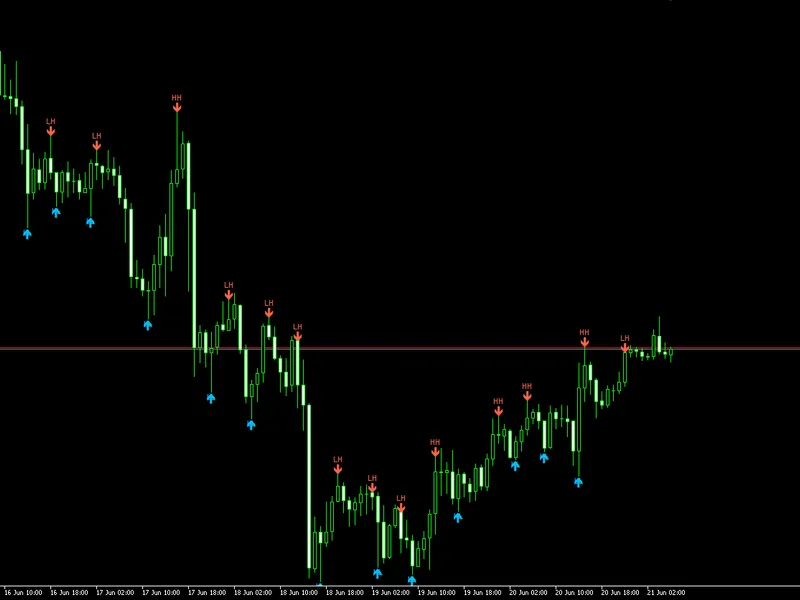

point and figure indicator for meta trader 5
Info
The point and figure indicator for meta trader 5 is a Indicator for MetaTrader 5 that point-and-figure metatrader 5 indicatoris an indicator that can plot a point-and-figure chart directly in the main window of your normal mt5 chart. you can set up all the point-and-figure method parameters, such as the box size and the reversal distance, according to your preference.
Usage
This tool is typically used for enhancing chart analysis and decision making.
Platform
This Indicator works exclusively on MetaTrader 5 (both build 600+ and newer versions).
Setup
Place the downloaded file in MQL5/Indicators folder via File ? Open Data Folder in MetaTrader 5.
How to Install and Use point and figure indicator for meta trader 5
1. Installation: Place your file in the MQL/Indicators folder via "Open Data Folder" and restart your terminal.
2. Loading: Find the indicator in the Navigator, drag it onto your chart, and configure the input parameters in the popup window.
3. Customization: Press Ctrl+I to open the indicator list, select your tool, and click "Properties" to change colors, levels, or visual styles.
4. Updating: Replace the old file in the Indicators folder with the new version and restart the platform to apply changes.
Frequently Asked Questions
Q: Why is my indicator not showing? A: Verify the file is in the MQL/Indicators folder, or try right-clicking the "Indicators" tree in the Navigator and clicking "Refresh."
Q: Do custom indicators slow down the platform? A: Too many complex indicators can impact performance; remove unused ones via the "Indicator List" (Ctrl+I).
Q: Can I use MT4 indicators on MT5? A: No, MQL4 and MQL5 are distinct languages; ensure the indicator is compiled specifically for your platform version.
What this tool does
point-and-figure metatrader 5 indicatoris an indicator that can plot a point-and-figure chart directly in the main window of your normal mt5 chart.
Typical Use Case
This Indicator excels in automated trading and technical analysis on MetaTrader 5.
Compatible Platform & Setup
This Indicator works on MetaTrader 5. Place the file in the MQL5/Indicators folder and restart the terminal.
Description & Settings
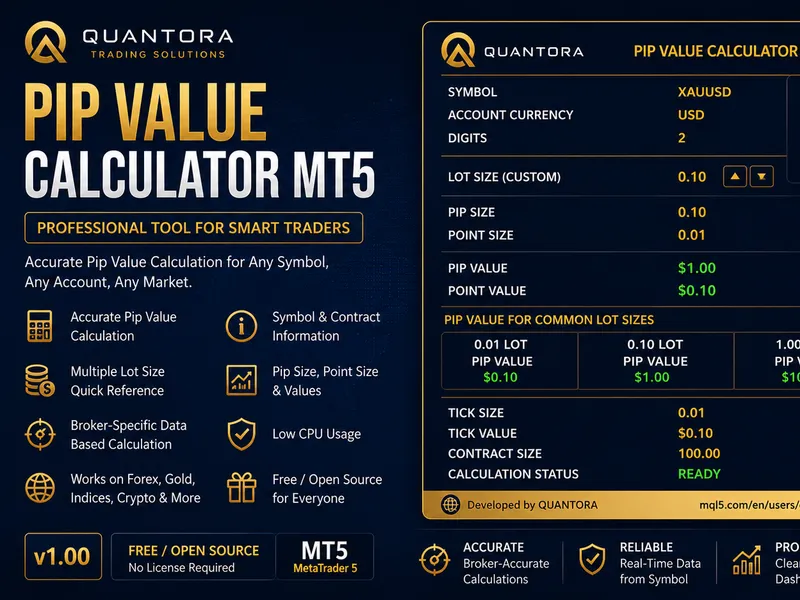
Related: Quantora Pip Value Calculator MT5: Professional Pip and Point Value Calculator for MetaTrader 5 - another powerful indicator for MetaTrader 5 traders.
Also recommended: Confirmed Swing Points Helper for MT5 - similar indicator with strong performance on MetaTrader 5.
point-and-figure metatrader 5 indicatoris an indicator that can plot a point-and-figure chart directly in the main window of your normal mt5 chart. you can set up all the point-and-figure method parameters, such as the box size and the reversal distance, according to your preference. in addition, you can control all the display parameters of the pnf chart. this point-and-figure indicator supports all sorts of alerts. it is based on real ticks data, and thus is available only for mt5.
point-and-figure charting is an alternative method of displaying price changes. its main feature is that it ignores time and takes into account only large enough changes in the exchange rates. where "large enough" is defined by the trader according to their trading goals and strategy.
input parameters
boxsize
(default = 60) — the box size in points. the price has to exceed this value for a new x or o to be printed on the chart.
reversal
(default = 3) — the number of boxes for a reversal. the price has to go as many box sizes in the opposite direction before the chart is reversed from x's to o's or vice versa.
days
(default = 1) — the number of days to get the real tick data for to build the initial point-and-figure chart. more days mean more data but require more computing power to process.
pricetouse
(default = bid) — the price to use in point-and-figure chart building:
bid — charting is based on the bid price.
ask — charting is based on the ask price.
midprice — charting is based on the average between the bid and ask prices.
bid/ask — x's are based on the bid price, o's are based on the ask price.
alertonxo
(default = false) — if true, alerts will be issued whenever a new x or o is printed.
alertonreversal
(default = false) — if true, alerts will be issued whenever the point-and-figure chart reverses from a column of x's to a column of o's or vice versa.
enablenativealerts
(default = false) — if true, a native metatrader popup alert will be used on either of the above conditions.
colorup
(default = clrgreen) — the color for the rising point-and-figure symbols (x's).
colordown
(default = clrred) — the color for the declining point-and-figure symbols (o's).
fontsize
(default = 15) — the font size to use for the chart symbols (x's and o's).
font
(default = "arial") — the font to use for the chart symbols.
x
(default = "x") — the symbol to mark the rising price levels.
o
(default = "o") — the symbol to mark the declining price levels.
silentmode
(default = true) — if false, information about each printed x and o will be printed in the experts tab of the toolbox subwindow.
maxobjects
(default = 10000) — the maximum allowed number of chart objects (x's and o's) for the indicator to create. you can use this parameter to prevent the indicator from overloading your platform due to wrong settings.
objectprefix
(default = "pnf-") — the prefix for chart objects for compatibility with other indicators. example
the example image below shows 4 days of eur/usd price action compressed into 47 columns of x's and o's with the point-and-figure indicator in mt5. the box size is set to 60 points (6 pips) with reversal equaling 3.
you can still do the classic support and resistance and trendline analysis with point-and-figure charts. some traders even operate using pnf chart patterns, for example, pennants, triangles, double tops and bottoms.
here is a sped-up video of the point-and-figure mt5 indicator plotting a chart for the btc/usd pair using $10 (1000 points) as the box size and the reversal value set to 3:
You may also like: pivot point indicator for forex trading - excellent alternative for indicator users on MetaTrader 5.
Source Code
#property copyright "RobotFX"
#property link "https://robotfx.org"
#property version   "2.01"
#property description "Educational code - RobotFX www.robotfx.org"
#property description "Educational code - RobotFX www.robotfx.org"
#property indicator_chart_window
#property indicator_plots 0
#define NONE 0
#define UP 1
#define DOWN -1
.......
⚠ Limitations & Risk Warning
- This tool is provided for educational and testing purposes only.
- Past performance does not guarantee future results.
- Trading involves substantial risk of loss. Use on a demo account first.
- Results may vary depending on market conditions, broker, and settings.
- We recommend thorough backtesting and forward testing before using with real funds.