







Pantos Algo Session Boxes (Asia / London / New York)
Info
The Pantos Algo Session Boxes (Asia / London / New York) is a Indicator for MetaTrader 5 that description pantosalgo session boxes draws the high/low range of the three main trading sessions (asia, london and new york) directly on the chart. Each session is shown as a colored rectangle from the session open to the session close, with the session name above it.
Usage
This tool is typically used for enhancing chart analysis and decision making.
Platform
This Indicator works exclusively on MetaTrader 5 (both build 600+ and newer versions).
Setup
Place the downloaded file in MQL5/Indicators folder via File ? Open Data Folder in MetaTrader 5.
How to Install and Use Pantos Algo Session Boxes (Asia / London / New York)
1. Installation: Place your file in the MQL/Indicators folder via "Open Data Folder" and restart your terminal.
2. Loading: Find the indicator in the Navigator, drag it onto your chart, and configure the input parameters in the popup window.
3. Customization: Press Ctrl+I to open the indicator list, select your tool, and click "Properties" to change colors, levels, or visual styles.
4. Updating: Replace the old file in the Indicators folder with the new version and restart the platform to apply changes.
Frequently Asked Questions
Q: Why is my indicator not showing? A: Verify the file is in the MQL/Indicators folder, or try right-clicking the "Indicators" tree in the Navigator and clicking "Refresh."
Q: Do custom indicators slow down the platform? A: Too many complex indicators can impact performance; remove unused ones via the "Indicator List" (Ctrl+I).
Q: Can I use MT4 indicators on MT5? A: No, MQL4 and MQL5 are distinct languages; ensure the indicator is compiled specifically for your platform version.
What this tool does
Description PantosAlgo Session Boxes draws the high/low range of the three main trading sessions (Asia, London and New York) directly on the chart.
Typical Use Case
This Indicator excels in automated trading and technical analysis on MetaTrader 5.
Compatible Platform & Setup
This Indicator works on MetaTrader 5. Place the file in the MQL5/Indicators folder and restart the terminal.
Description & Settings
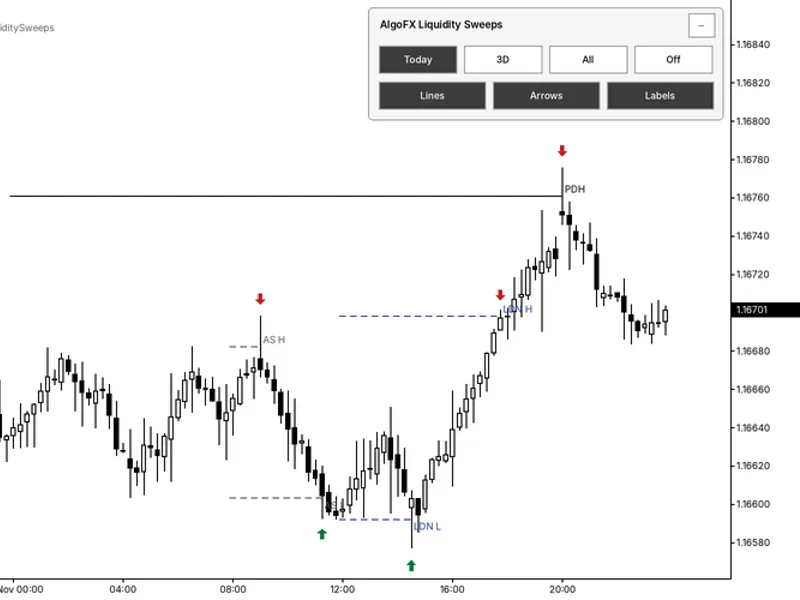
Related: Algo FX Session Liquidity Sweeps Indicator - another powerful indicator for MetaTrader 5 traders.
Description
PantosAlgo Session Boxes draws the high/low range of the three main trading sessions (Asia, London and New York) directly on the chart. Each session is shown as a colored rectangle from the session open to the session close, with the session name above it.
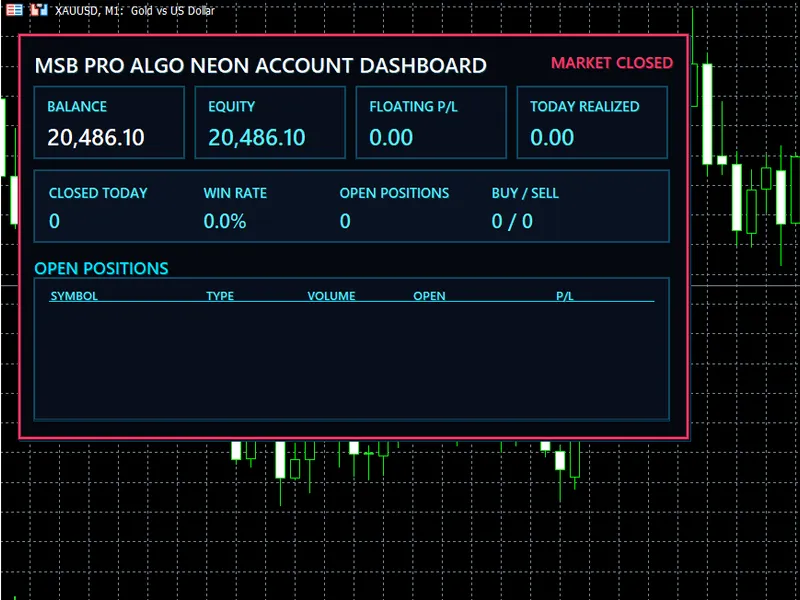
Also recommended: MSB Pro Algo Neon Account Dashboard for MT5 - similar indicator with strong performance on MetaTrader 5.
The idea is simple: most intraday price action is built around session ranges. The Asian session often forms a tight range, London frequently breaks it, and New York either continues the move or reverses it. Having the boxes on the chart lets you see this structure immediately, without drawing anything by hand.
How to read the boxes
Box top / bottom
- the highest high and lowest low of the session.
Asia range breakout
- a candle closing outside the Asia box during London can signal the direction of the day.
Liquidity sweeps
- price briefly taking out a previous session high or low and returning inside the box.
Retests
- previous session highs and lows often act as support and resistance later in the day.
Overlap
- the London / New York overlap is usually the most volatile part of the day.
Input parameters
InpDaysBack
- number of days to draw (default 10).
InpAsiaStart / InpAsiaEnd
- Asia session time, broker server time, format HH:MM (default 00:00 - 08:00).
InpLondonStart / InpLondonEnd
- London session time (default 08:00 - 16:00).
InpNYStart / InpNYEnd
- New York session time (default 13:00 - 21:00).
InpAsiaColor / InpLondonColor / InpNYColor
- box color of each session.
InpFill
- draw filled boxes (true) or outlines only (false).
InpShowLabels
- show the session name above each box.
Notes
All times are in your broker's server time. Check the server time in Market Watch and adjust the inputs if your broker uses a different offset.
If a session end time is earlier than its start time, the session is treated as crossing midnight.
The indicator works on M1 to H1. On higher timeframes nothing is drawn, because the session ranges cannot be measured accurately.
The current session box is updated live every few seconds and on every new bar.
Objects are drawn in the background, are not selectable, and are removed when the indicator is deleted from the chart.
The indicator does not repaint closed sessions and does not use any buffers, so it is light on resources.
Recommended use: XAUUSD, major forex pairs and indices on M5 - M30, together with your own entry rules. The indicator does not generate trade signals by itself; it only shows the session structure.
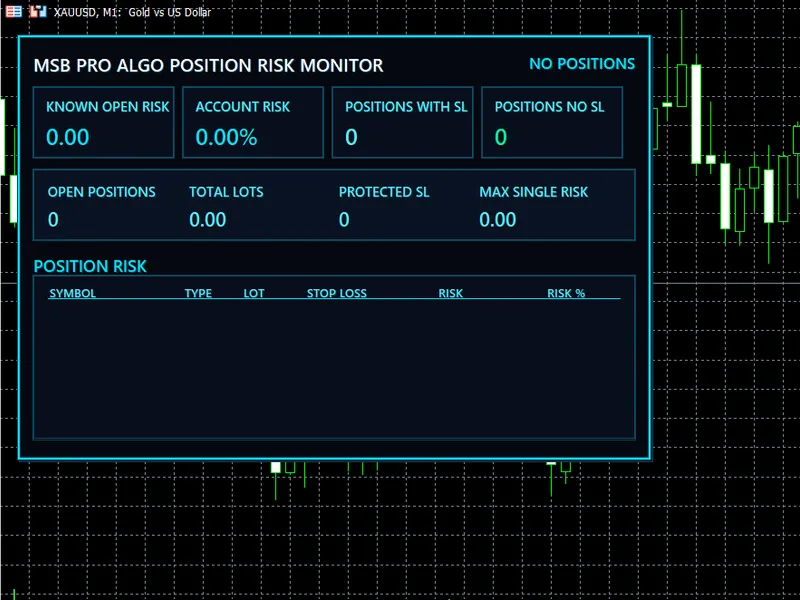
You may also like: MSB Pro ALGO Position Risk Monitor for MT5 - excellent alternative for indicator users on MetaTrader 5.
Source Code
#property copyright "RobotFX"
#property version   "1.01"
#property indicator_chart_window
#property indicator_plots 0
input int    InpDaysBack    = 10;
input string InpAsiaStart   = "00:00";
input string InpAsiaEnd     = "08:00";
input string InpLondonStart = "08:00";
input string InpLondonEnd   = "16:00";
input string InpNYStart     = "13:00";
.......
⚠ Limitations & Risk Warning
- This tool is provided for educational and testing purposes only.
- Past performance does not guarantee future results.
- Trading involves substantial risk of loss. Use on a demo account first.
- Results may vary depending on market conditions, broker, and settings.
- We recommend thorough backtesting and forward testing before using with real funds.