







multi-timeframe macd histogram indicator (v03)
Info
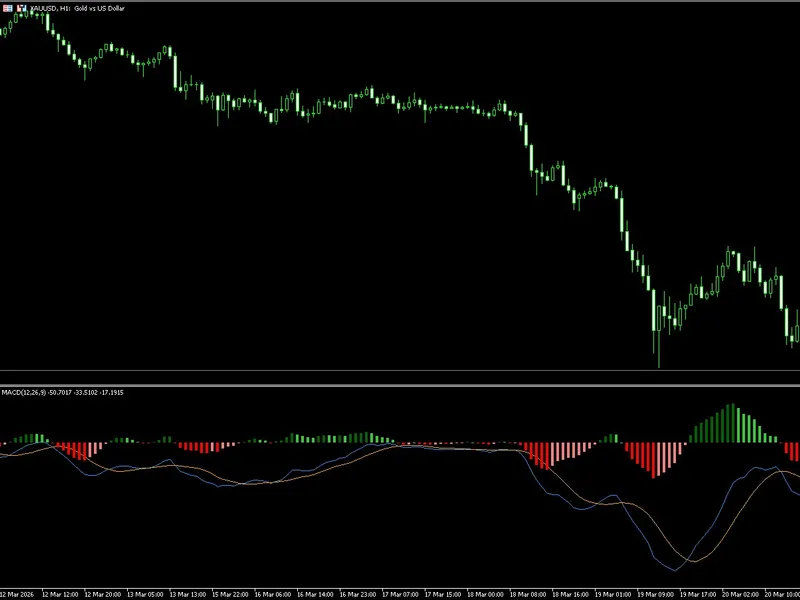
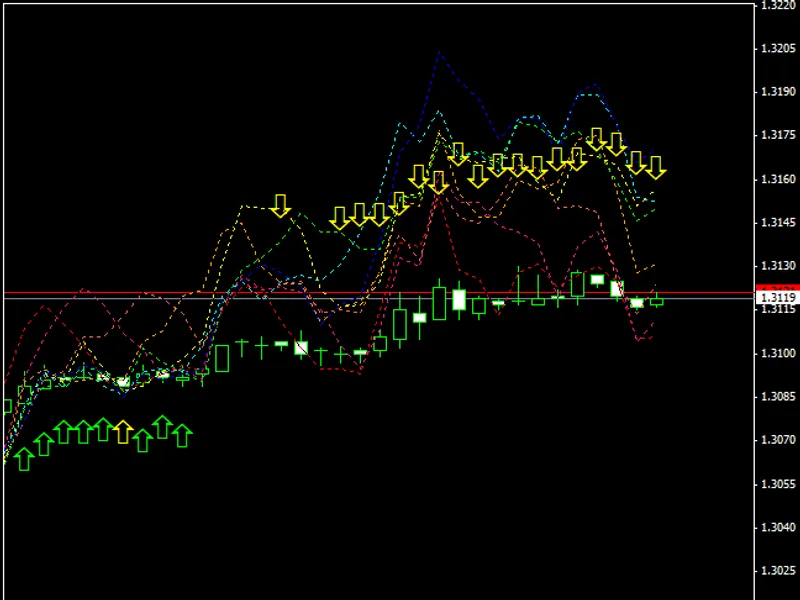
The multi-timeframe macd histogram indicator (v03) is a Indicator for MetaTrader 5 that multi-timeframe macd histogram indicatorthis macd indicator can be applied to any timeframe, higher or lower than the current chart's timeframe. the indicator's values can be calculated based on any of the usual price types.
Usage
This tool is typically used for enhancing chart analysis and decision making.
Platform
This Indicator works exclusively on MetaTrader 5 (both build 600+ and newer versions).
Setup
Place the downloaded file in MQL5/Indicators folder via File ? Open Data Folder in MetaTrader 5.
How to Install and Use multi-timeframe macd histogram indicator (v03)
1. Installation: Place your file in the MQL/Indicators folder via "Open Data Folder" and restart your terminal.
2. Loading: Find the indicator in the Navigator, drag it onto your chart, and configure the input parameters in the popup window.
3. Customization: Press Ctrl+I to open the indicator list, select your tool, and click "Properties" to change colors, levels, or visual styles.
4. Updating: Replace the old file in the Indicators folder with the new version and restart the platform to apply changes.
Frequently Asked Questions
Q: Why is my indicator not showing? A: Verify the file is in the MQL/Indicators folder, or try right-clicking the "Indicators" tree in the Navigator and clicking "Refresh."
Q: Do custom indicators slow down the platform? A: Too many complex indicators can impact performance; remove unused ones via the "Indicator List" (Ctrl+I).
Q: Can I use MT4 indicators on MT5? A: No, MQL4 and MQL5 are distinct languages; ensure the indicator is compiled specifically for your platform version.
What this tool does
multi-timeframe macd histogram indicatorthis macd indicator can be applied to any timeframe, higher or lower than the current chart's timeframe.
Typical Use Case
This Indicator excels in automated trading and technical analysis on MetaTrader 5.
Compatible Platform & Setup
This Indicator works on MetaTrader 5. Place the file in the MQL5/Indicators folder and restart the terminal.
Description & Settings
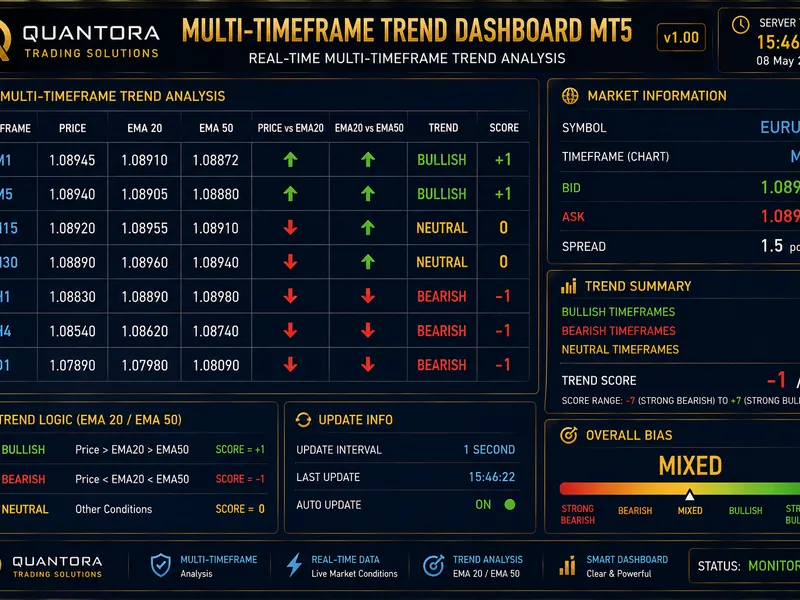
Related: Quantora Multi-Timeframe Trend Dashboard MT5 - Professional EMA Trend Analysis - another powerful indicator for MetaTrader 5 traders.
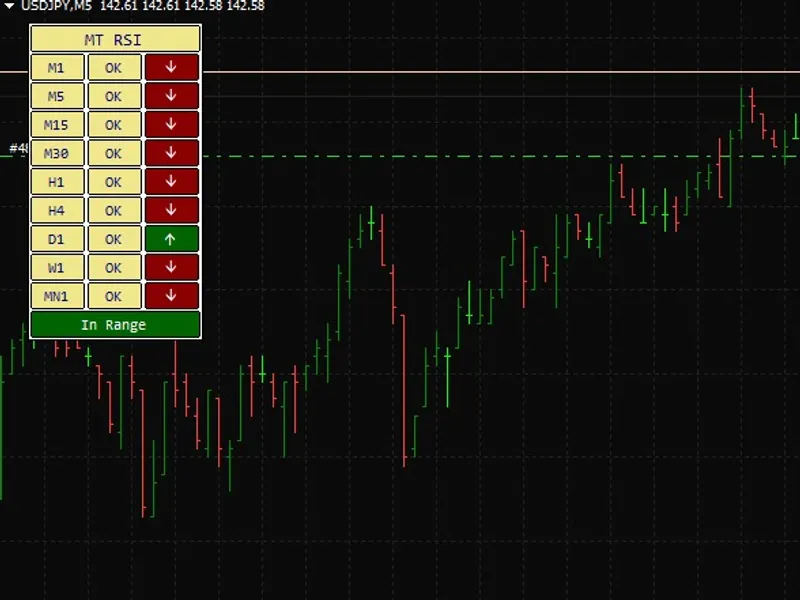
multi-timeframe macd histogram indicatorAlso recommended: Quantora Multi-Timeframe RSI Dashboard MT5 - Professional RSI Momentum Analysis - similar indicator with strong performance on MetaTrader 5.
this macd indicator can be applied to any timeframe, higher or lower than the current chart's timeframe.
the indicator's values can be calculated based on any of the usual price types. when the indicator is applied to a timeframe lower than the current chart's time frame, it may not be possible to display all values. in such cases, depending on the price type chosen, a different approach is used to provide the most appropriate value.
examples:
scenario 1: timeframe_1=5 minutes, timeframe_2=1 minute, calculations based on close price series.
for any bar on timeframe_1, the indicator will display the latest bar of timeframe_2 with a close time that is before or at the close time of the bar on timeframe_1. this applies to both closed bars and the current bar that is still open.
scenario 2: timeframe_1=5 minutes, timeframe_2=1 minute, calculations based on open price series.
for any bar on timeframe_1, the indicator will display the latest bar of timeframe_2 with an open time that is before or at the open time of the bar on timeframe_1. this also applies to both closed and open bars. the logic is that if you choose to calculate indicators based on the open time of a bar, you likely trade at the bar's open. at the open of a new 5-minute bar, you will only know the open time of the first of the five 1-minute bars comprising it. the open times of the second to fifth 1-minute bars are therefore disregarded in the calculations.
you can mix any timeframe with any other timeframe, even if they are not synchronized (e.g., timeframe_1 = 5 minutes and timeframe_2 = 12 minutes). the indicator ensures they remain synchronized. the mechanism is similar to the examples provided.
the attached zip file (conversion between timeframes.zip) contains examples illustrating all possible combination types and a visual explanation. reviewing the source code will also provide insights into the implementation.
when switching between timeframes, allow a few seconds for the price data to load. if the indicator does not display correctly, refresh the chart manually.
requires:
- movingaverages.mqh (default include file located in terminal_data_folder\mql5\include)
- macd_histogram_mc (also posted at mql5.com)
place both macd_histogram_mtf_mc.mq5 and macd_histogram_mc.mq5 in the terminal_data_folder\mql5\indicators folder for the indicator to function.
to enable or disable error messages for debugging, modify the following line in the source code:
bool showerrormessages=false;
update history:
2010 09 26: v03
- improved display of values on timeframes lower than the chart's timeframe.
- set buffers to empty_value instead of 0 after: if(convertedtime<temptimearray_tf2[0]);
- code optimization.
- removed plot_draw_begin from oninit() - inherited from single timeframe indicator.
- moved arraysetasseries of buffers and arrays into oninit().
- added mode_smma and mode_lwma as ma methods for the signal line.
- made enum_applied_price the last input parameter.
2010 08 28: v02b
- indicator first published.
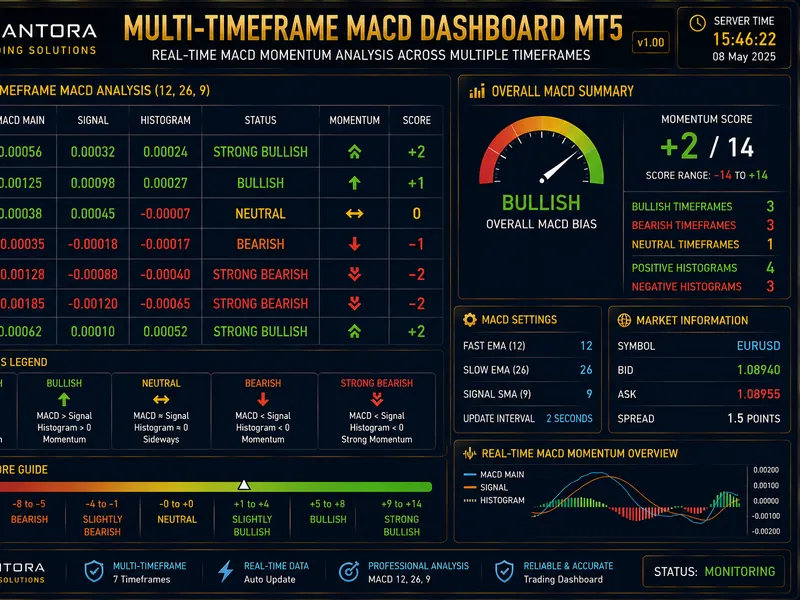
You may also like: Quantora Multi-Timeframe MACD Dashboard MT5 - Professional Momentum and Trend Analysis - excellent alternative for indicator users on MetaTrader 5.
Source Code
#property copyright "RobotFX"
#property description "Educational code - RobotFX www.robotfx.org"
#property indicator_separate_window
#property indicator_buffers 4
#property indicator_plots   3
#property indicator_type1   DRAW_LINE
#property indicator_type2   DRAW_LINE
#property indicator_type3   DRAW_COLOR_HISTOGRAM
#property indicator_color1  Blue
#property indicator_color2  Red
.......
⚠ Limitations & Risk Warning
- This tool is provided for educational and testing purposes only.
- Past performance does not guarantee future results.
- Trading involves substantial risk of loss. Use on a demo account first.
- Results may vary depending on market conditions, broker, and settings.
- We recommend thorough backtesting and forward testing before using with real funds.