



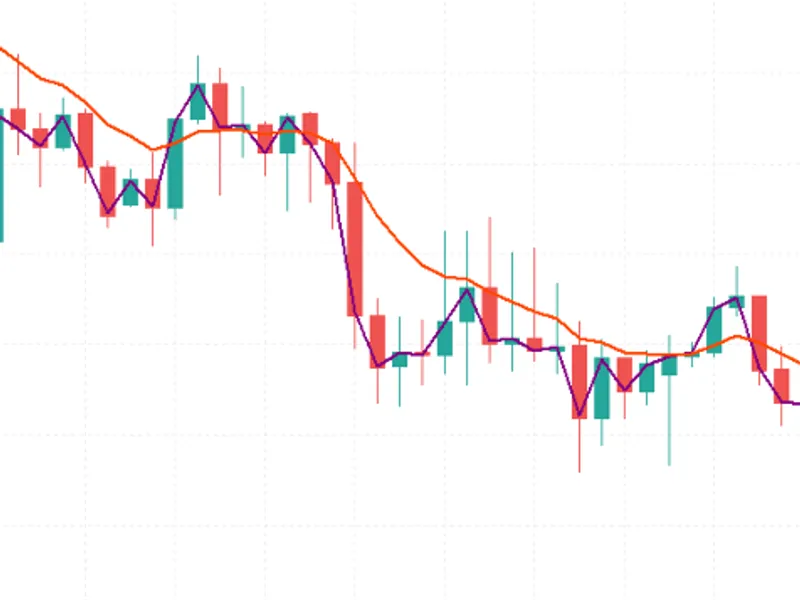
Adaptive MACD Indicator for MT5
Info
The Adaptive MACD Indicator for MT5 is a Indicator for MetaTrader 5 that overviewthe adaptive macd is a custom technical indicator for metatrader 5 that improves upon the classic macd by dynamically adjusting its smoothing coefficients based on market conditions. Unlike standard MACD which uses fixed EMA lengths, this indicator calculates a Pearson correlation coefficient between the closing price and bar index over a specified lookback period.
Usage
This tool is typically used for enhancing chart analysis and decision making.
Platform
This Indicator works exclusively on MetaTrader 5 (both build 600+ and newer versions).
Setup
Place the downloaded file in MQL5/Indicators folder via File ? Open Data Folder in MetaTrader 5.
How to Install and Use Adaptive MACD Indicator for MT5
1. Installation: Place your file in the MQL/Indicators folder via "Open Data Folder" and restart your terminal.
2. Loading: Find the indicator in the Navigator, drag it onto your chart, and configure the input parameters in the popup window.
3. Customization: Press Ctrl+I to open the indicator list, select your tool, and click "Properties" to change colors, levels, or visual styles.
4. Updating: Replace the old file in the Indicators folder with the new version and restart the platform to apply changes.
Frequently Asked Questions
Q: Why is my indicator not showing? A: Verify the file is in the MQL/Indicators folder, or try right-clicking the "Indicators" tree in the Navigator and clicking "Refresh."
Q: Do custom indicators slow down the platform? A: Too many complex indicators can impact performance; remove unused ones via the "Indicator List" (Ctrl+I).
Q: Can I use MT4 indicators on MT5? A: No, MQL4 and MQL5 are distinct languages; ensure the indicator is compiled specifically for your platform version.
What this tool does
OverviewThe Adaptive MACD is a custom technical indicator for MetaTrader 5 that improves upon the classic MACD by dynamically adjusting its smoothing coefficients based on market conditions.
Typical Use Case
This Indicator excels in automated trading and technical analysis on MetaTrader 5.
Compatible Platform & Setup
This Indicator works on MetaTrader 5. Place the file in the MQL5/Indicators folder and restart the terminal.
Description & Settings
Related: Volatility Regime Shader: Adaptive Volatility Classification for MT4/MT5 - another powerful indicator for MetaTrader 5 traders.
OverviewAlso recommended: Adaptive Kalman Trend Filter Indicator - similar indicator with strong performance on MetaTrader 5.
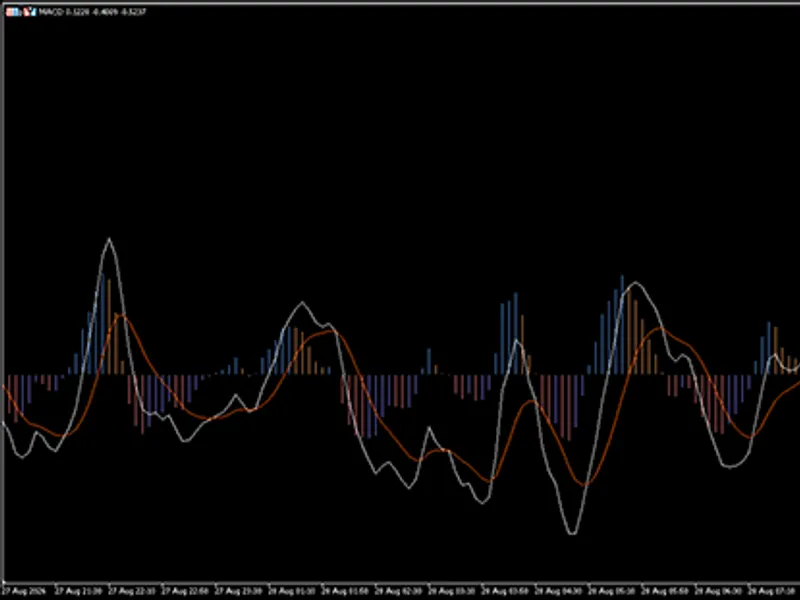
The Adaptive MACD is a custom technical indicator for MetaTrader 5 that improves upon the classic MACD by dynamically adjusting its smoothing coefficients based on market conditions. Unlike standard MACD which uses fixed EMA lengths, this indicator calculates a Pearson correlation coefficient between the closing price and bar index over a specified lookback period. The resulting R² value is then used to blend two different MACD coefficient sets. This makes the oscillator more responsive during strong trends and smoother during sideways or noisy markets.
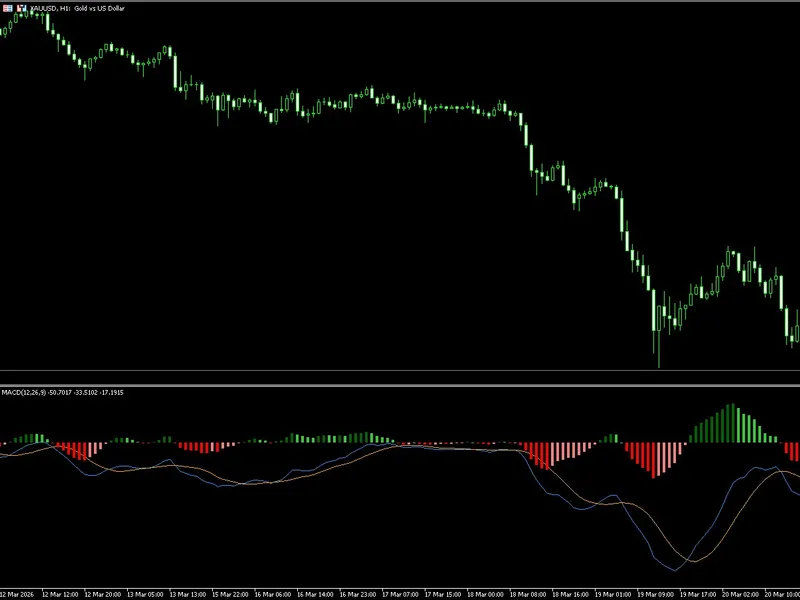
The indicator is displayed in a separate window and includes:
A color-coded histogram representing the difference between the Adaptive MACD line and its signal line.
The Adaptive MACD line itself.
The signal line, which is an Exponential Moving Average (EMA) of the MACD line.
The histogram utilizes four colors to indicate both direction and momentum strength:
Color Index
Meaning
0
Strong bullish (rising positive histogram)
1
Weak bullish (falling positive histogram)
2
Strong bearish (falling negative histogram)
3
Weak bearish (rising negative histogram)
The MACD line color can be set to automatically contrast with the chart background (light/dark theme) or be set manually.
Interpretation
The Adaptive MACD can be interpreted similarly to the standard MACD:
Signal line crossovers – When the MACD line crosses above the signal line, it may signal a bullish momentum shift. A cross below suggests bearish momentum.
Histogram behavior – The histogram's height indicates the distance between the MACD and signal lines. Rising positive bars (strong bullish) suggest increasing upward momentum, while falling negative bars (strong bearish) indicate strengthening downward pressure.
Zero line crossings – As the indicator is derived from price differences, monitoring zero line crossings can also help identify potential trend changes.
Due to its adaptive smoothing, the indicator tends to filter out noise during ranging periods and react more quickly when a genuine trend emerges, potentially reducing false signals compared to a fixed-period MACD.
Input Parameters
The following input parameters are available for customization:
Group
Parameter
Default
Description
Settings
InpR2Length
20
Lookback period used to calculate the Pearson correlation (R²).
Settings
InpFast
10
Fast EMA length for the adaptive calculation.
Settings
InpSlow
20
Slow EMA length for the adaptive calculation.
Settings
InpSignal
9
Signal line EMA length.
Style
InpBullColor
Blue (RGB)
Color used for bullish histogram bars (strong/weak).
Style
InpBearColor
Red (RGB)
Color used for bearish histogram bars (strong/weak).
Style
InpAutoFg
true
If true, the MACD line color automatically adapts to the chart background.
Style
InpMacdColor
White
Manual color for the MACD line (used when InpAutoFg = false).
Style
InpSignalColor
Orange
Color of the signal line.
Recommended Symbols and Timeframes
As a general-purpose oscillator, this indicator can be applied to any financial instrument (forex, commodities, indices, stocks) and any timeframe. Its adaptive nature is particularly beneficial on:
Liquid pairs
such as EURUSD, GBPUSD, USDJPY, or XAUUSD.
Timeframes from M15 to H4
, where trends are frequent enough to benefit from adaptive smoothing, and noise is still prevalent.
For scalping or very short timeframes, a shorter InpR2Length (e.g., 10–15) may be suitable. For swing trading, consider increasing it to 30 or more.
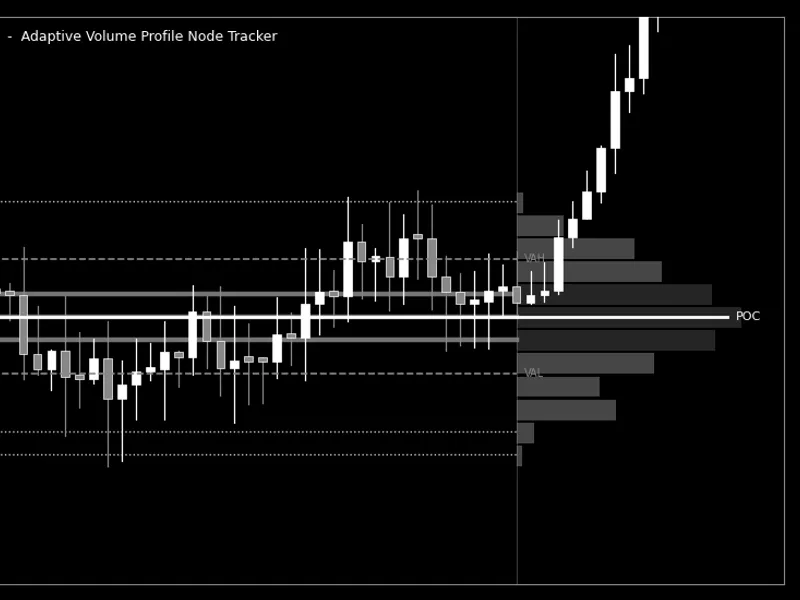
You may also like: Adaptive Volume Profile Node Tracker - excellent alternative for indicator users on MetaTrader 5.
Source Code
#property description "This code is educational. Feel free to use, modify and upgrade as you wish. Visit ROBOTFX.ORG for professional trading tools"
#property indicator_separate_window
#property indicator_buffers 4
#property indicator_plots   3
#property indicator_type1   DRAW_COLOR_HISTOGRAM
#property indicator_type2   DRAW_LINE
#property indicator_type3   DRAW_LINE
#property indicator_color1  C'0x5B,0x9C,0xF6',C'0x5B,0x9C,0xF6',C'0xF7,0x7C,0x80',C'0xF7,0x7C,0x80'
#property indicator_color2  clrWhite
#property indicator_color3  C'0xFF,0x5D,0x00'
.......
⚠ Limitations & Risk Warning
- This tool is provided for educational and testing purposes only.
- Past performance does not guarantee future results.
- Trading involves substantial risk of loss. Use on a demo account first.
- Results may vary depending on market conditions, broker, and settings.
- We recommend thorough backtesting and forward testing before using with real funds.