




Keltner Channel Indicator
Info
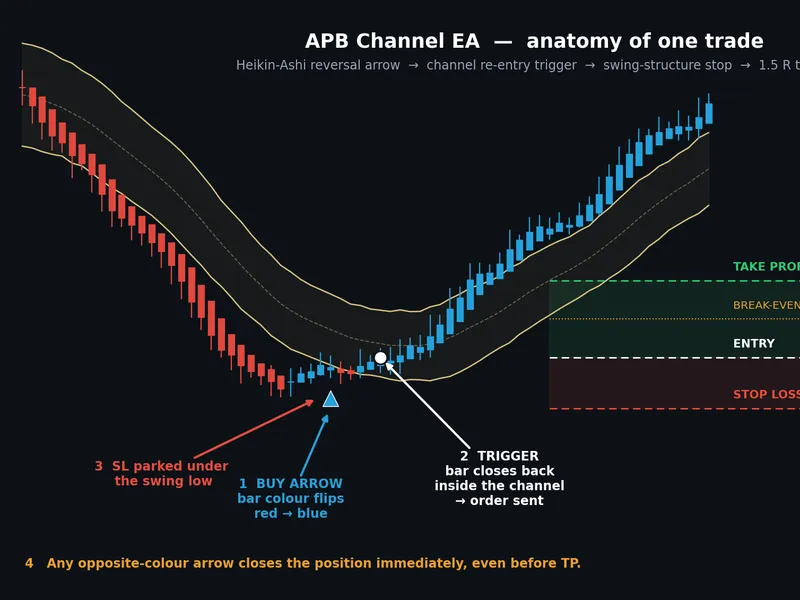
The Keltner Channel Indicator is a Indicator for MetaTrader 5 that the keltner channel is a technical indicator used in trading. It is typically calculated using a Simple Moving Average (SMA) for the centerline, with upper and lower bands determined by adding or subtracting a multiple of the Average True Range (ATR) from the SMA.
Usage
This tool is typically used for enhancing chart analysis and decision making.
Platform
This Indicator works exclusively on MetaTrader 5 (both build 600+ and newer versions).
Setup
Place the downloaded file in MQL5/Indicators folder via File ? Open Data Folder in MetaTrader 5.
How to Install and Use Keltner Channel Indicator
1. Installation: Place your file in the MQL/Indicators folder via "Open Data Folder" and restart your terminal.
2. Loading: Find the indicator in the Navigator, drag it onto your chart, and configure the input parameters in the popup window.
3. Customization: Press Ctrl+I to open the indicator list, select your tool, and click "Properties" to change colors, levels, or visual styles.
4. Updating: Replace the old file in the Indicators folder with the new version and restart the platform to apply changes.
Frequently Asked Questions
Q: Why is my indicator not showing? A: Verify the file is in the MQL/Indicators folder, or try right-clicking the "Indicators" tree in the Navigator and clicking "Refresh."
Q: Do custom indicators slow down the platform? A: Too many complex indicators can impact performance; remove unused ones via the "Indicator List" (Ctrl+I).
Q: Can I use MT4 indicators on MT5? A: No, MQL4 and MQL5 are distinct languages; ensure the indicator is compiled specifically for your platform version.
What this tool does
The Keltner Channel is a technical indicator used in trading.
Typical Use Case
This Indicator excels in automated trading and technical analysis on MetaTrader 5.
Compatible Platform & Setup
This Indicator works on MetaTrader 5. Place the file in the MQL5/Indicators folder and restart the terminal.
Description & Settings
Related: Compression Breakout Channels with Buy and Sell Volume Analysis - another powerful indicator for MetaTrader 5 traders.
The Keltner Channel is a technical indicator used in trading.Also recommended: Support and Resistance Channels Ranked by Strength - similar indicator with strong performance on MetaTrader 5.
It is typically calculated using a Simple Moving Average (SMA) for the centerline, with upper and lower bands determined by adding or subtracting a multiple of the Average True Range (ATR) from the SMA.
This indicator helps traders identify potential price reversals, trend strength, and volatility.
Key components:
- Simple Moving Average (SMA): Forms the central line of the channel.
- Average True Range (ATR): Measures market volatility and determines the distance of the bands from the SMA.
Interpretation:
- When price moves outside the upper band, it may suggest an overbought condition or a strong uptrend.
- When price moves outside the lower band, it may suggest an oversold condition or a strong downtrend.
- The width of the channel indicates volatility: a widening channel suggests increasing volatility, while a narrowing channel suggests decreasing volatility.
The Keltner Channel is a versatile tool, often used in conjunction with other indicators for more robust trading signals. Its effectiveness relies on proper parameter settings and market context analysis.
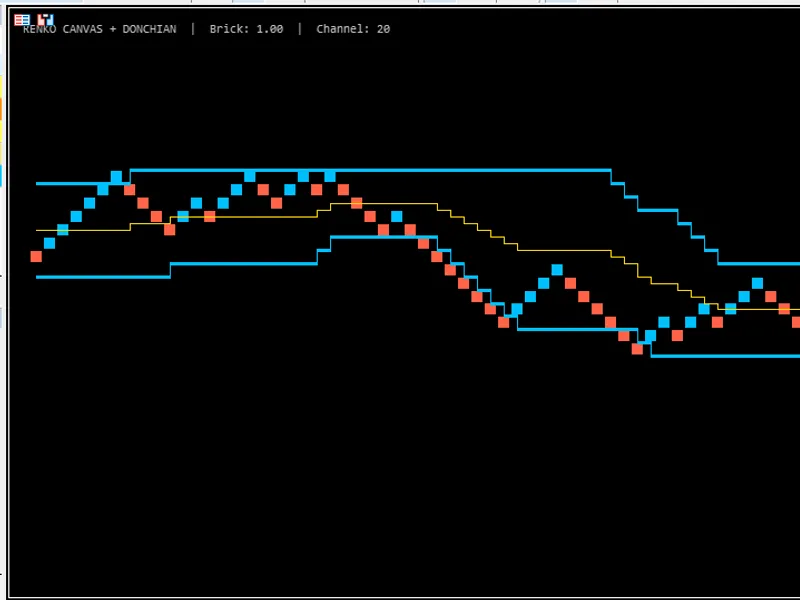
You may also like: GDS Renko Canvas with Donchian Channel - excellent alternative for indicator users on MetaTrader 5.
Source Code
/.......
⚠ Limitations & Risk Warning
- This tool is provided for educational and testing purposes only.
- Past performance does not guarantee future results.
- Trading involves substantial risk of loss. Use on a demo account first.
- Results may vary depending on market conditions, broker, and settings.
- We recommend thorough backtesting and forward testing before using with real funds.