


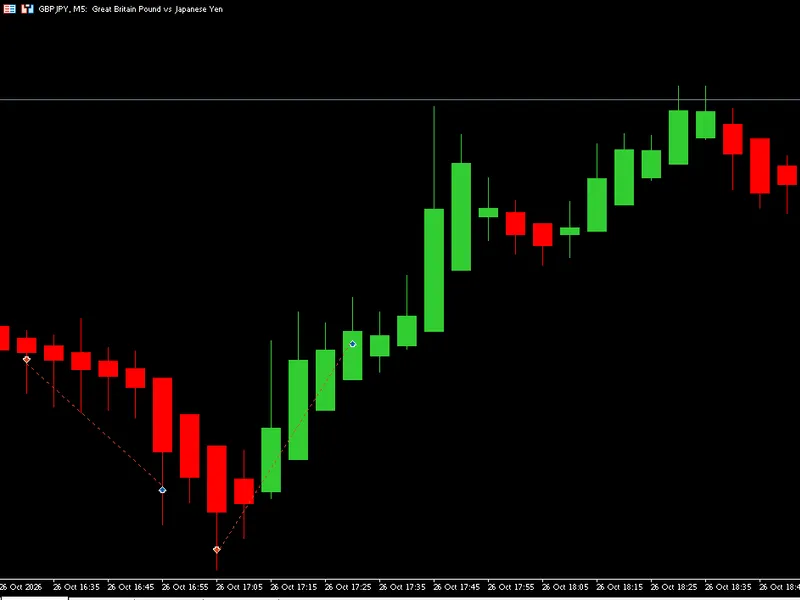
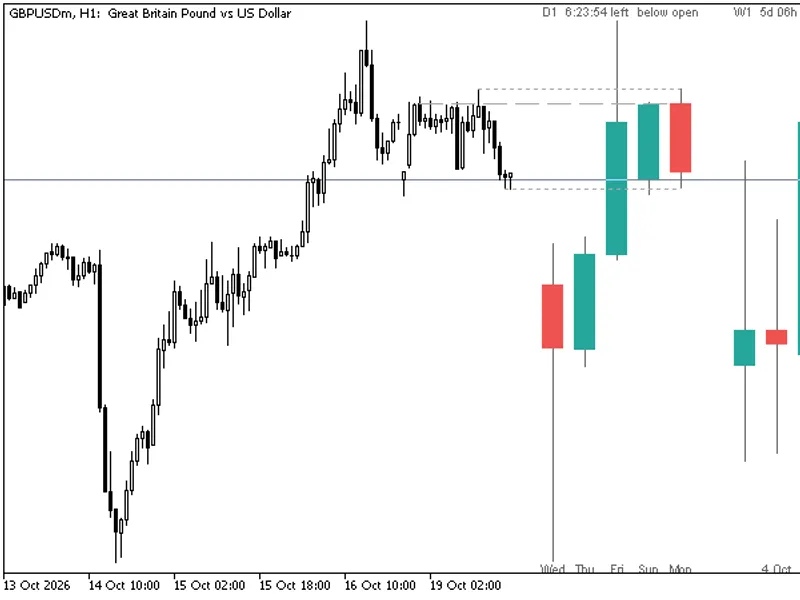
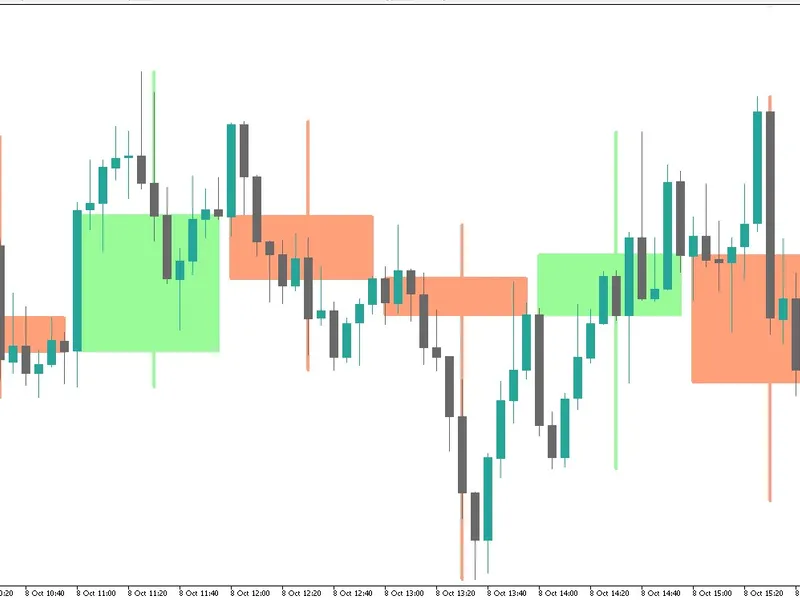
candle wicks length display indicator mt5
Info
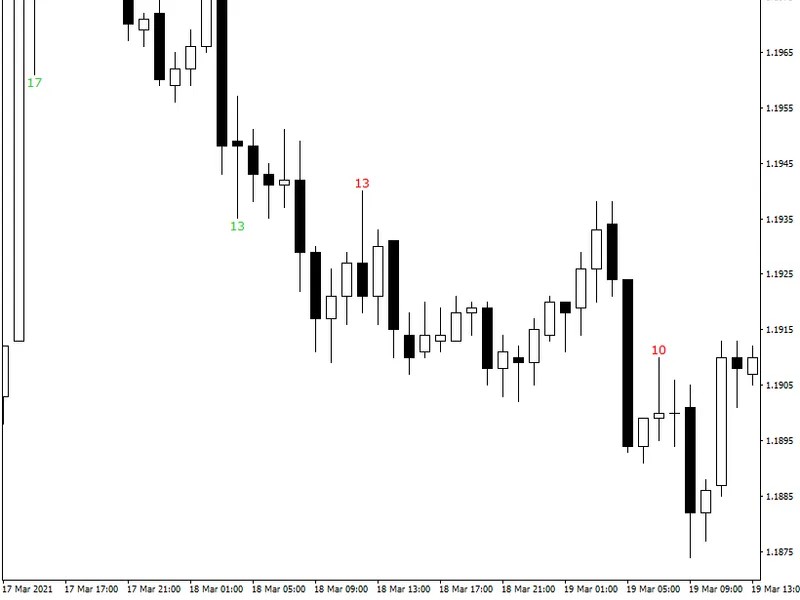
The candle wicks length display indicator mt5 is a Indicator for MetaTrader 5 that candle wicks length display metatrader indicatoris an indicator that can display the length of candle wicks in pips directly on your chart. you can set the minimum length to be displayed.
Usage
This tool is typically used for enhancing chart analysis and decision making.
Platform
This Indicator works exclusively on MetaTrader 5 (both build 600+ and newer versions).
Setup
Place the downloaded file in MQL5/Indicators folder via File ? Open Data Folder in MetaTrader 5.
How to Install and Use candle wicks length display indicator mt5
1. Installation: Place your file in the MQL/Indicators folder via "Open Data Folder" and restart your terminal.
2. Loading: Find the indicator in the Navigator, drag it onto your chart, and configure the input parameters in the popup window.
3. Customization: Press Ctrl+I to open the indicator list, select your tool, and click "Properties" to change colors, levels, or visual styles.
4. Updating: Replace the old file in the Indicators folder with the new version and restart the platform to apply changes.
Frequently Asked Questions
Q: Why is my indicator not showing? A: Verify the file is in the MQL/Indicators folder, or try right-clicking the "Indicators" tree in the Navigator and clicking "Refresh."
Q: Do custom indicators slow down the platform? A: Too many complex indicators can impact performance; remove unused ones via the "Indicator List" (Ctrl+I).
Q: Can I use MT4 indicators on MT5? A: No, MQL4 and MQL5 are distinct languages; ensure the indicator is compiled specifically for your platform version.
What this tool does
candle wicks length display metatrader indicatoris an indicator that can display the length of candle wicks in pips directly on your chart.
Typical Use Case
This Indicator excels in automated trading and technical analysis on MetaTrader 5.
Compatible Platform & Setup
This Indicator works on MetaTrader 5. Place the file in the MQL5/Indicators folder and restart the terminal.
Description & Settings
Related: Heikin Ashi Candlesticks - another powerful indicator for MetaTrader 5 traders.
candle wicks length display metatrader indicator
is an indicator that can display the length of candle wicks in pips directly on your chart. you can set the minimum length to be displayed. alternatively, it can show wick lengths that are less than the given limit. the indicator supports all sorts of alerts and works with both mt4 and mt5.
Also recommended: HTF Candles (ICT Power of Three): Higher Timeframe Candles Displayed - similar indicator with strong performance on MetaTrader 5.
if your trading system is using candle wicks and if really long wicks are important to determining entry or exit signals for your trades, candle wicks length display indicator can be indispensable as a tool to notify you about such candles and the exact length of their wicks.input parameters
units
(default = pips) — how to measure wicks— in standard pips or in percentage points.
displaywicklimit
(default = 5) — the minimum wick length in pips (standard/normal) or percentage points for indicator to display it on the chart.
displayhighwickcolorbullish
(default = clrred) — the color of the top wick length display for bullish candles.
displayhighwickcolorbearish
(default = clrfirebrick) — the color of the top wick length display for bearish candles.
displaylowwickcolorbullish
(default = clrlimegreen) — the color for the bottom wick length display for bullish candles.
displaylowwickcolorbearish
(default = clrgreen) — the color for the bottom wick length display for bearish candles.
upperwicklimit
(default = 10) — the minimum value for the upper wick length in broker pips or percentage points for alert to trigger.
lowerwicklimit
(default = 10) — the minimum value for the lower wick length in broker pips or percentage points for alert to trigger.
waitforclose
(default = true) — if true, the indicator will wait for a candle to close before checking its wicks' length.
topbottompercent
(default = 0) — if this parameter is set to a value greater than 0 and less or equal 100, the indicator will display length only for candles where open and close are within the given top or bottom percentage of the candle.
lessthan
(default = false) — if true, the indicator will mark wicks that are
less
or equal than the given limits instead of greater or equal.
soundalert
(default = false) — if true, sound alerts will be used when
upperwicklimit
or
lowerwicklimit
is reached.
visualalert
(default = false) — if true, metatrader's native pop-up alerts will be used when
upperwicklimit
or
lowerwicklimit
is reached.
notificationalert
(default = false) — if true, metatrader's push notification alerts will be sent to your device when
upperwicklimit
or
lowerwicklimit
is reached. notifications should be properly configured in metatrader via tools->options->notifications.
alertonlimit
(default = false) — if true, the indicator will issue alerts on wicks exceeding the given limit.
alertonequaltopbottomwicks
(default = false) — if true, the indicator will issue alerts when upper wick and lower wick have the same length.
ignorealertsonfirstrun
(default = true) — if true, the indicator will ignore alert conditions when indicator is first attached to the chart or the chart's timeframe/symbol is changed. subsequent alert conditions won't be ignored.
fontface
(default = "verdana") — the font face to use for candle wick length display.
fontsize
(default = 10) — the font size to use for candle wick length display.
maxcandles
(default = 500) — the number of candles (counting from the current one) to process. 0 — process all candles.
userawpips
(default = false) — if true, the indicator won't try to guess the pip size for the current symbol and will use the raw pips (points) instead. might be necessary when working with non-forex symbols.
showaveragewicksize
(default = false) — if true, the average wick size will be displayed by the indicator.
avgcandles
(default = 50) — the number of candles to analyze for the average wick size. 0 — all available candles.
averagewicksizecolor
(default = clrlightgray) — the color of the average wick size display.
corner
(default = corner_left_upper) — the location for the average wick size display on the chart.
distance_x
(default = 3) — the horizontal distance from the corner to the average wick size display.
distance_y
(default = 12) — the vertical distance from the corner to the average wick size display.
drawtextasbackground
(default = false) — if true, the text label with the average wick size display will be drawn as background. it can be useful if you want to prevent the indicator from obscuring the chart.
removeoldlabels
(default = false) — if true, the text labels beyond the candles set via
maxcandles
parameter will be continuously removed.
objectprefix
(default = "cwld-") — the prefix for chart objects for compatibility with other indicators.
You may also like: Vela Mayor MTF: Higher Timeframe Candle Overlay for MT5 - excellent alternative for indicator users on MetaTrader 5.
Source Code
#property strict
#property description "Educational code - RobotFX www.robotfx.org"
#property description "Educational code - RobotFX www.robotfx.org"
#property description "Educational code - RobotFX www.robotfx.org"
#property description "Educational code - RobotFX www.robotfx.org"
#property description "Educational code - RobotFX www.robotfx.org"
#property indicator_chart_window
#property indicator_plots 0
enum PipsPerc
{
.......
⚠ Limitations & Risk Warning
- This tool is provided for educational and testing purposes only.
- Past performance does not guarantee future results.
- Trading involves substantial risk of loss. Use on a demo account first.
- Results may vary depending on market conditions, broker, and settings.
- We recommend thorough backtesting and forward testing before using with real funds.