
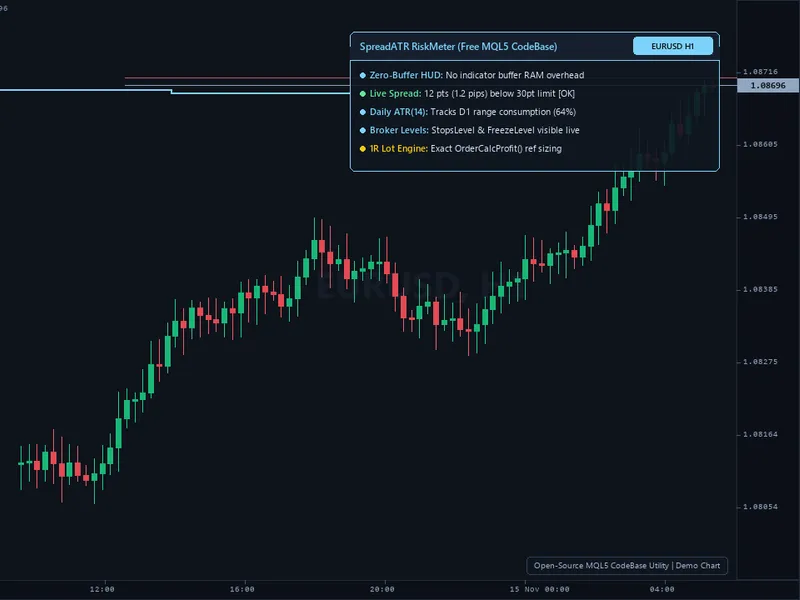
Risk Lot Size Calculator Panel for MT4/MT5
Info
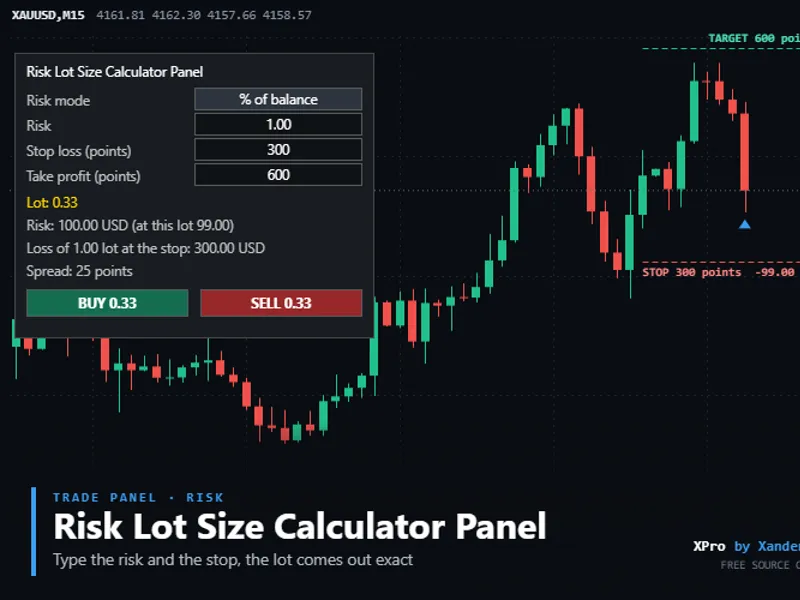
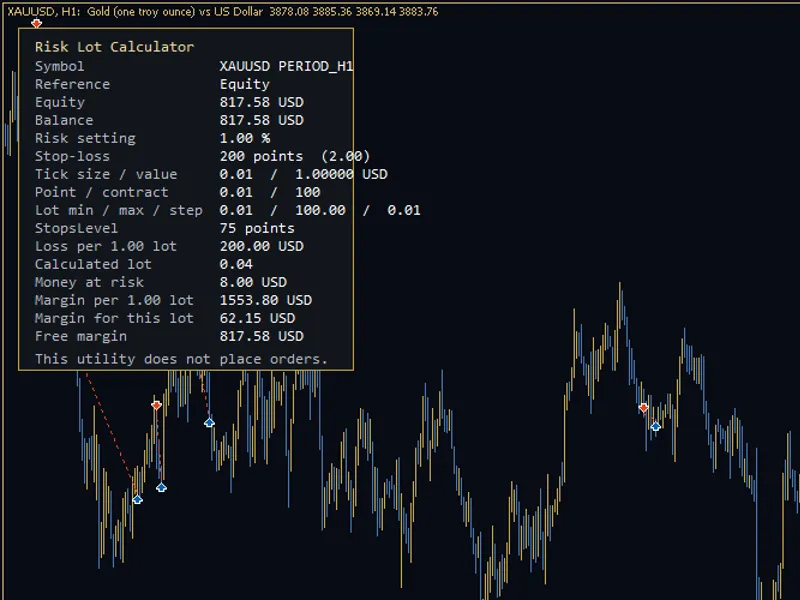
The Risk Lot Size Calculator Panel for MT4/MT5 is a Expert Advisor for MetaTrader 5 that lot size calculation for gold (xauusd), forex, indices, or crypto based on user-defined risk parameters. Input your desired risk as a percentage of balance, percentage of equity, or a fixed monetary amount, along with your stop loss in points.
Usage
This tool is typically used for automated trading on major forex pairs and gold.
Platform
This Expert Advisor works exclusively on MetaTrader 5 (both build 600+ and newer versions).
Setup
Place the downloaded file in MQL5/Experts folder via File ? Open Data Folder in MetaTrader 5.
How to Install and Use Risk Lot Size Calculator Panel for MT4/MT5
1. Installation: Open the "File" menu, select "Open Data Folder," navigate to MQL/Experts, paste your file, and restart the terminal.
2. Activation: Drag the EA from the Navigator onto a chart, ensure "Allow live trading" is checked in the Common tab, and verify the AutoTrading button is green.
3. Optimization: Right-click your chart, choose "Expert List," click "Properties" to adjust inputs, and save your preferred setup as a set file for future use.
4. Maintenance: Regularly check the "Experts" tab in the terminal window to monitor trade logs and potential execution errors.
Frequently Asked Questions
Q: Why is my EA not opening trades? A: Check the "AutoTrading" button, ensure "Allow live trading" is enabled, and verify your broker allows automated trading on your account type.
Q: Can I run multiple EAs on one chart? A: No, each chart can only host one active EA; however, you can open multiple charts for different currency pairs to run several EAs.
Q: What does the "smiley face" icon mean? A: A smiley face in the top-right corner of the chart indicates the EA is successfully running; a frowny face means it is disabled.
What this tool does
Lot size calculation for Gold (XAUUSD), forex, indices, or crypto based on user-defined risk parameters.
Typical Use Case
This Expert Advisor excels in automated trading and technical analysis on MetaTrader 5.
Compatible Platform & Setup
This Expert Advisor works on MetaTrader 5. Place the file in the MQL5/Experts folder and restart the terminal.
Description & Settings
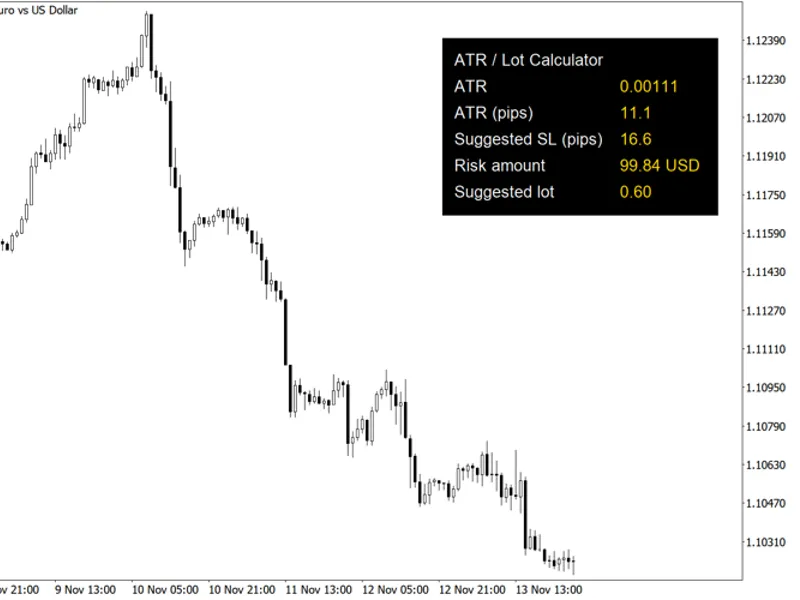
Related: Risk Lot Calculator for MetaTrader 5 - another powerful expert for MetaTrader 5 traders.
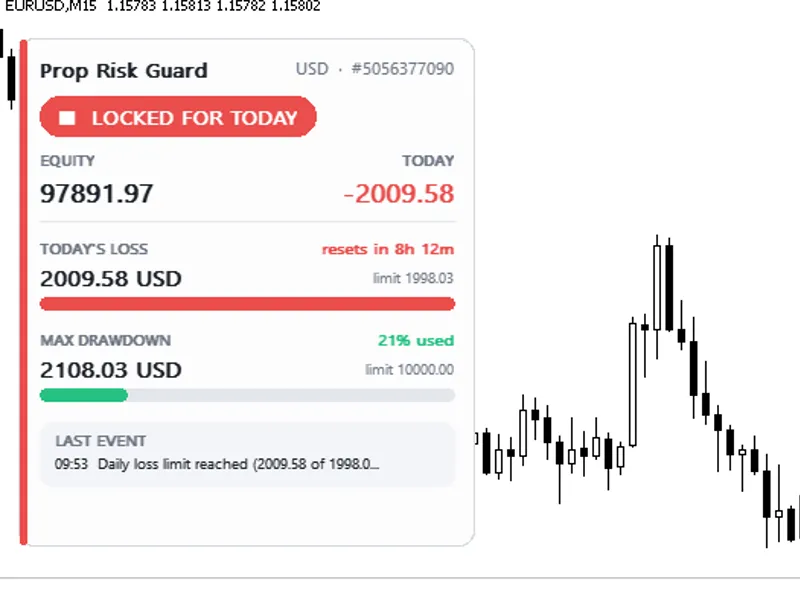
Lot size calculation for Gold (XAUUSD), forex, indices, or crypto based on user-defined risk parameters.Also recommended: Prop Risk Guard: Comprehensive Account Protection - similar expert with strong performance on MetaTrader 5.
Input your desired risk as a percentage of balance, percentage of equity, or a fixed monetary amount, along with your stop loss in points.
The panel calculates the potential loss per lot using OrderCalcProfit, ensuring accuracy for various instruments including gold, indices, and cross pairs, not just EURUSD.
The calculated lot size is automatically rounded down to meet your broker's volume step and is capped by both the broker's maximum allowed lot size and your own specified maximum.
Execute trades directly with the BUY and SELL buttons. These buttons open trades at market price with the stop loss and take profit levels pre-attached. Before execution, the panel performs a free margin check and verifies compliance with the broker's minimum stop distance requirement.
Due to rounding down, the actual money risked may be slightly less than your input. The panel displays both the intended and the actual risk.
If the calculated risk is too small to meet the broker's minimum lot size requirement, the trade will be refused unless you explicitly allow the minimum lot size.
We recommend testing this tool on a demo account first.
Settings
Risk Mode and Risk Per Trade: Choose between percentage of balance, percentage of equity, or a fixed monetary amount for risk calculation. This mode can also be toggled directly from the panel.
Stop Loss and Take Profit: Input these values in points. For a gold quote with 2 decimal places, 300 points equate to a $3.00 price movement. With 3 decimal places, it's a $0.30 movement. Setting Take Profit to 0 means no take profit level is applied.
Use Minimum Lot: This setting is disabled by default. When enabled, lot sizes below the broker's minimum are increased to the minimum, and the actual risk is displayed.
Never Send More Than: Your personal maximum lot size cap. The default is 5.0.
Refuse Trade if Risk Exceeds: A percentage of balance threshold. Trades risking more than this percentage will be refused. The default is 5%.
Additional settings include Magic Number, Max Deviation, Order Comment, panel position, and font size.
Requirements
Compatible with both hedging and netting accounts. Works with any symbol and any broker. The tool only opens a trade when you press the BUY or SELL buttons; it does not close or modify existing positions.
Customization
Integrate this panel with instruments like XAUUSD, EURUSD, GBPUSD, US30, NAS100, or BTCUSD. Observe how the potential loss per lot varies across different symbols for the same stop loss distance.
The XP_LossPerLot and XP_Recalc rounding functions are provided for easy integration into Expert Advisors (EAs) that require risk-based lot sizing.
The panel's straightforward design is intentional, allowing you to add your own custom buttons, breakeven functionalities, or partial close features.
About This Code
This is an open-source tool. You are free to use it as is, adapt it to your needs, or build your own version upon it.
New versions and tools are announced on the Xander Lab MQL5 channel.
Questions, suggestions, and your own backtest results are welcomed in the Xander Lab group.
Find more tools on the author's profile.
Provided as is, use at your own risk.
Related Tools
Close All Positions Panel
Trailing Stop Breakeven Manager
Partial Close Multi TP Manager
Changelog
v1.0 - 2026-11-02 - Initial release
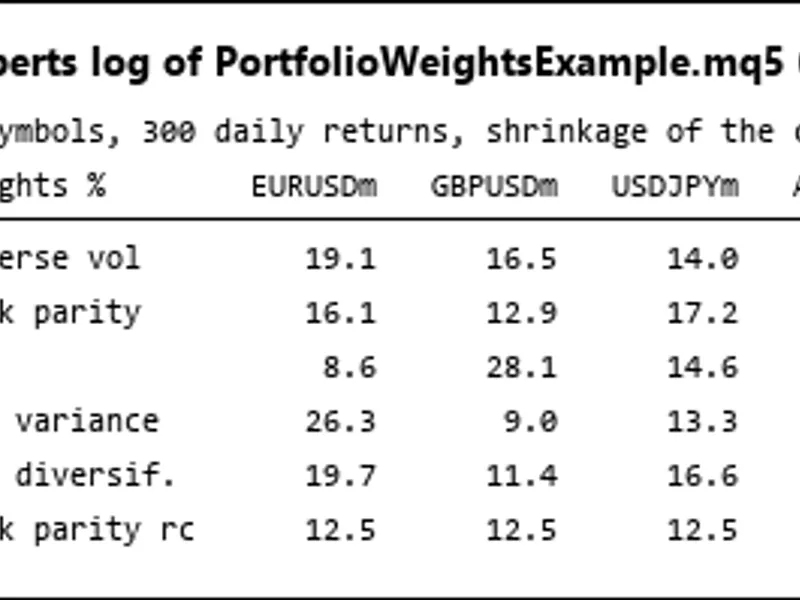
You may also like: Portfolio Weight Calculation: Risk Parity, HRP, Minimum Variance, and Maximum Diversification - excellent alternative for expert users on MetaTrader 5.
Source Code
#property copyright "RobotFX"
#property link "https://robotfx.org"
#property version     "1.00"
#property description "This code is educational. Feel free to use, modify and upgrade as you wish. Visit ROBOTFX.ORG for professional trading tools"
#include <Trade\Trade.mqh>
enum ENUM_XP_RISKMODE
  {
   XP_RISK_BALANCE = 0,
   XP_RISK_EQUITY  = 1,
   XP_RISK_MONEY   = 2
.......
⚠ Limitations & Risk Warning
- This tool is provided for educational and testing purposes only.
- Past performance does not guarantee future results.
- Trading involves substantial risk of loss. Use on a demo account first.
- Results may vary depending on market conditions, broker, and settings.
- We recommend thorough backtesting and forward testing before using with real funds.